

 FSX Helicopters
Bell UH-1D Bundeswehr 'SAR 71'
Bell UH-1D Bundeswehr 'SAR 71'. This repaint dispicts a search and rescue hel…
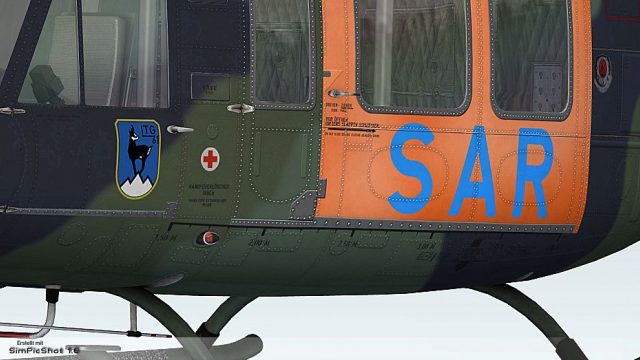
Bell UH-1D “SAR Landsberg” textures recreate a Lufttransportgeschwader 61 search-and-rescue Huey from Penzing, Germany, with crisp operational colors, authentic unit markings, and period-correct insignia for convincing rotorcraft missions. Built for Microsoft Flight Simulator X Acceleration, it requires the Nemeth Design Bell UH-1H model for full compatibility.
 Rate
Rate
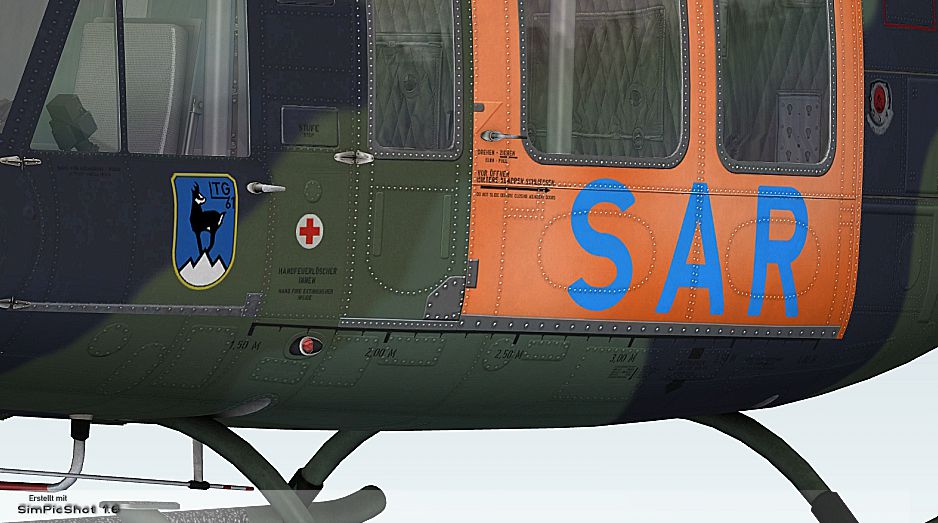
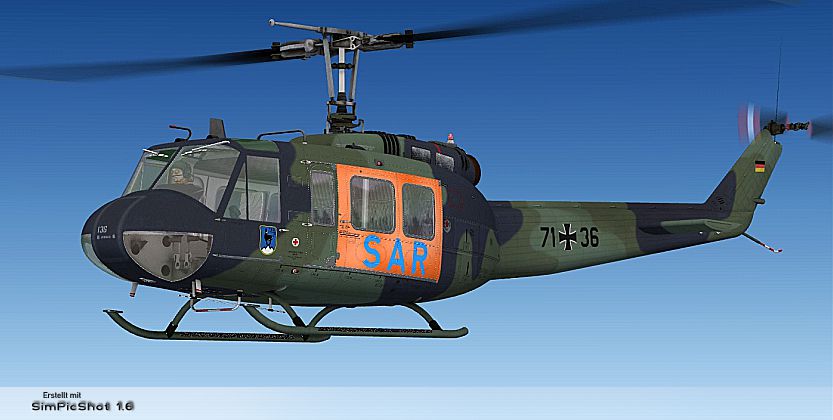
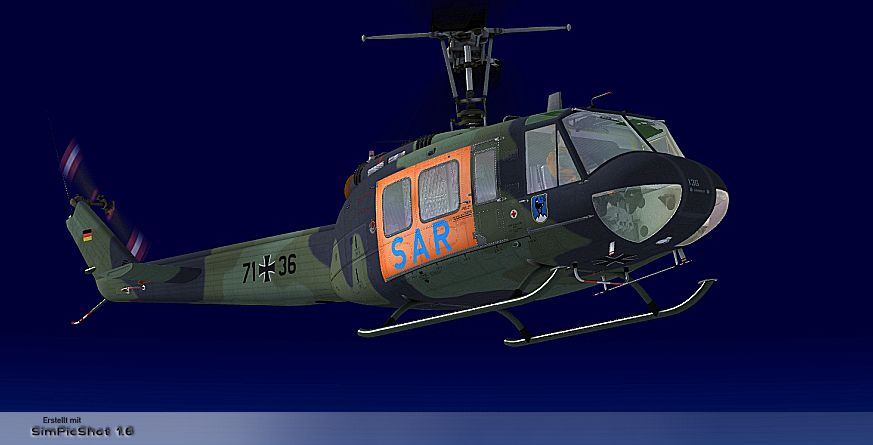
This freeware repaint showcases the iconic Bell UH-1 Huey in a special “SAR Landsberg” configuration for use in Microsoft Flight Simulator X. Created by B. Lechner, these textures replicate a search and rescue variant from Lufttransportgeschwader 61 based at Penzing in Germany. The file set does not include the payware Bell UH-1H model by Nemeth Design, which must be obtained separately from a store such as SimShack to ensure compatibility. This package highlights the long-standing utility of the Huey in emergency response operations—particularly in German SAR units—and aims to deliver an immersive rotorcraft experience within FSX/Acceleration.
The Bell UH-1 (often known as the “Huey”) is celebrated for its robust performance and adaptability. In Germany, these helicopters have frequently taken on vital missions like rescue assignments and personnel transport. This particular SAR Landsberg rendition depicts a Huey that served at Penzing Air Base, showcasing the distinctive markings and Search and Rescue
livery. Adorned in an authentic paint scheme referencing actual Lufttransportgeschwader 61 units, it enhances realism for sim pilots seeking historical and technical accuracy.
texture.SAR-LANDSBERG folder into the SIMOBJECTS/ROTORCRAFT/ND_UH1H directory inside your simulator’s main installation path.aircraft.cfg file (in the ND_UH1H folder) and insert the following code block after the last existing repaint entry. Update the [fltsim.XX] to the next consecutive number:
[fltsim.XX]
title= BELL UH-1H HUEY - SAR LANDSBERG
sim= bell_uh1
model=
panel=
sound=
texture= SAR-LANDSBERG
kb_checklists=
kb_reference=
atc_id=
ui_manufacturer= BELL
ui_type= UH-1D
ui_variation= SAR LANDSBERG
ui_typerole= "Rotorcraft"
ui_createdby= "Nemeth Designs & MILVIZ"
description= ""
aircraft.cfg file, close, and start (or restart) Microsoft Flight Simulator X. Select the Huey from your aircraft menu and enjoy the new paintwork.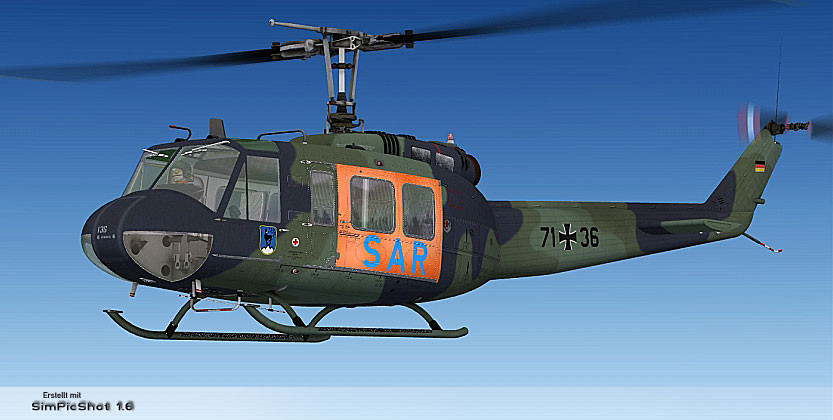
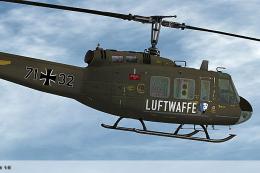
Glimpse of the “SAR Landsberg” UH-1D rotorcraft in flight.
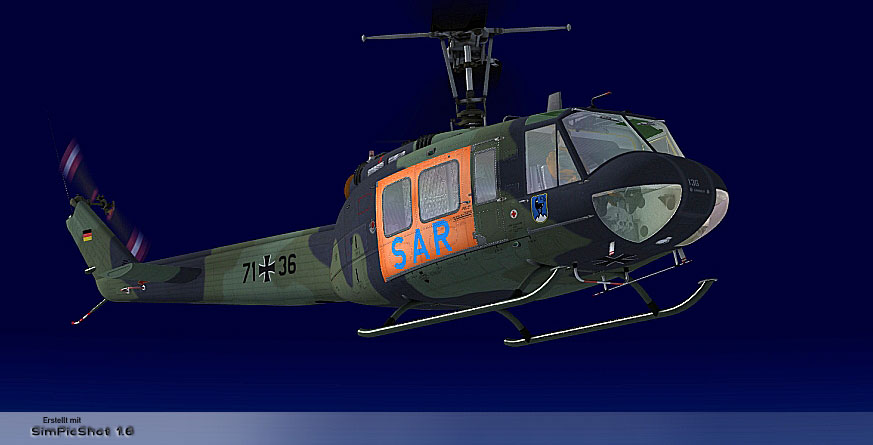
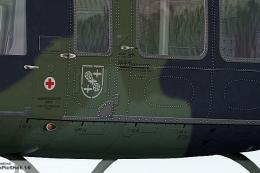
This view highlights the custom markings and external details unique to this SAR version.
This specialized repaint was crafted to reinforce authenticity for simulator enthusiasts seeking German rescue mission immersion. The Huey’s role in rapid deployment and lifesaving operations around the globe has made it a favorite among virtual aviators. With the textured exterior reflecting the dedication of Lufttransportgeschwader 61, this mod brings an added layer of realism to your collection.
Credit goes to B. Lechner for the repaint work and to Nemeth Design for the base payware model essential for proper functionality.
Free for all simmers · 4.51 MB · Scanned clean Oct 2026
Download speed: Free tier is capped at 0.5 Mbps (this file takes approximately 1 min at the cap). PRO members download at full line speed.
texture.{airline}) inside FSX\SimObjects\Airplanes\{base-aircraft}\.aircraft.cfg in Notepad. Add a new [fltsim.X] section per the readme.readme.txt or README file. It tells you exactly where files go, what dependencies are needed, and any quirks specific to this add-on.The archive bell_uh-1d_sar_landsberg.zip has 16 files and directories contained within it.
This list displays the first 500 files in the package. If the package has more, you will need to download it to view them.
| Filename/Directory | File Date | File Size |
|---|---|---|
| readme_uh-1d_sar_landsberg.txt | 11.24.10 | 1.13 kB |
| Screens | 11.24.10 | 0 B |
| SAR LANDSBERG - 001.jpg | 11.24.10 | 287.96 kB |
| SAR LANDSBERG - 002.jpg | 11.24.10 | 208.67 kB |
| SAR LANDSBERG - 003.jpg | 11.24.10 | 485.59 kB |
| Texture.SAR-LANDSBERG | 11.24.10 | 0 B |
| PILOT_SD.dds | 11.23.10 | 1.00 MB |
| texture.cfg | 08.15.09 | 140 B |
| THUMBNAIL.jpg | 11.23.10 | 42.88 kB |
| UH1C_3_T.dds | 05.23.10 | 1.00 MB |
| UH1H_1_T.dds | 11.24.10 | 4.00 MB |
| UH1H_2_T.dds | 11.23.10 | 4.00 MB |
| UH1H_3_T.dds | 11.23.10 | 1.00 MB |
| UH1H_4_T.dds | 11.17.10 | 1.00 MB |
| flyawaysimulation.txt | 10.29.13 | 959 B |
| Go to Fly Away Simulation.url | 01.22.16 | 52 B |
Only PRO members can place votes.
More FSX & P3D add-ons hand-picked based on this download.
FSX Helicopters
Bell UH-1D Bundeswehr 'SAR 71'. This repaint dispicts a search and rescue hel…
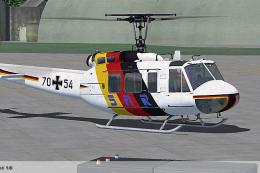 FSX Helicopters
HTG 64 SAR Bell UH-1D. Repaint for a Bell UH-1D in service from Hubschrauber-…
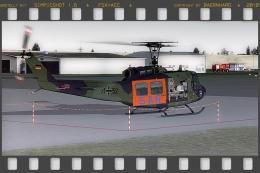 FSX Helicopters
This repaint showcases the “SAR 71 Hamburg” Bell UH-1H livery, inspired by th…
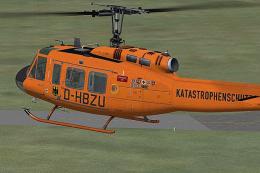 FSX Helicopters
This highly detailed repaint recreates the iconic German air ambulance varian…
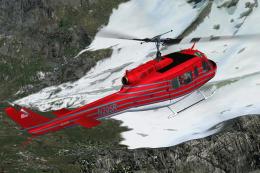 FSX Helicopters
This specialized repaint showcases the Bell UH-1D Huey, registered as “N205R,…
 FSX Helicopters
Elevate your rotary-wing collection with this repaint showcasing the “HTG 64 …
 FSX Helicopters
This custom repaint showcases the iconic Bell UH-1D, known widely as the “Hue…
 FSX Helicopters
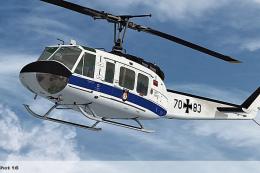
Expand the capabilities of your Microsoft Flight Simulator X rotorcraft libra…
Be the first to leave a comment on this download.
Be the first to share your thoughts on this download.