


 France
  FSX Scenery
Le Castellet, France
Le Castellet (LFMQ), France. When constructed in 1962, the largest private ai…
Le Touquet International Airport (LFAT) scenery refresh brings the French GA favorite to life with precisely placed aprons, accurately aligned runways, and realistic autogen that replaces the default field for cleaner visuals and more faithful operations in Microsoft Flight Simulator X. Built with Airport Design Editor, it updates the layout for smoother ground flow.
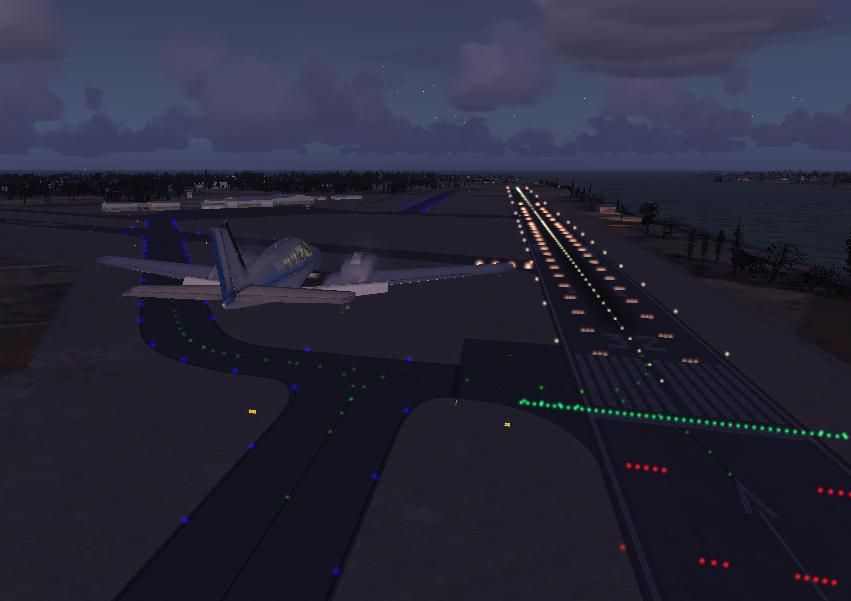
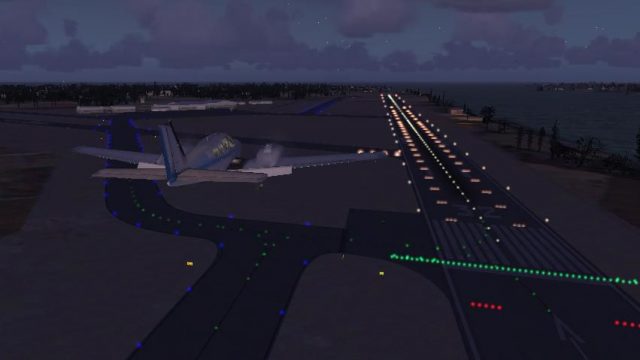
Le Touquet International Airport (LFAT). This file replaces the stock Le Touquet International Airport scenery. Le Touquet International Airport is a popular destination for general aviation pilots in Europe that is located in France. File features are precisely placed aprons, accurate runways, realistic autogen, and more. Built with ADE v 1.37. By Er-Jin Jang.
Le Touquet International Scenery.
This AFCAD (ADE) file for FSX is a replacement for the stock FSX Le Touquet International Airport. The following are directions for installing and uninstalling the file.
Directions - Windows XP Users
-Unzip the files into the .../FSX/Addon Scenery/Scenery folder.
Directions - Windows Vista Users
-Since Windows Vista usually does not let users unzip files directly into "Computer/..." files (C:, D:, etc...), unzip the files into a temporary folder on your desktop then Copy-Paste them into the .../FSX/Addon Scenery/Scenery folder.
I am not responsible for any damage on your computer caused by this file. You use this file at your own risk.
You May: -distribute the file and upload them to other freeware sites, but you must give credit to the author.
You May Not: -try to make money out of it, or try to hurt or damage others' computer using this file.
Er-Jin Jang
Sentani, Indonesia
Free for all simmers · 60.9 KB · Scanned clean Oct 2026
Download speed: Free tier is capped at 0.5 Mbps. PRO members download at full line speed.
FSX\Addon Scenery\ containing scenery and texture sub-folders.readme.txt or README file. It tells you exactly where files go, what dependencies are needed, and any quirks specific to this add-on.Use these coordinates to fly directly to this location once the mod is installed.
50.51740000,1.62060000
Launch FSX or Prepar3D and use Flights → Load to open the downloaded .pln file. Your aircraft will be positioned at this location.
The archive lfat_ade.zip has 7 files and directories contained within it.
This list displays the first 500 files in the package. If the package has more, you will need to download it to view them.
| Filename/Directory | File Date | File Size |
|---|---|---|
| FILE_ID.DIZ | 01.13.09 | 408 B |
| LFAT_1.bmp | 01.13.09 | 26.11 kB |
| LFAT_2.jpg | 01.13.09 | 31.11 kB |
| LFAT_ADE.BGL | 01.13.09 | 8.72 kB |
| Readme.txt | 01.13.09 | 1.04 kB |
| flyawaysimulation.txt | 10.29.13 | 959 B |
| Go to Fly Away Simulation.url | 01.22.16 | 52 B |
Only PRO members can place votes.
More FSX & P3D add-ons hand-picked based on this download.
FSX Scenery
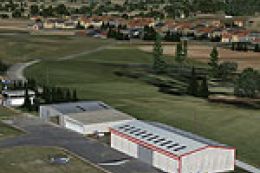
Le Castellet (LFMQ), France. When constructed in 1962, the largest private ai…
 FSX Scenery
Bar-le-Duc (France) and its LFEU airfield a few miles south of Verdun. Hi res…
 FSX Scenery
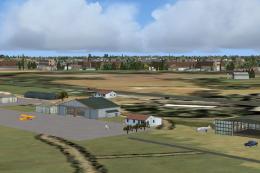
Scenery Of LFGW Verdun-Le Rozelier, France. Photoreal ground with seasonal an…
 FSX Scenery
Fontenay le Comte (LFFK), in the south of Vendee, west of France. This intere…
 FSX Scenery
Patch for Scenery of Bar-le-Duc (France) LFEU "Hauts-de-Chee" airfield. Requi…
 FSX Scenery
Scenery Le Valdahon AB (LFHX). A military airfield in the east of France, mos…
 FSX Scenery
Le Plearb Airfield And Heli Base Scenery, a fictional airfield in the French …
 FSX Scenery
Princess Juliana International Airport (TNCM) in Saint Marteen, Netherlands A…
Be the first to leave a comment on this download.
Be the first to share your thoughts on this download.