


 Canada
  FSX Scenery
McMurdo Ice Station
McMurdo Ice Station, Antarctica (NZPG, NZIR, NZWD). These airports are better…
Canadian Forces Station Alert (CYLT) scenery upgrades the far-north airfield with corrected layout details and extra objects, turning the world’s northernmost permanently inhabited settlement into a richer destination. Built for FSX, it adds a gravel runway, a dedicated heliport, an ice station environment, ships, and surrounding icebergs for immersive Arctic operations.
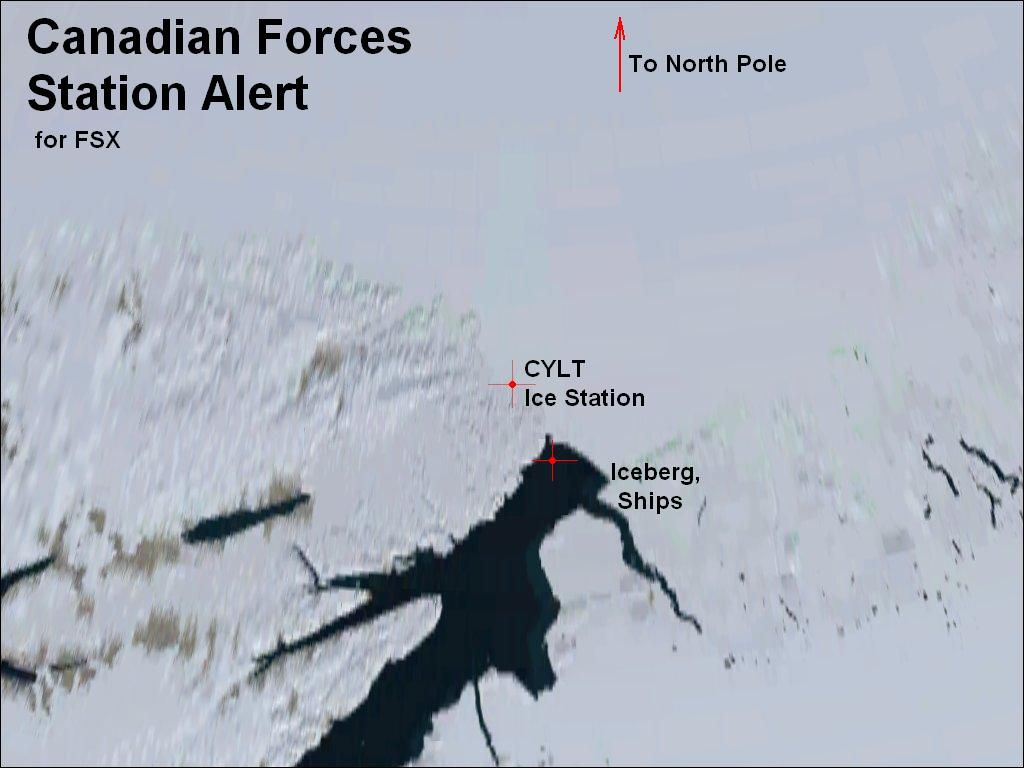
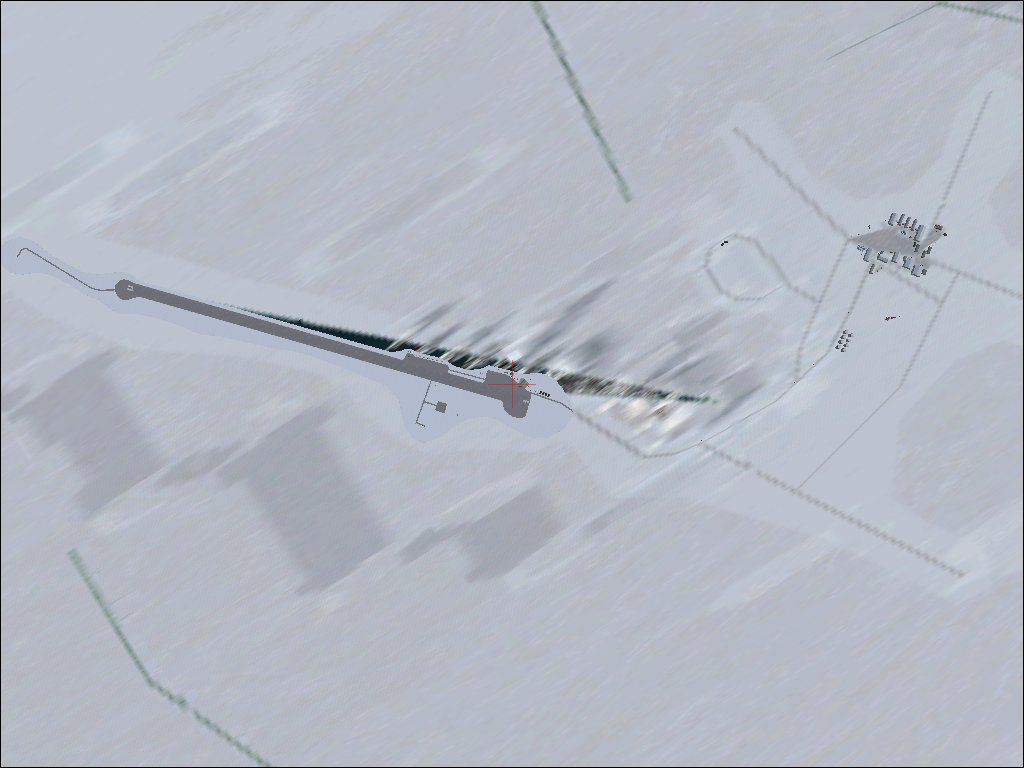
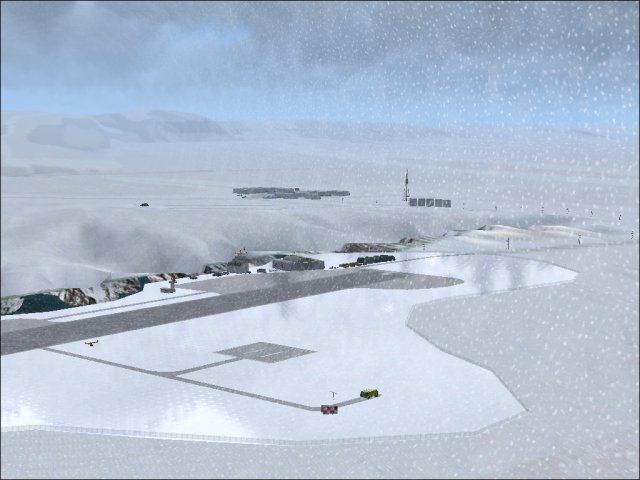
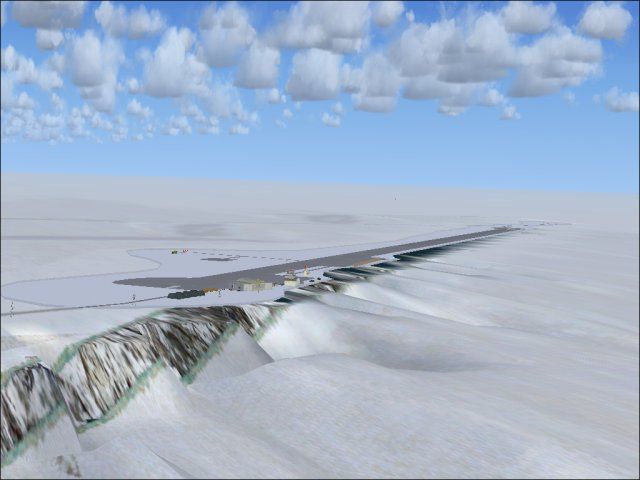
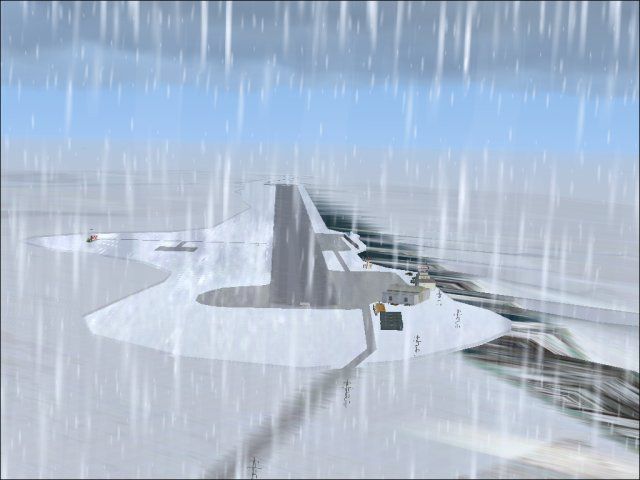
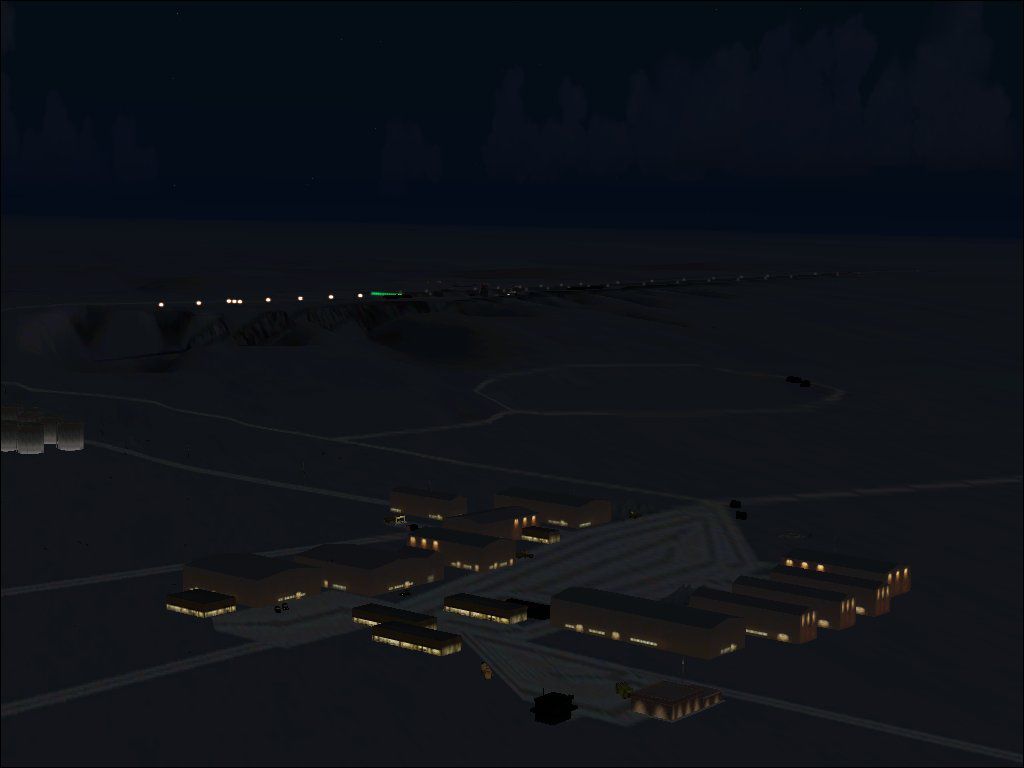
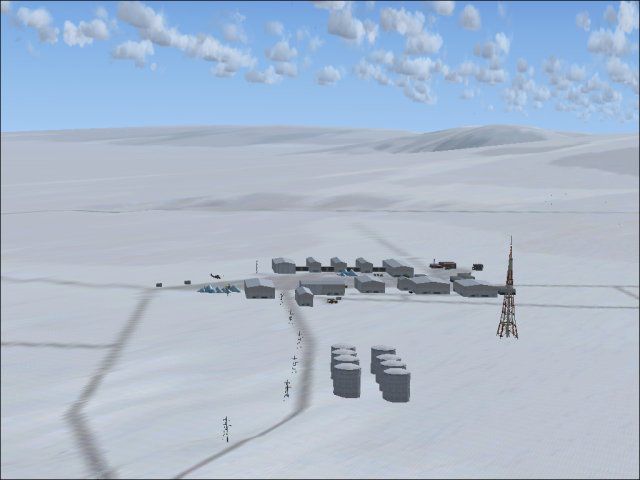
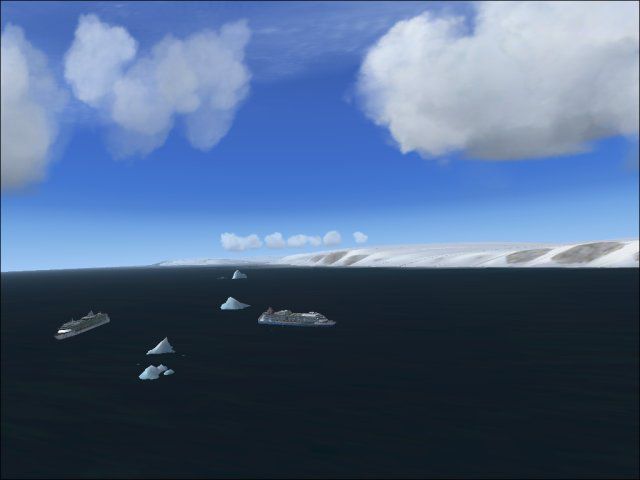
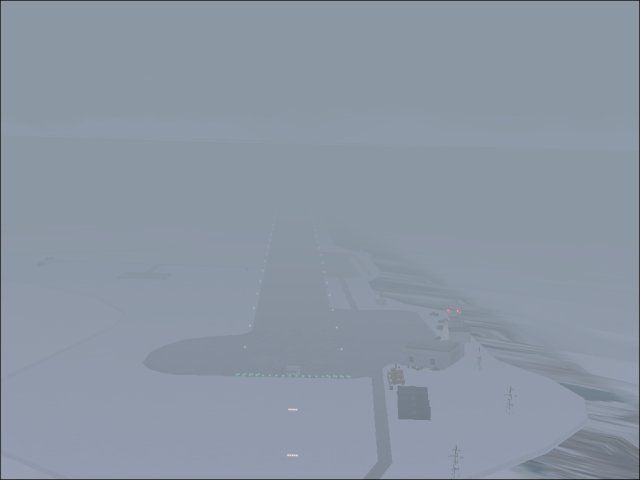
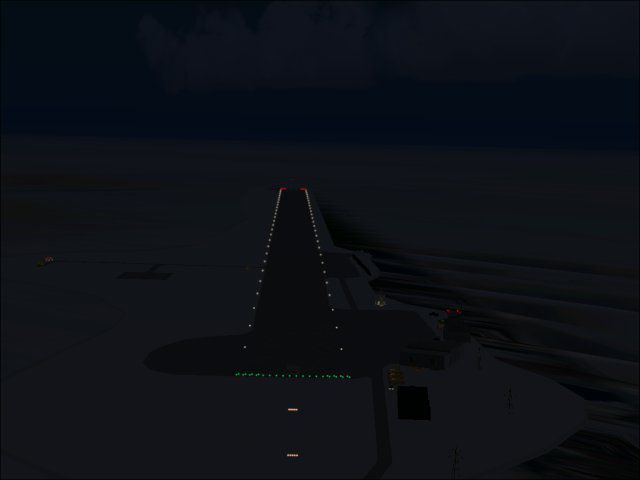
Canadian Forces Station Alert, North Pole (CYLT), Canada. This airport is better than the FSX standard airport and includes some corrections and additional objects. Canadian Forces Station Alert is the northern-most permanently inhabited settlement in the world.
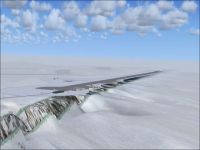
Canadian Forces Station Alert Scenery.
Install:
You will install this airport in any activated scenery directory as for example:
C:\Program Files\Microsoft Games\Microsoft Flight Simulator X\Addon Scenery\CYLT_Alert_Ice_Station\scenery.
Note:
Welcome to Canadian Forces Station Alert. The Northern-most permanently inhabited settlement in the world. Proudly serving as Canada's "Frozen Chosen".
This (ice-)station is near the North Pole. It consists of 1 airport (CYLT - you will get some rewards in FSX when you approach here).
CYLT Info: One runway 05-31 / gravel
Additional: Heliport
Additional: Ice Station
Tourist Ships
Military Ships
Icebergs
I hope it will work correctly. But only install it by your own risk! No warranty!
Designed with ADE 1.37
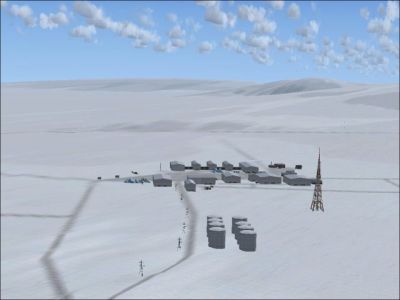
Canadian Forces Station Alert Scenery.
Free for all simmers · 375.29 KB · Scanned clean Oct 2026
Download speed: Free tier is capped at 0.5 Mbps. PRO members download at full line speed.
FSX\Addon Scenery\ containing scenery and texture sub-folders.readme.txt or README file. It tells you exactly where files go, what dependencies are needed, and any quirks specific to this add-on.Use these coordinates to fly directly to this location once the mod is installed.
82.50000000,-62.30000000
Launch FSX or Prepar3D and use Flights → Load to open the downloaded .pln file. Your aircraft will be positioned at this location.
The archive canalert.zip has 18 files and directories contained within it.
This list displays the first 500 files in the package. If the package has more, you will need to download it to view them.
| Filename/Directory | File Date | File Size |
|---|---|---|
| Alert_05_Landing_Fogg.jpg | 01.05.09 | 10.48 kB |
| Alert_05_Landing_Night.jpg | 01.05.09 | 11.53 kB |
| Alert_05_Landing_Snow.jpg | 01.05.09 | 38.84 kB |
| Alert_Airport.jpg | 01.05.09 | 40.11 kB |
| Alert_Canadian_Forces_Station.jpg | 01.05.09 | 31.90 kB |
| Alert_Day.jpg | 01.05.09 | 45.83 kB |
| Alert_Map.jpg | 01.05.09 | 67.60 kB |
| Alert_Map_Big.jpg | 01.05.09 | 71.60 kB |
| Alert_Night.jpg | 01.05.09 | 34.40 kB |
| CYLT_Alert_Ice_Station | 01.05.09 | 0 B |
| README.TXT | 01.05.09 | 958 B |
| scenery | 01.05.09 | 0 B |
| CYLT_ADE_BW.BGL | 01.05.09 | 19.24 kB |
| CYLT_ADE_BW_CVX.bgl | 01.05.09 | 3.81 kB |
| File_id.diz | 01.05.09 | 501 B |
| Ships.jpg | 01.05.09 | 22.43 kB |
| flyawaysimulation.txt | 10.29.13 | 959 B |
| Go to Fly Away Simulation.url | 01.22.16 | 52 B |
Only PRO members can place votes.
More FSX & P3D add-ons hand-picked based on this download.
FSX Scenery
McMurdo Ice Station, Antarctica (NZPG, NZIR, NZWD). These airports are better…
 FSX Scenery
Naval Air Station Meridian (KNMM), Mississippi (MS). Naval Air Station Meridi…
 FSX Scenery
McMurdo Station. This is a scenery (including AFCAD and scenery) for McMurdo …
 FSX Scenery
Jacksonville Naval Air Station, Florida (FL). This is an enhanced version of …
 FSX Scenery
Cengiz Topel Naval Air Station (LTBQ), Izmit, Turkey (TR). Topel is for FSX w…
 FSX Scenery
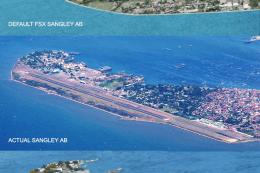
Sangley Airbase And Naval Station. A very accurate depiction of Sangley Air B…
 FSX Scenery
This freeware scenery upgrade for Fort Worth Naval Air Station (KNFW) in Texa…
 FSX Scenery
Koeberg Power Station, Cape Town, South Africa. By Frits Beyer. Koeberg Power…
Read what other simmers think, or add your own.
