

 FSX Scenery
McMurdo Ice Station
McMurdo Ice Station, Antarctica (NZPG, NZIR, NZWD). These airports are better…
McMurdo Station (NZIR) scenery brings Antarctica’s busiest research hub to life in Flight Simulator X with a custom AFCAD, expanded apron, added parking stands, control tower, and detailed station objects on Ross Island. The layout supports realistic cargo and personnel operations for flights staging to and from the South Pole.
 Rate
Rate
 Antarctica
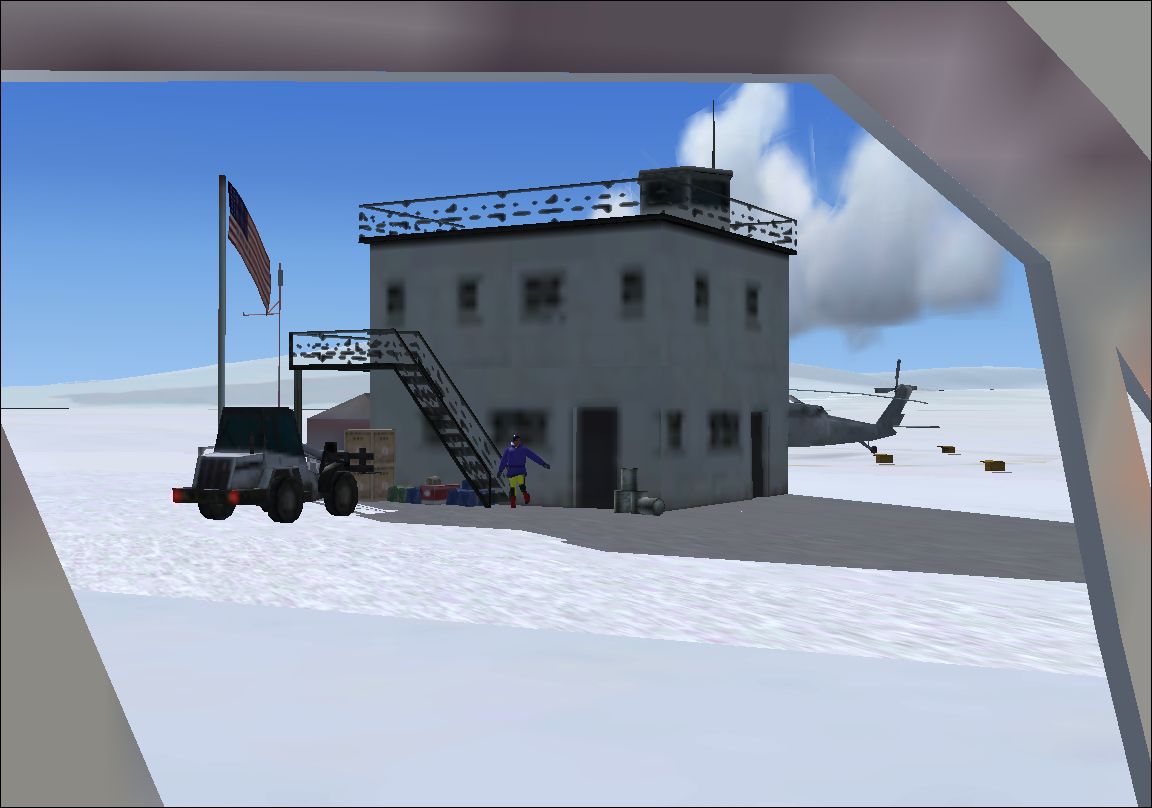
McMurdo Station. This is a scenery (including AFCAD and scenery) for McMurdo Station (NZIR), Antarctica. It adds an apron, parking spaces, a tower and other objects. McMurdo Station is a U.S. Antarctic research center located on the southern tip of Ross Island.
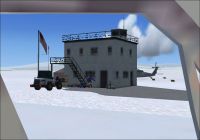
Screenshot of McMurdo Station Scenery.
McMurdo Station is a U.S. Antarctic research center located on the southern tip of Ross Island, which is in the New Zealand-claimed Ross Dependency on the shore of McMurdo Sound in Antarctica. It is operated by the United States through the United States Antarctic Program, a branch of the National Science Foundation. The station is the largest community in Antarctica, capable of supporting up to 1,258 residents, and serves as the United States Antarctic science facility. All personnel and cargo going to or coming from Amundsen-Scott South Pole Station first passes through McMurdo.
Put the files, they are in the folder scenery in C:/program files/Microsoft Games/Flight Simulator X/Addon Scenery/Scenery.
Start FSX.
Go to Antarctica/McMurdo Station (or search the ICAO-Code NZIR).
will load and you will see the scenery.
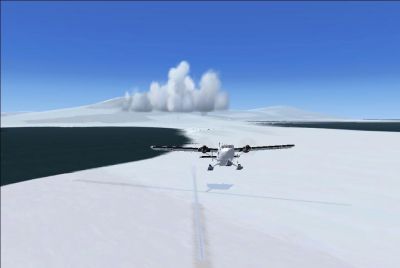
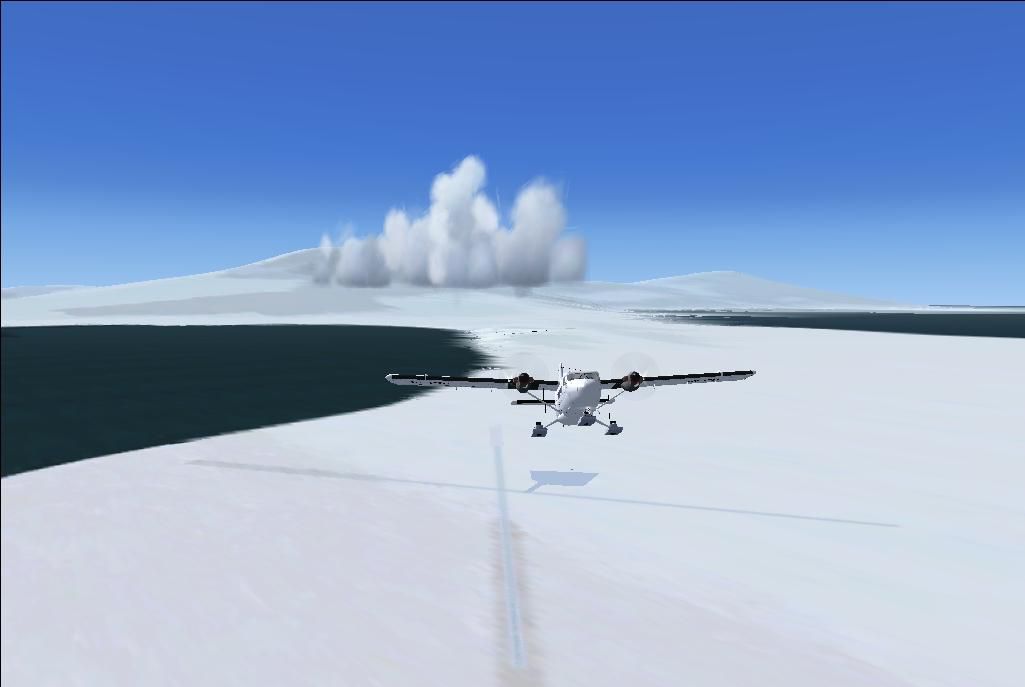
Screenshot of McMurdo Station Scenery.
Free for all simmers · 364.52 KB · Scanned clean Oct 2026
Download speed: Free tier is capped at 0.5 Mbps. PRO members download at full line speed.
FSX\Addon Scenery\ containing scenery and texture sub-folders.readme.txt or README file. It tells you exactly where files go, what dependencies are needed, and any quirks specific to this add-on.Use these coordinates to fly directly to this location once the mod is installed.
-77.84600000,166.66800000
Launch FSX or Prepar3D and use Flights → Load to open the downloaded .pln file. Your aircraft will be positioned at this location.
The archive mcmurdo_station.zip has 13 files and directories contained within it.
This list displays the first 500 files in the package. If the package has more, you will need to download it to view them.
| Filename/Directory | File Date | File Size |
|---|---|---|
| McMurdu Station - NZIR | 07.23.11 | 0 B |
| FILE_ID.diz | 07.23.11 | 729 B |
| installation.txt | 07.23.11 | 259 B |
| readme.txt | 07.23.11 | 1.10 kB |
| scenery | 07.23.11 | 0 B |
| AFX_NZIR.bgl | 07.23.11 | 4.76 kB |
| Objects_NZIR.bgl | 07.23.11 | 764 B |
| Visit my website for more freeware!.URL | 05.14.11 | 55 B |
| screens | 07.23.11 | 0 B |
| 2011-7-23_18-48-42-578.JPG | 07.23.11 | 343.87 kB |
| 2011-7-23_18-51-25-312.JPG | 07.23.11 | 34.42 kB |
| flyawaysimulation.txt | 10.29.13 | 959 B |
| Go to Fly Away Simulation.url | 01.22.16 | 52 B |
Only PRO members can place votes.
More FSX & P3D add-ons hand-picked based on this download.
FSX Scenery
McMurdo Ice Station, Antarctica (NZPG, NZIR, NZWD). These airports are better…
 FSX Scenery
Naval Air Station Meridian (KNMM), Mississippi (MS). Naval Air Station Meridi…
 FSX Scenery
Canadian Forces Station Alert, North Pole (CYLT), Canada. This airport is bet…
 FSX Scenery
Jacksonville Naval Air Station, Florida (FL). This is an enhanced version of …
 FSX Scenery
Cengiz Topel Naval Air Station (LTBQ), Izmit, Turkey (TR). Topel is for FSX w…
 FSX Scenery
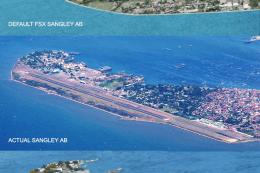
Sangley Airbase And Naval Station. A very accurate depiction of Sangley Air B…
 FSX Scenery
This freeware scenery upgrade for Fort Worth Naval Air Station (KNFW) in Texa…
 FSX Scenery
Koeberg Power Station, Cape Town, South Africa. By Frits Beyer. Koeberg Power…
Be the first to leave a comment on this download.
Be the first to share your thoughts on this download.