

 FSX Scenery
Idaho Backcountry Airports - 3U2
Idaho Backcountry Airports - 3U2, Johnson Creek, ID. One of the more popular …
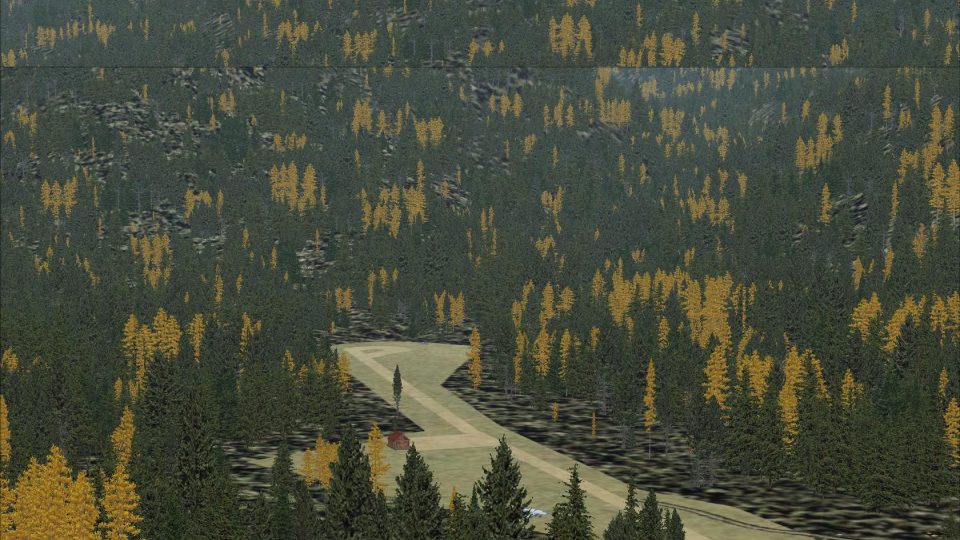
Cabin Creek USFS (I08) brings Idaho’s backcountry bush-flying hub to life with custom, realistic runway, apron, and taxiway textures plus refreshed airport placement, buildings, roads, and parking for a more authentic strip environment in FSX. The scenery uses shapebased ground polygons to improve surface detail and alignment.
 Rate
Rate
 United States of America
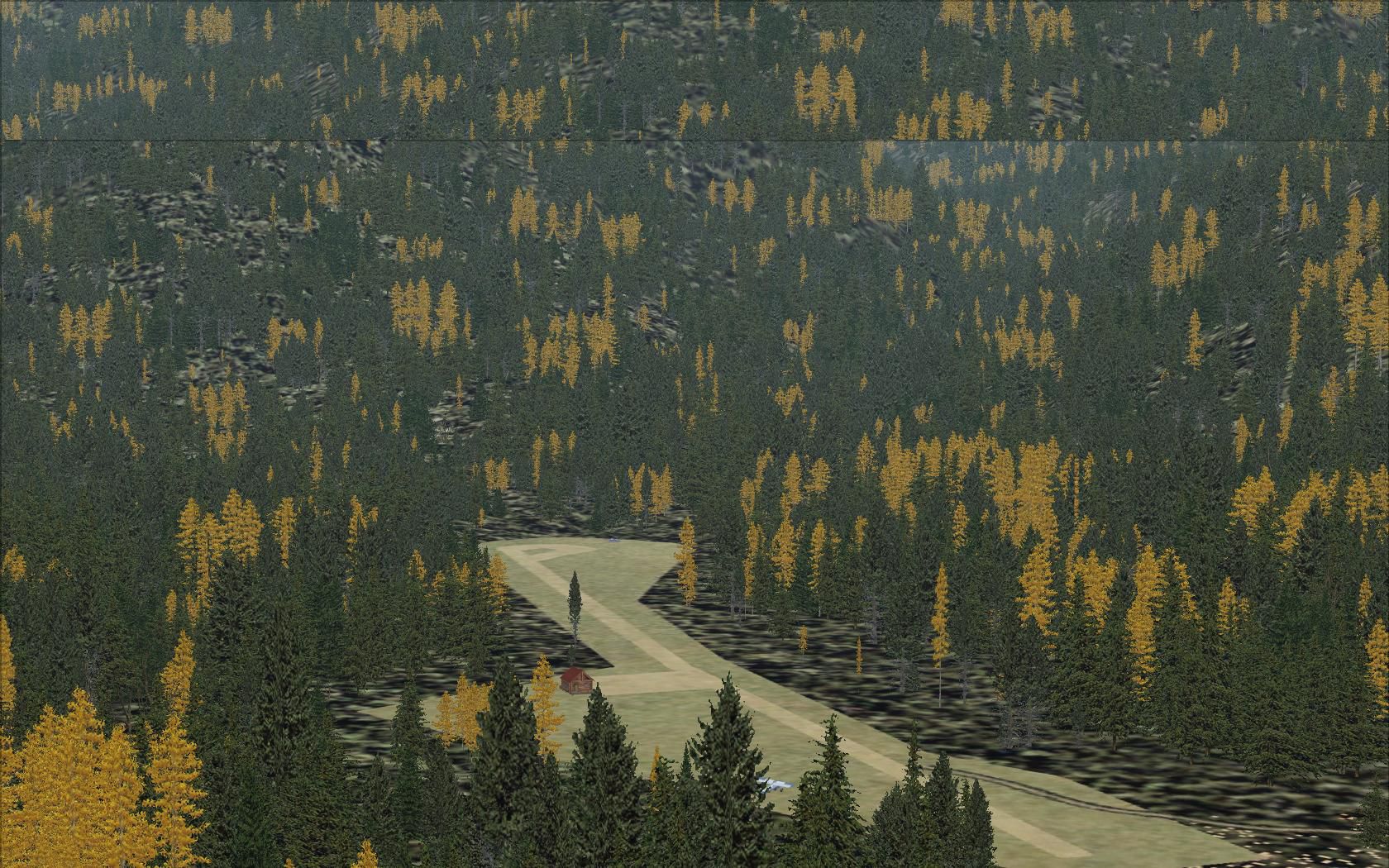
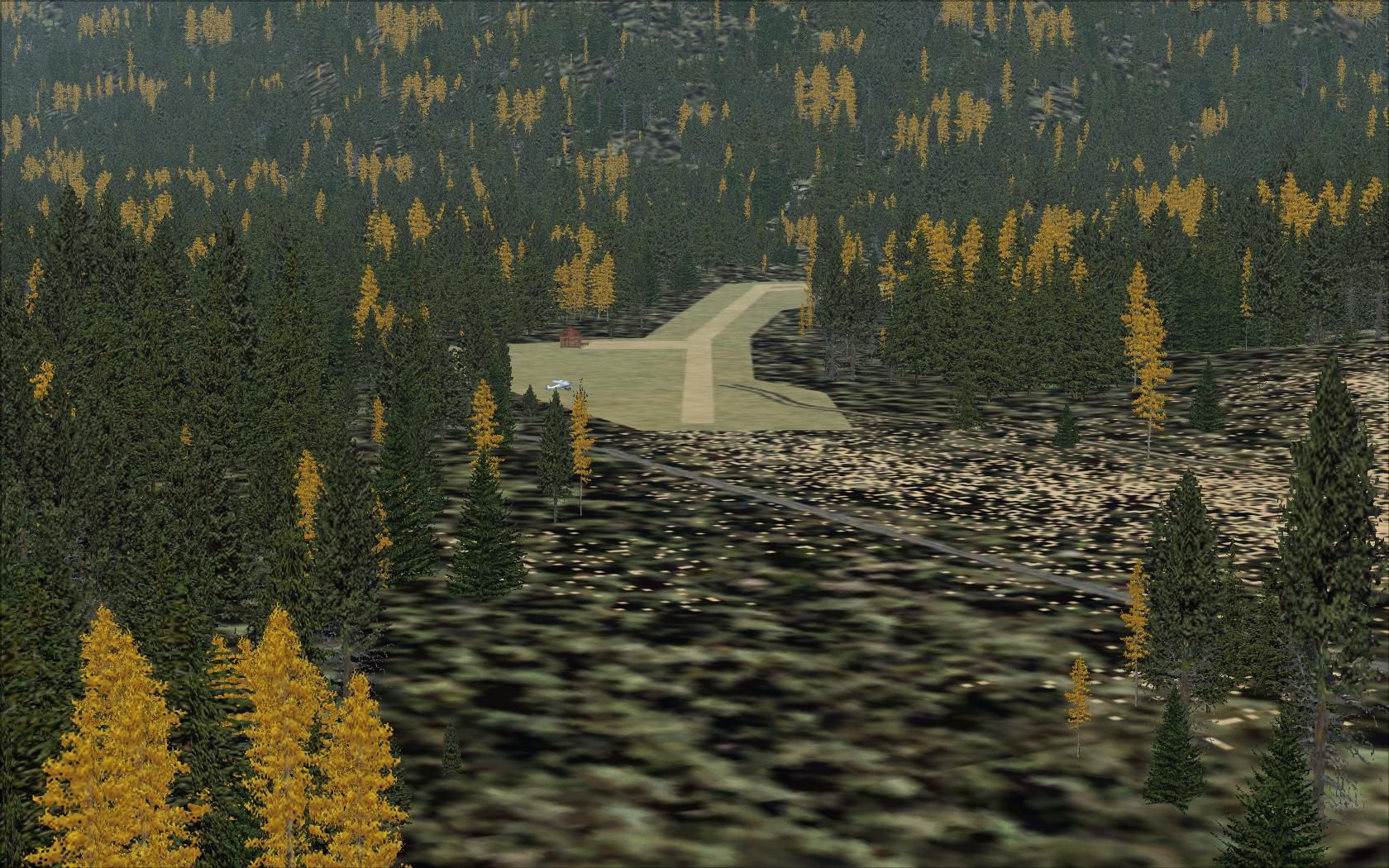
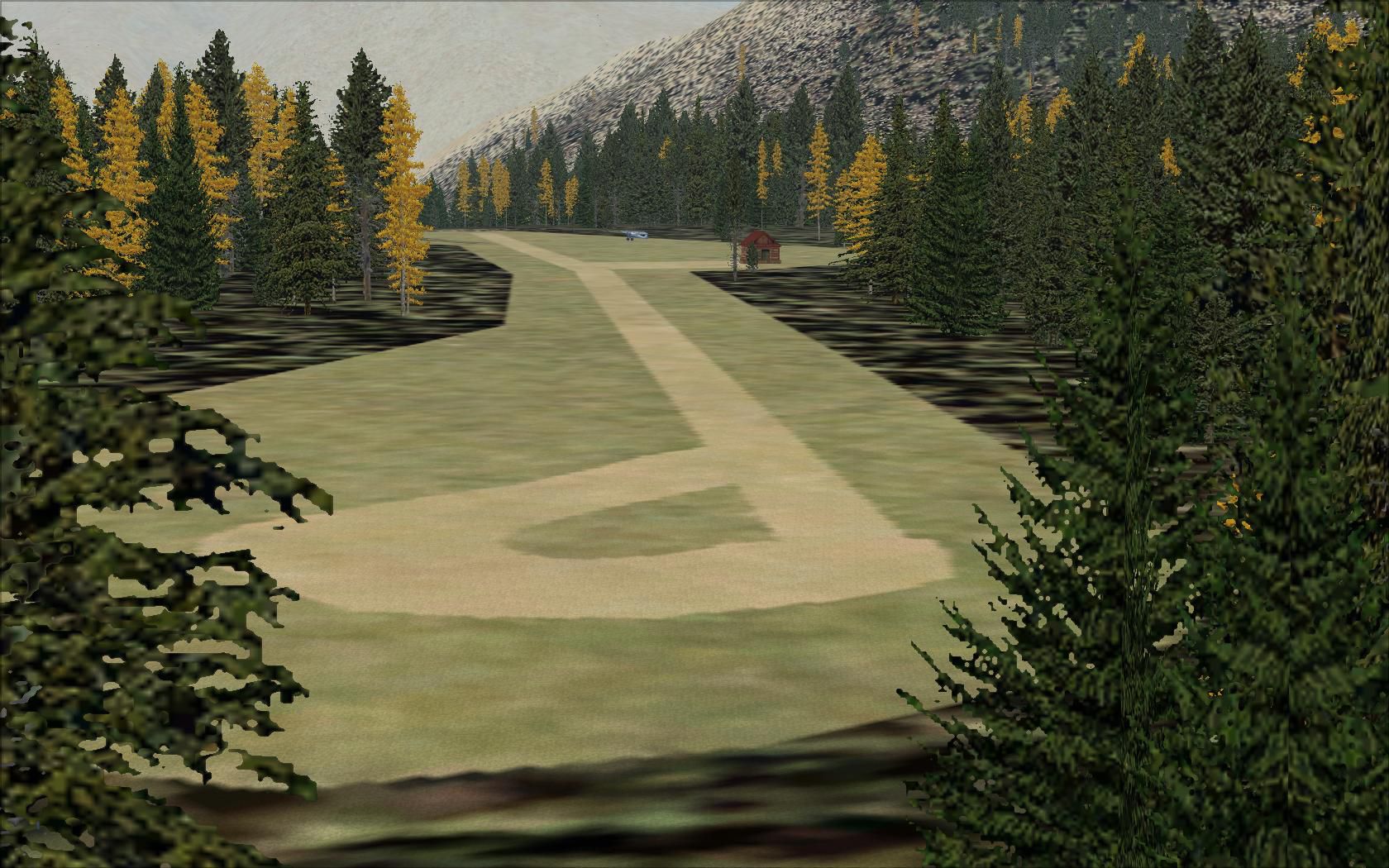
Idaho Backcountry Airports - I08. Idaho Backcountry Airports - I08, Cabin Creek USFS, Idaho (ID). A great location for bush flying! The scenery includes realistic textures for runways, aprons and taxiways. The location of the airport, the runways, aprons, buildings, roads and parking places were updated. View file for more screenshots. By Erik van Onselen.
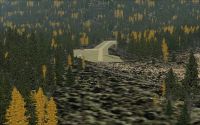
Idaho Backcountry Airports - I08 Scenery.
Installation:
- Unzip the file into a temporary destination.
- Copy the folder 'Addon Scenery' into your main FSX folder. (C:\Program Files\Microsoft Games\Flight Simulator X).
- Start FSX and activate the scenery in the library. Make sure 'Addon Scenery' has the highest Priority.
- Scenery database will be created automaticly by FSX.
DUE TO A BUG IN FSX PLEASE READ THIS CAREFULLY.
I have used shape polygens for the Airport area and the runways, taxiways and aprons. No standard apron, taxiway or runway texture has been used since they look less realistic and sometimes it looks like they're 'floating'...
This also created a problem I was unaware of:
When youre texture resolution is set below 60cm (30cm, 15cm and 7cm) the runway, taxiway and the apron will dissapear. This might not occur with you so please try different texture resolutions.
Enjoy!
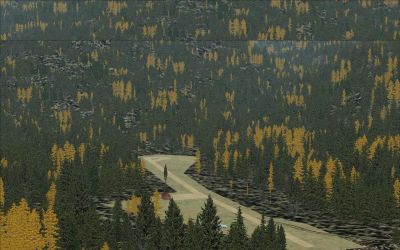
Idaho Backcountry Airports - I08 Scenery.
Free for all simmers · 1.1 MB · Scanned clean Oct 2026
Download speed: Free tier is capped at 0.5 Mbps. PRO members download at full line speed.
FSX\Addon Scenery\ containing scenery and texture sub-folders.readme.txt or README file. It tells you exactly where files go, what dependencies are needed, and any quirks specific to this add-on.Use these coordinates to fly directly to this location once the mod is installed.
45.18550000,-114.85770000
Launch FSX or Prepar3D and use Flights → Load to open the downloaded .pln file. Your aircraft will be positioned at this location.
The archive i08.zip has 11 files and directories contained within it.
This list displays the first 500 files in the package. If the package has more, you will need to download it to view them.
| Filename/Directory | File Date | File Size |
|---|---|---|
| I08 - Cabin Creek | 09.05.09 | 0 B |
| Addon Scenery | 09.05.09 | 0 B |
| scenery | 09.05.09 | 0 B |
| I08.BGL | 09.05.09 | 1.32 kB |
| I08vecpol.bgl | 09.05.09 | 1.14 kB |
| I08 - Approach.jpg | 09.05.09 | 394.56 kB |
| I08 - Overview.jpg | 09.05.09 | 425.17 kB |
| I08 Scenery Logo.jpg | 09.05.09 | 305.52 kB |
| Readme First.txt | 09.05.09 | 1.41 kB |
| flyawaysimulation.txt | 10.29.13 | 959 B |
| Go to Fly Away Simulation.url | 01.22.16 | 52 B |
Only PRO members can place votes.
More FSX & P3D add-ons hand-picked based on this download.
FSX Scenery
Idaho Backcountry Airports - 3U2, Johnson Creek, ID. One of the more popular …
 FSX Scenery
This is a complete package containing photoreal scenery for almost the whole …
 FSX Scenery
A complete and fully featured photoreal, airport, building, and autogen scene…
 FSX Scenery
Seattle Airports, Washington (WA). A revision of the default Seattle-Tacoma (…
 FSX Scenery
73 Airports And Airfields In South Africa. Enhanced airports based on Google …
 FSX Scenery
A package for Microsoft Flight Simulator X that brings 7 Swiss airports to r…
FSX Scenery
Scenery For 31 Airports In Iran, VOR approach and parking fixed. Includes Ema…
 FSX Scenery
FSX Update For Dutch Airports (The Netherlands). Dutch airports EHAL, EHBD, E…
Be the first to leave a comment on this download.
Be the first to share your thoughts on this download.