


 Portugal
  FSX Scenery
Bagram Air Force Base
Bagram Air Force Base v3. Bagram, Afghanistan (AF). Bagram AFB (OAIX) is for …
Ota Air Base (LPOT) brings Portugal’s historic BA2 near Lisbon into Microsoft Flight Simulator X with a focused aerodrome layout suited to military training and classic aviation operations. The scenery evokes the base’s heritage, from early fighters to jet-era activity, for believable departures, circuits, and period-themed flying around Ota.
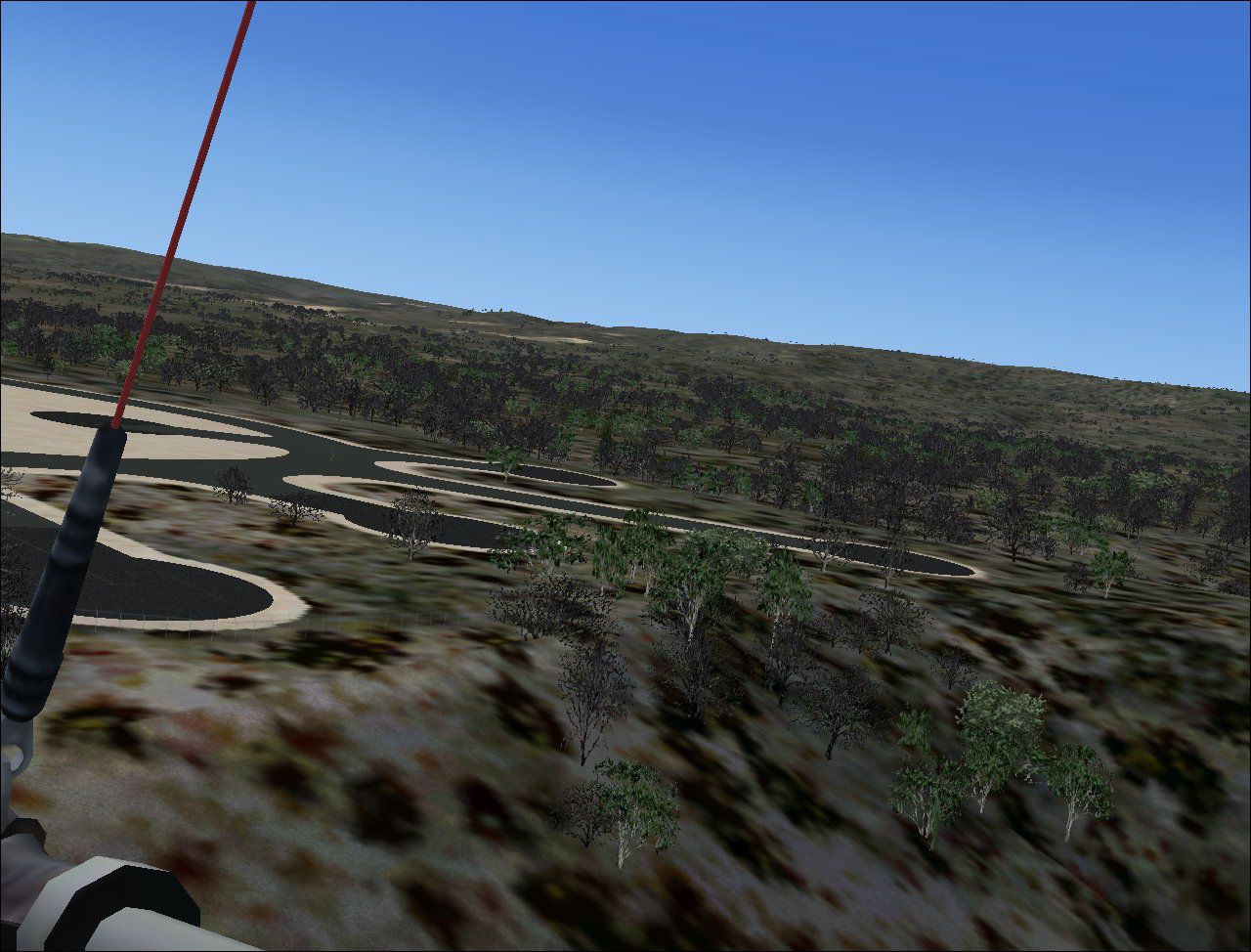
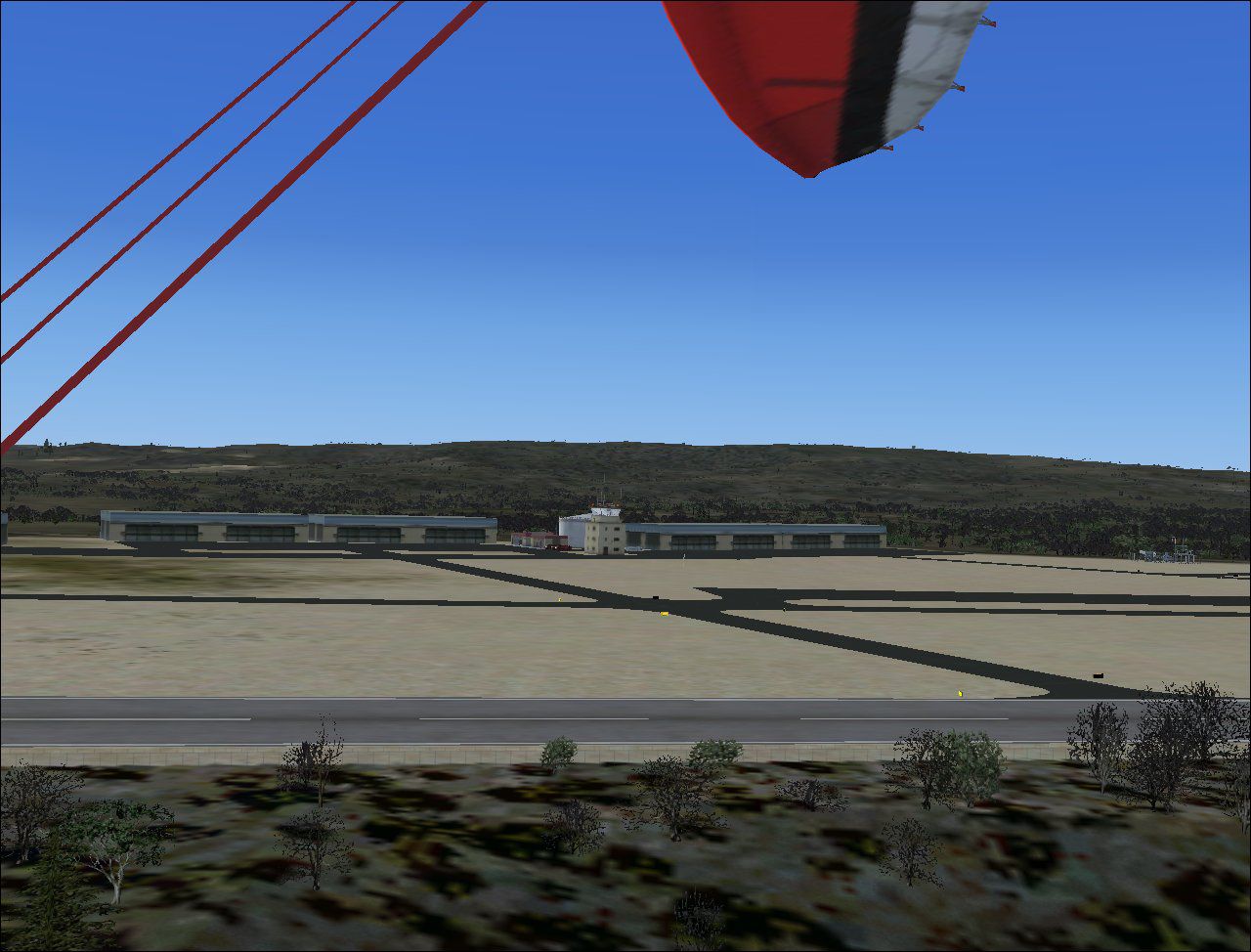
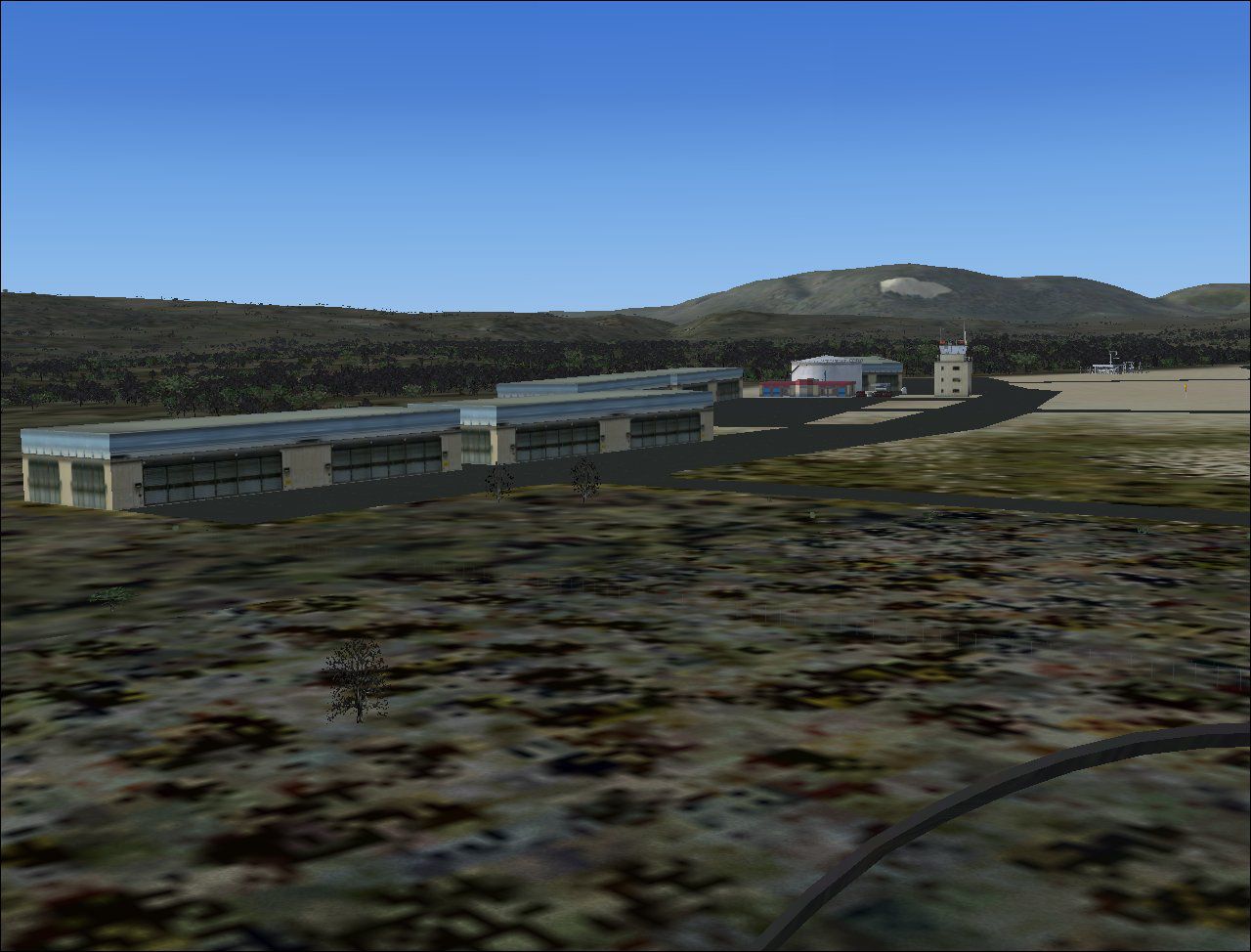
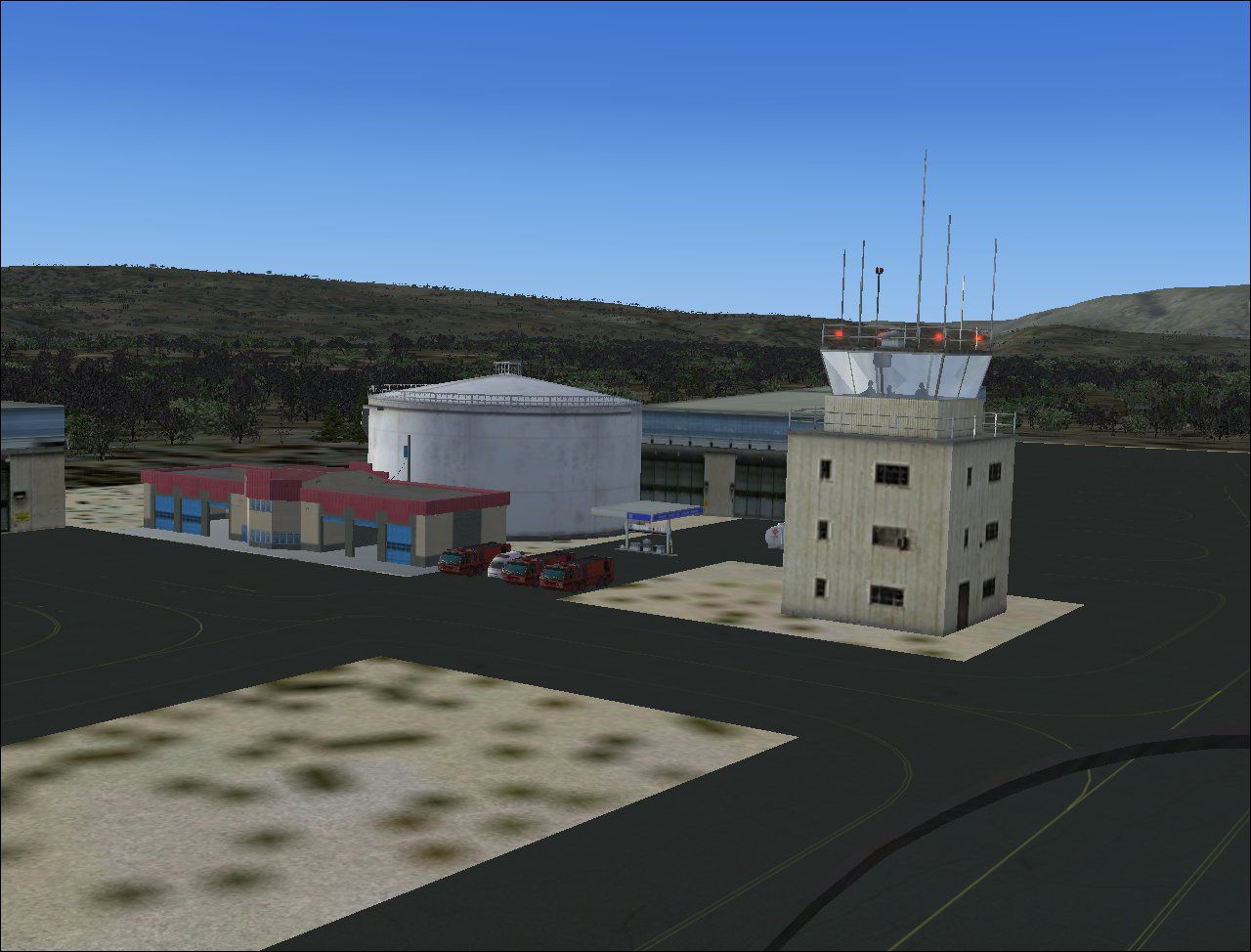
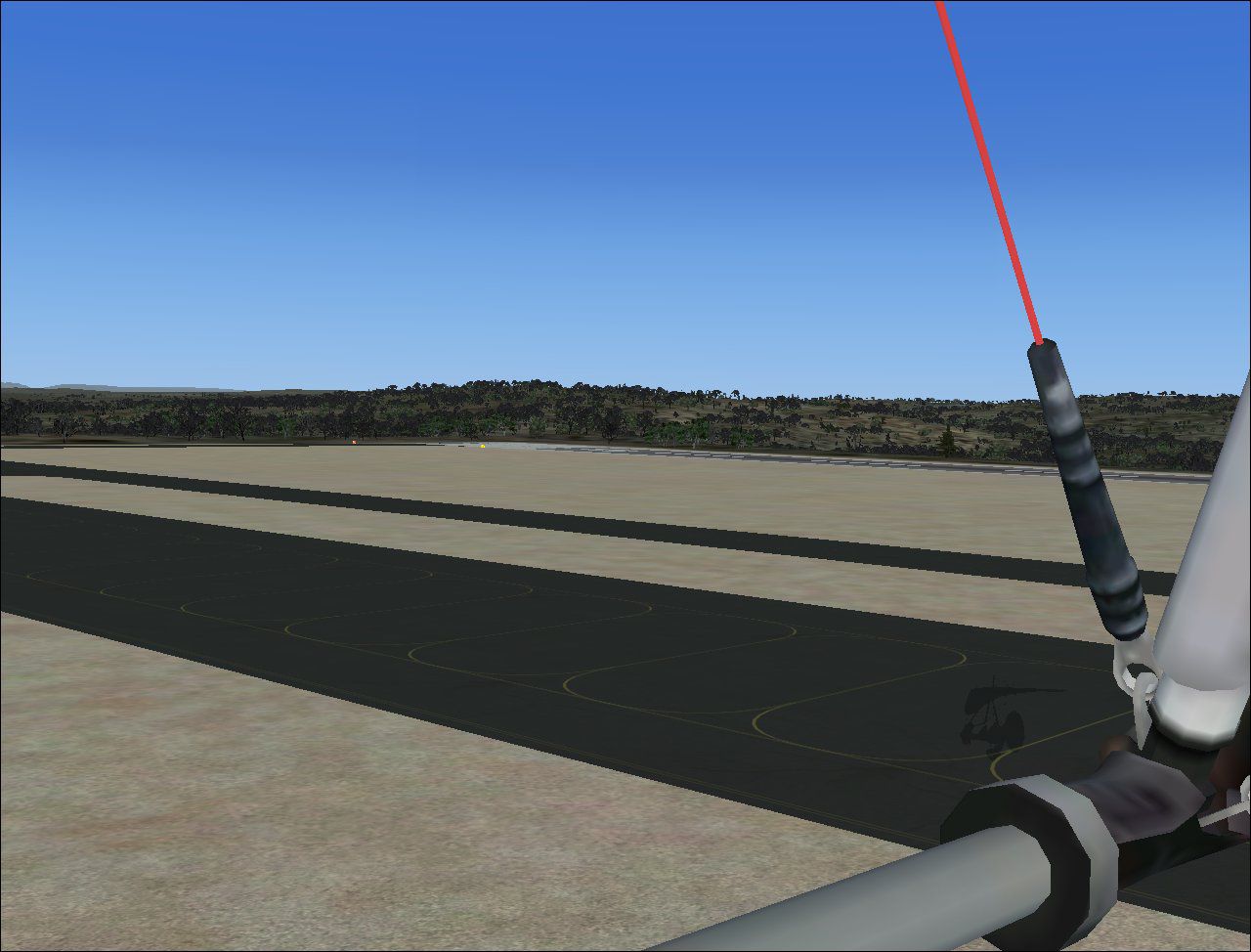
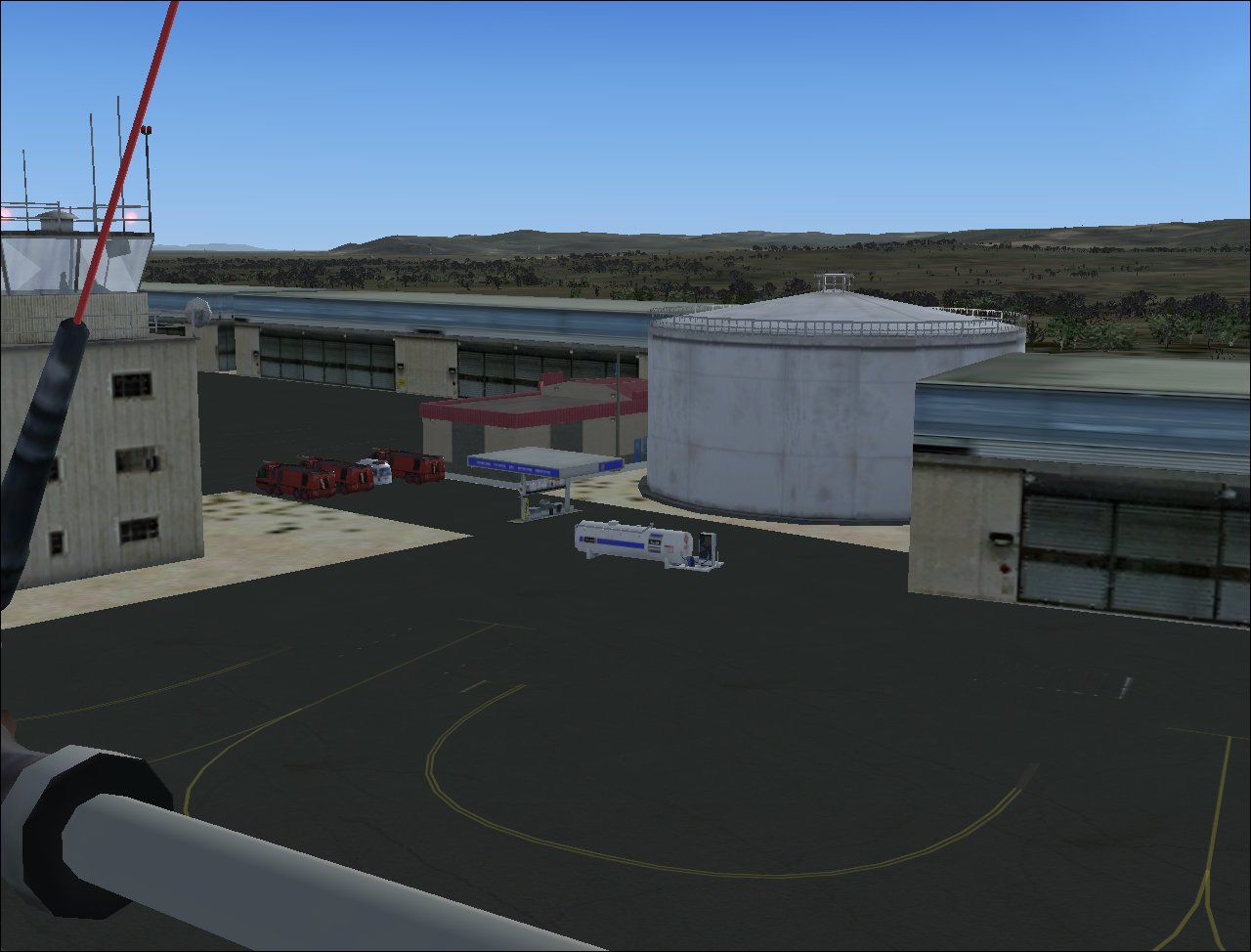
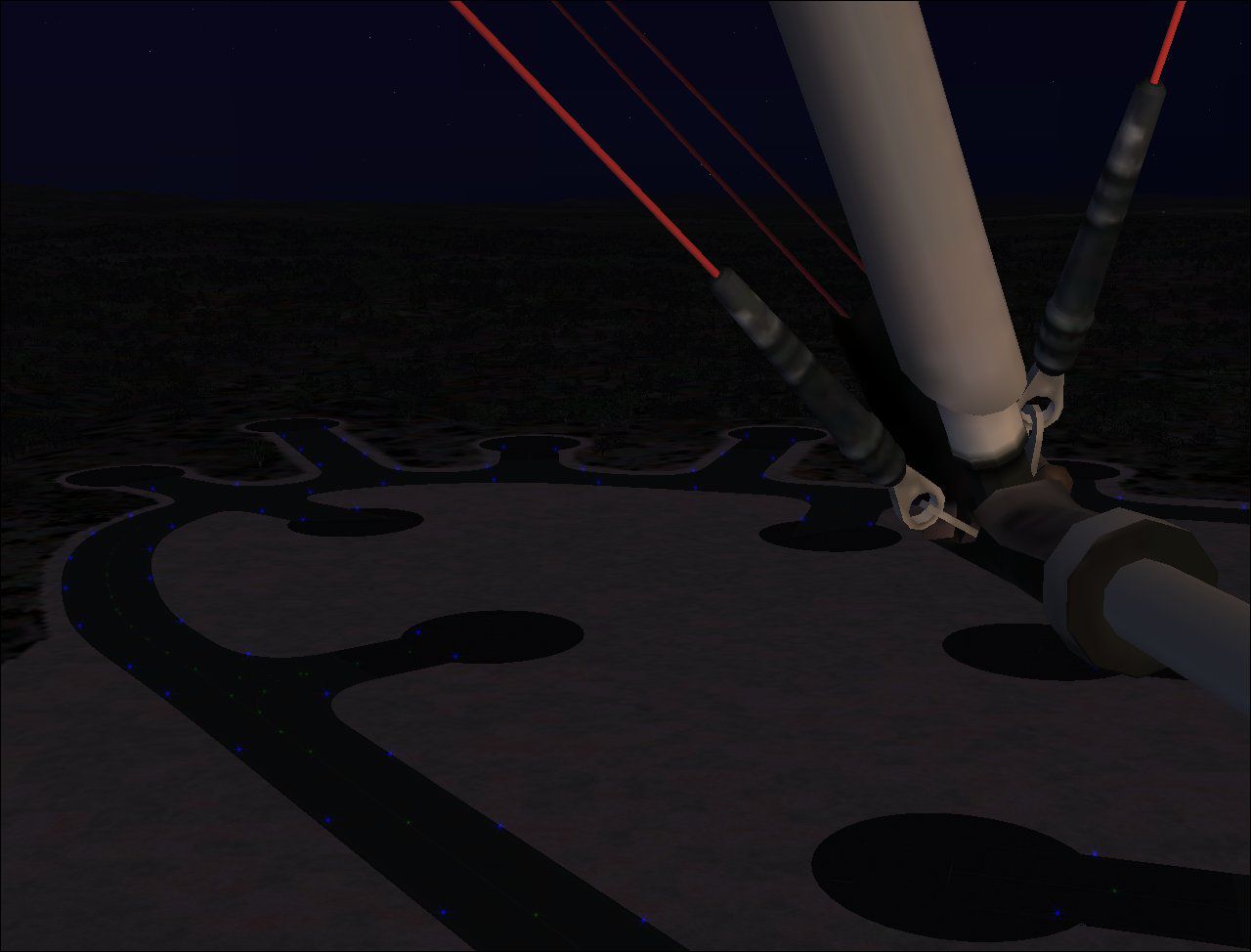
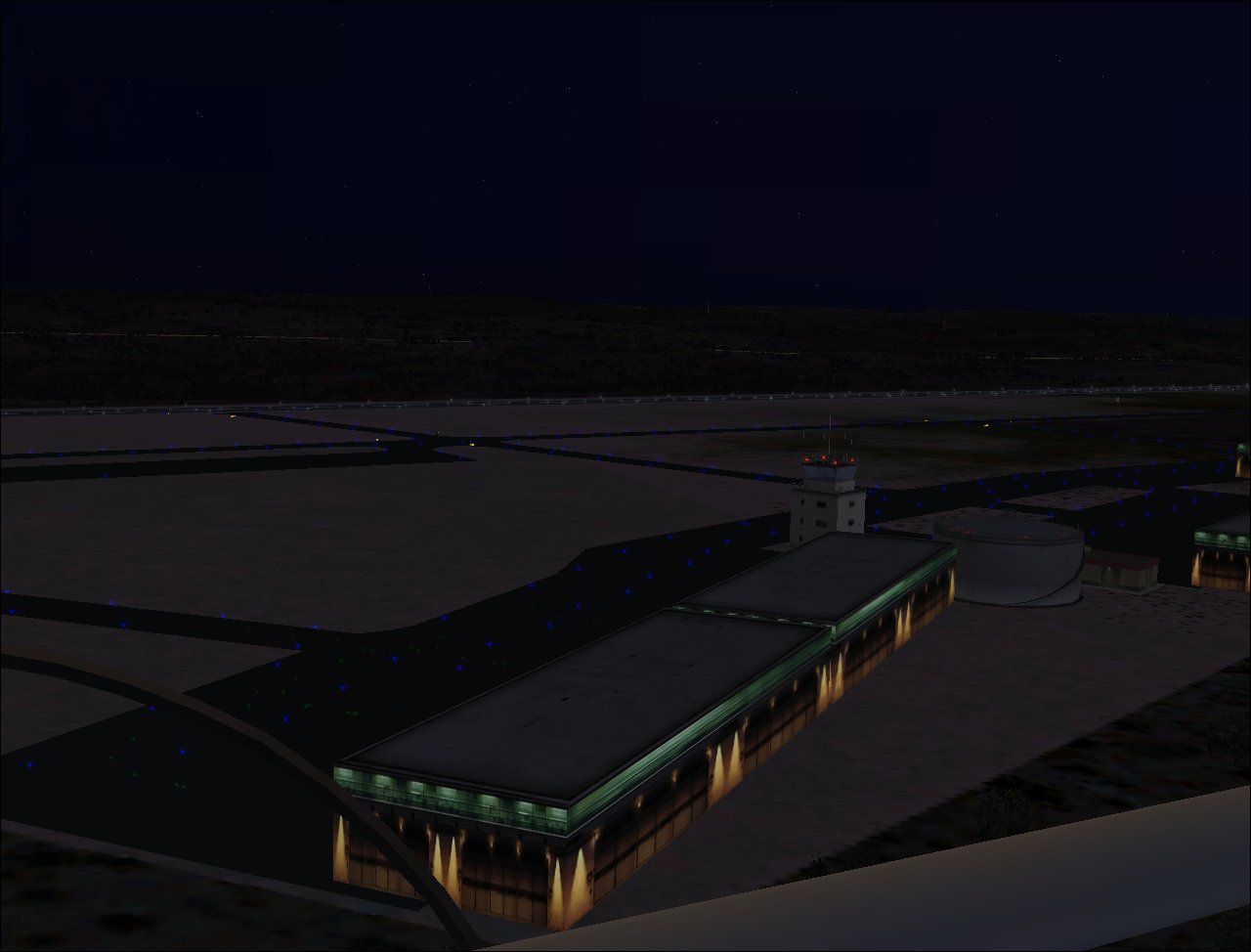
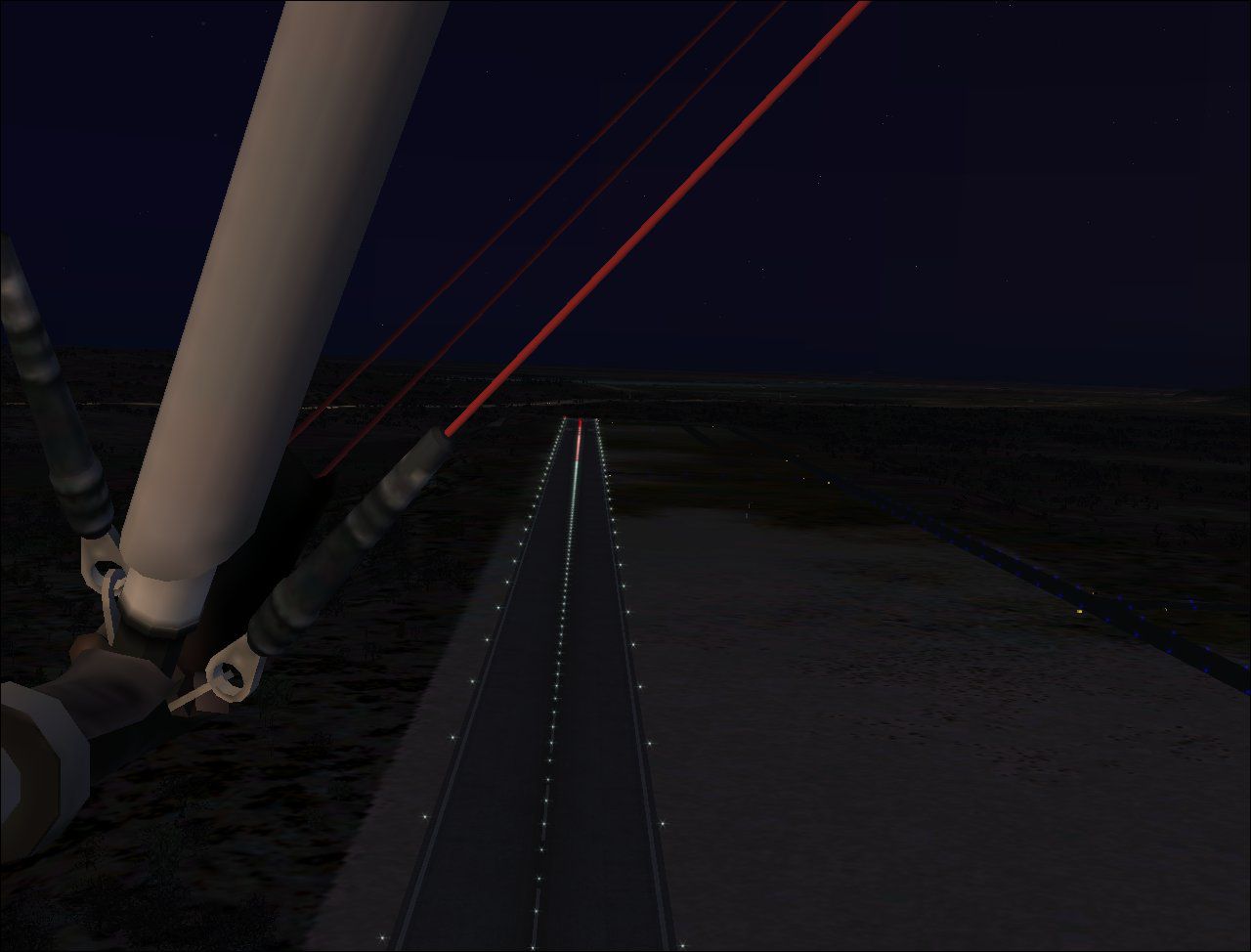
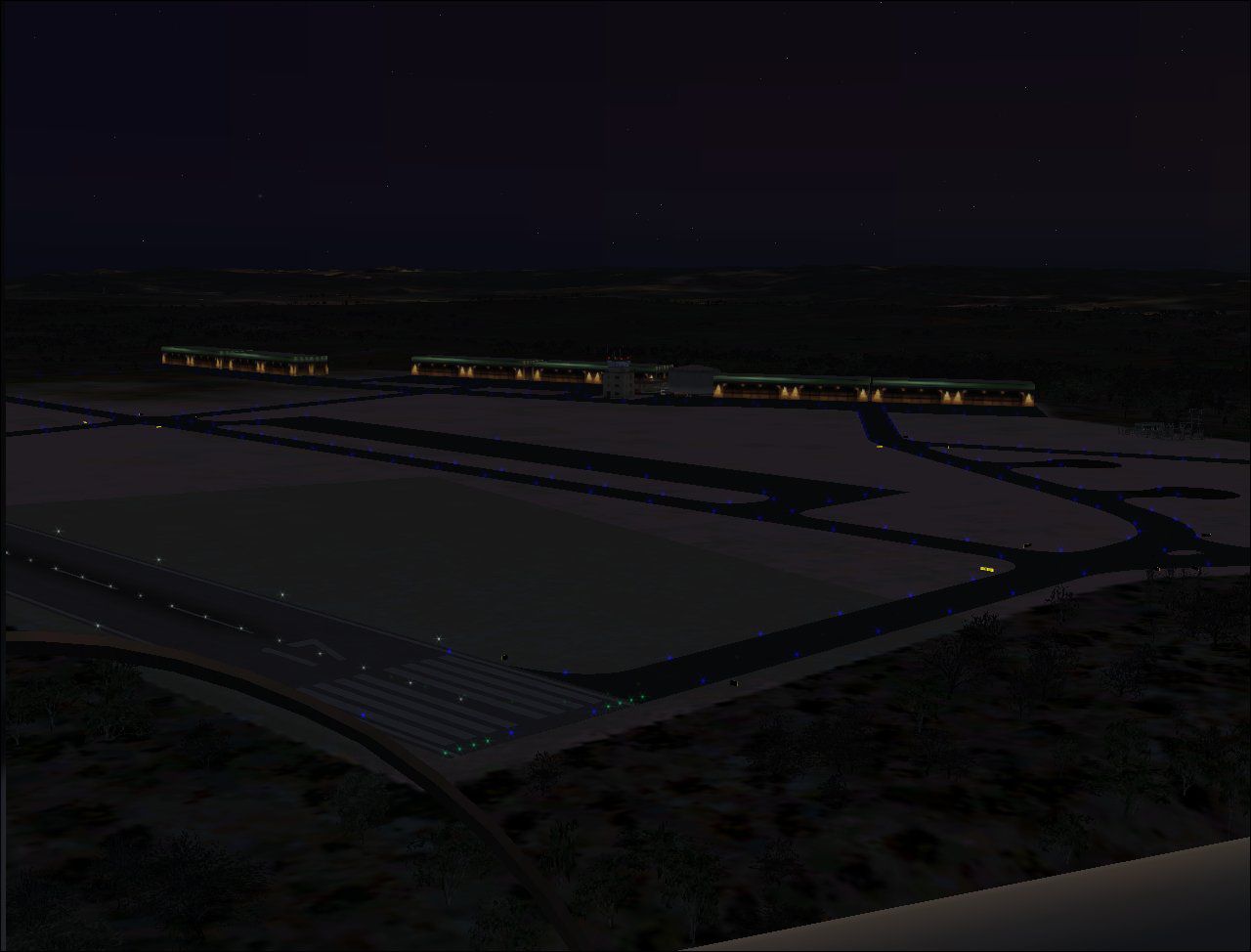
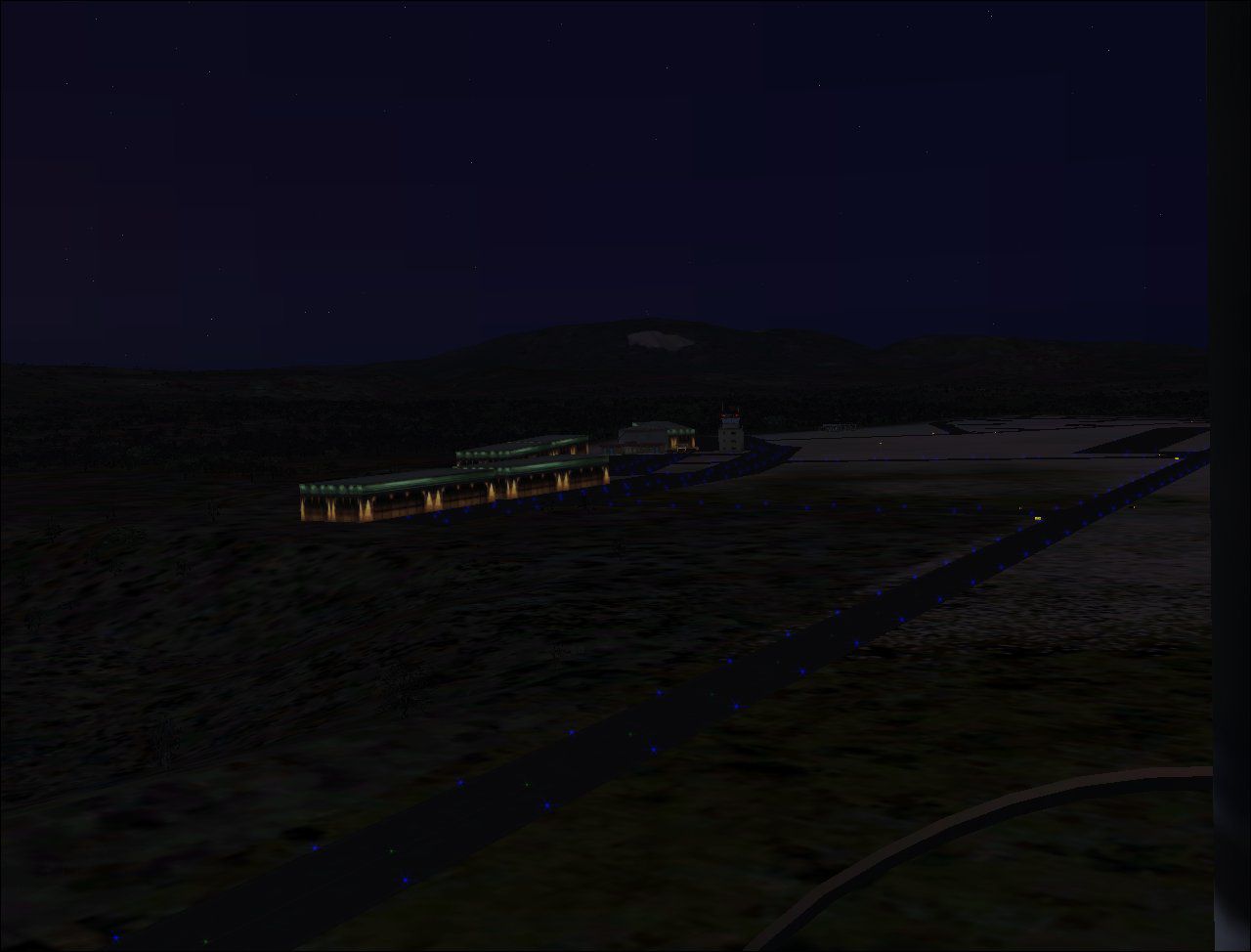
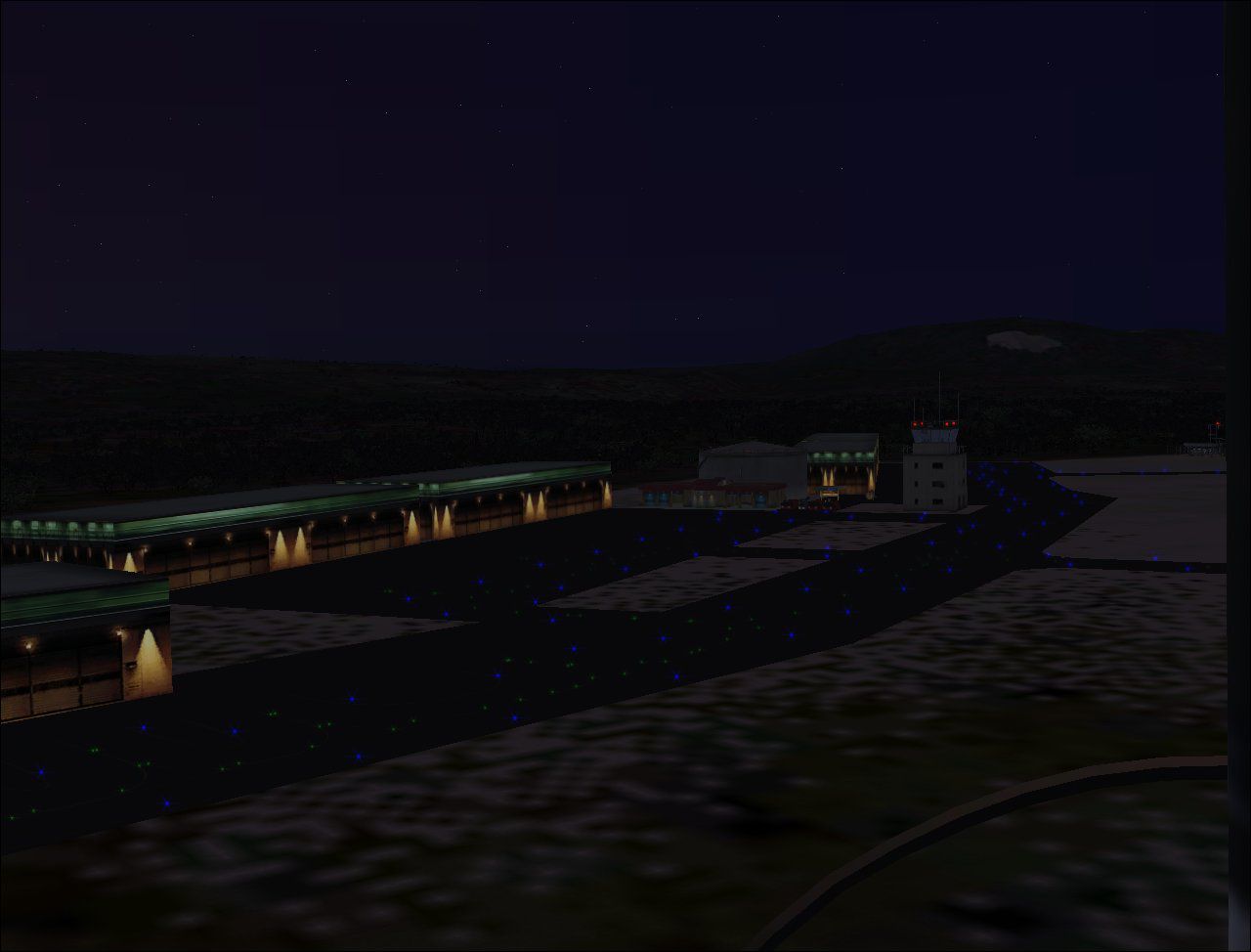
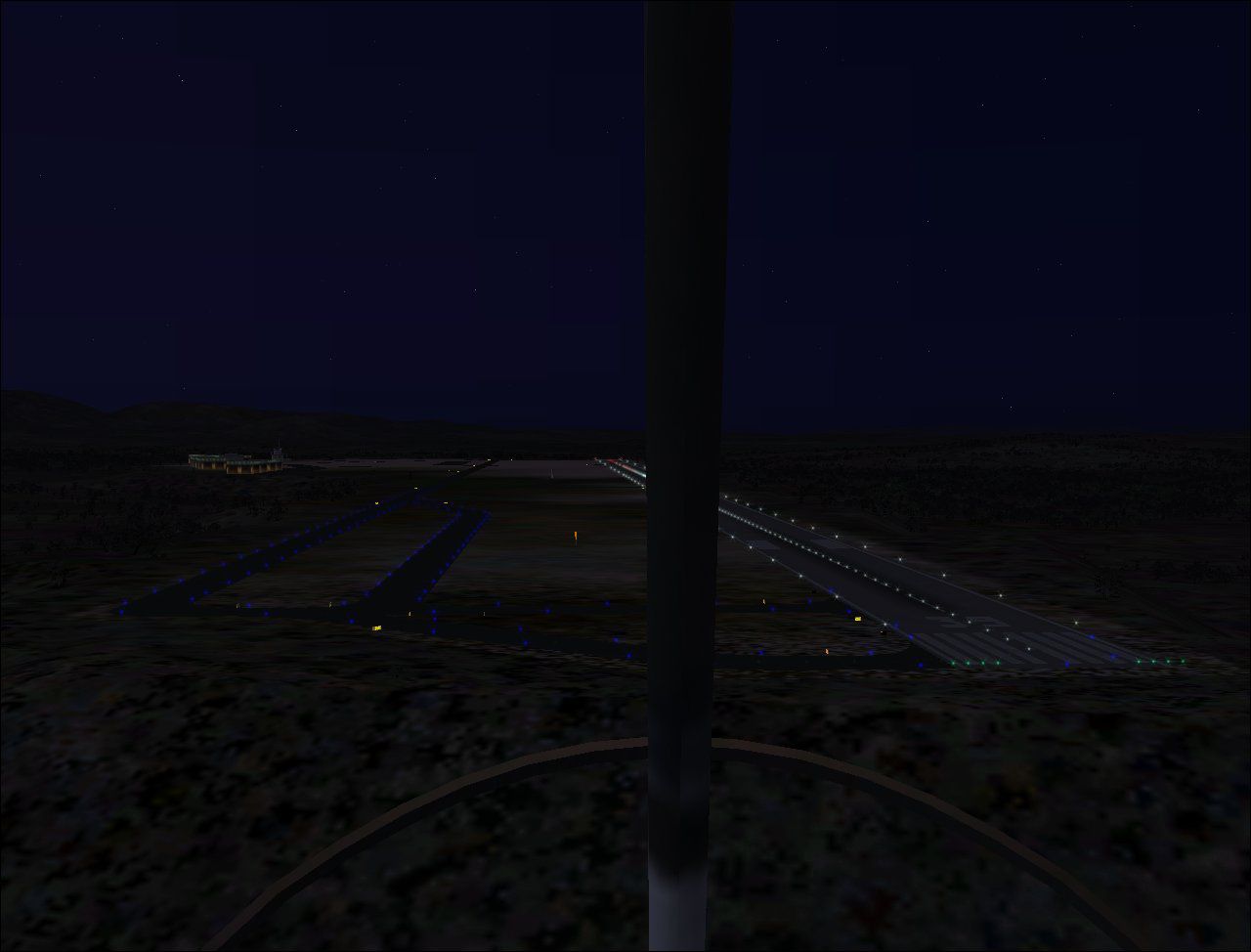
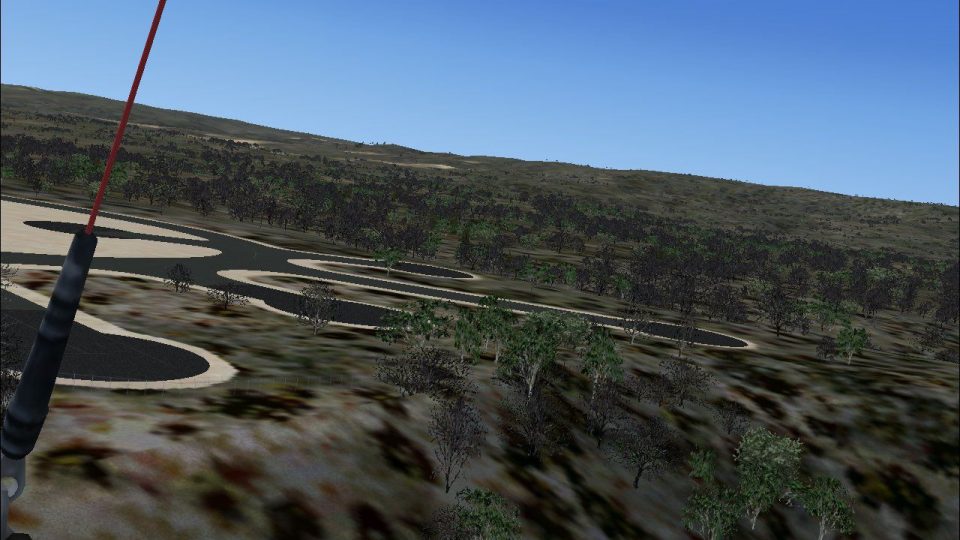
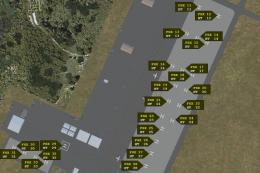
Ota Air Base. The Ota Air Base (BA2), created on December 31, 1937, was inaugurated on April 14, 1940, near the town of Ota, about 50 km from Lisbon, Portugal. In 1960 the BA2 changed radically, no longer a basis for an Operational Base Instruction. In November 1976 was created the Centro de Instrucao n02 (CI2), for elementary education pilot, radar experts and the integration of training schools and military preparation technique. In 1992 the designation of Air Base 2 is amended to Centro de Formacao Militar e Tecnica da Forca Aerea (CFMTFA) which gives the training military, humanistic, scientific and technical staff of the Air Force, whose scope is not covered by other organs of the Air Force, with the aerodrome currently closed to air activity. By Jorge Ferreira.
Ota Air Base Scenery.
Scenery for Ota AB (LPOT).
The Ota Air Base (BA2), created on December 31, 1937, was inaugurated on April 14, 1940, near the town of Ota, about 50KM from Lisbon (Portugal). Lodged aircraft such as Gloster Gladiator, Junkers JU-52, Junkers JU-86, Hawker Hurricane and Supermarine Spitfire.
In 1953 are received the first jet aircraft of FAP, two De Havilland Vampire and the first 25 planes Republic F-84 G Thunderjet, making BA2 the most important Air Force Base until the end of the 1950s.
In 1960 the BA2 changed radically, no longer a basis for an Operational Base Instruction.
In November 1976 was created the Centro de Instrucão nº2 (CI2), for elementary education pilot (with DHC Chipmunk), radar experts and the integration of training schools and military preparation technique.
In 1992 the designation of Air Base 2 is amended to Centro de Formação Militar e Técnica da Força Aérea (CFMTFA) which gives the training military, humanistic, scientific and technical staff of the Air Force, whose scope is not covered by other organs of the Air Force, with the aerodrome is currently closed to air activity.
This scenary was the fact that it has in the FS aircraft that operated in Ota, such as the DHC Chipmunk, the Republic F-84G or the Junkers Ju-52.
This scenary was made in ADE9X.
Tested in FSX, I do not know if it works in FS2004.
To instal simply unzip the .bgl files to your Addon Scenery/scenery folder.
Any comments and suggestions are welcome as this is my first scenery for FSX.
Thanks for downloading !!
Jorge Ferreira
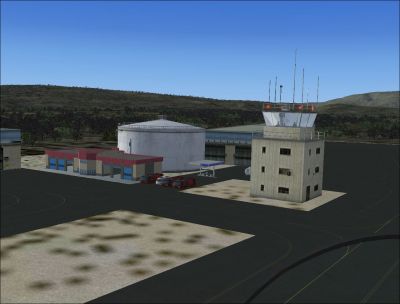
Ota Air Base Scenery.
Free for all simmers · 1.35 MB · Scanned clean Oct 2026
Download speed: Free tier is capped at 0.5 Mbps. PRO members download at full line speed.
FSX\Addon Scenery\ containing scenery and texture sub-folders.readme.txt or README file. It tells you exactly where files go, what dependencies are needed, and any quirks specific to this add-on.Use these coordinates to fly directly to this location once the mod is installed.
39.12000000,-8.97000000
Launch FSX or Prepar3D and use Flights → Load to open the downloaded .pln file. Your aircraft will be positioned at this location.
The archive lpototaab.zip has 19 files and directories contained within it.
This list displays the first 500 files in the package. If the package has more, you will need to download it to view them.
| Filename/Directory | File Date | File Size |
|---|---|---|
| LPOT_ADEX_JFVF_CVX.bgl | 12.05.09 | 531 B |
| LPOT_ADEX_JFVF.BGL | 12.05.09 | 22.06 kB |
| Ota project 31.jpg | 12.05.09 | 81.06 kB |
| Ota project 19.jpg | 12.01.09 | 207.18 kB |
| Ota project 20.jpg | 12.05.09 | 160.17 kB |
| Ota project 21.jpg | 12.05.09 | 144.42 kB |
| Ota project 22.jpg | 12.05.09 | 126.75 kB |
| Ota project 23.jpg | 12.05.09 | 132.02 kB |
| Ota project 24.jpg | 12.05.09 | 166.36 kB |
| Ota project 25.jpg | 12.05.09 | 69.15 kB |
| Ota project 26.jpg | 12.05.09 | 72.97 kB |
| Ota project 27.jpg | 12.05.09 | 71.17 kB |
| Ota project 28.jpg | 12.05.09 | 81.71 kB |
| Ota project 29.jpg | 12.05.09 | 81.80 kB |
| Ota project 30.jpg | 12.05.09 | 81.00 kB |
| LPOT_PT.txt | 12.07.09 | 1.83 kB |
| LPOT_EN.txt | 12.07.09 | 1.64 kB |
| flyawaysimulation.txt | 10.29.13 | 959 B |
| Go to Fly Away Simulation.url | 01.22.16 | 52 B |
Only PRO members can place votes.
More FSX & P3D add-ons hand-picked based on this download.
FSX Scenery
Bagram Air Force Base v3. Bagram, Afghanistan (AF). Bagram AFB (OAIX) is for …
 FSX Scenery
Andrews Air Force Base (KADW), Camp Springs, Maryland (MD). An improved versi…
 FSX Scenery
Nellis Air Force Base (KLSV), Nevada (NV). Adds ramp parking and some scenery…
 FSX Scenery
Aviano Air Base Scenery, Italy. Scenery for Aviano Air Base (LIPA), done with…
 FSX Scenery
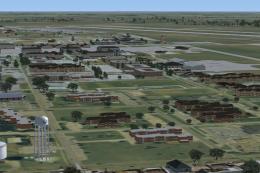
Sheppard Air Force Base (KSPS), Wichita Falls, Texas (TX). So you want to be …
 FSX Scenery
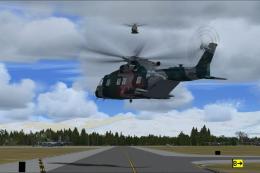
Bagram Air Force Base V3 Update 1. Bagram, Afghanistan (AF). Portions of some…
 FSX Scenery
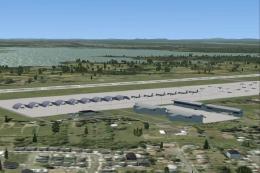
Pease Air Force Base, New Hampshire (NH), v2.8. This is Pease AFB as it was i…
 FSX Scenery
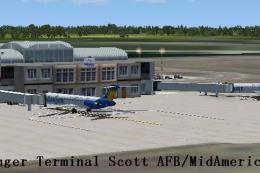
Scott Air Force Base (IATA: BLV, ICAO: KBLV, FAA LID: BLV) is a base of the U…
Be the first to leave a comment on this download.
Be the first to share your thoughts on this download.