


 Sint Maarten (Dutch part)
  FSX Scenery
Private Base Leignel
Scenery Private Base Leignel in Norway. Includes an asphalt track, grass trac…
West Private Island (49W) places a compact, fly-in getaway just off St. Maarten, featuring a 3,400‑ft runway and two parking spots for light aircraft. Designed for FSX, it adds a simple destination for short island hops, scenic approaches, and casual private-strip operations.
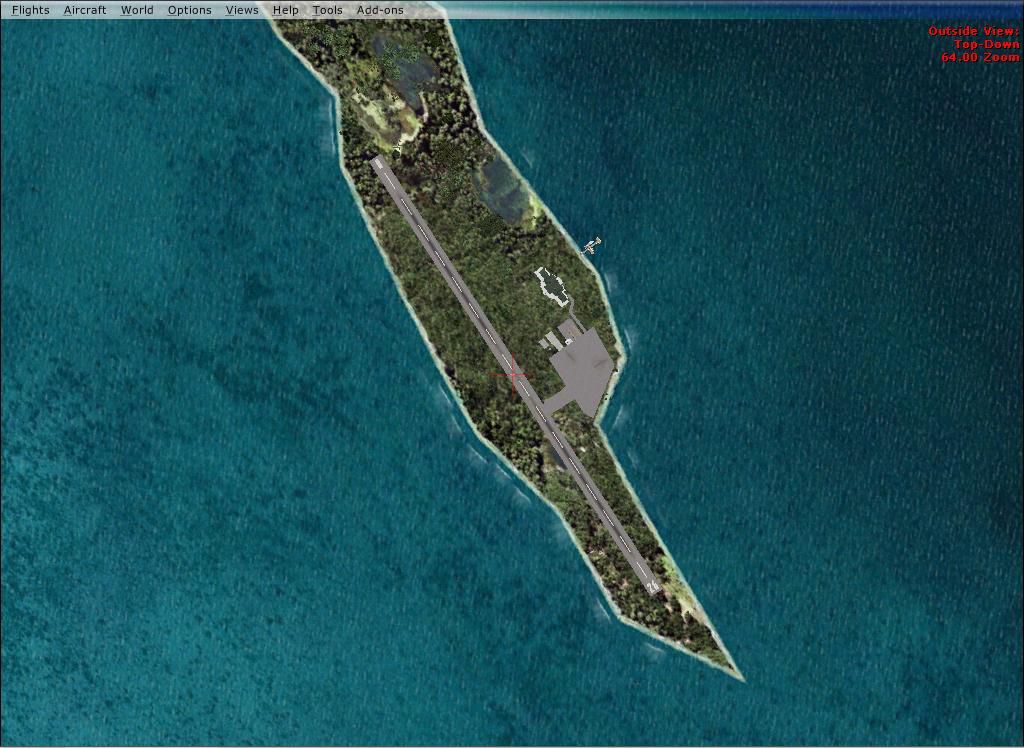
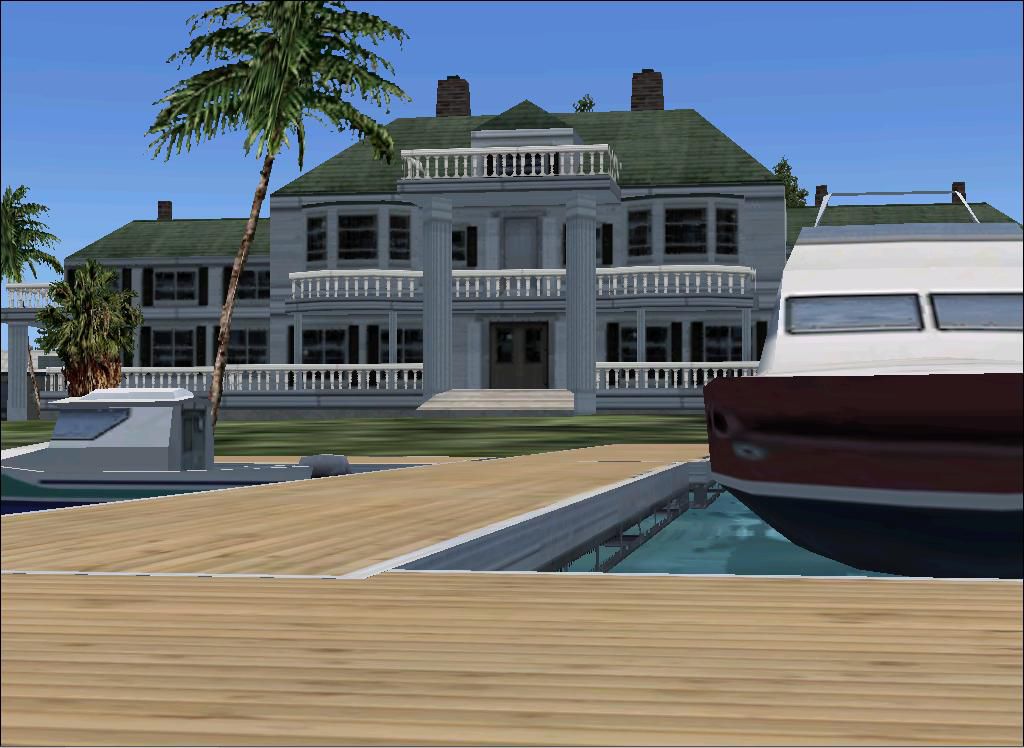
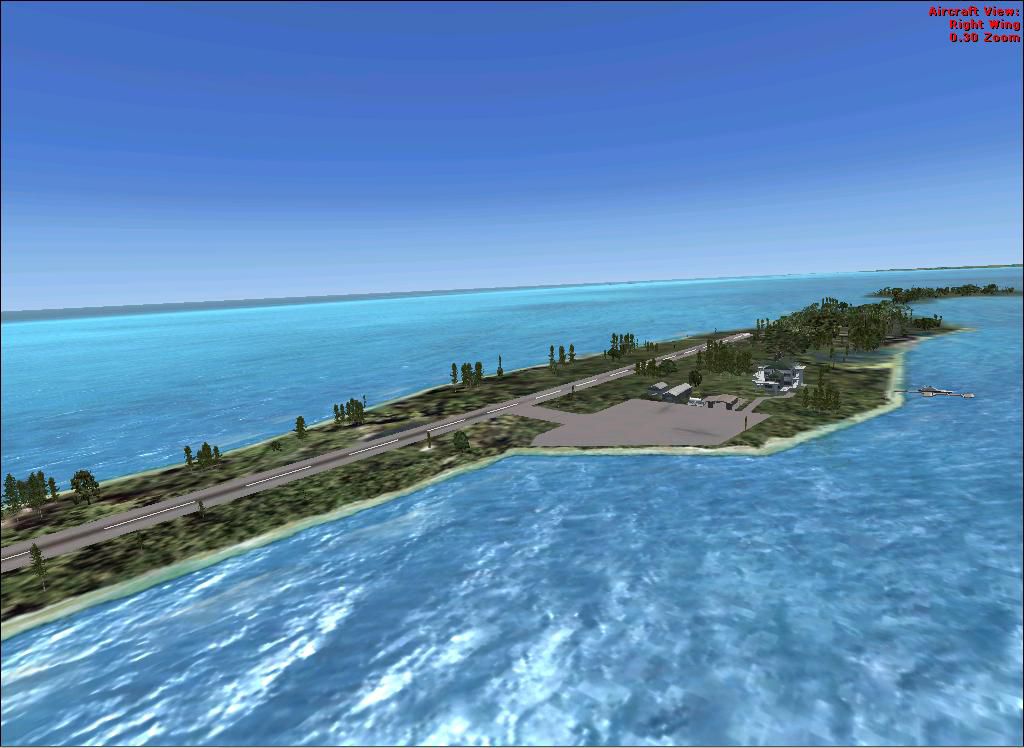
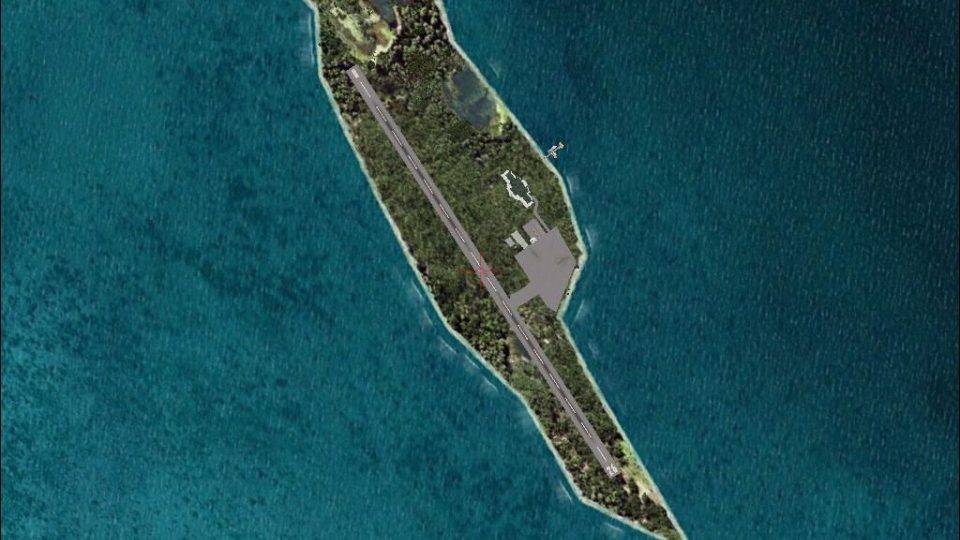
Private Island Scenery. The private island is located off the coast of St. Maarten. On the island is a runway and two parking spots. By Aaron Pelon.
Private Island Scenery.
Airport Info: West Private Island, (49W), Runway-3400 ft, 2 parking spots.
How to install: Copy and Past private-island-1 private-island-2 & private-island-3 into your Addon Scenery Folder then open FSX and add scenery and you Done! Enjoy!
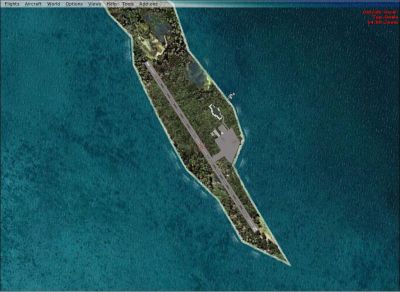
Private Island Scenery.
Free for all simmers · 322.95 KB · Scanned clean Oct 2026
Download speed: Free tier is capped at 0.5 Mbps. PRO members download at full line speed.
FSX\Addon Scenery\ containing scenery and texture sub-folders.readme.txt or README file. It tells you exactly where files go, what dependencies are needed, and any quirks specific to this add-on.Use these coordinates to fly directly to this location once the mod is installed.
18.02200000,-63.04500000
Launch FSX or Prepar3D and use Flights → Load to open the downloaded .pln file. Your aircraft will be positioned at this location.
The archive privateislandfix.zip has 13 files and directories contained within it.
This list displays the first 500 files in the package. If the package has more, you will need to download it to view them.
| Filename/Directory | File Date | File Size |
|---|---|---|
| Pictures | 01.30.10 | 0 B |
| Above island.jpg | 01.29.10 | 122.25 kB |
| Dock and Mashion.jpg | 01.29.10 | 107.79 kB |
| island.jpg | 01.29.10 | 94.43 kB |
| Read Me.txt | 01.30.10 | 853 B |
| Scenery | 01.30.10 | 0 B |
| private-island 1.bgl | 01.08.10 | 1.21 kB |
| private-island 2.bgl | 01.08.10 | 220 B |
| private-island 3.bgl | 01.15.10 | 3.90 kB |
| Video.txt | 02.02.10 | 74 B |
| AFX_49W.bgl | 01.26.10 | 6.62 kB |
| flyawaysimulation.txt | 10.29.13 | 959 B |
| Go to Fly Away Simulation.url | 01.22.16 | 52 B |
Only PRO members can place votes.
More FSX & P3D add-ons hand-picked based on this download.
FSX Scenery
Scenery Private Base Leignel in Norway. Includes an asphalt track, grass trac…
 FSX Scenery
Experience a carefully crafted rendition of Noarlunga Private Airport, a smal…
 FSX Scenery
Lumb In Rossendale Private Airstrip UK. A small bumpy grass strip in a farmer…
 FSX Scenery
Private Water Runway, Hawaii (HI). A private water runway near Honolulu Int'l…
 FSX Scenery
St Barthelemy island (TFFJ) is situated in the Caribbean Sea. It's small slop…
 FSX Scenery
Island Of Saba. Includes redesign of all coasts and land class; SABA airport;…
 FSX Scenery
(Caraibes). Saint Lucia Island scenery including the correct redefinition of …
 FSX Scenery
Saba Island (TNCS). Saba island in FSX is much improved over the flat island …
Read what other simmers think, or add your own.

Hi there, I am just wondering how you made this private Island. I am using Airport Design Editor X and I and I can't figure out how to start with the basic's. Like i get how to apply the runways and stuff but I don't know how to make land and edit the land to what i want it to look like. I keep reading that i have to use Polygons or something how do you use them.
Cheers Cam