

 FSX Scenery
Alfs UK Airfields Volume 22
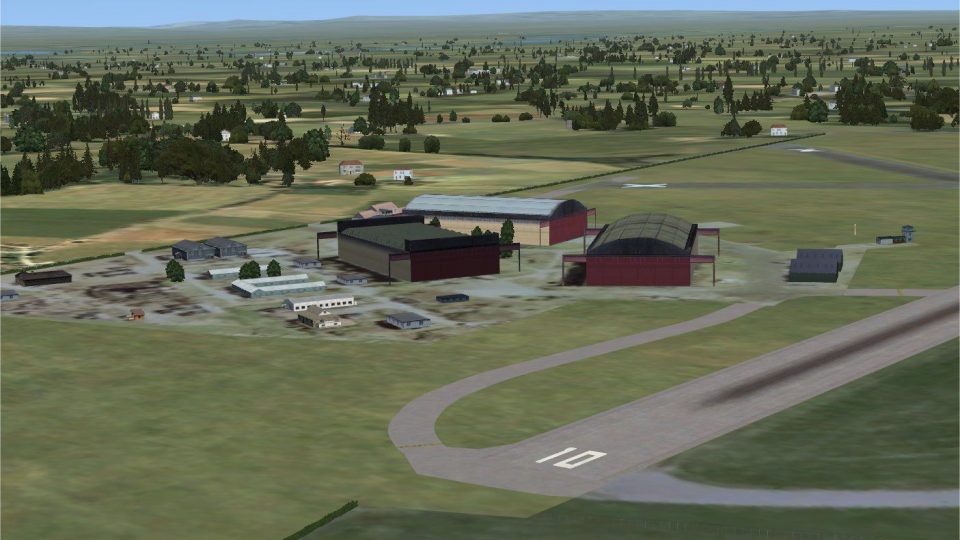
Alfs UK Airfields Volume 22. Includes Rochester Airfield (EGTO) near Chatham …
Alf’s UK Airfields Volume 17 refreshes Currock Hill (X5CH), Kirkbride (EG86), and Lands End/St. Just (EGHC) with custom structures, improved landclass, refined ground textures, and more accurate coastlines for a more believable GA experience in Microsoft Flight Simulator X. It requires FSX SP2 and blends cleanly with the default scenery environment.
 Rate
Rate
 United Kingdom
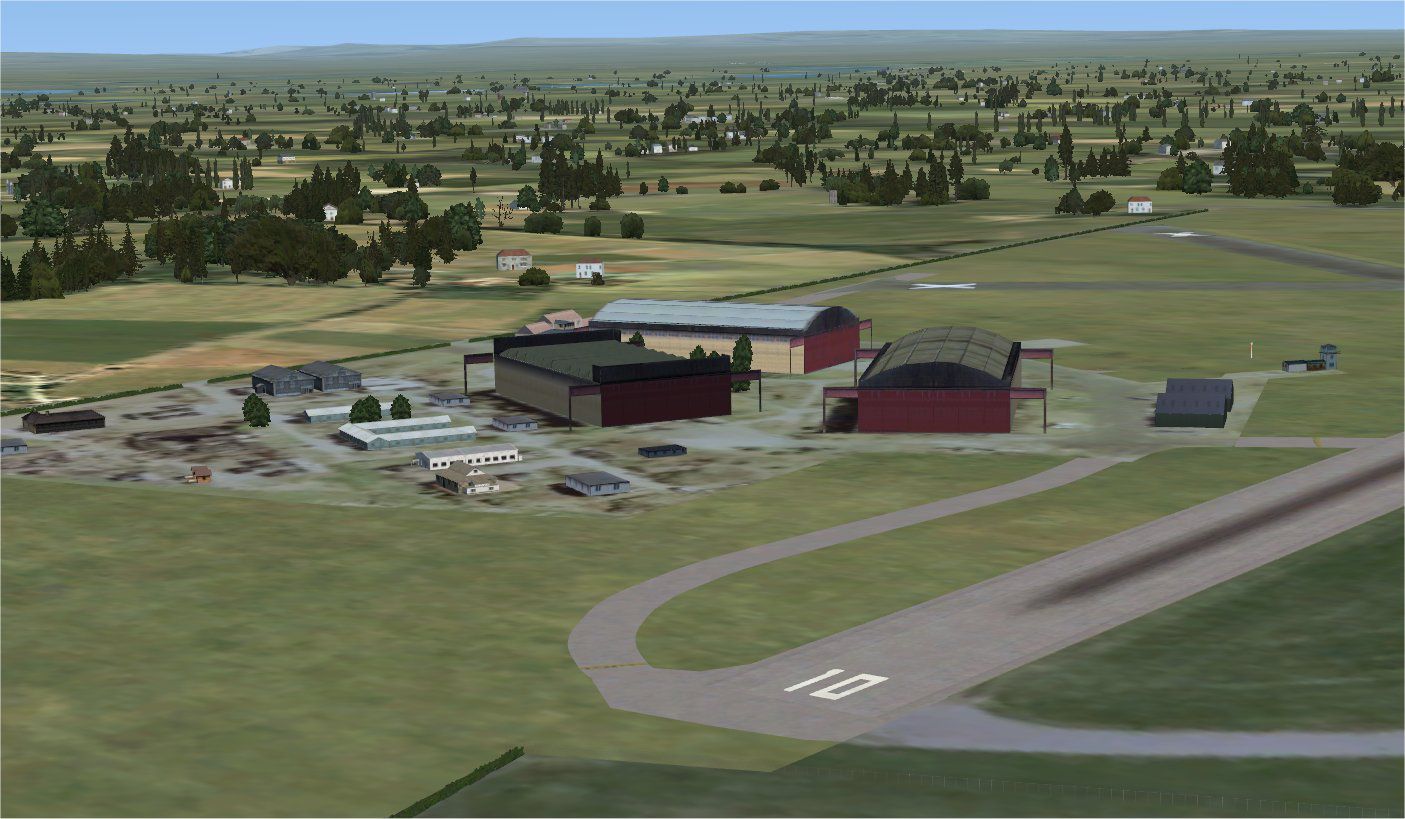
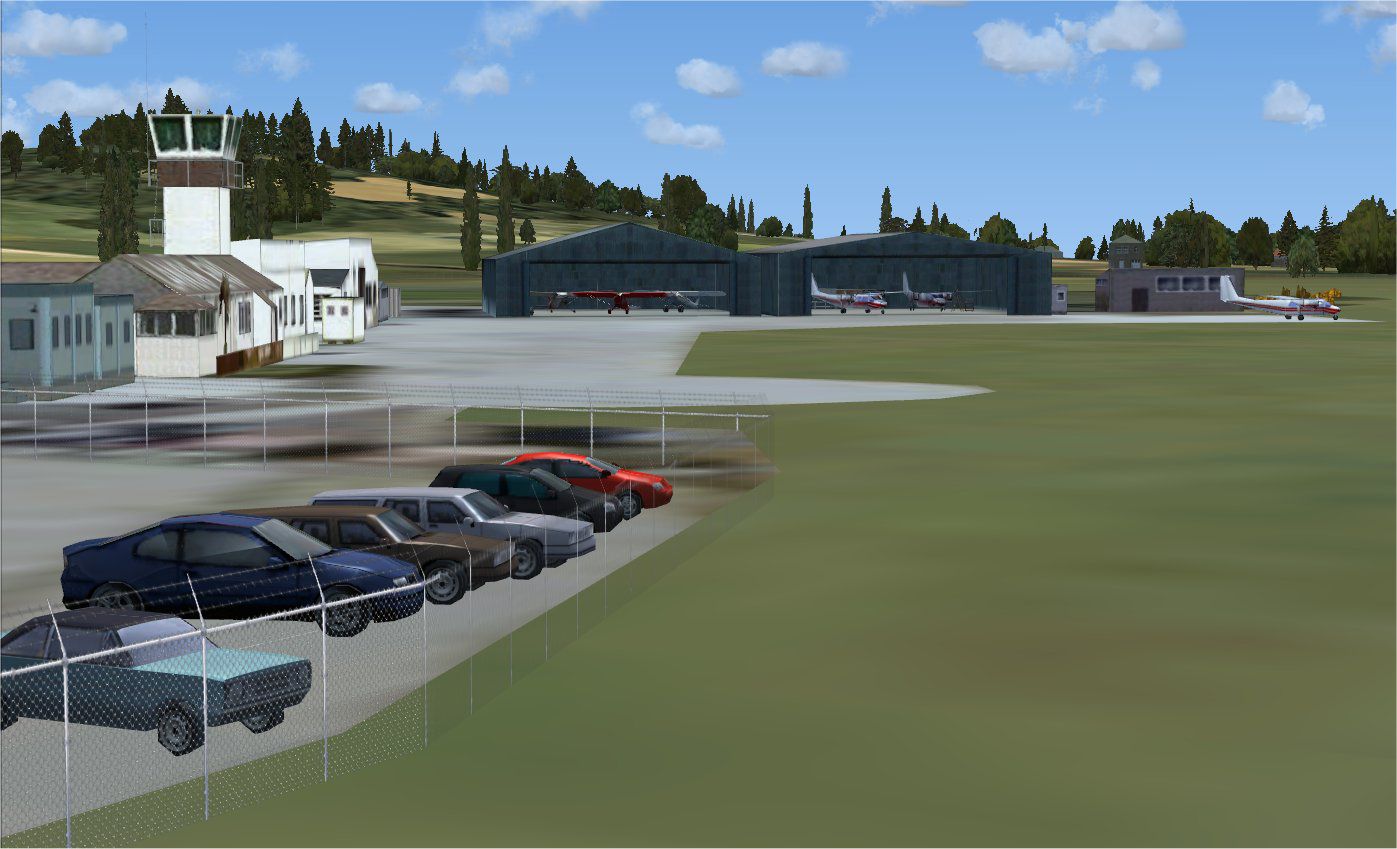
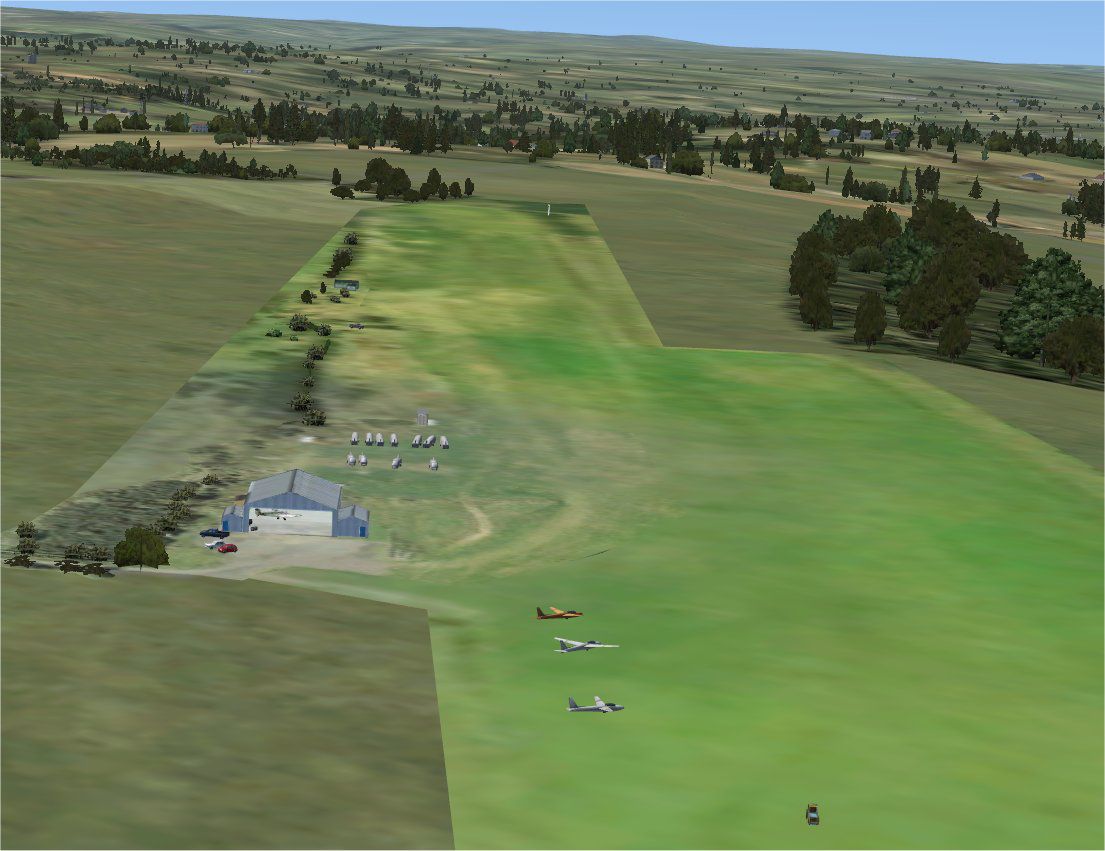

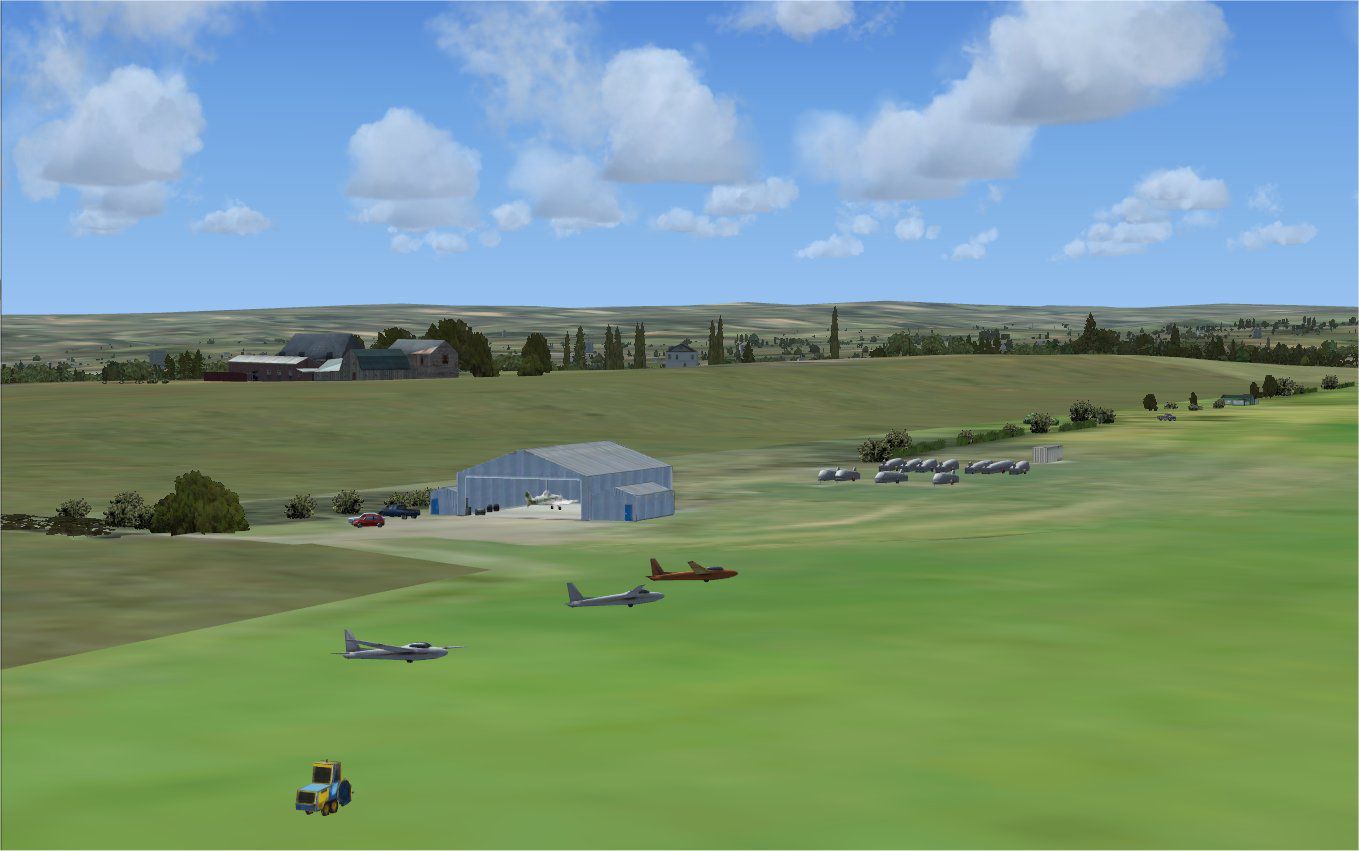
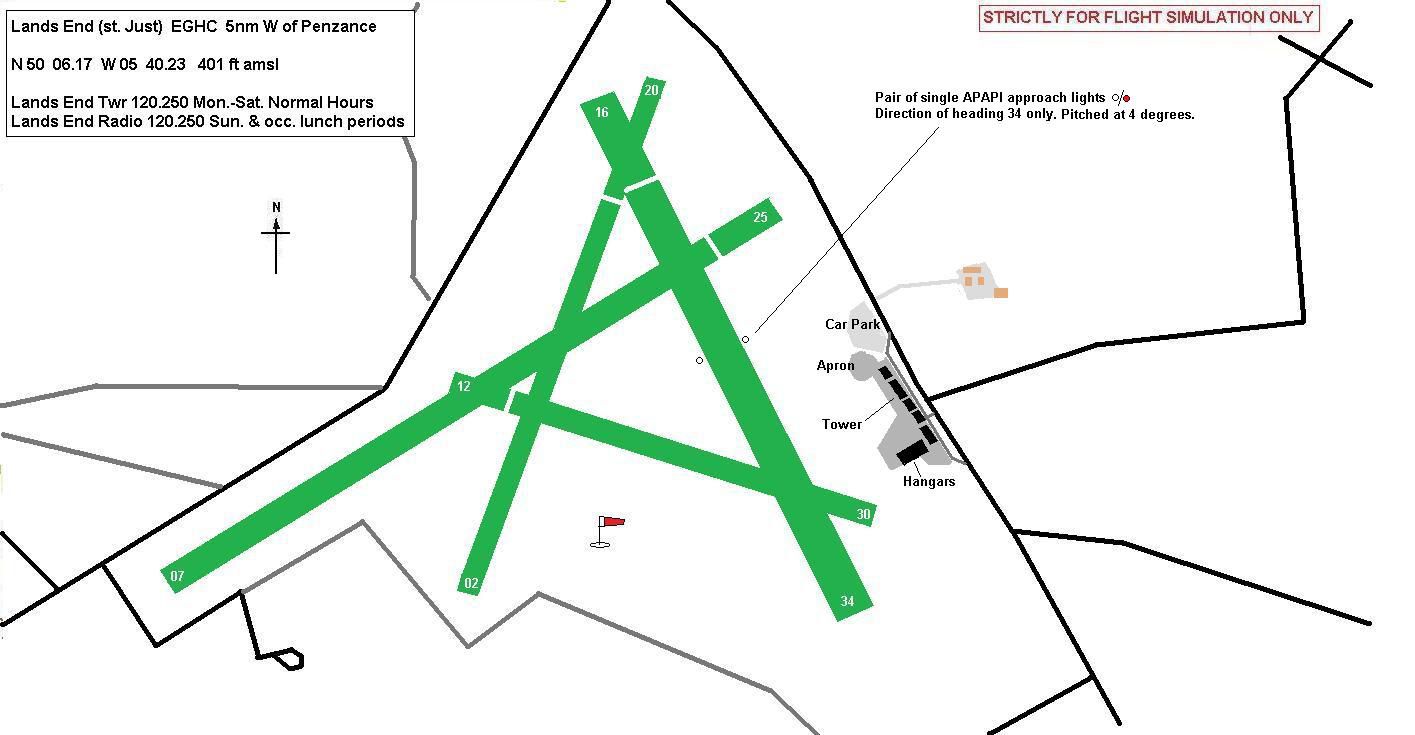
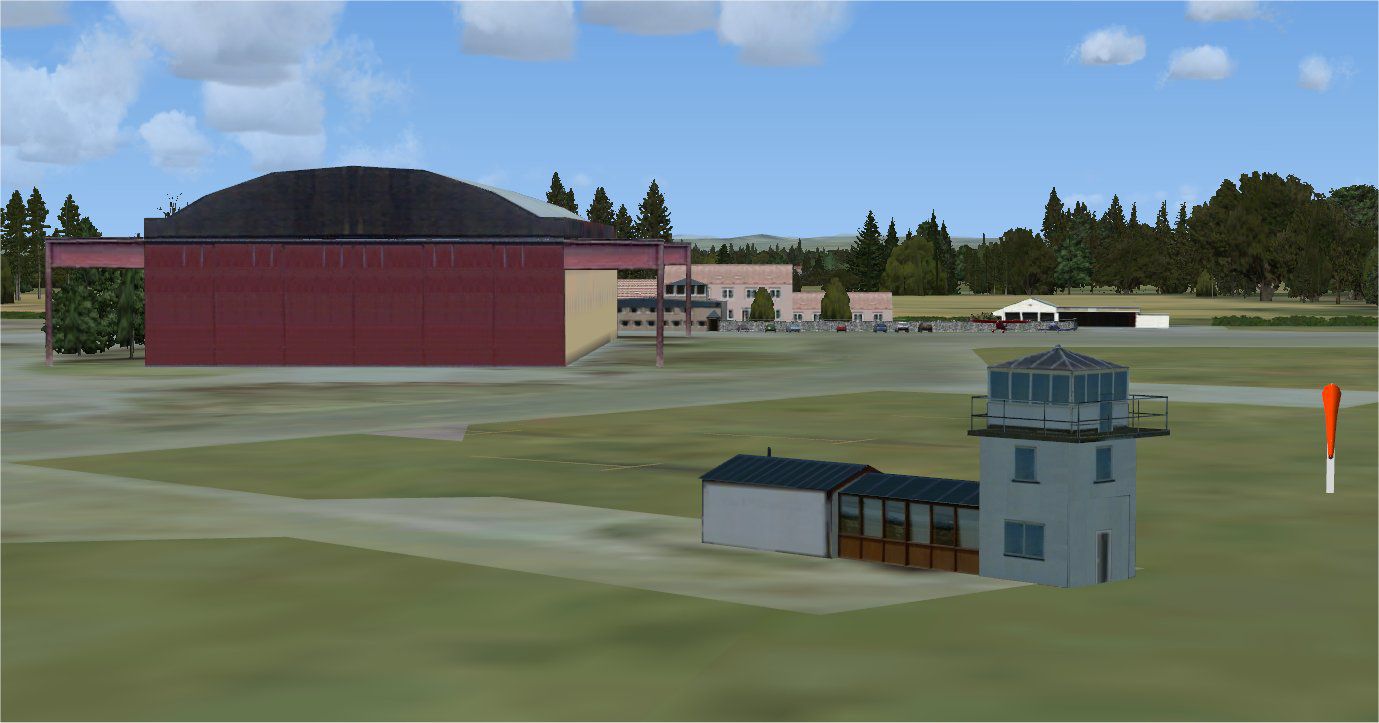
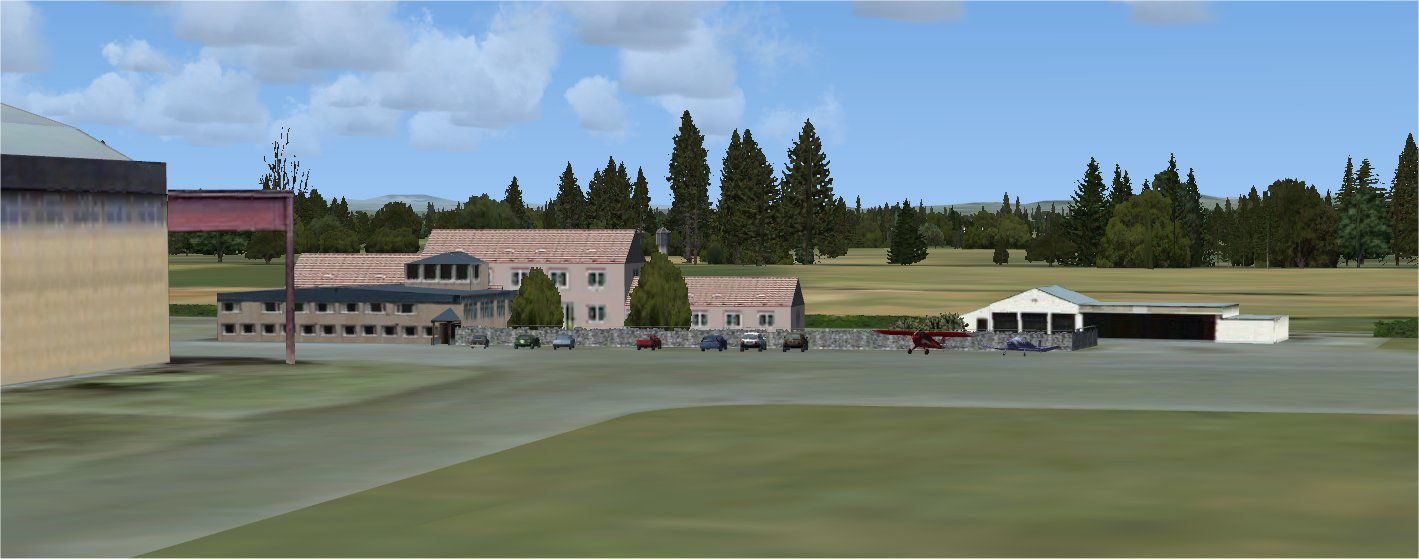

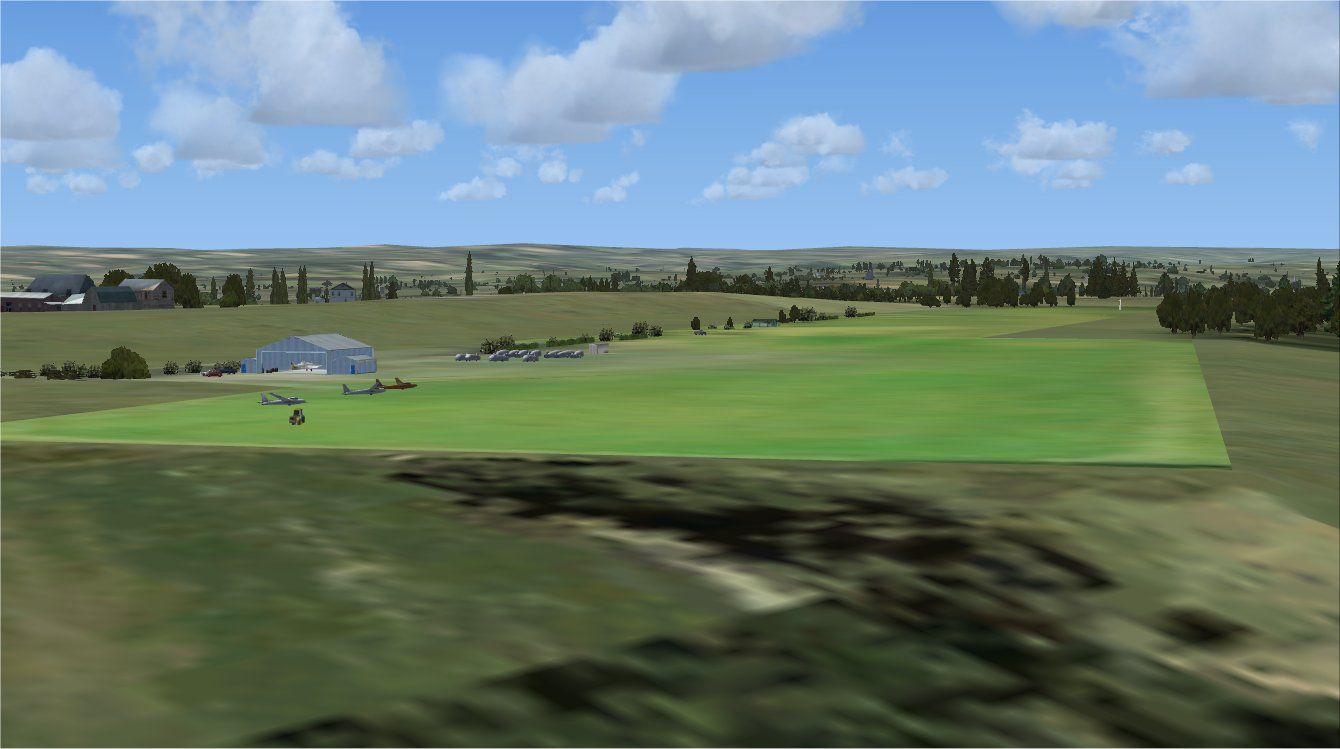

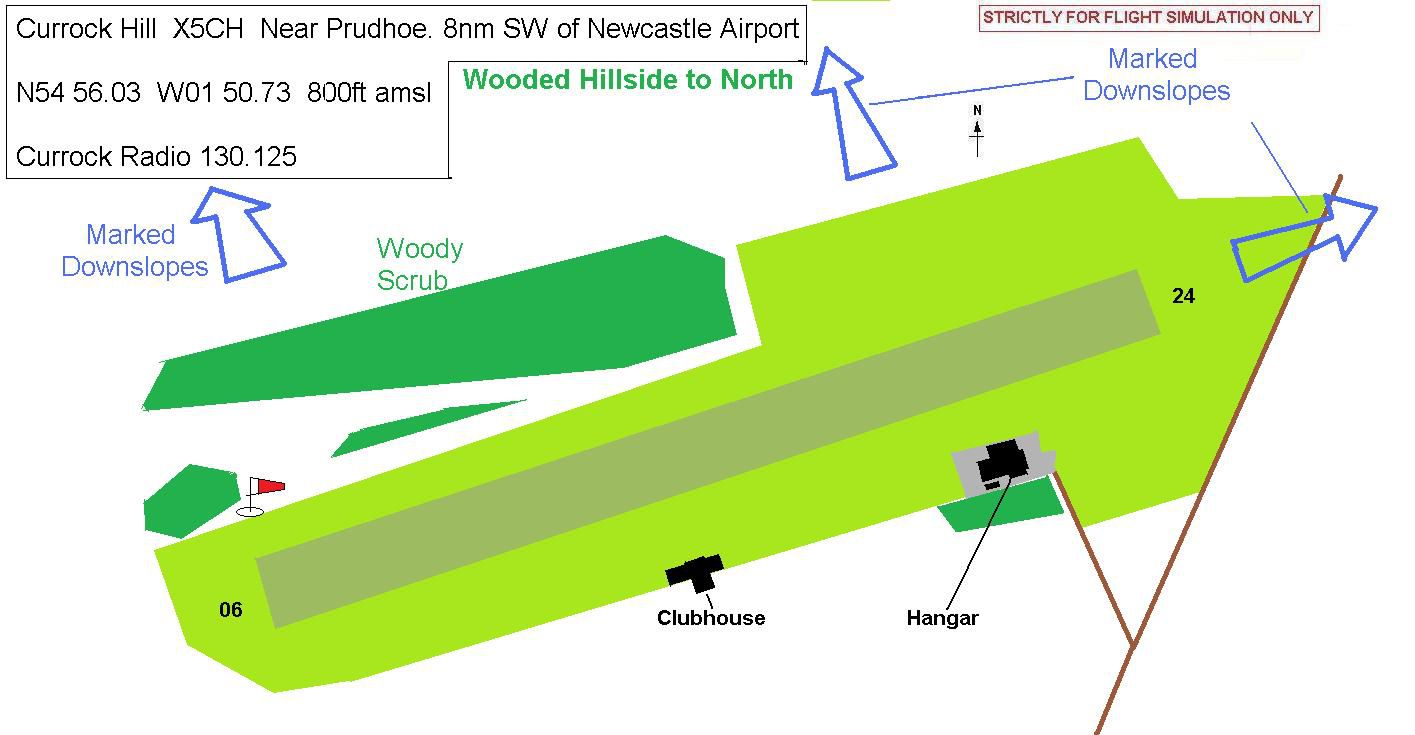
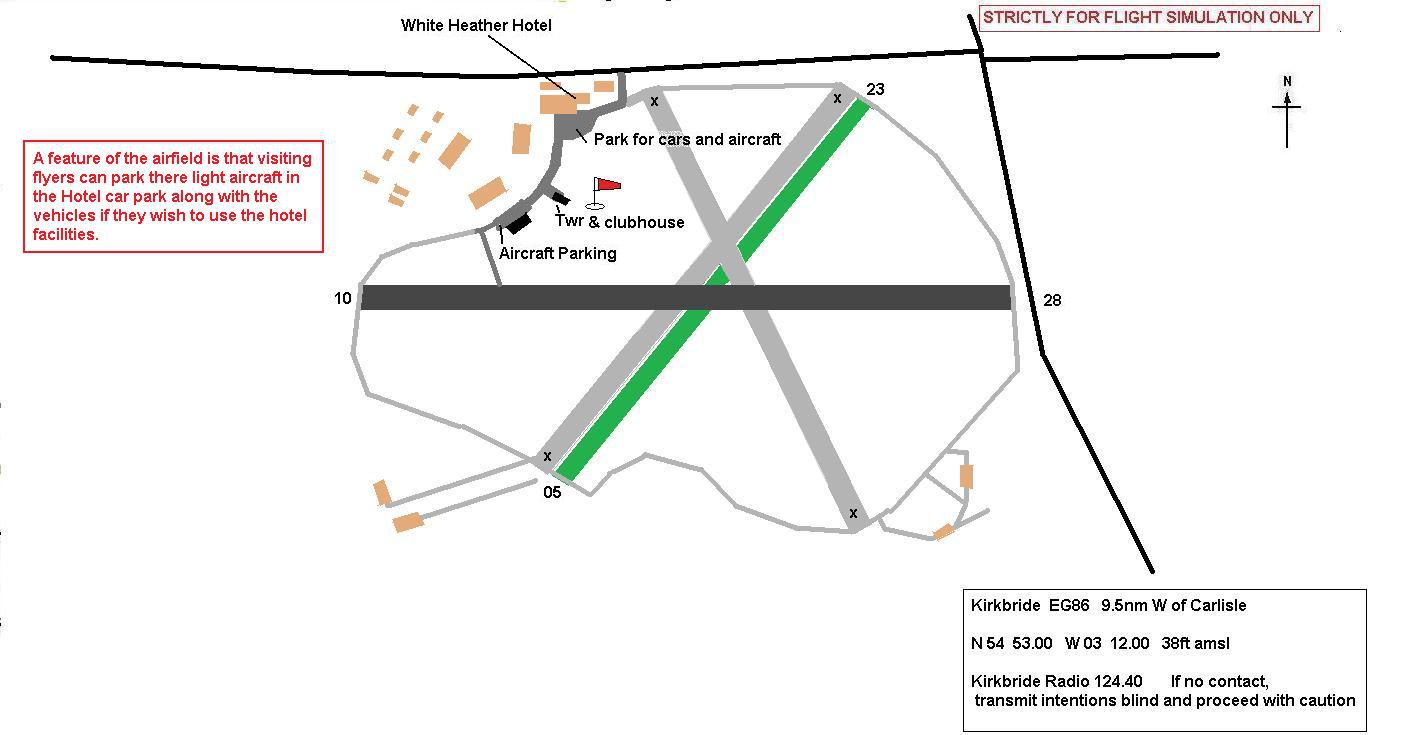
Refine your simulation environment with this freeware package that enhances several smaller British airfields by adding realistic structures, landclass data, and other essential details. Originally developed by Alf Denham, it focuses on improving default minimal scenery across specific locations. This edition prioritizes authenticity rather than precise replication, so each airfield will appear closer to its real-world configuration without being a perfect copy.
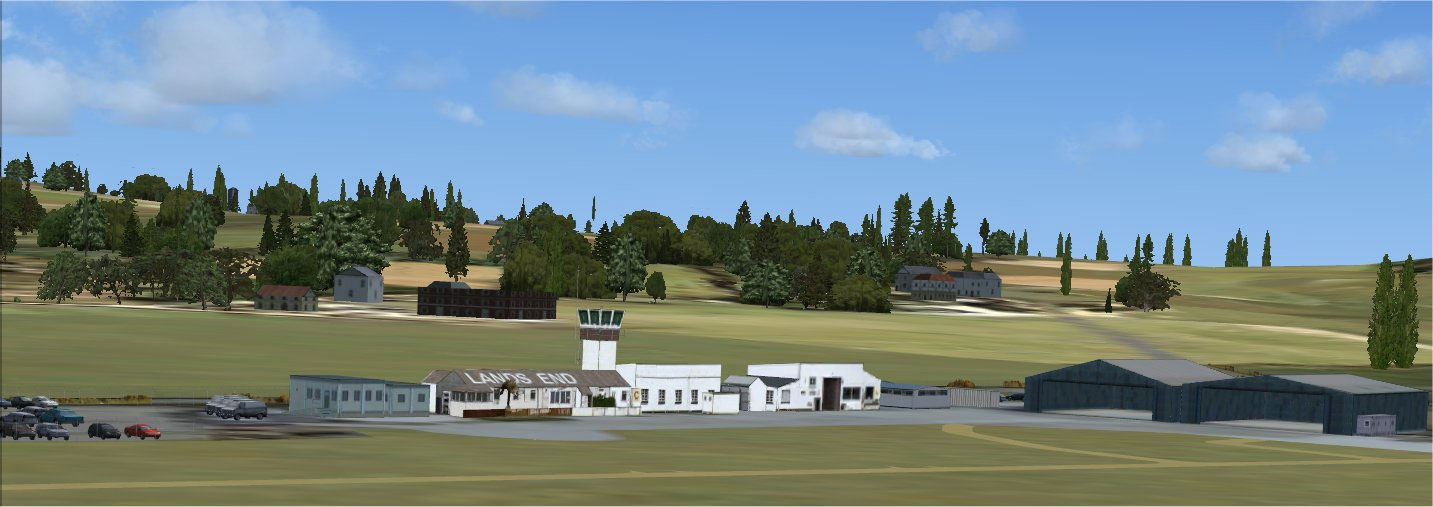
Alfs UK Airfields Volume 17 Scenery.
Developed specifically for Microsoft Flight Simulator X with Service Pack 2 compatibility, this volume targets three distinct UK airfields: Currock Hill (X5CH), Kirkbride (EG86), and Lands End/St. Just (EGHC). These sites often suffer from sparse representation in default setups, so this package adds custom structures, more accurate coastlines, and improved ground textures through specialized landclass definitions.
This add-on was assembled using satellite imagery from Google Earth and information drawn from well-known aviation references such as Pooley’s UK Flight Guide. Alf Denham leveraged various tools to bring these airfields to life:
In order to accommodate users who prefer more traditional scenery, everything is designed to fit within the default environment. Nonetheless, some minor elevation differences may occur if photo-realistic or third-party scenery packages are installed, as alignment can vary from one system to another.
To install, simply extract the contents of this package into a temporary folder and follow the steps provided in the included ReadMe files. Ensure that Service Pack 2 (SP2) has been applied to Microsoft Flight Simulator X to avoid potential compatibility issues. Removal involves deleting the same files if you ever decide to revert to default scenery.
Created by Alf Denham, this freeware expansion delivers a more authentic feel to several lesser-known British airfields without sacrificing performance. It stands as an ideal choice for those seeking a richer, more localized flying experience.
Free for all simmers · 13.58 MB · Scanned clean Oct 2026
Download speed: Free tier is capped at 0.5 Mbps (this file takes approximately 4 mins at the cap). PRO members download at full line speed.
FSX\Addon Scenery\ containing scenery and texture sub-folders.readme.txt or README file. It tells you exactly where files go, what dependencies are needed, and any quirks specific to this add-on.Use these coordinates to fly directly to this location once the mod is installed.
51.50740000,-0.12780000
Launch FSX or Prepar3D and use Flights → Load to open the downloaded .pln file. Your aircraft will be positioned at this location.
The archive alfs_uk_airfields_vol_17.zip has 212 files and directories contained within it.
This list displays the first 500 files in the package. If the package has more, you will need to download it to view them.
| Filename/Directory | File Date | File Size |
|---|---|---|
| Lands End#1.jpg | 02.13.10 | 111.57 kB |
| Currock Hill_X5CH | 02.13.10 | 0 B |
| Currock#1.jpg | 02.13.10 | 127.68 kB |
| Currock#2.jpg | 02.13.10 | 103.00 kB |
| Currock#3.jpg | 02.13.10 | 104.11 kB |
| Currock#4.jpg | 02.13.10 | 110.08 kB |
| CurrockHill_Map.jpg | 11.18.09 | 90.92 kB |
| CurrockHill_ReadMe.txt | 02.14.10 | 1.86 kB |
| scenery | 02.09.10 | 0 B |
| containerwhite.bgl | 10.28.08 | 2.32 kB |
| containerwhite.txt | 10.28.08 | 47 B |
| Currockclubhouse.bgl | 11.18.09 | 4.53 kB |
| Currockclubhouse.txt | 11.18.09 | 49 B |
| CurrockHangar.bgl | 08.01.09 | 5.42 kB |
| CurrockHangar.txt | 08.01.09 | 46 B |
| currockhill#1A.bgl | 06.23.09 | 1.02 kB |
| currockhill#1A.txt | 06.23.09 | 47 B |
| currockhill#2.bgl | 08.01.09 | 3.23 kB |
| currockhill#2.txt | 08.01.09 | 46 B |
| currockhill#3.bgl | 08.01.09 | 1.21 kB |
| currockhill#3.txt | 08.01.09 | 46 B |
| RailFencex3.bgl | 09.26.08 | 3.21 kB |
| RailFencex3.txt | 09.26.08 | 44 B |
| thinhedge30.bgl | 09.01.08 | 117.79 kB |
| thinhedge30.txt | 09.01.08 | 44 B |
| thinhedge50.bgl | 09.01.08 | 185.72 kB |
| thinhedge50.txt | 09.01.08 | 44 B |
| Towplane.bgl | 08.02.09 | 10.58 kB |
| Towplane.txt | 08.02.09 | 41 B |
| winch.bgl | 07.08.09 | 24.26 kB |
| winch.txt | 07.08.09 | 38 B |
| X5CH_ADE_AED.BGL | 11.18.09 | 5.37 kB |
| X5CH_ADE_AED_CVX.bgl | 11.18.09 | 3.17 kB |
| X5CH_extra.BGL | 12.13.09 | 8.25 kB |
| texture | 02.09.10 | 0 B |
| containerwhite_00.bmp | 10.28.08 | 341.40 kB |
| containerwhite_01.bmp | 10.28.08 | 341.40 kB |
| Currockclubhouse_00.bmp | 11.18.09 | 341.40 kB |
| Currockclubhouse_01.bmp | 11.18.09 | 85.40 kB |
| Currockclubhouse_02.bmp | 11.18.09 | 85.40 kB |
| Currockclubhouse_03.bmp | 11.18.09 | 85.40 kB |
| CurrockHangar_00.bmp | 08.01.09 | 1.33 MB |
| currockhill#1A_00.bmp | 06.23.09 | 1.33 MB |
| currockhill#2_00.bmp | 08.01.09 | 1.33 MB |
| currockhill#3_00.bmp | 08.01.09 | 1.33 MB |
| RailFencex3_00.bmp | 09.26.08 | 85.40 kB |
| thinhedge30_00.bmp | 09.01.08 | 341.40 kB |
| thinhedge30_01.bmp | 09.01.08 | 341.40 kB |
| thinhedge50_00.bmp | 09.01.08 | 341.40 kB |
| thinhedge50_01.bmp | 09.01.08 | 341.40 kB |
| thinhedge50_02.bmp | 09.01.08 | 341.40 kB |
| Towplane_00.bmp | 08.02.09 | 85.40 kB |
| winch_00.bmp | 07.08.09 | 85.40 kB |
| winch_01.bmp | 07.08.09 | 85.40 kB |
| Kirkbride_EG86 | 02.13.10 | 0 B |
| Kirkbride#1.jpg | 02.13.10 | 107.10 kB |
| Kirkbride#2.jpg | 02.13.10 | 188.83 kB |
| Kirkbride#3.jpg | 02.13.10 | 105.90 kB |
| Kirkbride_Map.jpg | 01.31.10 | 88.45 kB |
| Kirkbride_ReadMe.txt | 02.14.10 | 1.74 kB |
| scenery | 02.13.10 | 0 B |
| EG86_ADEX_AED.BGL | 02.13.10 | 3.96 kB |
| EG86_ADEX_AED_CVX.bgl | 02.13.10 | 683 B |
| EG86_extra.BGL | 02.13.10 | 4.96 kB |
| hedge50.bgl | 08.25.08 | 182.39 kB |
| hedge50.txt | 08.25.08 | 40 B |
| hotel_addon.bgl | 12.31.09 | 5.16 kB |
| hotel_addon.txt | 12.31.09 | 44 B |
| HutFlat16x10.bgl | 02.13.10 | 1.16 kB |
| HutFlat16x10.txt | 02.13.10 | 45 B |
| Kirk#1.bgl | 12.12.09 | 2.29 kB |
| Kirk#1.txt | 12.12.09 | 39 B |
| Kirk#2.bgl | 11.14.09 | 1.43 kB |
| Kirk#2.txt | 11.14.09 | 39 B |
| Kirk#3.bgl | 11.14.09 | 730 B |
| Kirk#3.txt | 11.14.09 | 39 B |
| Kirk#4.bgl | 11.14.09 | 1.53 kB |
| Kirk#4.txt | 11.14.09 | 39 B |
| kirk_x1.bgl | 02.13.10 | 1.72 kB |
| kirk_x1.txt | 02.13.10 | 40 B |
| kirk_x2.bgl | 02.13.10 | 1.16 kB |
| kirk_x2.txt | 02.13.10 | 40 B |
| kirkbridetwr.bgl | 11.26.09 | 21.30 kB |
| kirkbridetwr.txt | 11.26.09 | 45 B |
| KirkHangar1.bgl | 11.27.09 | 5.50 kB |
| KirkHangar1.txt | 11.27.09 | 44 B |
| KirkHangar2.bgl | 11.27.09 | 5.50 kB |
| KirkHangar2.txt | 11.27.09 | 44 B |
| KirkHangar3.bgl | 11.28.09 | 30.86 kB |
| KirkHangar3.txt | 11.28.09 | 44 B |
| KirkHotelOutbuilding.bgl | 02.13.10 | 2.94 kB |
| KirkHotelOutbuilding.txt | 02.13.10 | 53 B |
| owh4.bgl | 07.01.09 | 3.88 kB |
| owh4.txt | 07.01.09 | 37 B |
| prefabhut.bgl | 10.28.08 | 11.71 kB |
| prefabhut.txt | 10.28.08 | 42 B |
| thinhedge30.bgl | 09.01.08 | 117.79 kB |
| thinhedge30.txt | 09.01.08 | 44 B |
| thinhedge50.bgl | 09.01.08 | 185.72 kB |
| thinhedge50.txt | 09.01.08 | 44 B |
| texture | 02.13.10 | 0 B |
| hedge50_00.bmp | 08.25.08 | 1.33 MB |
| hotel_addon_00.bmp | 12.31.09 | 85.40 kB |
| HutFlat16x10_00.bmp | 02.13.10 | 85.40 kB |
| Kirk#1_00.bmp | 12.12.09 | 1.33 MB |
| Kirk#2_00.bmp | 11.14.09 | 1.33 MB |
| Kirk#3_00.bmp | 11.14.09 | 1.33 MB |
| Kirk#4_00.bmp | 11.14.09 | 341.40 kB |
| kirk_x1_00.bmp | 02.13.10 | 85.40 kB |
| kirk_x2_00.bmp | 02.13.10 | 85.40 kB |
| kirkbridetwr_00.bmp | 11.26.09 | 1.33 MB |
| kirkbridetwr_01.bmp | 11.26.09 | 1.33 MB |
| kirkbridetwr_02.bmp | 11.26.09 | 341.40 kB |
| kirkbridetwr_03.bmp | 11.26.09 | 341.40 kB |
| KirkHangar1_00.bmp | 11.27.09 | 1.33 MB |
| KirkHangar2_00.bmp | 11.27.09 | 1.33 MB |
| KirkHangar3_00.bmp | 11.28.09 | 1.33 MB |
| KirkHangar3_01.bmp | 11.28.09 | 341.40 kB |
| KirkHangar3_02.bmp | 11.28.09 | 341.40 kB |
| KirkHangar3_03.bmp | 11.28.09 | 341.40 kB |
| KirkHotelOutbuilding_00.bmp | 02.13.10 | 85.40 kB |
| owh4_00.bmp | 07.01.09 | 1.33 MB |
| owh4_01.bmp | 07.01.09 | 341.40 kB |
| owh4_02.bmp | 07.01.09 | 85.40 kB |
| prefabhut_00.bmp | 10.28.08 | 341.40 kB |
| prefabhut_01.bmp | 10.28.08 | 341.40 kB |
| prefabhut_02.bmp | 10.28.08 | 341.40 kB |
| thinhedge30_00.bmp | 09.01.08 | 341.40 kB |
| thinhedge30_01.bmp | 09.01.08 | 341.40 kB |
| thinhedge50_00.bmp | 09.01.08 | 341.40 kB |
| thinhedge50_01.bmp | 09.01.08 | 341.40 kB |
| thinhedge50_02.bmp | 09.01.08 | 341.40 kB |
| LandsEnd_EGHC | 02.14.10 | 0 B |
| Lands End#1.jpg | 02.13.10 | 111.57 kB |
| Lands End#2.jpg | 02.13.10 | 104.58 kB |
| Lands End#3.jpg | 02.13.10 | 151.41 kB |
| Lands End.gif | 02.14.10 | 7.29 kB |
| LandsEnd_Map.jpg | 11.08.09 | 96.80 kB |
| LandsEnd_ReadMe.txt | 02.14.10 | 1.80 kB |
| scenery | 02.09.10 | 0 B |
| BN-Islander.bgl | 11.21.09 | 33.36 kB |
| BN-Islander.txt | 11.21.09 | 44 B |
| containerwhite.bgl | 10.28.08 | 2.32 kB |
| containerwhite.txt | 10.28.08 | 47 B |
| EGHC_ADEX_AED.BGL | 11.08.09 | 3.64 kB |
| EGHC_ADEX_AED_CVX.bgl | 11.08.09 | 1.47 kB |
| EGHC_extra.BGL | 11.21.09 | 6.37 kB |
| gorse1.bgl | 11.07.09 | 10.29 kB |
| gorse1.txt | 11.07.09 | 39 B |
| gorse2.bgl | 11.07.09 | 5.00 kB |
| gorse2.txt | 11.07.09 | 39 B |
| landsend#1.bgl | 10.24.09 | 2.91 kB |
| landsend#1.txt | 10.24.09 | 43 B |
| LEhut1.bgl | 10.29.09 | 7.63 kB |
| LEhut1.txt | 10.29.09 | 80 B |
| LEhut2.bgl | 11.08.09 | 6.78 kB |
| LEhut2.txt | 11.08.09 | 80 B |
| LEhut2A.bgl | 11.04.09 | 1.16 kB |
| LEhut2A.txt | 11.04.09 | 40 B |
| LEhut3&twr.bgl | 11.10.09 | 72.34 kB |
| LEhut3&twr.txt | 11.10.09 | 43 B |
| LEhut4.bgl | 11.07.09 | 4.07 kB |
| LEhut4.txt | 11.07.09 | 39 B |
| LEhut5.bgl | 11.07.09 | 6.86 kB |
| LEhut5.txt | 11.07.09 | 39 B |
| LEhut6.bgl | 11.08.09 | 6.87 kB |
| LEhut6.txt | 11.08.09 | 39 B |
| LEhut7.bgl | 10.30.09 | 6.59 kB |
| LEhut7.txt | 10.30.09 | 39 B |
| LEhut8.bgl | 11.05.09 | 1.43 kB |
| LEhut8.txt | 11.05.09 | 39 B |
| stonewallx15.bgl | 11.07.09 | 4.90 kB |
| stonewallx15.txt | 11.07.09 | 45 B |
| stonewallx35.bgl | 11.07.09 | 16.09 kB |
| stonewallx35.txt | 11.07.09 | 45 B |
| thinhedge30.bgl | 09.01.08 | 117.79 kB |
| thinhedge30.txt | 09.01.08 | 44 B |
| texture | 02.09.10 | 0 B |
| BN-Islander_00.bmp | 11.21.09 | 1.33 MB |
| containerwhite_00.bmp | 10.28.08 | 341.40 kB |
| containerwhite_01.bmp | 10.28.08 | 341.40 kB |
| gorse1_00.bmp | 11.07.09 | 85.40 kB |
| gorse2_00.bmp | 11.07.09 | 85.40 kB |
| landsend#1_00.bmp | 10.24.09 | 1.33 MB |
| LEhut1_00.bmp | 10.29.09 | 341.40 kB |
| LEhut1_01.bmp | 10.29.09 | 85.40 kB |
| LEhut1_02.bmp | 10.24.09 | 85.40 kB |
| LEhut2_00.bmp | 11.08.09 | 85.40 kB |
| LEhut2_01.bmp | 11.08.09 | 85.40 kB |
| LEhut2A_00.bmp | 11.04.09 | 85.40 kB |
| LEhut3&twr_00.bmp | 11.10.09 | 341.40 kB |
| LEhut4_00.bmp | 11.07.09 | 341.40 kB |
| LEhut5_00.bmp | 11.07.09 | 1.33 MB |
| LEhut5_01.bmp | 11.07.09 | 1.33 MB |
| LEhut6_00.bmp | 11.08.09 | 1.33 MB |
| LEhut6_01.bmp | 11.08.09 | 1.33 MB |
| LEhut7_00.bmp | 10.30.09 | 1.33 MB |
| LEhut7_01.bmp | 10.30.09 | 1.33 MB |
| LEhut8_00.bmp | 11.05.09 | 85.40 kB |
| stonewallx15_00.bmp | 11.07.09 | 85.40 kB |
| stonewallx35_00.bmp | 11.07.09 | 85.40 kB |
| thinhedge30_00.bmp | 09.01.08 | 341.40 kB |
| thinhedge30_01.bmp | 09.01.08 | 341.40 kB |
| License.txt | 06.29.09 | 658 B |
| PreviousUploads.txt | 02.14.10 | 2.64 kB |
| READ_ME_FIRST.txt | 02.14.10 | 1.41 kB |
| Windows 7 Read_Me.txt | 02.14.10 | 442 B |
| Currock#4.jpg | 02.13.10 | 110.08 kB |
| Kirkbride#1.jpg | 02.13.10 | 107.10 kB |
| Lands End.gif | 02.14.10 | 7.29 kB |
| flyawaysimulation.txt | 10.29.13 | 959 B |
| Go to Fly Away Simulation.url | 01.22.16 | 52 B |
Only PRO members can place votes.
More FSX & P3D add-ons hand-picked based on this download.
FSX Scenery
Alfs UK Airfields Volume 22. Includes Rochester Airfield (EGTO) near Chatham …
 FSX Scenery
Stapleford, UK (EGSG). This was compiled using aerial views from Google Earth…
 FSX Scenery
Scenery Alfs UK Airfields Volume 19. Upgrades many small UK airfields whose d…
 FSX Scenery
Scenery Alfs UK Airfields Volume 18. Upgrades many small UK airfields whose d…
 FSX Scenery
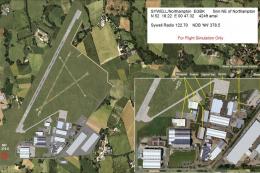
Sywell update (version 2), UK. Version 2 of EGBK includes new concrete runway…
 FSX Scenery
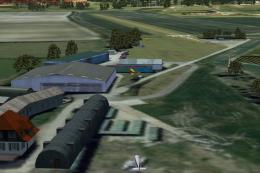
Alfs UK Airfields Volume 21. Upgrades many small UK airfields whose default v…
 FSX Scenery
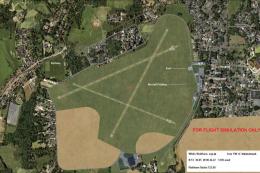
This freeware package enhances multiple lesser-known UK airfields within Micr…
 FSX Scenery
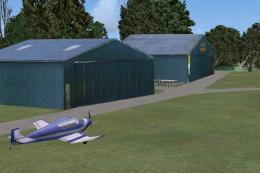
Alfs UK Airvields Volume 23. Includes Audley End (X3AE), Beccles (EGSM), Gams…
Read what other simmers think, or add your own.

Alf, don't know if you are still on this site but I wanted to say thank you for all your work on these airfields over the years.
I tend to use them for practicing my fly in's to them and they are all amazingly accurate.
I know it says for" flight simulation only" but I regard them as invaluable for navigation practice as well. I also use photoreal scenery with FSX and coupled with your your airfields and other applications then I know I am fully prepared before i leave.
Thank you once again.
GC.