


 United States of America
  FSX Scenery
Naples Municipal Airport
Immerse yourself in a carefully overhauled representation of Naples Municipal…
Sebastian Municipal Airport (X26) in Florida gets a current-day layout for general aviation and training, with a removed legacy runway, a newly commissioned runway, refreshed taxiways and aprons, plus a new GA terminal. Built for Microsoft Flight Simulator X, it also refines nearby roads, landclass, and traffic routing using custom and default objects.

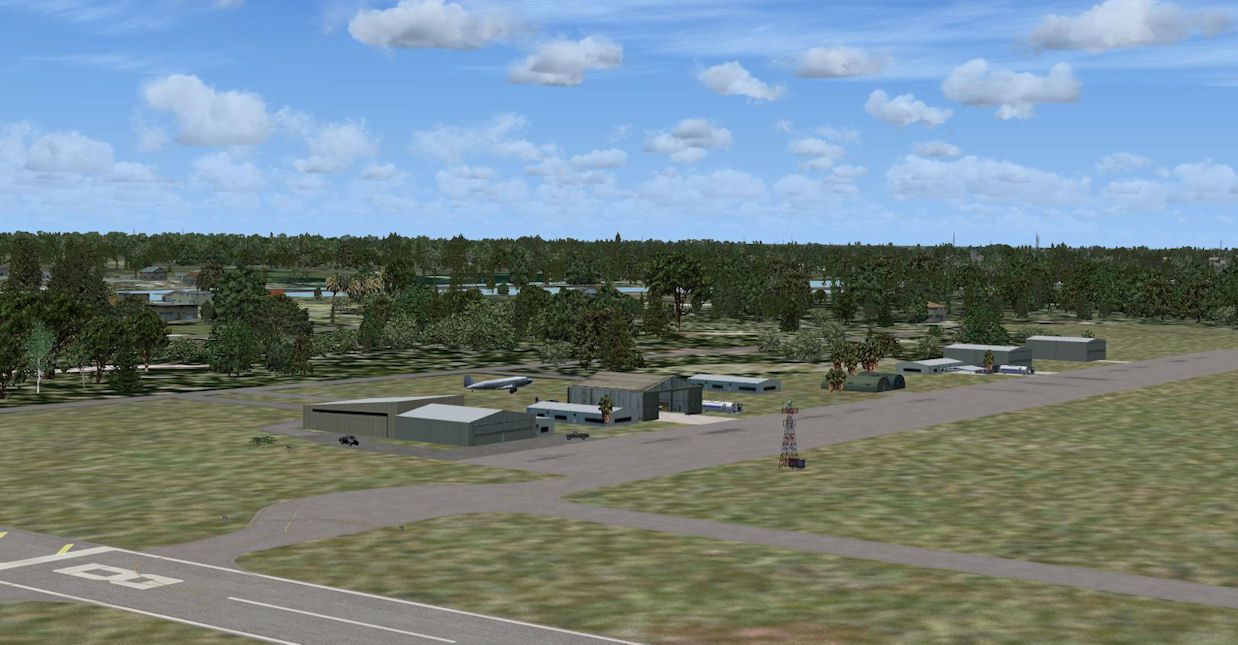
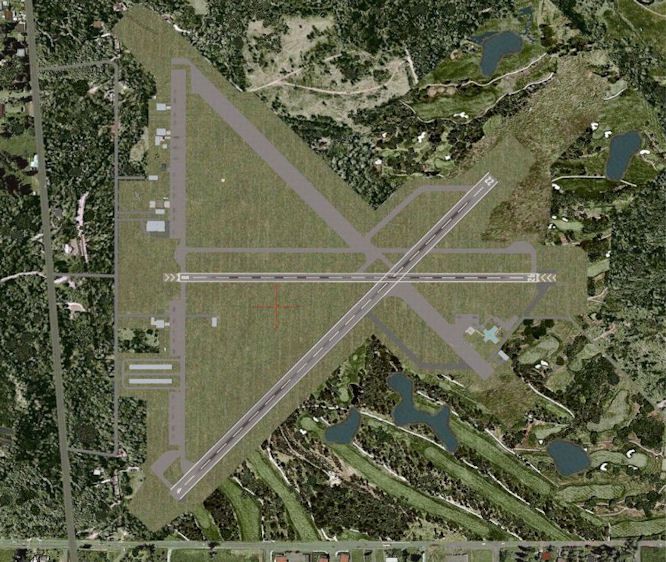
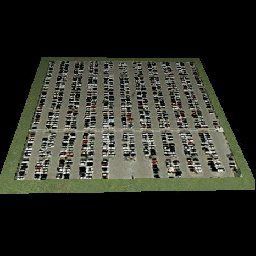
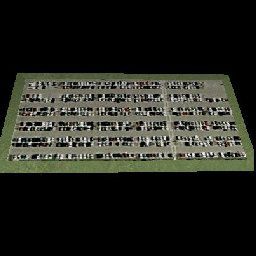
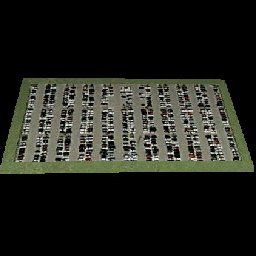
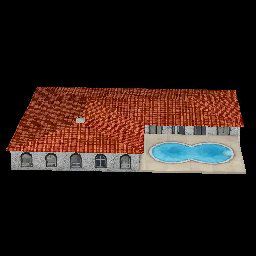
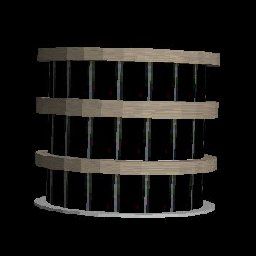
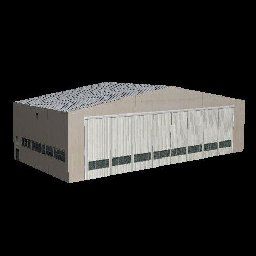
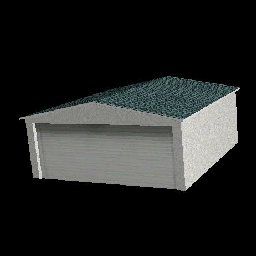
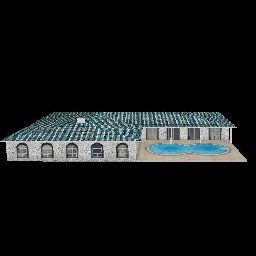
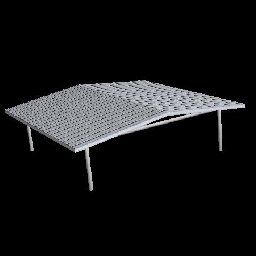
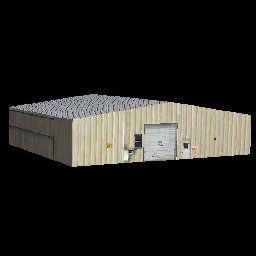
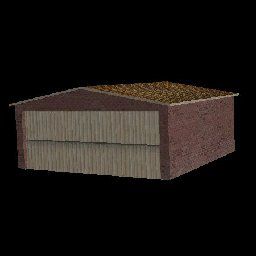
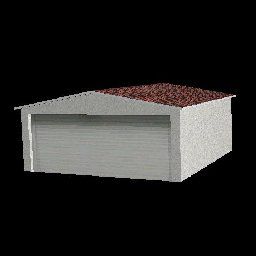
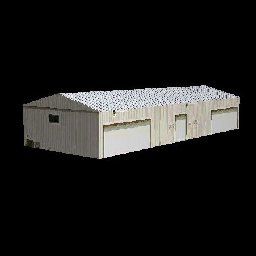
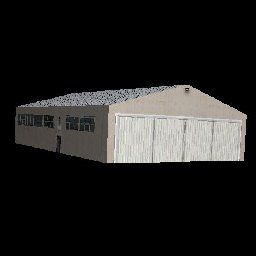
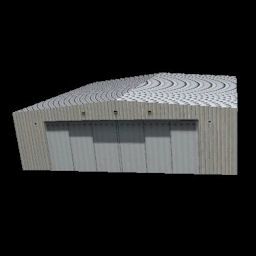
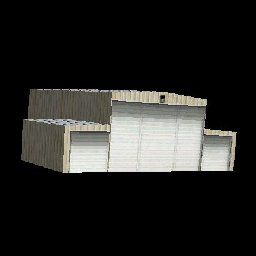
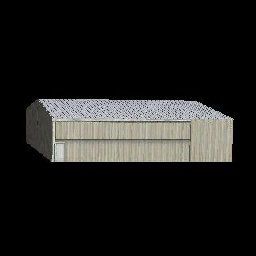
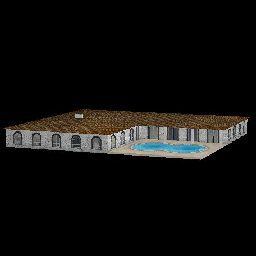
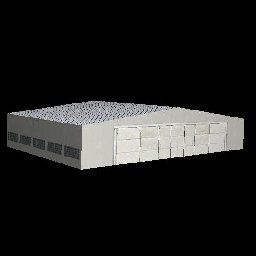
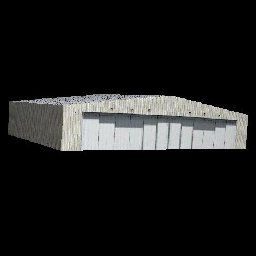
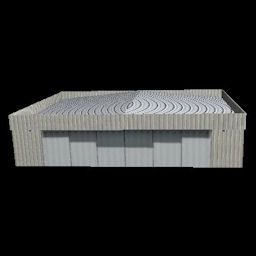
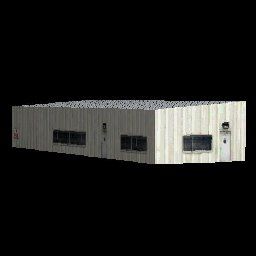
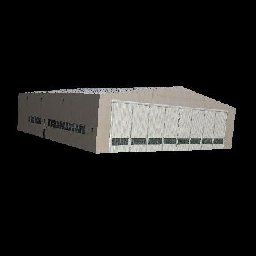
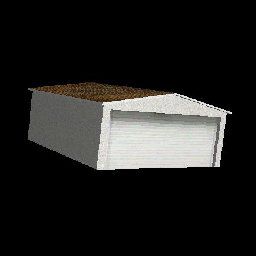
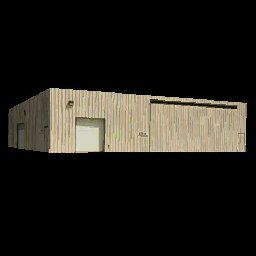

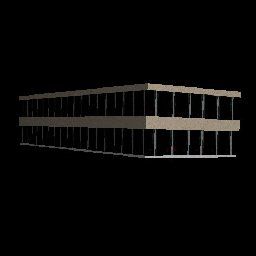
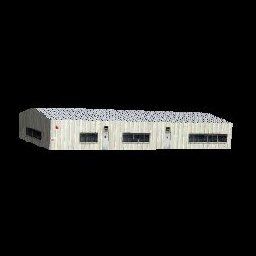

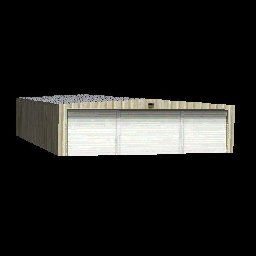
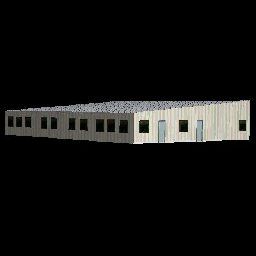
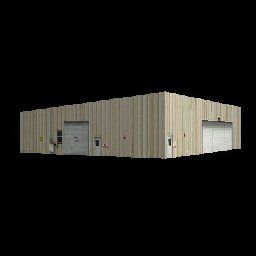
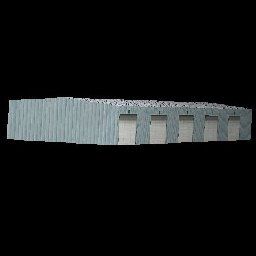
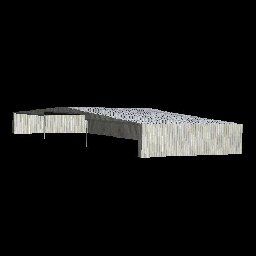
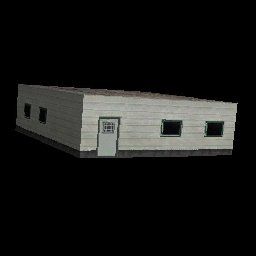
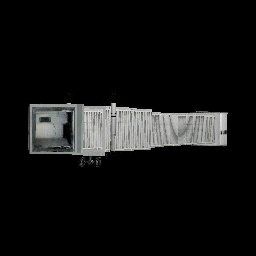



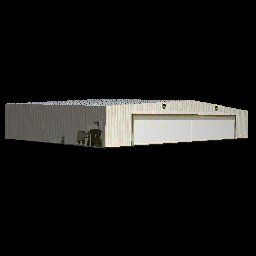
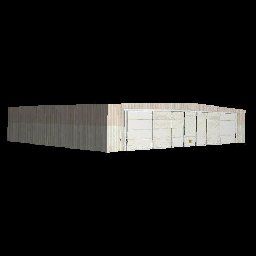
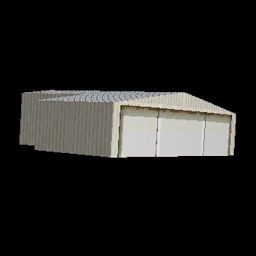
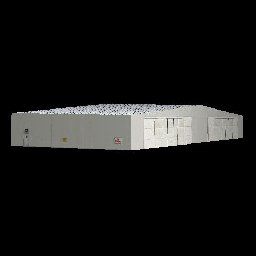
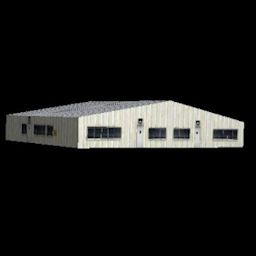
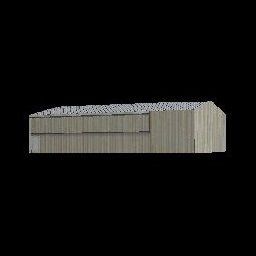

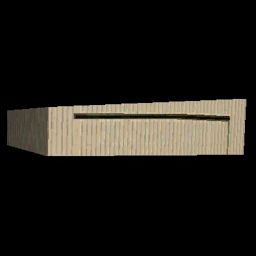
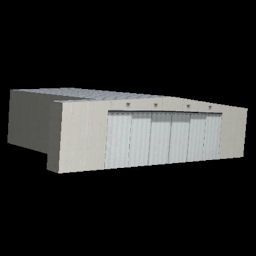
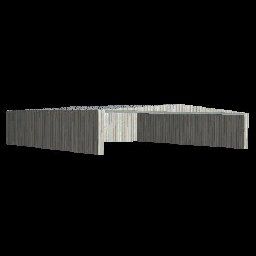
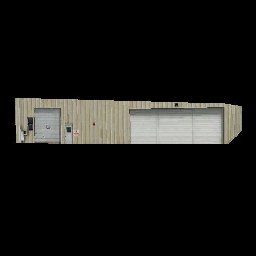
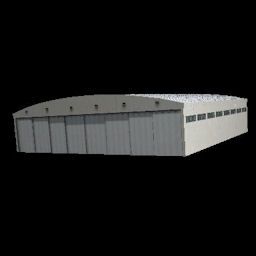
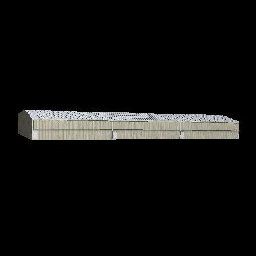
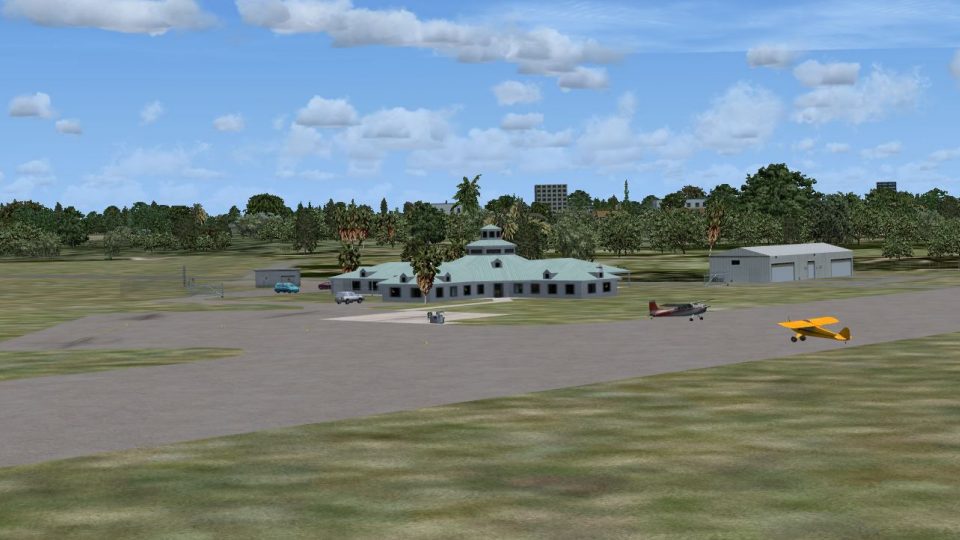
This package modernizes Sebastian Municipal Airport (X26) in Florida by reflecting a runway reconfiguration and a newly established GA terminal that did not exist when Microsoft Flight Simulator X was initially released. It also refines the surrounding landclass and adjusts traffic routes. The enhancement incorporates updated runways, taxiways, aprons, placement of default and custom objects, and a dedicated building library. This scenery is presented as freeware, developed by Art Poole.
Situated in Indian River County, Sebastian Municipal Airport frequently accommodates general aviation activity and flight-training operations along Florida’s scenic Atlantic coastline. This add-on removes an older runway, adds a newly commissioned one, and introduces the latest terminal structure for GA pilots. To replicate real-world conditions, the layout of surrounding roadways and landclass has been revised to match contemporary data, enhancing authenticity and ground level detail.
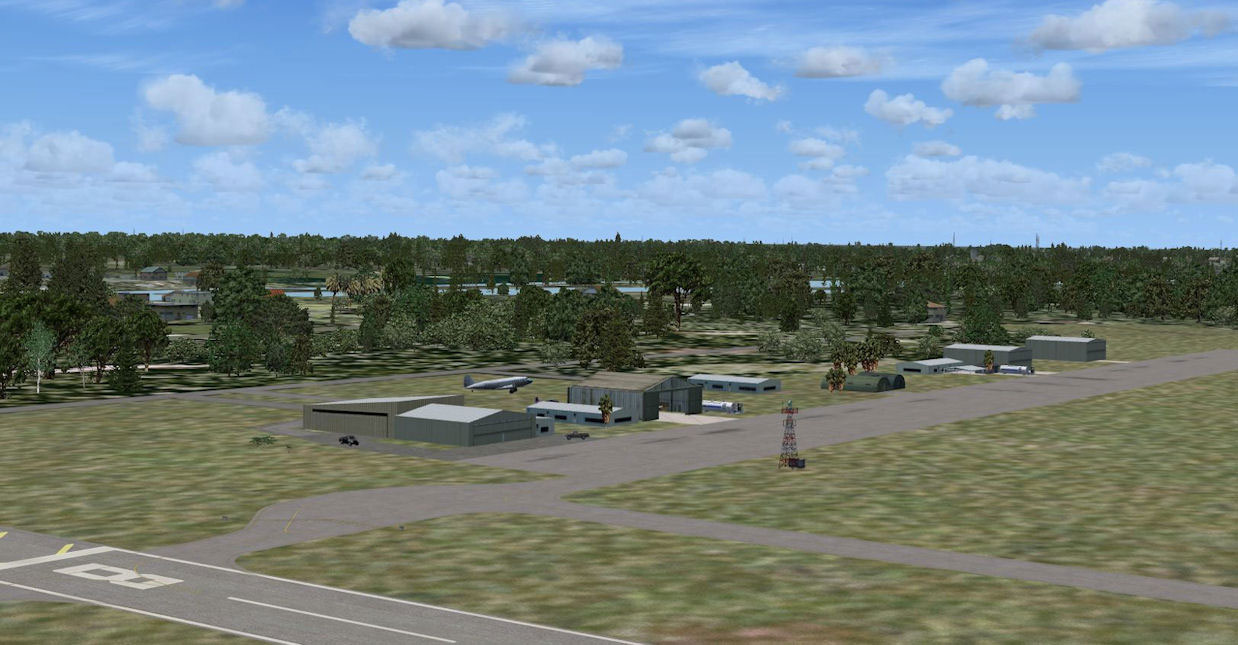
Sebastian Municipal Airport Scenery.
Once you have unzipped the downloaded file, there are two methods to install:
Next, transfer the two library files (Airport_Buildings_AP.bgl and Airport_Buildings_01_AP.bgl) into the “Microsoft Flight Simulator X\Scenery\Global\Scenery” folder. Overwrite your existing files only if the new versions are dated more recently.
For all 3D structures to appear, set the Scenery Complexity slider to Very Dense. These airport modifications are optimized for use with Ultimate Terrain X-USA to align roads, coastlines, and landclass accurately. Furthermore, users can edit or fine-tune various elements by employing the freeware tool Airport Design Editor (sometimes called ADE).
To restore the default airport data, simply disable the X26 scenery in your AddOn Scenery library or remove the corresponding BGL files from the Addon Scenery\Scenery folder, depending on your chosen installation method. The accompanying Airport_Buildings_AP.bgl and Airport_Buildings_01_AP.bgl libraries do not need to be removed; they remain functional for any scenery development or object placement tasks.
The Thumbs directory comes with preview images illustrating each custom library object. These previews will be useful if you intend to place items through Airport Design Editor or similar scenery design utilities.
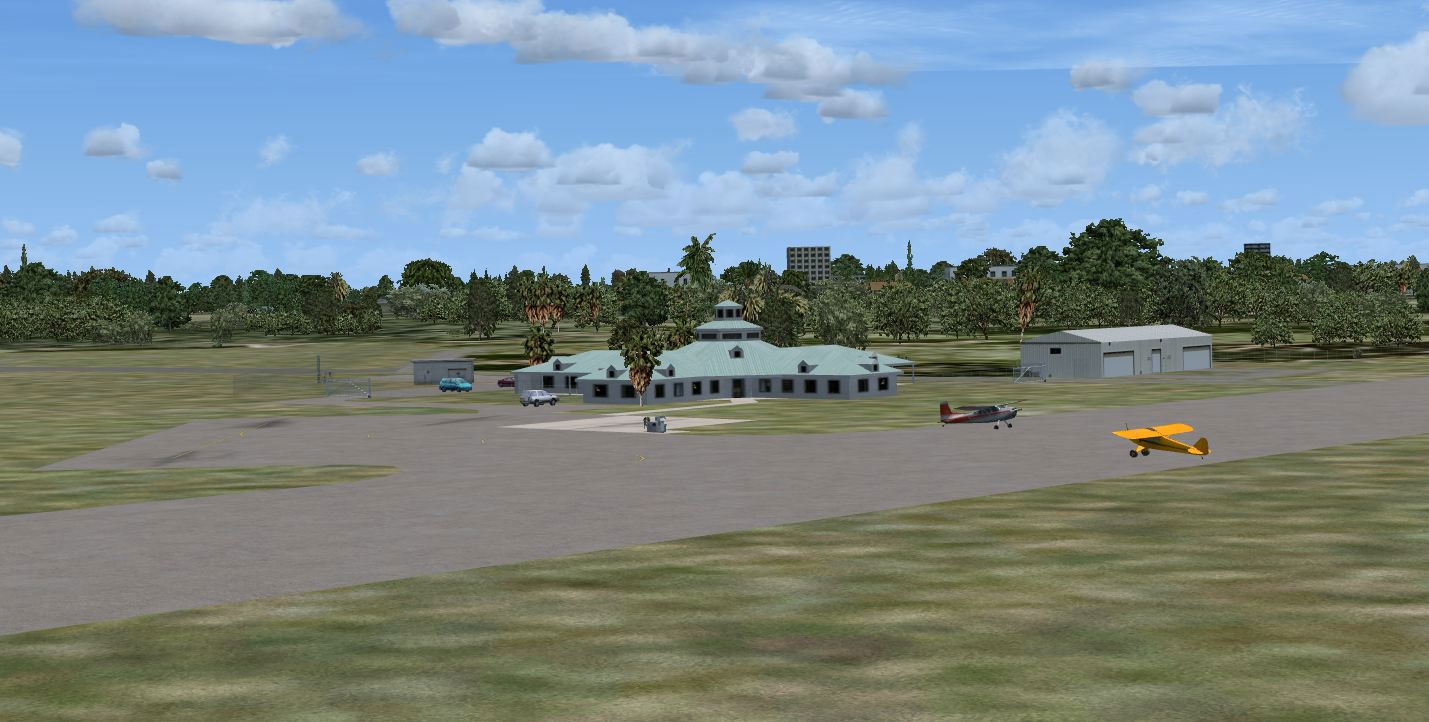
Sebastian Municipal Airport Scenery.
This enhancement was tested with Microsoft Flight Simulator X Deluxe Edition, including Acceleration Pack, Ultimate Terrain X-USA, Ground Environment X, and World of AI traffic integrations. Airport modification, landclass edits, and object population were carried out using Airport Design Editor v1.40.09 by ScruffyDuck Software. Accompanying object libraries were compiled via LibraryCreatorXML to ensure accurate 3D modeling within the simulator.
All assets are provided without warranty, and reproduction for profit is prohibited. If you have questions, suggestions, or feedback, you can contact Art Poole. Enjoy flying around Sebastian Municipal Airport with these updated features in Microsoft Flight Simulator X.
Free for all simmers · 955.09 KB · Scanned clean Oct 2026
Download speed: Free tier is capped at 0.5 Mbps. PRO members download at full line speed.
FSX\Addon Scenery\ containing scenery and texture sub-folders.readme.txt or README file. It tells you exactly where files go, what dependencies are needed, and any quirks specific to this add-on.Use these coordinates to fly directly to this location once the mod is installed.
27.81460000,-80.49580000
Launch FSX or Prepar3D and use Flights → Load to open the downloaded .pln file. Your aircraft will be positioned at this location.
The archive sebastian_fl.zip has 85 files and directories contained within it.
This list displays the first 500 files in the package. If the package has more, you will need to download it to view them.
| Filename/Directory | File Date | File Size |
|---|---|---|
| readme.txt | 06.17.10 | 2.31 kB |
| Scenery_Global_Scenery | 06.17.10 | 0 B |
| Airport_Buildings_01_AP.bgl | 05.25.10 | 207.20 kB |
| Airport_Buildings_AP.bgl | 03.31.09 | 372.23 kB |
| Thumbs | 06.17.10 | 0 B |
| Airport_Buildings.bgl | 06.17.10 | 0 B |
| double_row_hangers_01.JPG | 01.03.09 | 5.25 kB |
| double_row_hangers_02.JPG | 01.03.09 | 5.96 kB |
| double_row_hangers_03.JPG | 01.03.09 | 4.72 kB |
| double_row_hangers_end_01.JPG | 01.03.09 | 6.58 kB |
| double_row_hangers_end_02.JPG | 03.17.09 | 7.07 kB |
| fbo_small_01.JPG | 01.03.09 | 5.93 kB |
| fbo_small_02.JPG | 02.05.09 | 4.76 kB |
| fbo_small_03.JPG | 02.06.09 | 4.96 kB |
| fbo_small_04.JPG | 02.06.09 | 5.43 kB |
| fbo_small_05.JPG | 10.12.09 | 5.67 kB |
| fbo_small_06.JPG | 10.16.09 | 6.22 kB |
| fbo_small_07.jpg | 01.03.10 | 5.59 kB |
| fencepost_01.JPG | 05.20.10 | 8.95 kB |
| gate_01.JPG | 05.20.10 | 18.00 kB |
| hanger_fbo_01.JPG | 03.15.09 | 5.23 kB |
| large_double_hanger_01.JPG | 03.22.09 | 4.96 kB |
| large_hanger_01.JPG | 01.03.09 | 6.28 kB |
| large_hanger_02.JPG | 02.05.09 | 5.27 kB |
| large_hanger_03.JPG | 03.20.09 | 6.37 kB |
| large_hanger_05.JPG | 11.01.09 | 4.29 kB |
| large_hanger_06.jpg | 01.25.10 | 12.36 kB |
| large_hanger_07.jpg | 03.24.10 | 4.56 kB |
| long_cover.JPG | 01.03.09 | 4.62 kB |
| low_jetway_02.JPG | 03.22.09 | 5.32 kB |
| medium_hanger_01.JPG | 01.03.09 | 6.12 kB |
| medium_hanger_02.JPG | 01.03.09 | 8.24 kB |
| medium_hanger_03.JPG | 01.03.09 | 5.19 kB |
| medium_hanger_04.JPG | 03.09.09 | 4.50 kB |
| medium_hanger_05.JPG | 10.12.09 | 5.18 kB |
| medium_hanger_06.JPG | 10.12.09 | 5.92 kB |
| medium_hanger_07.JPG | 10.16.09 | 4.98 kB |
| medium_hanger_08.JPG | 10.16.09 | 4.76 kB |
| medium_hanger_09.JPG | 10.16.09 | 5.45 kB |
| medium_hanger_10.jpg | 01.03.10 | 5.04 kB |
| medium_hanger_11.jpg | 01.03.10 | 6.72 kB |
| medium_hanger_12.jpg | 01.25.10 | 14.15 kB |
| medium_hanger_14.jpg | 01.25.10 | 12.48 kB |
| medium_hanger_15.JPG | 05.25.10 | 12.69 kB |
| office_rectangular_01.JPG | 02.06.09 | 5.98 kB |
| office_round_01.JPG | 02.06.09 | 8.64 kB |
| Parking_01.jpg | 03.03.09 | 15.20 kB |
| Parking_02.jpg | 03.03.09 | 12.36 kB |
| Parking_03.jpg | 03.03.09 | 12.90 kB |
| residence_01.JPG | 02.05.09 | 11.02 kB |
| residence_02.JPG | 02.05.09 | 6.47 kB |
| residence_03.JPG | 02.05.09 | 7.70 kB |
| row_hangers_01.JPG | 01.03.09 | 4.72 kB |
| row_hangers_02.JPG | 01.03.09 | 6.79 kB |
| row_hangers_03.JPG | 01.03.09 | 8.24 kB |
| row_hangers_04.JPG | 01.03.09 | 5.34 kB |
| row_hangers_end_01.JPG | 01.03.09 | 4.96 kB |
| short_cover.jpg | 03.08.09 | 7.66 kB |
| small_hanger_01.JPG | 01.03.09 | 5.84 kB |
| small_hanger_02.JPG | 01.03.09 | 5.23 kB |
| small_hanger_03.JPG | 03.15.09 | 6.67 kB |
| small_hanger_04.JPG | 11.01.09 | 5.45 kB |
| small_hanger_05.JPG | 11.01.09 | 5.67 kB |
| small_hanger_06.jpg | 05.02.10 | 5.62 kB |
| small_hanger_07.jpg | 05.02.10 | 5.39 kB |
| t_hangers_01.JPG | 01.03.09 | 5.44 kB |
| t_hangers_02.JPG | 01.25.10 | 11.95 kB |
| Thumbs.db | 12.19.09 | 14.00 kB |
| tiny_hanger_01.JPG | 01.03.09 | 6.62 kB |
| tiny_hanger_02.JPG | 02.05.09 | 7.67 kB |
| tiny_hanger_03.JPG | 02.05.09 | 7.01 kB |
| tiny_hanger_04.JPG | 02.05.09 | 7.01 kB |
| tiny_hanger_05.JPG | 02.05.09 | 6.06 kB |
| tiny_hanger_06.jpg | 01.03.10 | 5.65 kB |
| tiny_hanger_07.jpg | 05.02.10 | 5.39 kB |
| X26 | 06.17.10 | 0 B |
| scenery | 06.17.10 | 0 B |
| X26_ADE_AP.BGL | 06.17.10 | 22.14 kB |
| X26_ADE_AP_CVX.bgl | 06.17.10 | 1.87 kB |
| X26_TERMINAL_AP.bgl | 06.16.10 | 51.85 kB |
| x26a.JPG | 06.17.10 | 145.49 kB |
| x26b.JPG | 06.17.10 | 141.30 kB |
| x26c.JPG | 06.17.10 | 134.79 kB |
| flyawaysimulation.txt | 10.29.13 | 959 B |
| Go to Fly Away Simulation.url | 01.22.16 | 52 B |
Only PRO members can place votes.
More FSX & P3D add-ons hand-picked based on this download.
FSX Scenery
Immerse yourself in a carefully overhauled representation of Naples Municipal…
 FSX Scenery
Morristown Municipal Airport serves Morristown and Morris County and is owned…
 FSX Scenery
Pueblo Municipal Airport. Pueblo Memorial is the airport located in Pueblo, C…
 FSX Scenery
Orofino Municipal Airport (S68), Orofino, Idaho (ID). Includes photoreal terr…
 FSX Scenery
Chilliwack Municipal Airport (CYCW), British Columbia, Canada. Enhances the a…
 FSX Scenery
Flying Cloud Municipal Airport (KFCM), Minnesota. Flying Cloud, now with an e…
 FSX Scenery
La Crosse Municipal Airport (KLSE), La Crosse, Wisconsin (WI). This scenery i…
 FSX Scenery
Lebanon Municipal Airport (KLEB), Lebanon, New Hampshire (NH). An improved ve…
Be the first to leave a comment on this download.
Be the first to share your thoughts on this download.