

 FSX Scenery
Dyess AAF
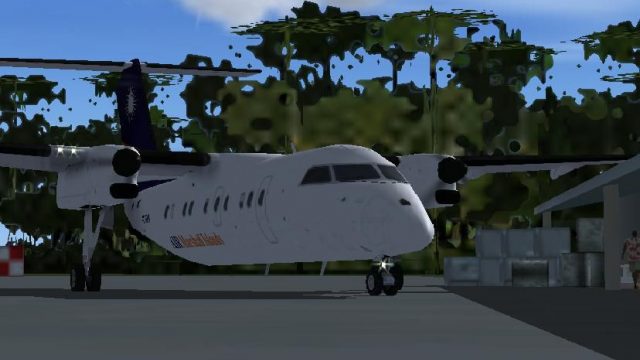
Dyess AAF Scenery. This is a scenery for Dyess AAF, Marshall Islands. It adds…
Dyess AAF, now labeled Freeflight International Airport (PKRO) on Roi-Namur, Kwajalein Atoll, gets a sharper, more functional layout for FSX with updated runway markings, expanded aprons, added parking, refined taxiways, and extra airfield objects. The included AFCAD improves airport naming and ground operations for smoother island missions.
 Rate
Rate
 Marshall Islands
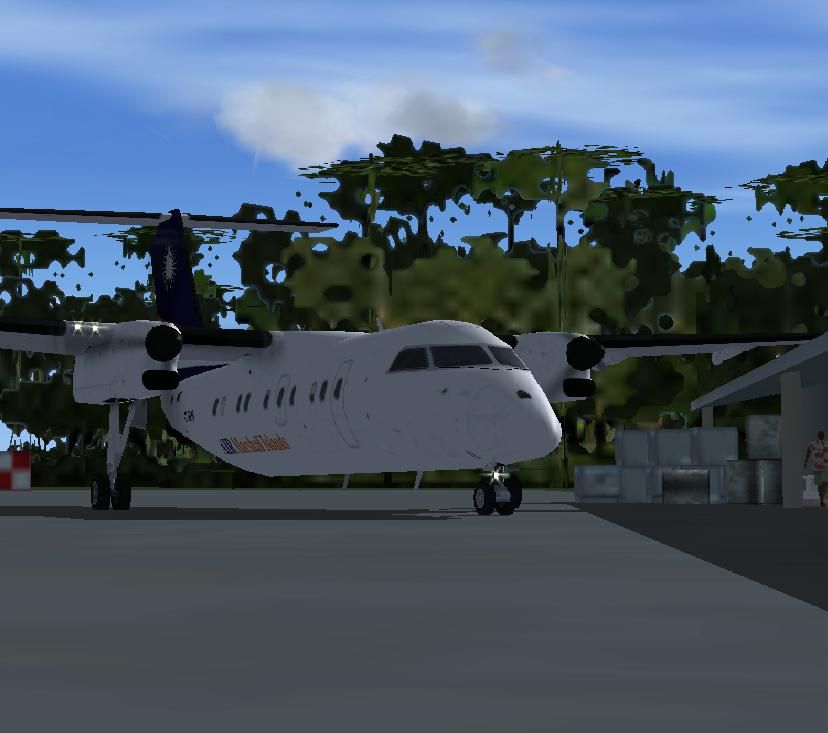
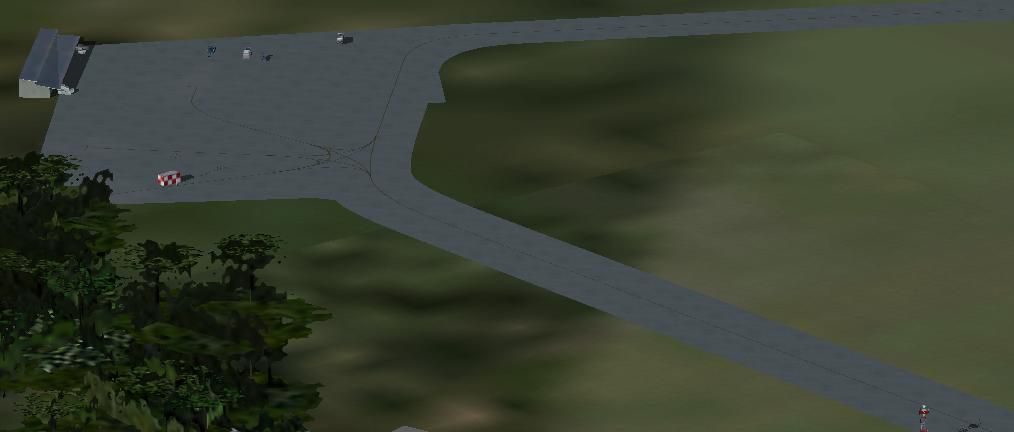
Dyess AAF (PKRO), Marshall Islands, v2. Includes an AFCAD and a scenery. It adds aprons, parking spaces, taxiways, other objects and corrects the runway markings. It also renames the old name (Dyess AAF) with the new name (Freeflight International Airport).
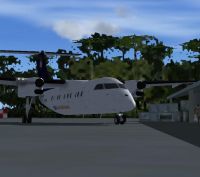
Screenshot of Dyess AAF Scenery.
Freeflight International Airport, also known as Dyess Army Airfield, is a military airbase at Roi-Namur on Kwajalein Atoll, Marshall Islands. It is owned by the United States Army. This airport is assigned the location identifier ROI by the FAA, but has received no designation by the IATA. Freeflight International Airport is at an elevation of 10 feet (3 m) above mean sea level. The runway is designated 04/22 with an asphalt surface measuring 4,499 by 150 feet (1,371 x 45.5 m).
If you have version 1 from my Dyess AAF scenery (dyessaaf.zip), you have to delete the files, otherwise it could look a little bit crazy.
Put ALL files, which are in the folder scenery, in C:/program files/Microsoft Games/Flight Simulator X/Addon Scenery/Scenery. Then start FSX.
Go to Marshall Islands/Roi-Namur (ICAO-Code: PKRO). FSX will load and you will see the scenery.
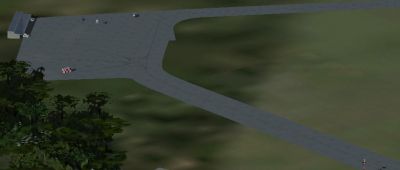
Aerial view of Dyess AAF Scenery.
Free for all simmers · 83.25 KB · Scanned clean Oct 2026
Download speed: Free tier is capped at 0.5 Mbps. PRO members download at full line speed.
This add-on may require the following files to function properly. If this is a repaint, the dependency below is likely the base aircraft package.
FSX\Addon Scenery\ containing scenery and texture sub-folders.readme.txt or README file. It tells you exactly where files go, what dependencies are needed, and any quirks specific to this add-on.Use these coordinates to fly directly to this location once the mod is installed.
9.39620000,167.47090000
Launch FSX or Prepar3D and use Flights → Load to open the downloaded .pln file. Your aircraft will be positioned at this location.
The archive dyessaafv2.zip has 14 files and directories contained within it.
This list displays the first 500 files in the package. If the package has more, you will need to download it to view them.
| Filename/Directory | File Date | File Size |
|---|---|---|
| Dyess AAF - PKRO | 07.26.11 | 0 B |
| FILE_ID.diz | 07.27.11 | 809 B |
| installation.txt | 07.27.11 | 401 B |
| readme.txt | 07.27.11 | 1013 B |
| scenery | 07.26.11 | 0 B |
| PKRO_ADEX_ADE.BGL | 07.27.11 | 1.85 kB |
| PKRO_ADEX_ADE_CVX.bgl | 07.26.11 | 254 B |
| Roi-Namur_objects.bgl | 07.26.11 | 476 B |
| Visit my website for more freeware!.URL | 05.14.11 | 55 B |
| screens | 07.26.11 | 0 B |
| 2011-7-26_18-13-2-296.JPG | 07.26.11 | 53.62 kB |
| 2011-7-26_18-15-56-687.JPG | 07.26.11 | 27.02 kB |
| flyawaysimulation.txt | 10.29.13 | 959 B |
| Go to Fly Away Simulation.url | 01.22.16 | 52 B |
Only PRO members can place votes.
More FSX & P3D add-ons hand-picked based on this download.
FSX Scenery
Dyess AAF Scenery. This is a scenery for Dyess AAF, Marshall Islands. It adds…
 FSX Scenery
Hunter AAF - Fort Stewart (KSVN), Savannah, Georgia (GA). An improved version…
 FSX Scenery
Experience a refined environment at Davison Army Air Field (KDAA) in Fort Bel…
 FSX Scenery
Sherman AAF (KFLV), Fort Leavenworth, Kansas (KS). An improved version with a…
 FSX Scenery
This is the second version of Lukla, located in the mountainous terrain of Ne…
 FSX Scenery
FSX World Wide Coverage SRTM 3, version 2, mesh of Europe. Includes the compl…
 FSX Scenery
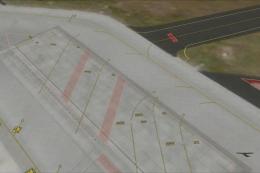
Airport EDDS Stuttgart / Germany. The gates have gate signs to show the numbe…
 FSX Scenery
Naples Capodichino Italy, LIRN-X v0.2. Napulevola released Napoli Capodichino…
Be the first to leave a comment on this download.
Be the first to share your thoughts on this download.