

 FSX Historic & Vintage Aircraft
P 40B AVC Flying Tigers 3rd Squadron Hell's Angels
Included are some historical pictures and history of the AVC aircraft this is…
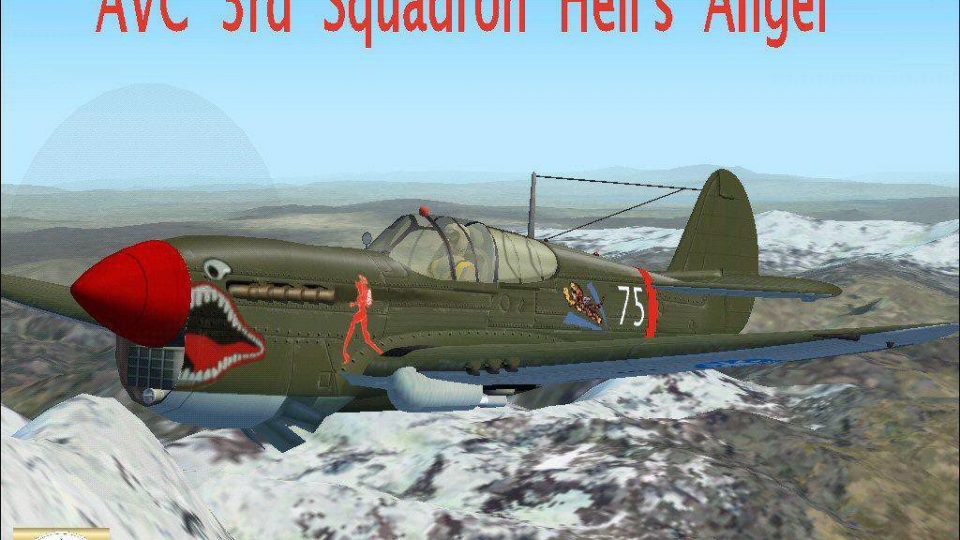
Curtiss P-40B Warhawk in the Flying Tigers 3rd Squadron “Hell’s Angels” markings delivers a complete, ready-to-fly WWII fighter for FSX, featuring a modern Marco Spada panel, refined model tweaks, and high-quality textures by RSDG and Mark “Fire Ball” Rooks. Historical photos and background notes round out the package.
 Rate
Rate
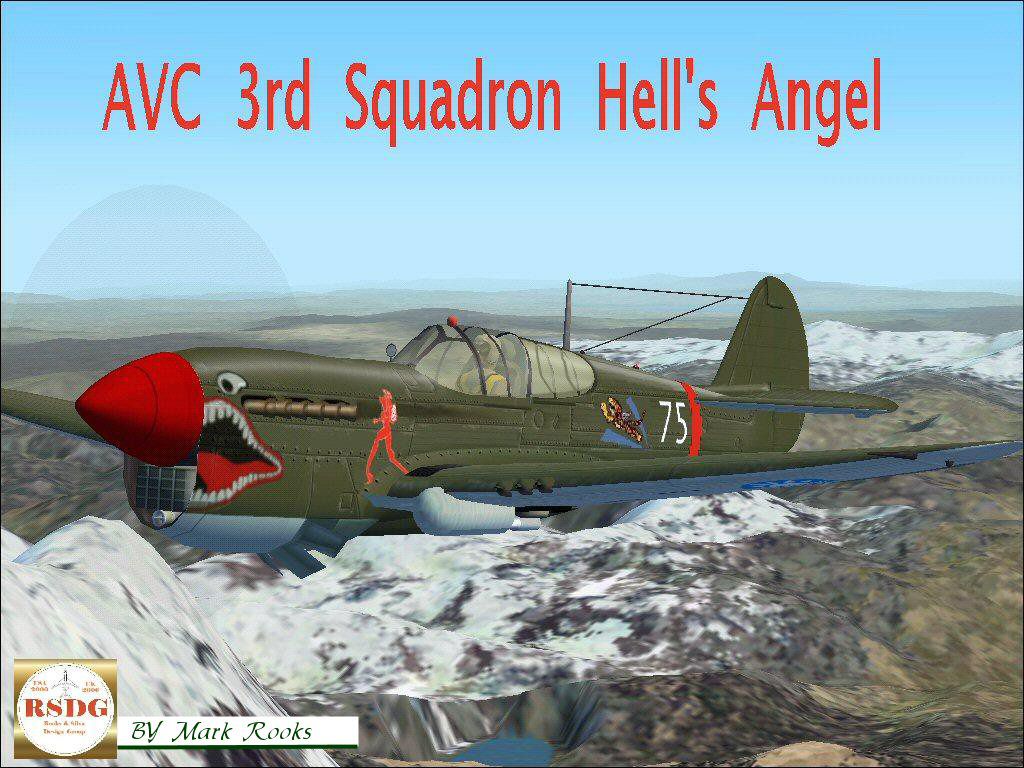
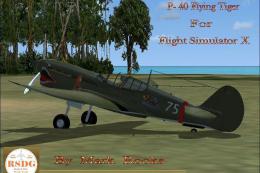
An updated P40B Warhawk. The paint scheme is the AVC Flying Tigers 3rd Squadron Hell's Angels included are some historical pictures and history of the AVC aircraft. This is a complete aircraft. Includes a modern panel by Marco Spada. Textures and modifications created by RSDG (Rooks Silva Design Group). Textures by Mark Rooks.
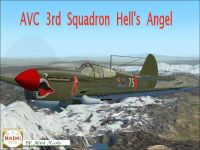
Screenshot of Curtiss P-40 Hell's Angels 3rd in flight.
P 40 B Flying Tiger By RSDG Support Your Local Angel Flight.
Textures Created by Mark "fire Ball" Rooks.
To Install this aircraft file:
Unzip downloaded folders to the dest top remove P 40B RSDG Tiger folder and install in the main aircraft folder.
Guages For The Panel go in the Guage Folder.
Aircraft folders are found in C:Program Files/Microsoft Games/FSX/Sim objects/ Aircraft folder.
Textures created by Mark Rooks ( Fire Ball ).
Thanks for downloading.
Always Back up original Files.
Free for all simmers · 8.23 MB · Scanned clean Oct 2026
Download speed: Free tier is capped at 0.5 Mbps (this file takes approximately 2 mins at the cap). PRO members download at full line speed.
SimObjects\Airplanes\, Addon Scenery\, Effects\, or Gauges\.readme.txt or README file. It tells you exactly where files go, what dependencies are needed, and any quirks specific to this add-on.The archive rsdghell.zip has 16 files and directories contained within it.
This list displays the first 500 files in the package. If the package has more, you will need to download it to view them.
| Filename/Directory | File Date | File Size |
|---|---|---|
| Guages | 11.30.06 | 0 B |
| 104asam1.CAB | 11.28.06 | 349.74 kB |
| 104asam2.CAB | 11.28.06 | 123.63 kB |
| 104asam3.CAB | 11.28.06 | 138.24 kB |
| 104asam4.CAB | 11.28.06 | 9.84 kB |
| f104pnlx.bak | 11.28.06 | 213 B |
| In Flight .JPG | 11.09.06 | 23.79 kB |
| Thumbs.db | 11.30.06 | 5.50 kB |
| History.doc | 02.21.06 | 21.50 kB |
| P-40 Flying Tiger.zip | 11.30.06 | 7.40 MB |
| Read Me First.txt | 11.30.06 | 679 B |
| Screen Shot.jpg | 11.30.06 | 233.16 kB |
| Text.txt | 11.30.06 | 376 B |
| Thumbs.db | 11.30.06 | 9.50 kB |
| flyawaysimulation.txt | 10.29.13 | 959 B |
| Go to Fly Away Simulation.url | 01.22.16 | 52 B |
Only PRO members can place votes.
More FSX & P3D add-ons hand-picked based on this download.
FSX Historic & Vintage Aircraft
Included are some historical pictures and history of the AVC aircraft this is…
 FSX Historic & Vintage Aircraft
A repaint of Roger Dial's North American P51D Mustang entitled "Cripes A Migh…
 FSX Historic & Vintage Aircraft
Textures only for the Dave Garwood B.IV Mosquito. This paint depicts a PR Mos…
 FSX Historic & Vintage Aircraft
This is a repaint of the A2A Wings of Power II North American Aviation P-51 M…
 FSX Historic & Vintage Aircraft
The paint scheme is the AVC Flying Tigers 3rd Squadron Hell's Angels. Include…
 FSX Historic & Vintage Aircraft
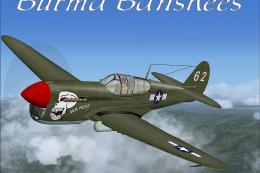
This fully free add-on for Microsoft Flight Simulator X features a classic Cu…
 FSX Historic & Vintage Aircraft
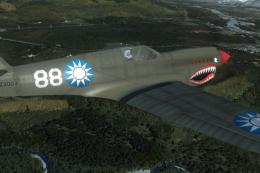
A repaint for the Iris P-40E Kittyhawk in the 2010 ZK-RMH livery. By Kade Bel…
 FSX Historic & Vintage Aircraft
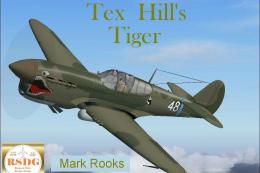
An updated version P40B For Flight Simulator X. The paint scheme is the AVC F…
Be the first to leave a comment on this download.
Be the first to share your thoughts on this download.