

 FSX Historic & Vintage Aircraft
North American P-51 Mustang
An update of the P-51D Mustang by J.E. Narcizo. The flight dynamics have been…
North American P-51 Mustang update restores proper cockpit lighting controls by adding the missing Cessna 208 gauge required for the panel light switches to display as intended. Designed for FSX, it complements J.E. Narcizo’s P-51 and requires XP51DUP.ZIP for full compatibility and a complete virtual cockpit experience.
 Rate
Rate
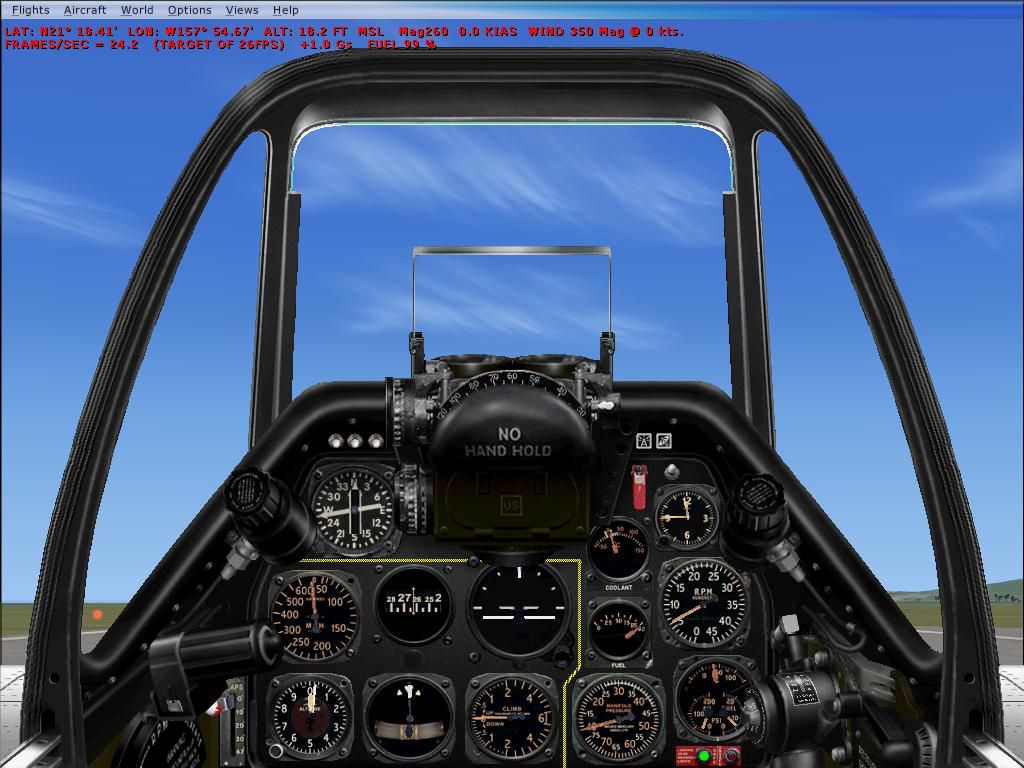
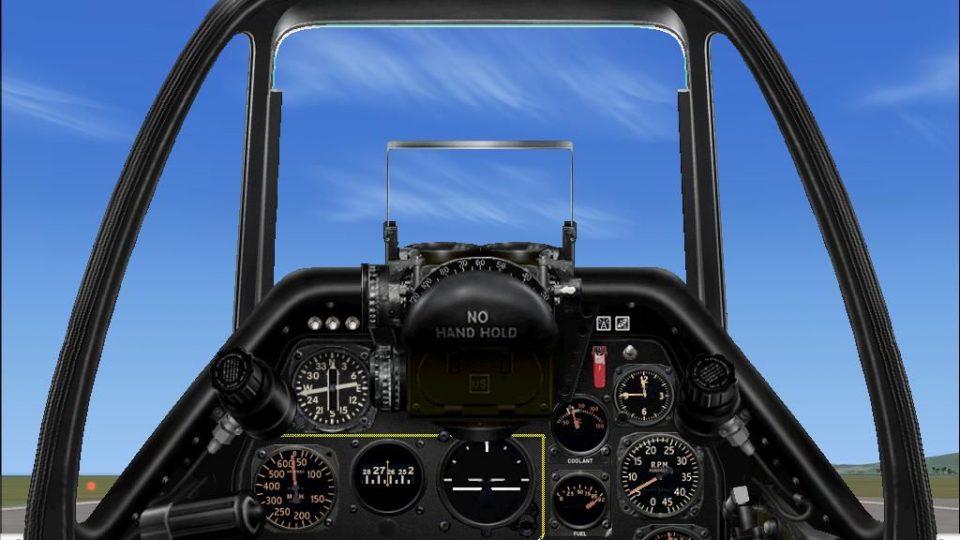
North American P-51 Mustang Update, for use with XP51DUP.ZIP. An update for FSX for the P51 by J.E. Narcizo. Includes the missing Cessna 208 gauge from FS2004 needed for the light switches to show on the panel. By Bob Chicilo.
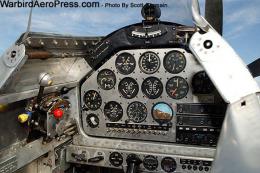
Virtual cockpit of North American P-51 Mustang.
This is an update for FS X, for the P-51 by J. E. Narcizo. I just found out I left out the Cessna 208 gauge from FS 9 needed for the light switches to show on the panel. This is that gauge. Sorry for any problems anyone had because of my mistake.
Unzip to a folder of your choice. Copy the gauge to the main FS gauges folder.
Bob Chicilo.
Free for all simmers · 1.02 MB · Scanned clean Oct 2026
Download speed: Free tier is capped at 0.5 Mbps. PRO members download at full line speed.
This add-on may require the following files to function properly. If this is a repaint, the dependency below is likely the base aircraft package.
SimObjects\Airplanes\, Addon Scenery\, Effects\, or Gauges\.readme.txt or README file. It tells you exactly where files go, what dependencies are needed, and any quirks specific to this add-on.The archive c208.zip has 6 files and directories contained within it.
This list displays the first 500 files in the package. If the package has more, you will need to download it to view them.
| Filename/Directory | File Date | File Size |
|---|---|---|
| Cessna208.gau | 06.12.03 | 2.71 MB |
| read me.txt | 03.11.07 | 369 B |
| file_id.diz | 03.11.07 | 298 B |
| panel_2.jpg | 10.27.06 | 114.28 kB |
| flyawaysimulation.txt | 10.29.13 | 959 B |
| Go to Fly Away Simulation.url | 01.22.16 | 52 B |
Only PRO members can place votes.
More FSX & P3D add-ons hand-picked based on this download.
FSX Historic & Vintage Aircraft
An update of the P-51D Mustang by J.E. Narcizo. The flight dynamics have been…
 FSX Historic & Vintage Aircraft
A P51D Mustang entitled "Red Tail Devil". This is a historically accurate rep…
 FSX Historic & Vintage Aircraft
Roger Dial's Reno P-51D model updated for FSX. Includes changes to the panel,…
 FSX Historic & Vintage Aircraft
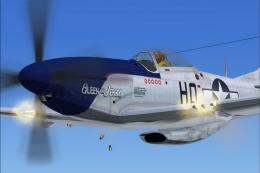
North American P-51D Mustang v1.1. The freeware Alphasim P-51 Mustang upgrade…
 FSX Historic & Vintage Aircraft
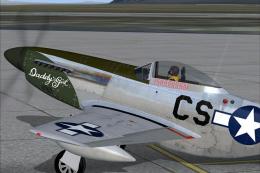
A repaint for the A2A WWII Fighters P-51D Mustang. This represents P-51D-10-N…
 FSX Historic & Vintage Aircraft
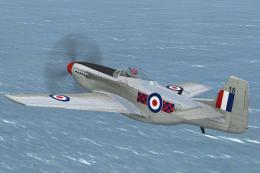
North American P-51D Mustang NZ2415. Repaint by Jon Murchison, based on David…
 FSX Historic & Vintage Aircraft
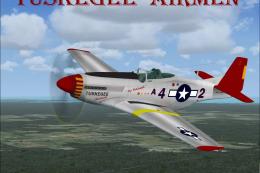
This fully freeware release introduces the North American P-51 Mustang into M…
 FSX Historic & Vintage Aircraft
P-51 Mustang Precious Metal-Air Race Model. An unfinished Gmax model for anyo…
Read what other simmers think, or add your own.

Another big disappointment. This file didnt work good at all in Win7 64 bit. Auto pilot dead, keyboard controls and mouse control in cockpit only partially worked. My system specs are in comment for DC10AA here. I hope this problem doesnt get worse. Other wise I will be out of the habit of using this setup for good.