

 FSX Turboprops
TAA Lockheed L-188 Electra II
TAA Lockheed L-188 Electra II. TAA "Charles Sturt" repaint for the FSX L188 p…
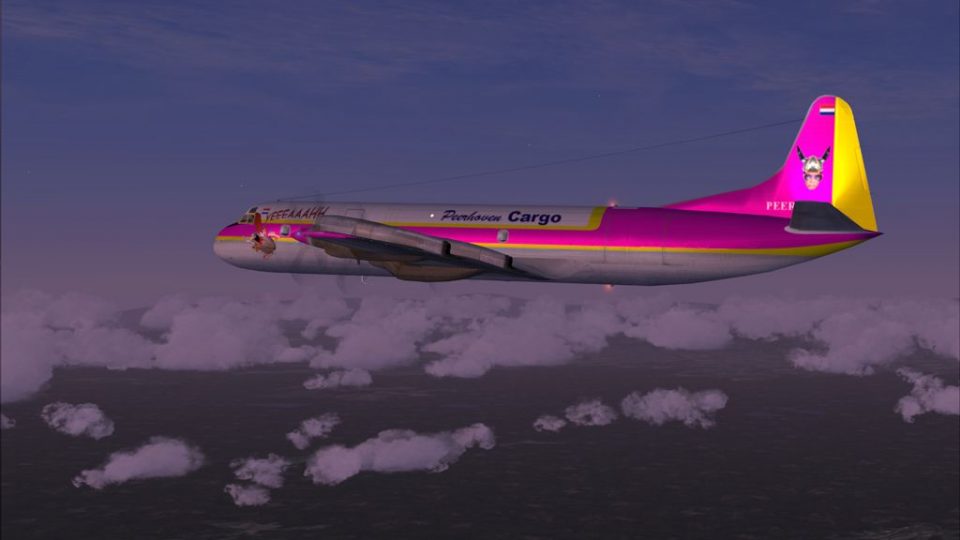
Peerhoven VA “Capitain Caveman” livery brings a distinctive airline look to the Lockheed L-188 Electra II, with matching exterior textures tailored for the classic turboprop and its virtual cockpit experience in FSX. It requires the Team FS KBT Electra base pack (L-188_ELECTRA_X.ZIP) and includes repaint work by Fabio Cabral.
 Rate
Rate
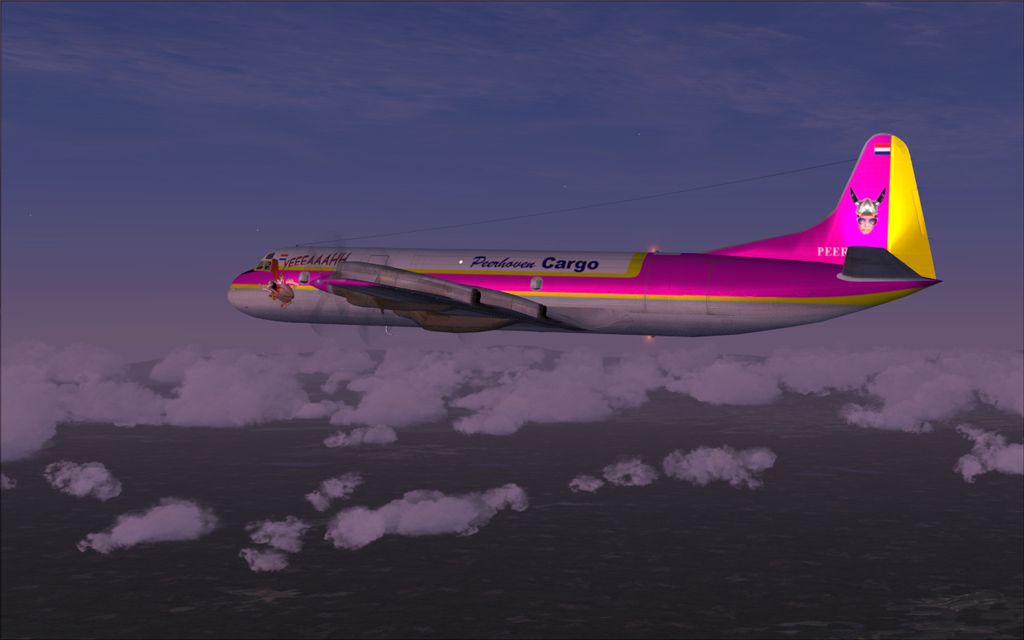
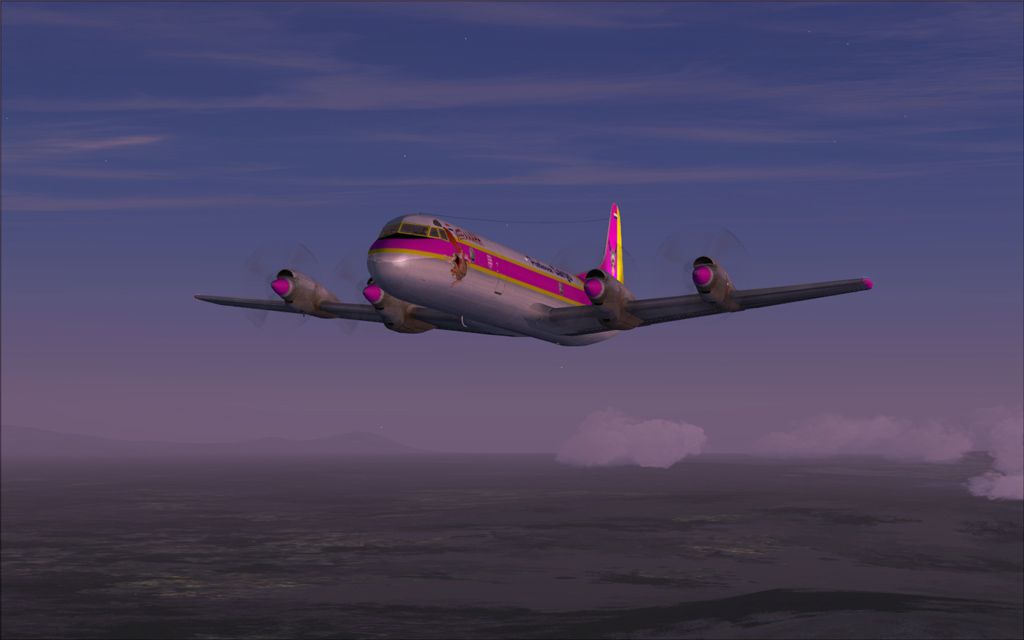
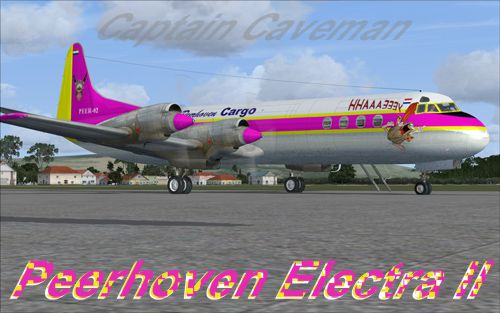
Peerhoven VA Lockheed L-188 Electra II, "Capitain Caveman". You must have the pack from Team FS KBT (L-188_ELECTRA_X.ZIP). By Fabio Cabral.
Screenshot of Peerhoven VA Lockheed L-188 Electra II on the ground.
INSTALLATION:
Just put the folder "texture.peerhoven" into your ELEC_PASS folder.
Copy this line into your "aircraft.cfg" respecting the order numbers on that, don't forget to change "x" to the next number:
[fltsim.x]

	title=LOCKHEED L-188 Peerhoven

	sim=electra

	model=""

	panel=""

	sound=""

	texture=peerhoven

	kb_checklists=

	kb_reference=

	atc_id=peerhoven

	atc_airline=

	atc_flight_number=

	atc_heavy=1

	atc_parking_types=

	ui_manufacturer=Lockheed

	ui_type=ELECTRA

	ui_variation="peerhoven"

	ui_createdby= Texture by Fabio Cabral (Fscabral)

	description=
Thanks for download and have a great flight!
Repaint by Fabio Cabral(fscabral)
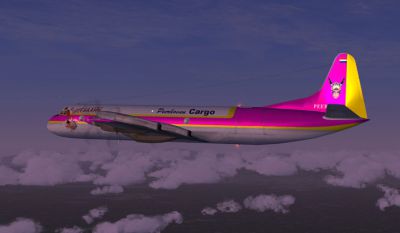
Screenshot of Peerhoven VA Lockheed L-188 Electra II in the air.
Free for all simmers · 3.71 MB · Scanned clean Oct 2026
Download speed: Free tier is capped at 0.5 Mbps (this file takes approximately 1 min at the cap). PRO members download at full line speed.
This add-on may require the following files to function properly. If this is a repaint, the dependency below is likely the base aircraft package.
SimObjects\Airplanes\, Addon Scenery\, Effects\, or Gauges\.readme.txt or README file. It tells you exactly where files go, what dependencies are needed, and any quirks specific to this add-on.The archive peerhovenl-188.zip has 25 files and directories contained within it.
This list displays the first 500 files in the package. If the package has more, you will need to download it to view them.
| Filename/Directory | File Date | File Size |
|---|---|---|
| peerhovenL-188 | 05.28.10 | 0 B |
| 11.jpg | 05.28.10 | 189.31 kB |
| 12.jpg | 05.28.10 | 157.21 kB |
| instalacao.txt | 05.28.10 | 1012 B |
| instalation.txt | 05.28.10 | 1.00 kB |
| texture.peerhoven | 05.28.10 | 0 B |
| ELEC_EG.bmp | 05.28.10 | 1.33 MB |
| ELEC_EG_LM.bmp | 10.28.09 | 682.75 kB |
| ELEC_EG_SPEC.bmp | 02.20.09 | 1.33 MB |
| ELEC_LWING.bmp | 05.28.10 | 1.33 MB |
| ELEC_RWING.bmp | 05.28.10 | 1.33 MB |
| ELEC_STB.bmp | 05.28.10 | 1.33 MB |
| L188_FUSELAGE_L_BUMP.bmp | 05.28.10 | 1.33 MB |
| L188_FUSELAGE_L_LM.bmp | 05.28.10 | 1.33 MB |
| L188_FUSELAGE_L_SPEC.bmp | 05.28.10 | 1.33 MB |
| L188_FUSELAGE_L_T.bmp | 05.28.10 | 1.33 MB |
| L188_FUSELAGE_R_BUMP.bmp | 05.28.10 | 1.33 MB |
| L188_FUSELAGE_R_LM.bmp | 05.28.10 | 1.33 MB |
| L188_FUSELAGE_R_SPEC.bmp | 05.28.10 | 1.33 MB |
| L188_FUSELAGE_R_T.bmp | 05.28.10 | 1.33 MB |
| texture.cfg | 09.22.06 | 137 B |
| thumbnail.jpg | 05.28.10 | 122.73 kB |
| WING_LM.bmp | 05.28.10 | 1.33 MB |
| flyawaysimulation.txt | 10.29.13 | 959 B |
| Go to Fly Away Simulation.url | 01.22.16 | 52 B |
Only PRO members can place votes.
More FSX & P3D add-ons hand-picked based on this download.
FSX Turboprops
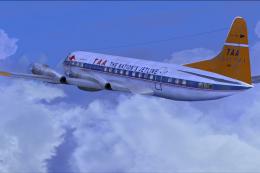
TAA Lockheed L-188 Electra II. TAA "Charles Sturt" repaint for the FSX L188 p…
 FSX Turboprops
TAA Lockheed L-188 Electra II Update, for use with TAAL-188.ZIP. Corrects the…
 FSX Turboprops
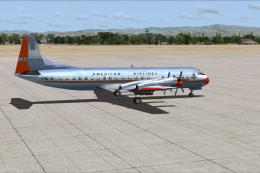
An update for the previous American Airlines textures with new colors as the …
 FSX Turboprops
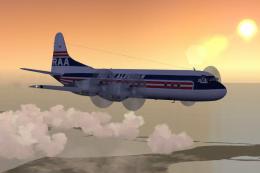
Lockheed L-188 Electra passenger version and cargo version. A Gmax model that…
 FSX Turboprops
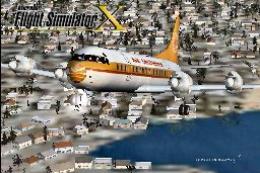
Lockheed L-188 Electra with new start sounds and sound system. This is the Re…
 FSX Turboprops
This is Chris Buff's FS2002 Electra L188 converted to FSX. The aircraft.cfg h…
 FSX Turboprops
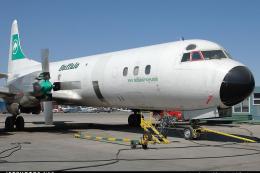
Buffalo Lockheed L-188 Electra, registration C-FBAQ. Model by Team FS KBT. Te…
 FSX Turboprops
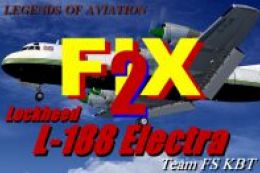
Lockheed L-188 Electra Fix 2; trouble in SP1 was corrected, for use with L-18…
Be the first to leave a comment on this download.
Be the first to share your thoughts on this download.