

 FSX Turboprops
Cathay Pacific L-188 V3 Update
Cathay Pacific L-188 V3 Update, for use with CATHAY3L-188.ZIP. A correction t…
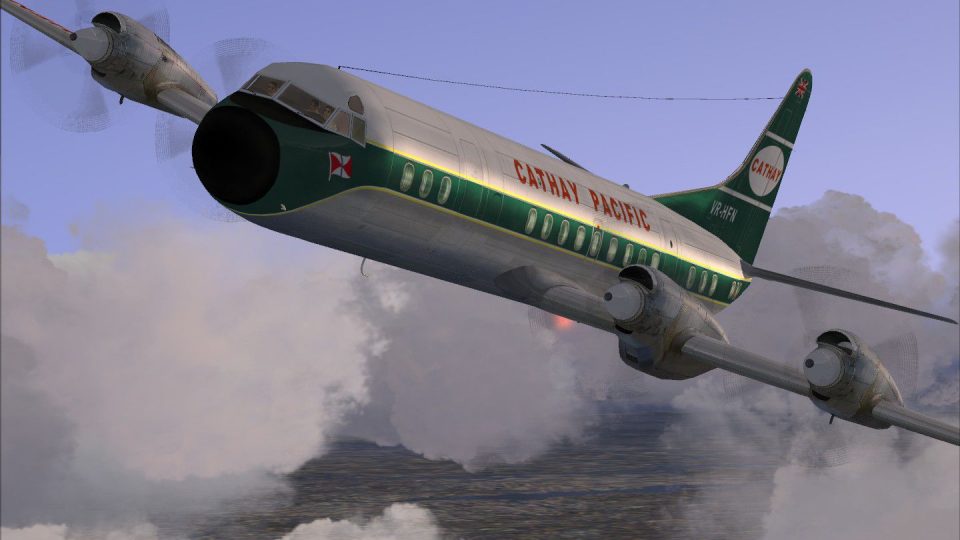
Cathay Pacific’s classic Lockheed L-188 Electra livery brings late-1950s turboprop character to Microsoft Flight Simulator X with crisp DXT5 textures that balance sharp visuals and smooth performance. The repaint includes refined detailing for exterior markings and cabin window lines, and requires the freeware Team FS KBT base model (L-188_ELECTRA_X.ZIP).
 Rate
Rate

This repaint for Microsoft Flight Simulator X offers a detailed Cathay Pacific livery for the Lockheed L-188 Electra. It was created by Fabio Cabral (fscabral) and requires the freeware base model developed by Team FS KBT (file name: L-188_ELECTRA_X.ZIP). A refined DXT5 texture format has been used to help maintain performance levels during flight, and an additional update package (CATHAY3L-188UPDATE.ZIP) is also available.
The Lockheed L-188 Electra is a classic four-engined turboprop airliner introduced in the late 1950s. It served various airlines around the world, including Cathay Pacific—an operator known for linking Hong Kong to a wide range of regional destinations. This aircraft’s reliable turboprop engines made it popular for short and medium-haul services. With this custom repaint, you can experience a piece of aviation history within FSX.
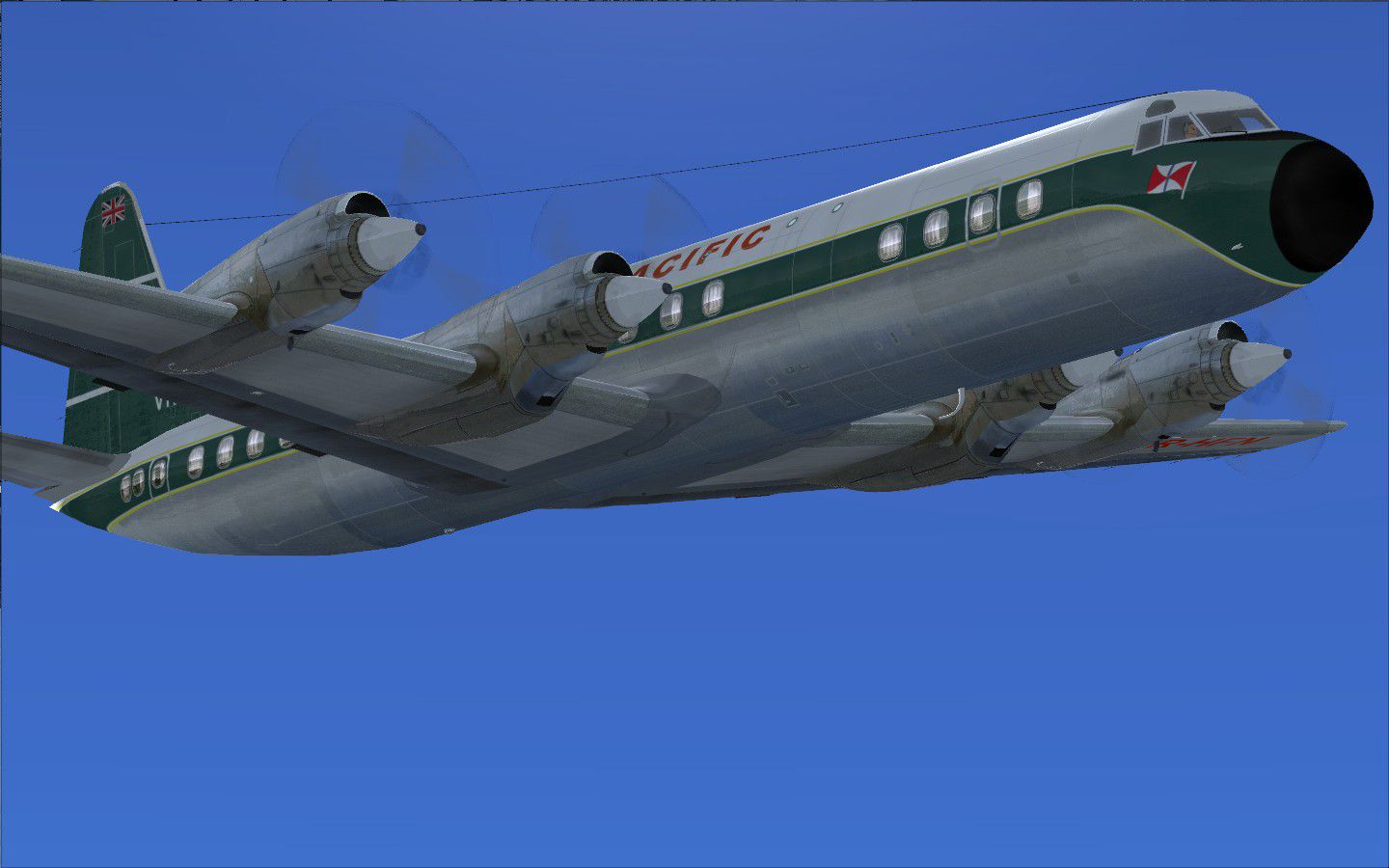
Lockheed L-188 Electra in Cathay Pacific colors, airborne above scenery.
After downloading the base Electra pack from the Fly Away Simulation library (which contains the core model by Team FS KBT), place the folder named “texture.CATHAY3” into the ELEC_PASS directory. This folder houses the custom livery files.
Next, open the aircraft configuration file (aircraft.cfg) and insert the following entry. Remember to replace “x” with the next available [fltsim] index number to ensure correct recognition by the simulator:
[fltsim.x]
title=LOCKHEED L-188 Cathay Pacific Airways 3
sim=electra
model=
panel=
sound=
texture=CATHAY3
kb_checklists=
kb_reference=
atc_id=Cathay
atc_airline=
atc_flight_number=
atc_heavy=1
atc_parking_types=
ui_manufacturer=Lockheed
ui_type=ELECTRA
ui_variation="Cathay 3"
ui_createdby=repaint made by Fabio Cabral(fscabral)
description=
For any refinements, be sure to check and install CATHAY3L-188UPDATE.ZIP if you wish to incorporate the latest improvements to the texture or model compatibility.
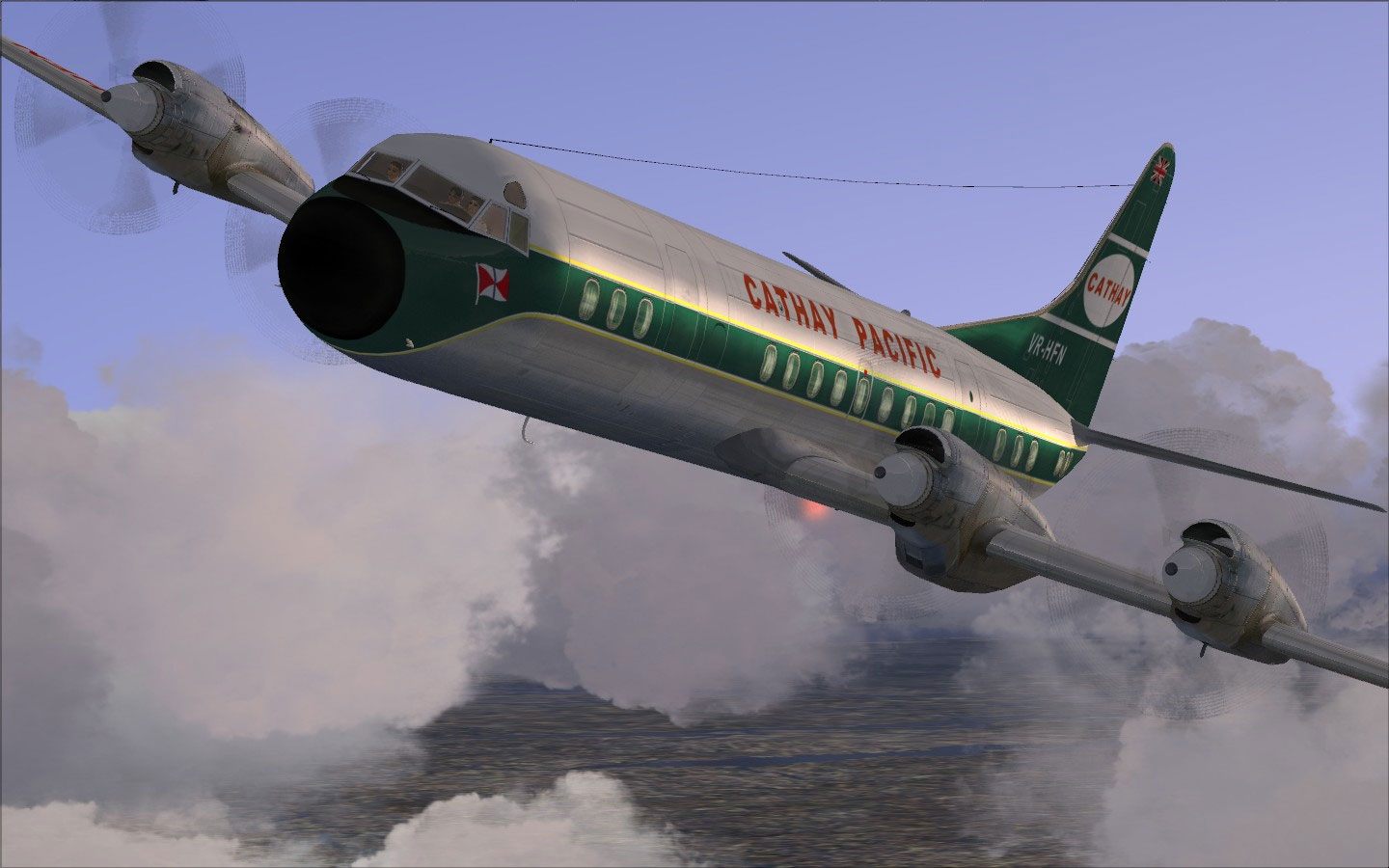
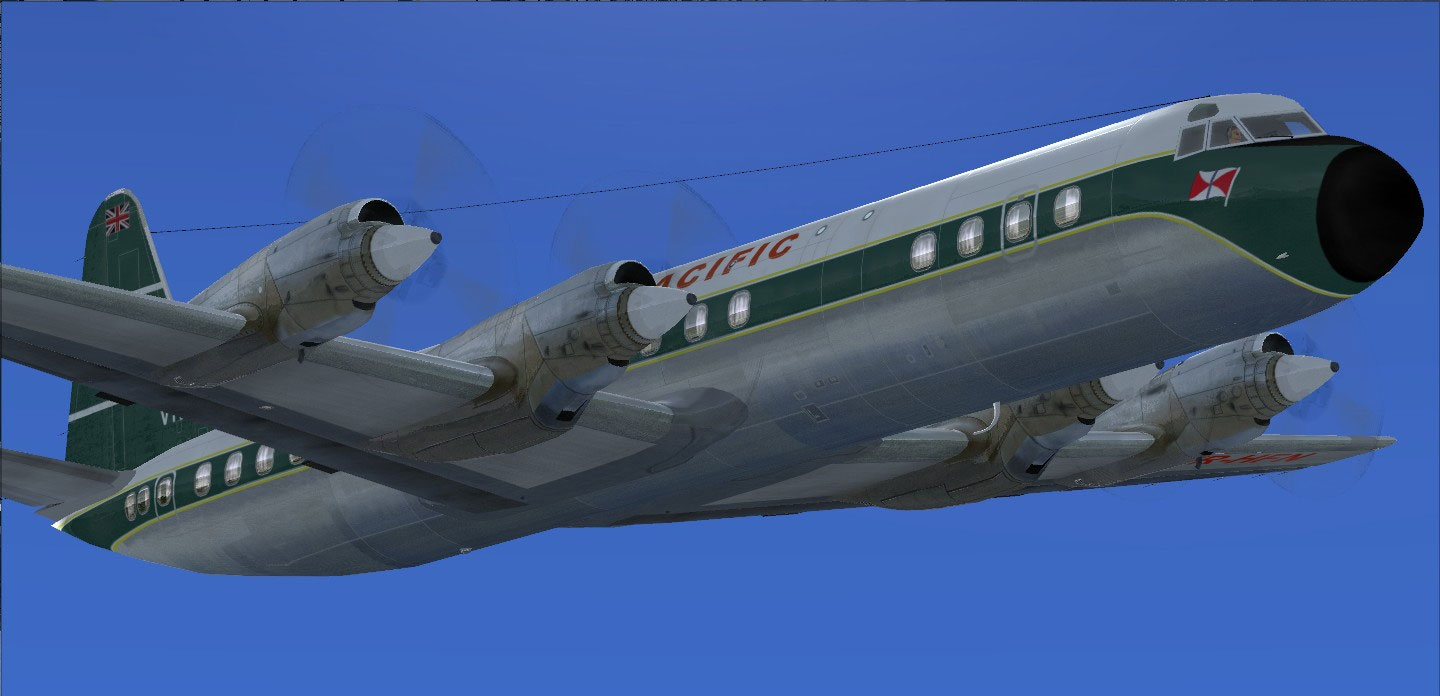
Another angle of Cathay Pacific Lockheed L-188 in flight.
This repaint was crafted by Fabio Cabral (fscabral), taking advantage of the original Lockheed Electra model developed by Team FS KBT. Remember to acquire the freeware base pack from the Fly Away Simulation mod library to ensure everything loads properly in FSX. Enjoy piloting this classic turboprop airliner with Cathay Pacific’s distinctive paint scheme and experience the charm of mid-century aviation in modern flight simulation environments.
Free for all simmers · 6.81 MB · Scanned clean Oct 2026
Download speed: Free tier is capped at 0.5 Mbps (this file takes approximately 2 mins at the cap). PRO members download at full line speed.
This file is a repaint — the packages below are the base model it paints onto. Install them first, or the textures will have nothing to load onto.
texture.{airline}) inside FSX\SimObjects\Airplanes\{base-aircraft}\.aircraft.cfg in Notepad. Add a new [fltsim.X] section per the readme.readme.txt or README file. It tells you exactly where files go, what dependencies are needed, and any quirks specific to this add-on.The archive cathay3l-188.zip has 37 files and directories contained within it.
This list displays the first 500 files in the package. If the package has more, you will need to download it to view them.
| Filename/Directory | File Date | File Size |
|---|---|---|
| Cathay3L-188 | 09.18.10 | 0 B |
| CASA-PC-2010-sep-17-005.jpg | 09.17.10 | 129.70 kB |
| CASA-PC-2010-sep-17-015.jpg | 09.17.10 | 164.42 kB |
| instalacao.txt | 09.18.10 | 1.01 kB |
| instalation.txt | 09.18.10 | 1.02 kB |
| texture.CATHAY3dxt | 09.18.10 | 0 B |
| ELEC_EG.bmp | 09.17.10 | 1.33 MB |
| ELEC_EG_LM.bmp | 10.28.09 | 682.75 kB |
| ELEC_EG_SPEC.bmp | 02.20.09 | 1.33 MB |
| ELEC_LWING.bmp | 09.17.10 | 1.33 MB |
| ELEC_RWING.bmp | 09.17.10 | 1.33 MB |
| ELEC_STB.bmp | 09.17.10 | 1.33 MB |
| ELEC_VC01.bmp | 04.26.10 | 1.33 MB |
| ELEC_VC02.bmp | 04.26.10 | 1.33 MB |
| ELEC_VC03.bmp | 04.26.10 | 1.33 MB |
| ELEC_VC04.bmp | 04.26.10 | 1.33 MB |
| ELEC_VC05.bmp | 04.26.10 | 1.33 MB |
| ELEC_VC06.bmp | 04.26.10 | 1.33 MB |
| L188_FUSELAGE_L_BUMP.bmp | 05.27.10 | 1.33 MB |
| L188_FUSELAGE_L_LM.bmp | 09.17.10 | 1.33 MB |
| L188_FUSELAGE_L_SPEC.bmp | 09.17.10 | 1.33 MB |
| L188_FUSELAGE_L_T.bmp | 09.18.10 | 1.33 MB |
| L188_FUSELAGE_R_BUMP.bmp | 05.27.10 | 1.33 MB |
| L188_FUSELAGE_R_LM.bmp | 09.17.10 | 1.33 MB |
| L188_FUSELAGE_R_SPEC.bmp | 09.17.10 | 1.33 MB |
| L188_FUSELAGE_R_T.bmp | 09.18.10 | 1.33 MB |
| texture.cfg | 09.22.06 | 137 B |
| thumbnail.jpg | 09.18.10 | 458.55 kB |
| VC01_LM.bmp | 04.26.10 | 1.33 MB |
| VC02_LM.bmp | 04.26.10 | 1.33 MB |
| VC03_LM.bmp | 04.26.10 | 1.33 MB |
| VC04_LM.bmp | 04.26.10 | 1.33 MB |
| VC05_LM.bmp | 04.26.10 | 1.33 MB |
| VC06_LM.bmp | 04.26.10 | 1.33 MB |
| WING_LM.bmp | 10.30.09 | 5.33 MB |
| flyawaysimulation.txt | 10.29.13 | 959 B |
| Go to Fly Away Simulation.url | 01.22.16 | 52 B |
Only PRO members can place votes.
More FSX & P3D add-ons hand-picked based on this download.
FSX Turboprops
Cathay Pacific L-188 V3 Update, for use with CATHAY3L-188.ZIP. A correction t…
 FSX Turboprops
This package features two detailed Cathay Pacific repaints created specifical…
 FSX Turboprops
Cathay Pacific Airways briefly operated the renowned Bristol Britannia under …
 FSX Turboprops
Lockheed L-188 Electra passenger version and cargo version. A Gmax model that…
 FSX Turboprops
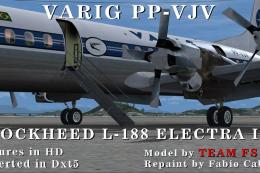
L188 model by Team FS KBT. Repaint by Fabio I.D. Cabral. Screenshot of Varig …
 FSX Turboprops
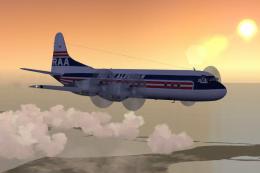
Lockheed L-188 Electra with new start sounds and sound system. This is the Re…
 FSX Turboprops
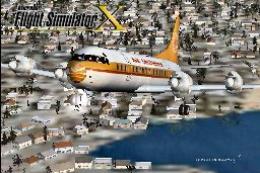
This is Chris Buff's FS2002 Electra L188 converted to FSX. The aircraft.cfg h…
 FSX Turboprops
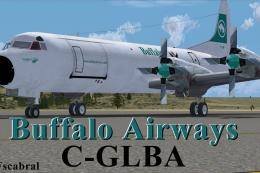
This freeware release features a meticulously crafted repaint of the Lockheed…
Be the first to leave a comment on this download.
Be the first to share your thoughts on this download.