

 FSX AFCAD Files
AFCAD Enhancement For Stock KDCA - Second Edition
Washington National Airport, Washington, DC. In this edition of KDCA, primary…
Metropolitan Oakland International Airport (KOAK) receives a comprehensive AFCAD overhaul for Microsoft Flight Simulator X, aligning taxiways, aprons, vehicle paths, cargo ramps, and Terminal 2 gates with current layouts. Updated runway markings and lighting, active runways, refined landclass, a relocated south control tower, and rebuilt instrument approaches add realism; spot lighting requires FSX_LTS.
 Rate
Rate
 United States of America
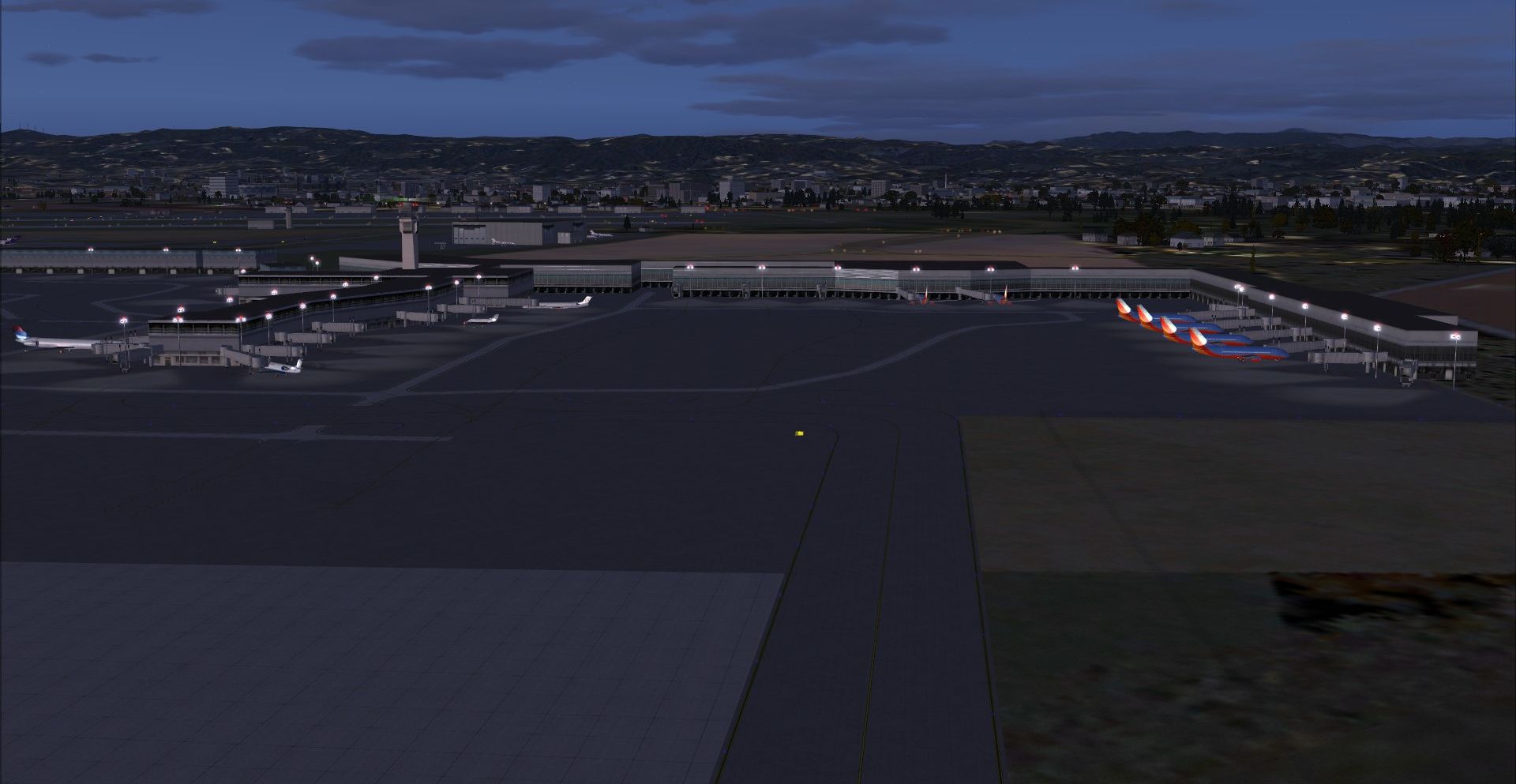
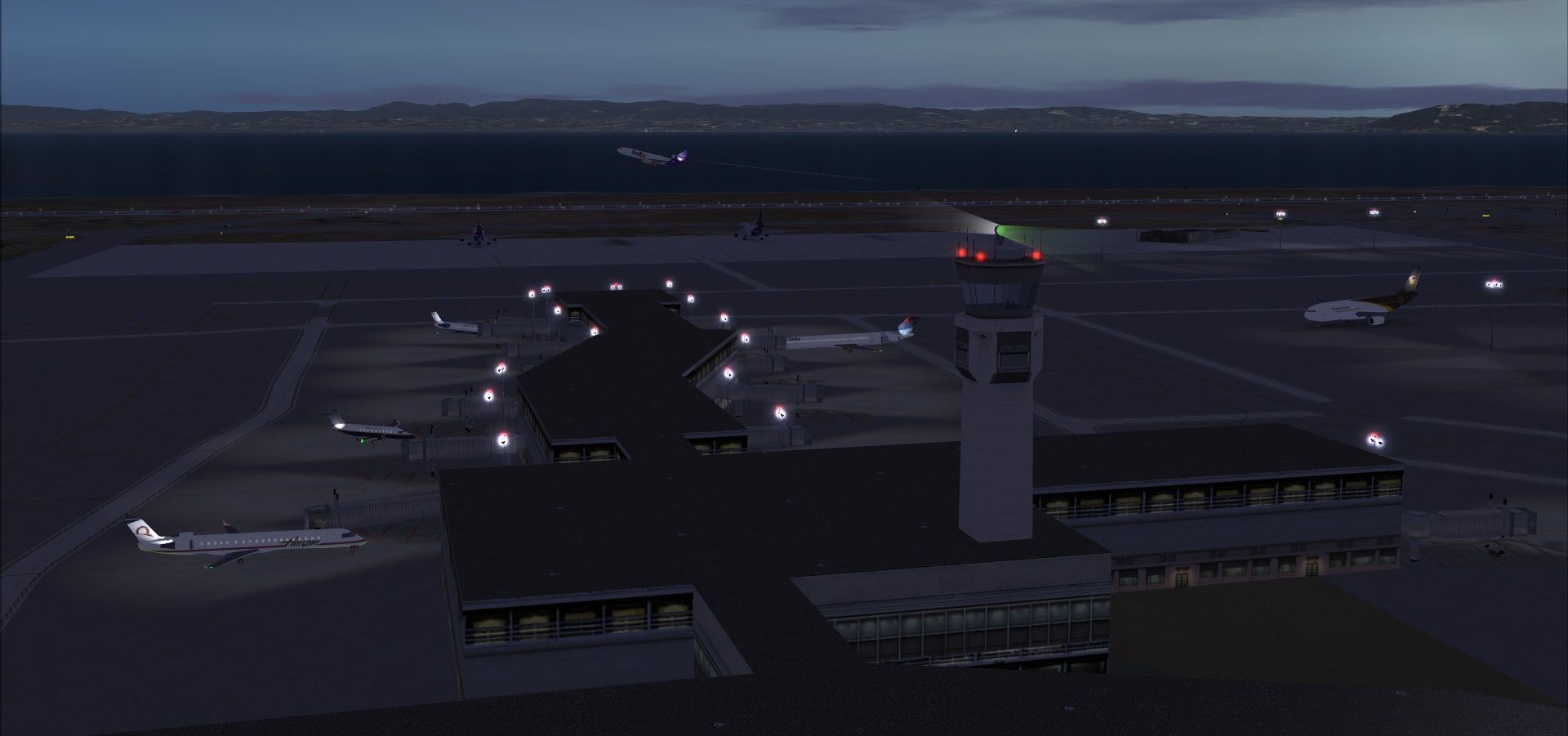
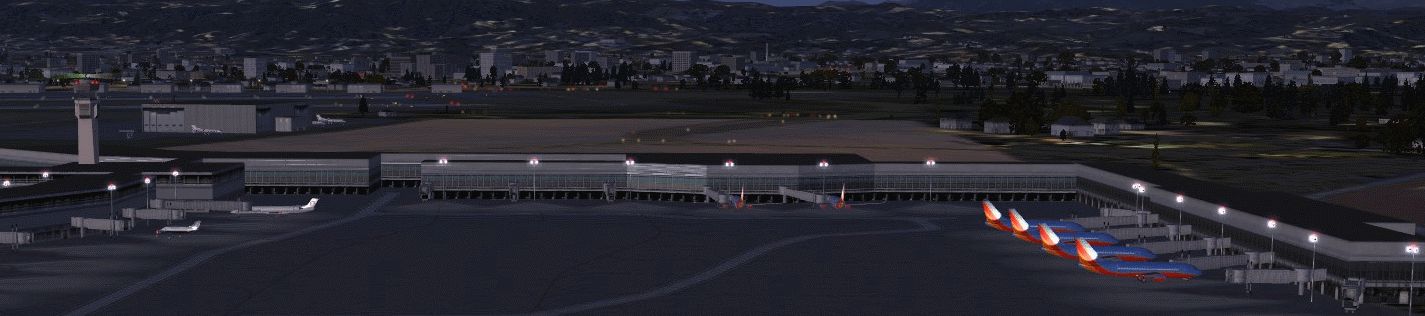
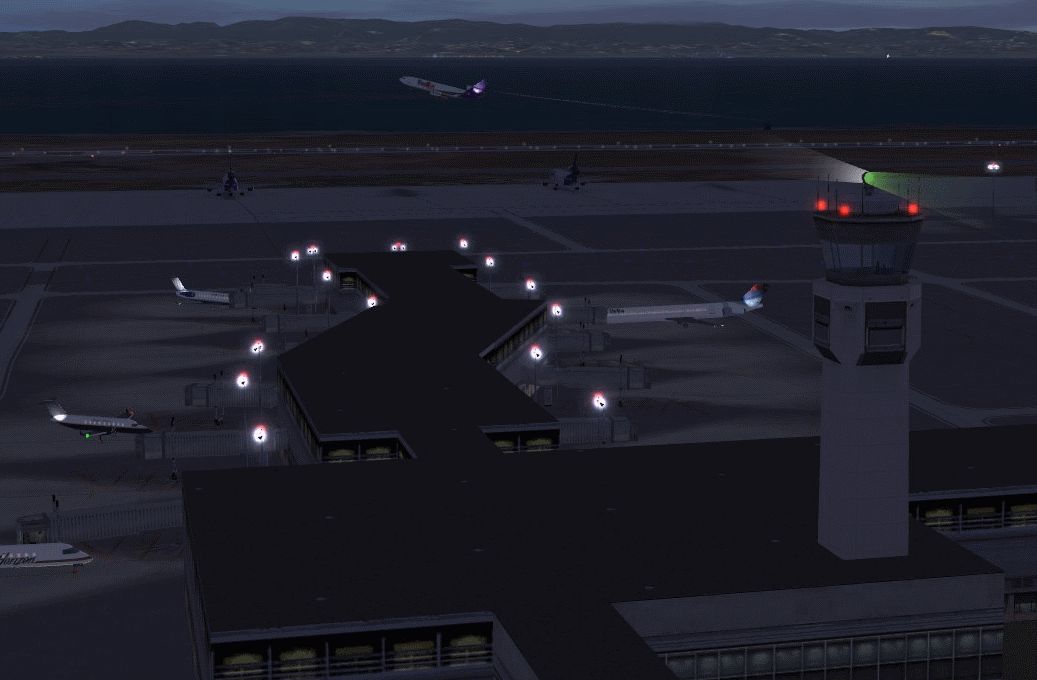
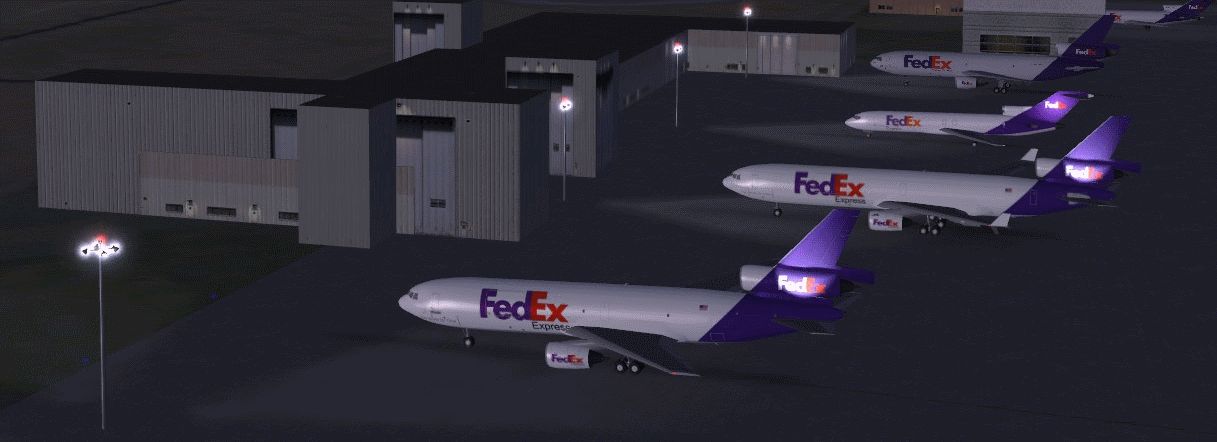
Metropolitan Oakland International Airport, California (CA) has been reworked and revised to reflect the latest airport specifications. Some of the changes include revised approaches, airport facilities and enhanced custom terminal airline assignments. Airport spot lighting guides have been added but you must install FSX_LTS.ZIP by Jim Dhaenens. By Kambiz Agazi.
View of Metropolitan Oakland International Airport.
KOAK v2 is a modification to the default FSX KOAK. Some of the changes include: New or reworked - taxiways, vehicle paths, aprons and ramp parkings for larger challenger sized GA; enhanced cargo overflow cargo parking per google maps; extension to Terminal 2 with 7 new gates (based on google maps and the Website); removed 1 gate from the older section of T2; runway lighting, markings and approach lighting, blastpads and more per airnav and google maps; all runways active; full scenery at the dense setting; reworked landclass around the airport per google maps; all new IAP's with missed approach procedures for all runways per the most current plates - it was necessary to redo the final ILS approaches for Rwy's 11, 29 and 27R as well; and a new relocated south Control Tower.
Installation:
I have tested KOAK using FSX sp2, and while I don't anticipate issues with using the earlier versions (RTM and SP1), I cannot guarantee that the visuals will look the same on every setup. While not needed for the scenery to work, I also tested to ensure that KOAK works with UTX USA, Scenery Tech North America and FS Genesis USA 10m Mesh;
KOAK was tested with and optimized for MyTraffic X 5.2a AND WOAI. While KOAK will work with "other" AI packages, I can't guarantee that every airline will park at the correct Terminal OR gate when using other AI packages.
While every attempt was made to eliminate errors, there's no such thing as "perfect" scenery. Please let me know if you come across any MAJOR errors or problems.
Acknowledgements: KOAK_KA.bgl was created using the powerful airport design utility by Jon Masterson (ADE V1.45).
The new approaches were created using the latest official plates and ADE V1.45. A special thanks to Jim Vile who is a member of the ADE team and is the author of the approach code module of ADE. The IAPs, final approaches and missed approaches to all runways would not have been possible without Jim's KIAD tutorial and help.
Happy Flying!
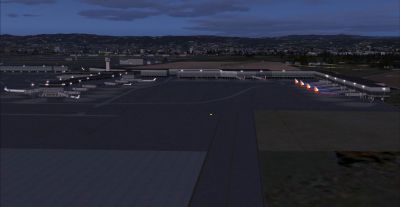
View of Metropolitan Oakland International Airport.
Free for all simmers · 1.66 MB · Scanned clean Oct 2026
Download speed: Free tier is capped at 0.5 Mbps. PRO members download at full line speed.
AF2_*.bgl or AFX_*.bgl) go into FSX\Addon Scenery\Scenery\ or a dedicated AFCAD folder you create.readme.txt or README file. It tells you exactly where files go, what dependencies are needed, and any quirks specific to this add-on.Use these coordinates to fly directly to this location once the mod is installed.
37.72130000,-122.22110000
Launch FSX or Prepar3D and use Flights → Load to open the downloaded .pln file. Your aircraft will be positioned at this location.
The archive koak_ka-1.zip has 11 files and directories contained within it.
This list displays the first 500 files in the package. If the package has more, you will need to download it to view them.
| Filename/Directory | File Date | File Size |
|---|---|---|
| KOAK_KA.BGL | 10.16.09 | 76.78 kB |
| KOAK_KA_CVX.bgl | 10.16.09 | 987 B |
| KOAK_KA.txt | 10.21.09 | 3.31 kB |
| AVSIM1.gif | 10.14.09 | 175.72 kB |
| AVSIM2.gif | 10.14.09 | 194.13 kB |
| grab_036.jpg | 10.14.09 | 651.01 kB |
| AVSIM3.gif | 10.14.09 | 177.12 kB |
| grab_041.jpg | 10.14.09 | 510.27 kB |
| KOAK TOWER2 redlight effect.BGL | 10.16.09 | 372 B |
| flyawaysimulation.txt | 10.29.13 | 959 B |
| Go to Fly Away Simulation.url | 01.22.16 | 52 B |
Only PRO members can place votes.
More FSX & P3D add-ons hand-picked based on this download.
FSX AFCAD Files
Washington National Airport, Washington, DC. In this edition of KDCA, primary…
 FSX AFCAD Files
McCarran International Airport, Las Vegas, Nevada (NV). By Kambiz Agazi. McCa…
 FSX AFCAD Files
Santa Ana/John Wayne Airport, Orange County, California (CA). Represents a mo…
 FSX AFCAD Files
Washington National Airport, Washington, DC. KDCA represents a modification t…
 FSX AFCAD Files
London Heathrow International Airport version 2a includes some minor fixes to…
 FSX AFCAD Files
This pack includes every single AFCAD package released by Smith Graphics for …
 FSX AFCAD Files
Elevate Microsoft Flight Simulator X with a refined rendition of Lisbon Inter…
 FSX AFCAD Files
John F. Kennedy International Airport, New York, NY, USA, v2. This airport up…
Be the first to leave a comment on this download.
Be the first to share your thoughts on this download.