

 FS2004 Civil Jet Aircraft
Evergreen Convair CV-990
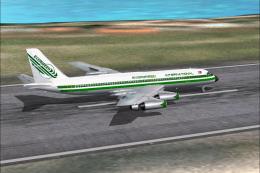
HJG's Convair CV990 in Evergreen International livery. Textures only. Repaint…
Convair 990 plain white base textures for FS2004 provide a clean fuselage and tail with preserved panel lines, creating a fast, repaint-ready canvas for custom liveries. Textures only, requires the Historic Jet Group CV990 model, and suits repaint workflows by offering reworked master sheets that streamline starting a new scheme.
 Rate
Rate
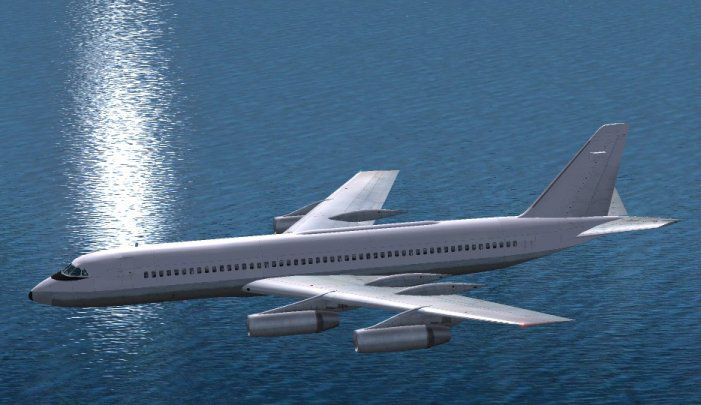
These are textures for the fuselage and tail to make the aicraft a "white tail" ready for repainting. These reworked textures will save a lot of time when you want to paint the CV990 in to a new livery. textures only. You will need the CV990 From Historic Jet Group. Original by Erick Cantu. Master texture designs Yannick Charland. Reworked textures by Tony Madge.
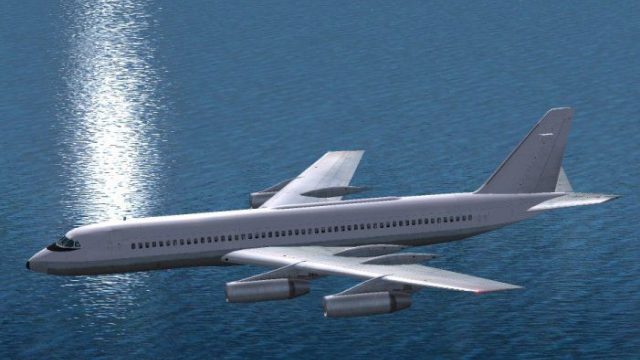
Screenshot of plain white Convair 990 in flight.
Thanks go to Eric and Yannick for producing such a fine aircraft you WILL NEED the plane so go download it. Any CV990 will do as these new textures will replace the fuselage and tail. You will need to use DXTBMP to convert them to DX3 when you have painted them, however I am sure you know what to do. I wont start a tutorial on painting as there are many better guys than me that have already done so.
I have kept the panel lines etc but I have not done them as layers again you can do this if you wish, these are a base to start from, a sort of "blank canvass". Have fun and just remember these are FREEWARE as is the aircraft. Just make sure you credit everyone who created it as well as yourself.
Free for all simmers · 858.62 KB · Scanned clean Oct 2026
Download speed: Free tier is capped at 0.5 Mbps. PRO members download at full line speed.
FS9\Aircraft\, FS9\Addon Scenery\, FS9\Gauges\, or FS9\Effects\.readme.txt or README file. It tells you exactly where files go, what dependencies are needed, and any quirks specific to this add-on.The archive cv990tbk.zip has 8 files and directories contained within it.
This list displays the first 500 files in the package. If the package has more, you will need to download it to view them.
| Filename/Directory | File Date | File Size |
|---|---|---|
| 990_a_t.bmp | 12.31.03 | 3.00 MB |
| 990_b_t.bmp | 12.31.03 | 3.00 MB |
| cv9900.gif | 01.13.04 | 8.36 kB |
| cv9908.jpg | 01.13.04 | 53.66 kB |
| read me first.txt | 01.15.04 | 802 B |
| File_id.diz | 01.15.04 | 461 B |
| flyawaysimulation.txt | 10.29.13 | 959 B |
| Go to Fly Away Simulation.url | 01.22.16 | 52 B |
Only PRO members can place votes.
More FS2004 add-ons hand-picked based on this download.
FS2004 Civil Jet Aircraft
HJG's Convair CV990 in Evergreen International livery. Textures only. Repaint…
 FS2004 Civil Jet Aircraft
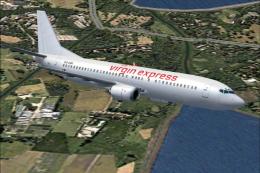
Here is a high-fidelity repaint portraying a classic Boeing 737-400 sporting …
 FS2004 Civil Jet Aircraft
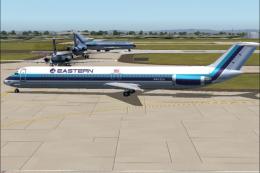
This repaint package features a distinctive white fuselage scheme for the AI …
 FS2004 Civil Jet Aircraft
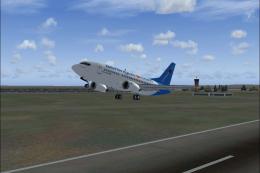
Air Lingus advertises their online booking capabilities in blue tail "dot com…
 FS2004 Civil Jet Aircraft
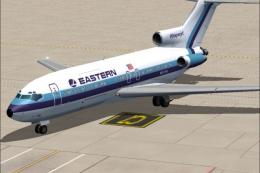
This freeware package features a meticulously crafted repaint of an Eastern A…
 FS2004 Civil Jet Aircraft
This updated release brings an authentic Eastern Air Lines Boeing 727-200 fro…
 FS2004 Civil Jet Aircraft
This freeware repaint set brings a vivid representation of Eastern Air Lines’…
 FS2004 Civil Jet Aircraft
FS2004 Convair 880 LANICA (LINEAS AEREAS DE NICARAGUA) AN-BIB 1974 Convair Mo…
Be the first to leave a comment on this download.
Be the first to share your thoughts on this download.