

 FS2004 Utilities/Misc
FS2004-FS2002 FX: Nick's Prop Dust v2.0 with Nick's All Wet for Watercraft
This package is an all new release of my original prop dust FX. This gauge/ef…
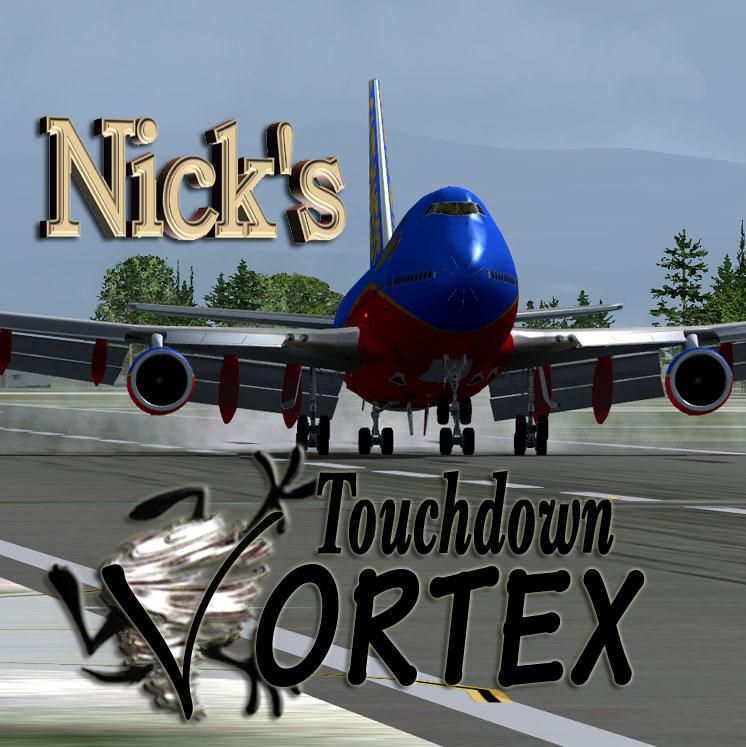
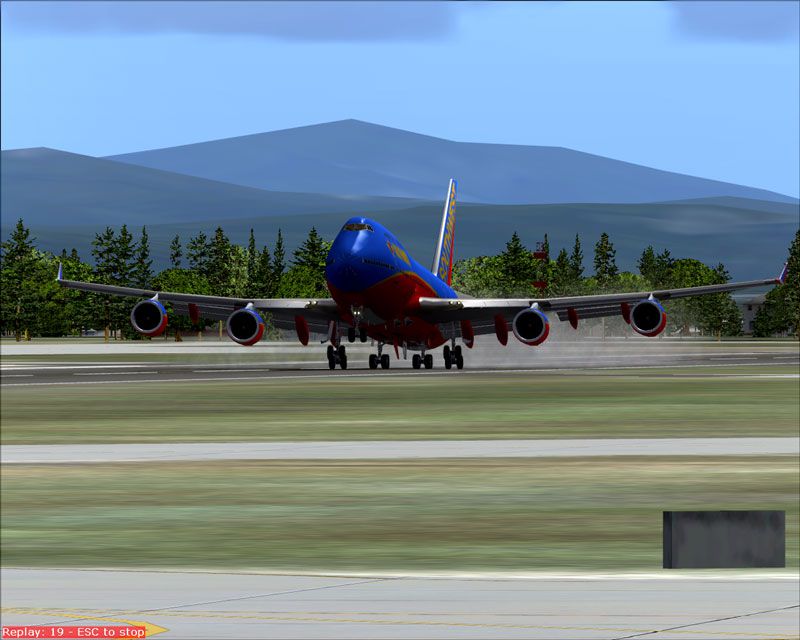
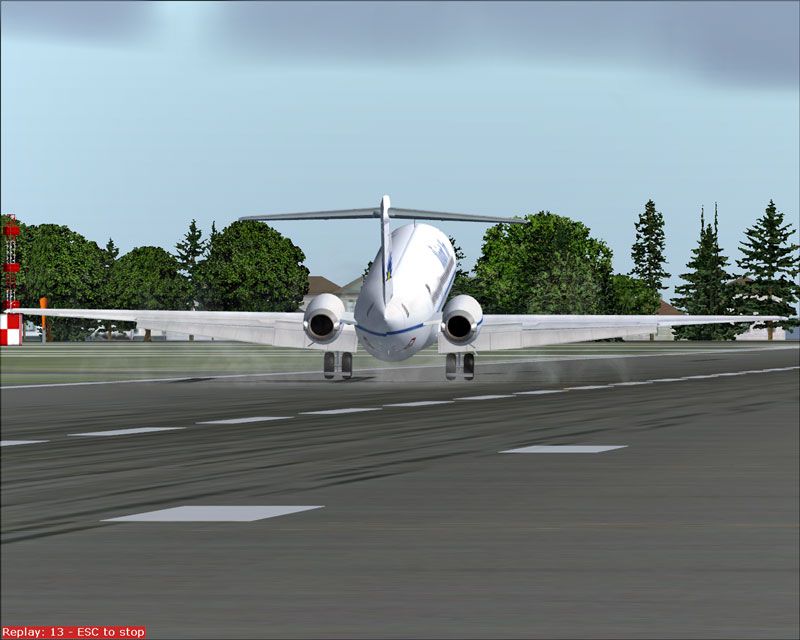
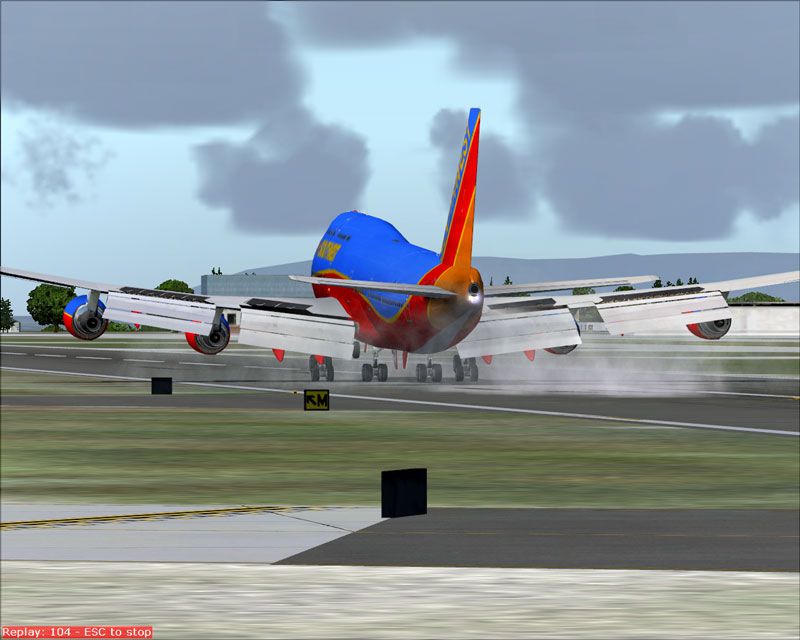
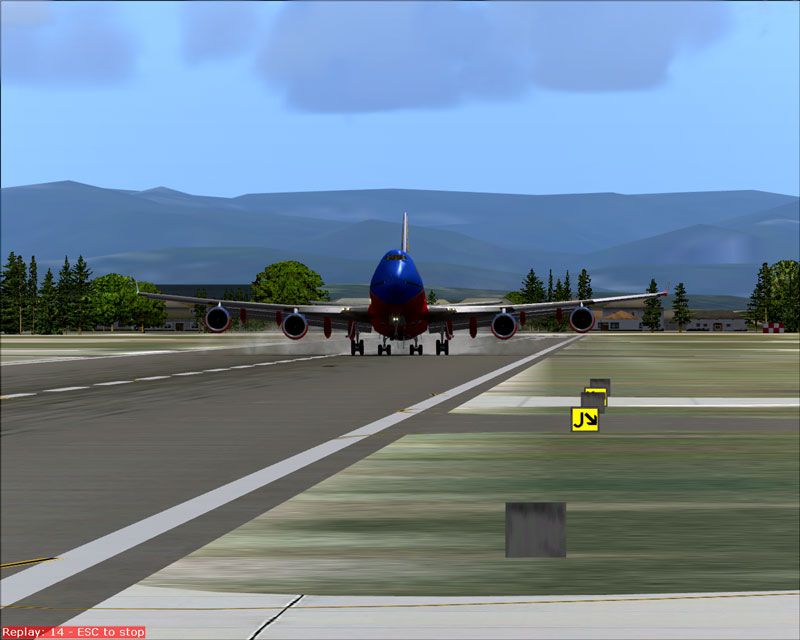
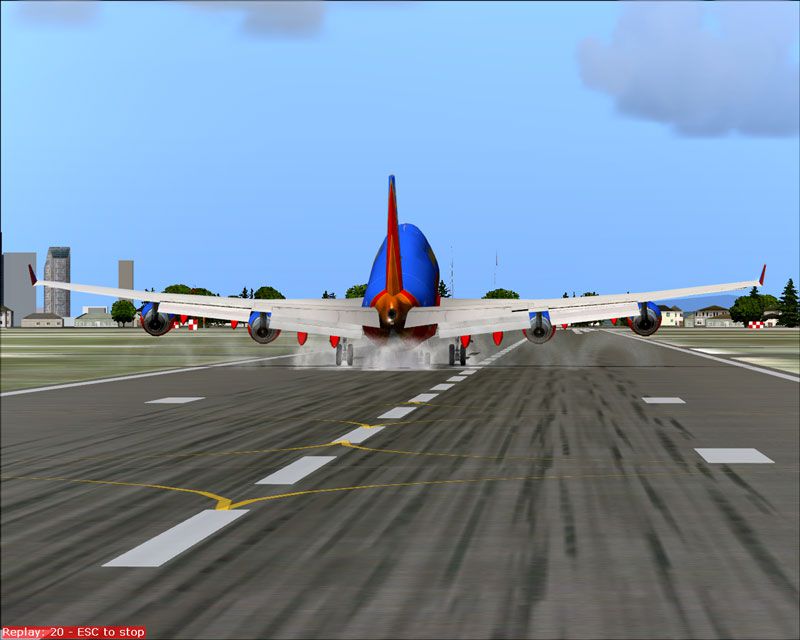
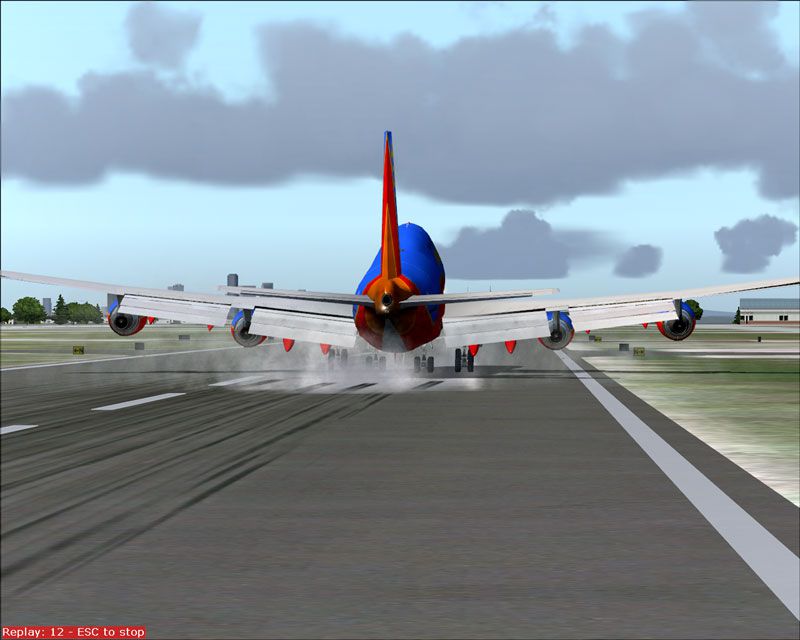
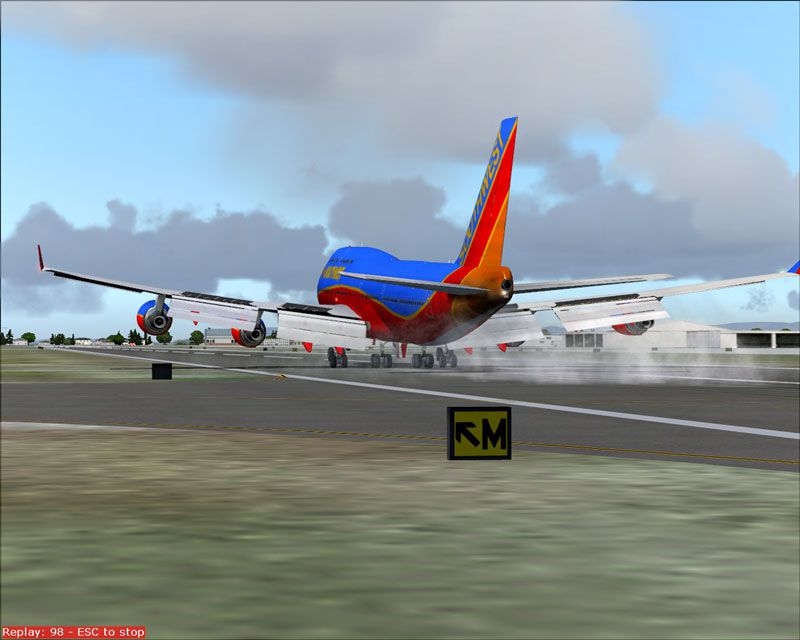
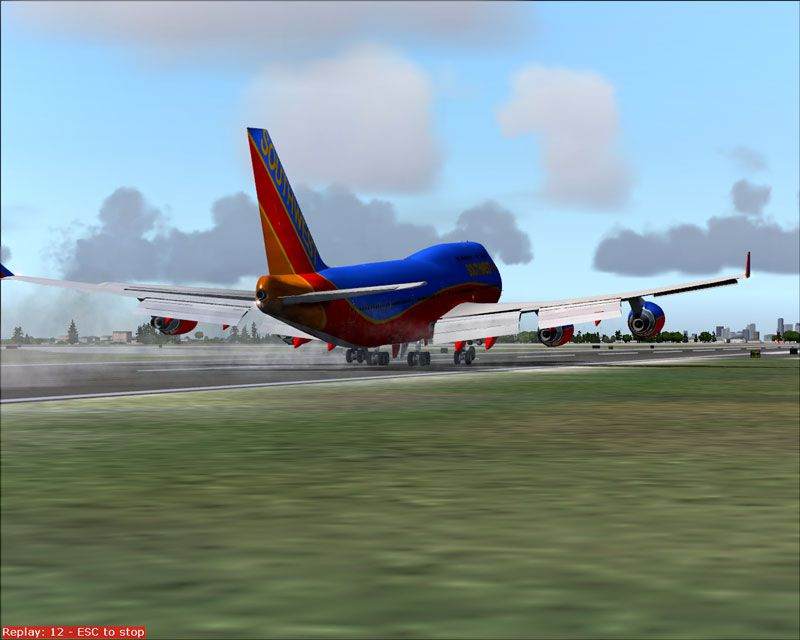
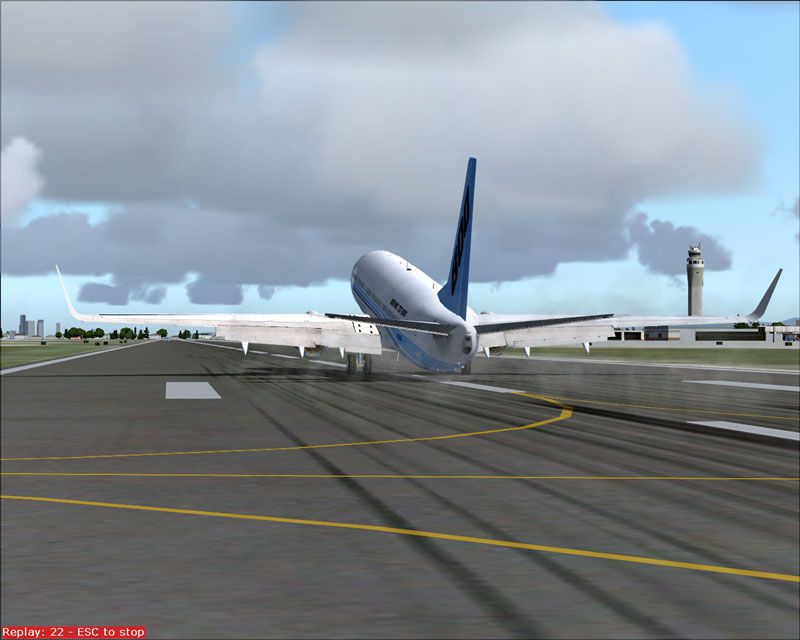
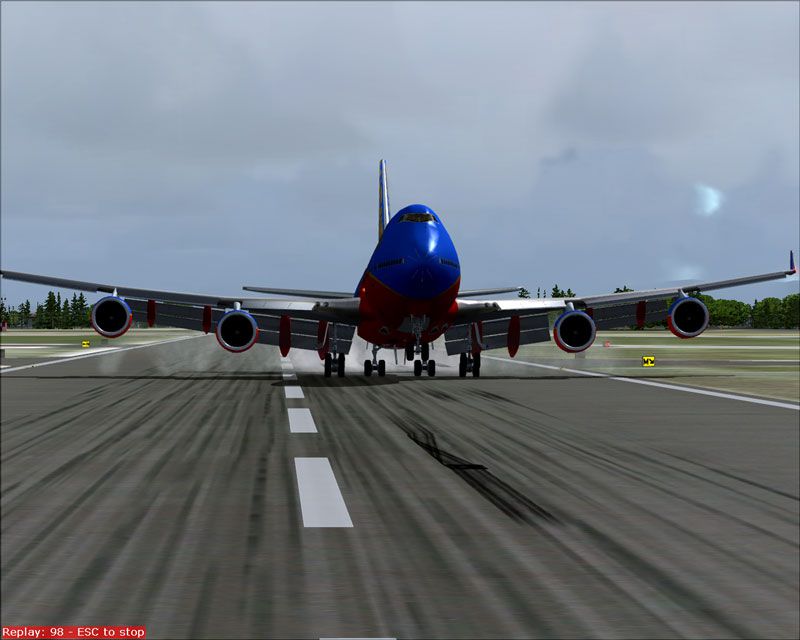
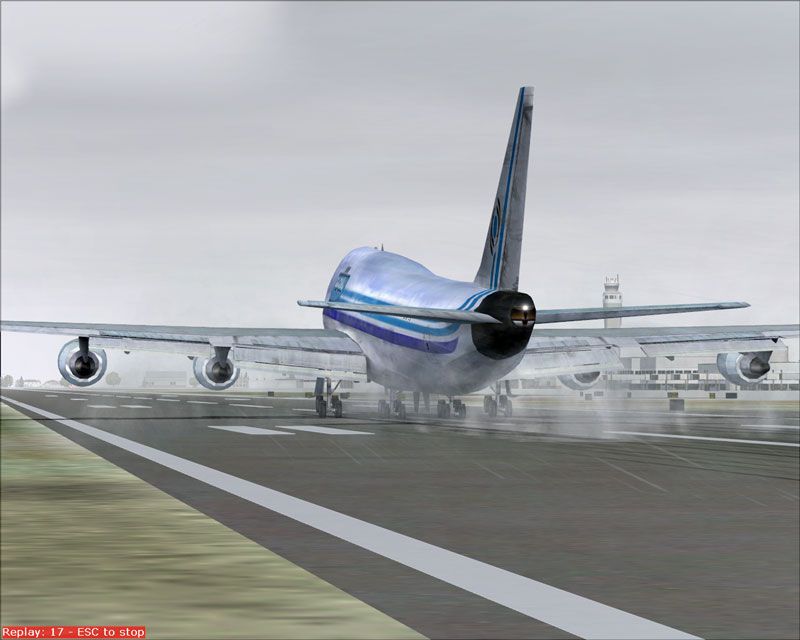
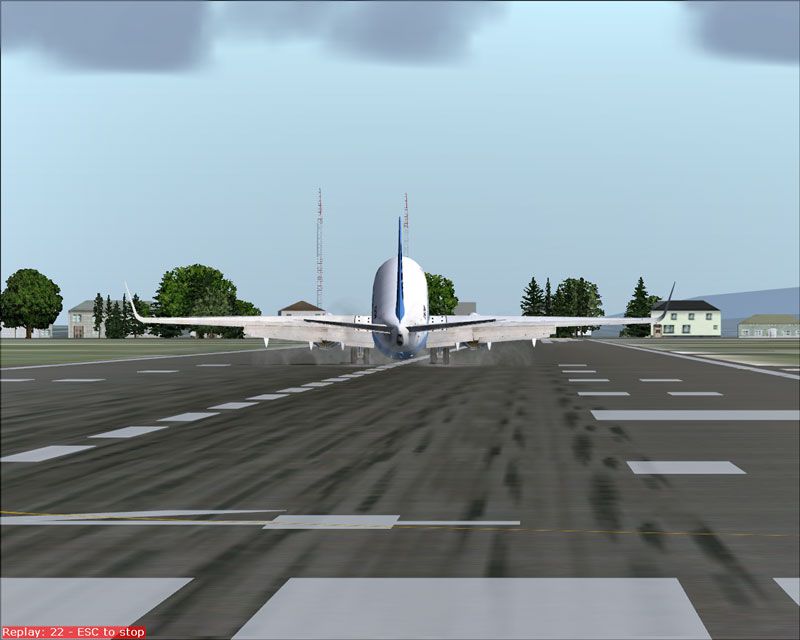
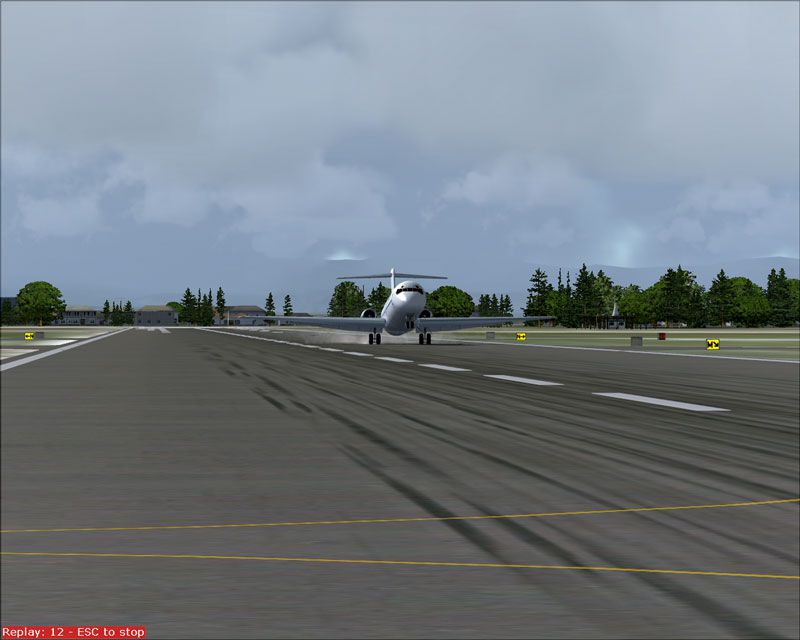
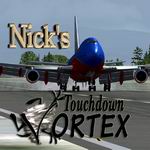
Nick’s Touchdown and Vortex FX adds convincing touchdown “woosh” and wingtip vortex effects that suit wet or dry runways, scaling across heavy transports, airliners, and business jets for richer landing moments. Built for FS2004 and FS2002, it includes three custom-sized effect sets and supports pairing with Nick’s Prop Dust for large prop aircraft.
 Rate
Rate


Free for all simmers · 1.24 MB · Scanned clean Oct 2026
Download speed: Free tier is capped at 0.5 Mbps. PRO members download at full line speed.
FS9\Aircraft\, FS9\Addon Scenery\, FS9\Gauges\, or FS9\Effects\.readme.txt or README file. It tells you exactly where files go, what dependencies are needed, and any quirks specific to this add-on.The archive NTDFX.zip has 25 files and directories contained within it.
This list displays the first 500 files in the package. If the package has more, you will need to download it to view them.
| Filename/Directory | File Date | File Size |
|---|---|---|
| FILE_ID.DIZ | 10.03.05 | 1.12 kB |
| IMAGES | 10.03.05 | 0 B |
| fullscreenshot.jpg | 10.03.05 | 79.62 kB |
| vor1 (0).jpg | 10.03.05 | 57.84 kB |
| vor1 (1).jpg | 10.03.05 | 66.88 kB |
| vor1 (10).jpg | 10.03.05 | 61.05 kB |
| vor1 (11).jpg | 10.03.05 | 65.83 kB |
| vor1 (13).jpg | 10.03.05 | 81.31 kB |
| vor1 (2).jpg | 10.03.05 | 68.28 kB |
| vor1 (4).jpg | 10.03.05 | 58.37 kB |
| vor1 (5).jpg | 10.03.05 | 61.76 kB |
| vor1 (6).jpg | 10.03.05 | 76.72 kB |
| vor1 (7).jpg | 10.03.05 | 57.48 kB |
| vor1 (8).jpg | 10.03.05 | 63.93 kB |
| vor1(12).jpg | 10.03.05 | 74.40 kB |
| vor1(3).jpg | 10.03.05 | 82.10 kB |
| vor1(9).jpg | 10.03.05 | 63.38 kB |
| NTDFX_FS2002.exe | 10.03.05 | 144.00 kB |
| NTDFX_FS2004.exe | 10.03.05 | 144.00 kB |
| README_FIRST.txt | 10.03.05 | 8.65 kB |
| screenshot.gif | 10.03.05 | 14.53 kB |
| screenshot.jpg | 10.03.05 | 40.43 kB |
| NicksTchDnVortex | 10.03.05 | 0 B |
| flyawaysimulation.txt | 10.29.13 | 959 B |
| Go to Fly Away Simulation.url | 01.22.16 | 52 B |
Only PRO members can place votes.
More FS2004 add-ons hand-picked based on this download.
FS2004 Utilities/Misc
This package is an all new release of my original prop dust FX. This gauge/ef…
 FS2004 Utilities/Misc
Hanging around the airport watching the A-I traffic and chasing A-I jet aircr…
 FS2004 Utilities/Misc
All users of Massive Crash are urged to install this update. The files includ…
 FS2004 Utilities/Misc
This gauge/effects package automatically senses the terrain the aircraft is i…
 FS2004 Utilities/Misc
I improved the default touchdown effect to make it look much more better. You…
 FS2004 Utilities/Misc
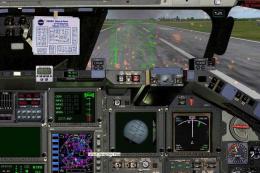
Includes all previous updates. Featuring the Space Shuttle Discovery and cele…
 FS2004 Utilities/Misc
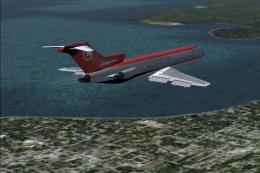
This update is the FINAL VERSION of my smoke effect project. It is the result…
 FS2004 Utilities/Misc
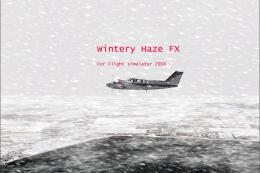
This program will add a wintery haze on the ground much like a blowing snow h…
Read what other simmers think, or add your own.

I installed this with your AI Jet Smoke addon and both of them combined when a jet comes in to land looks really nice.