

 FSX Military Aircraft
USMC T-34C Anniversary Scheme
The following repaint showcases an authentic USMC T-34C Turbo Mentor livery s…
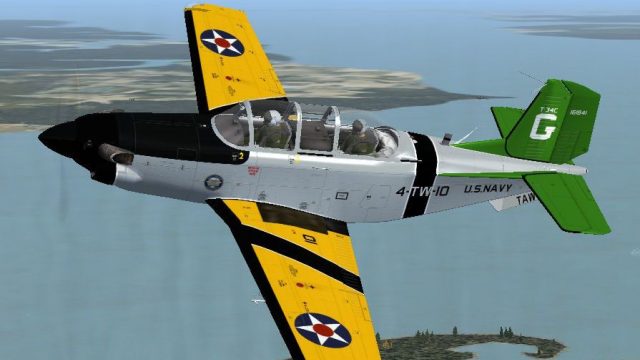
US Navy Centennial of Flight anniversary livery for the T-34C Turbo Mentor brings BuNo 161841 to life with authentic training-command markings and a crisp finish that stands out in the virtual cockpit. Built for Microsoft Flight Simulator X, it requires the AlphaSim freeware T-34C base model and delivers a historically inspired tribute to naval aviation.
 Rate
Rate
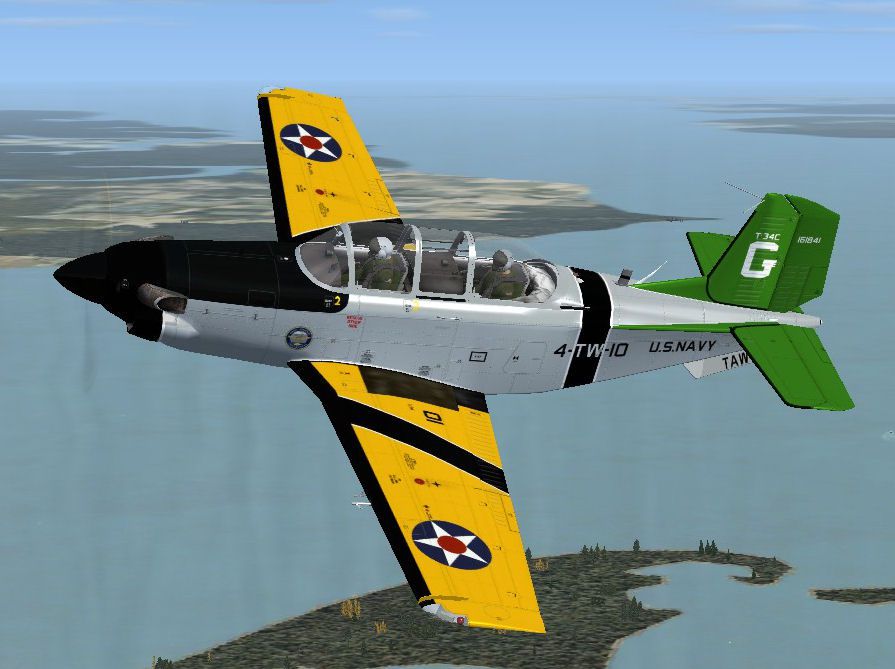
Enthusiasts seeking a tribute to naval aviation can enhance their virtual hangars with this commemorative repaint. Designed for Microsoft Flight Simulator X, these textures replicate the US Navy Centennial of Flight markings on a T-34C Turbo Mentor airframe and showcase BuNo. 161841 in a distinctive scheme. Created by John Detrick, this release honors AlphaSim’s original freeware model and offers hobbyists a vivid recreation of a historic training aircraft.
This repaint celebrates the century-long tradition of United States naval flight training. Painted in the commemorative scheme, the T-34C displays graphics that symbolize the US Navy’s dedication to instructing new pilots. The real-world T-34C, supplied with a Pratt & Whitney Canada PT6A-25 turboprop engine, evolved from Beechcraft’s Model 35 Bonanza lineage. Used across numerous decades since the 1940s, these mentors remain a staple in flight instruction environments. Pilots appreciate the T-34’s reliable handling and straightforward instrumentation, which eases the learning curve for emerging aviators.
Screenshot of USN T-34C in flight.
Please note that this package provides textures only for the T-34C (originally released by AlphaSim as T34C_FS9.ZIP). The base freeware model is not included. To fully experience this livery, download the complete T-34C Turbo Mentor model from the Fly Away Simulation mod library. Once installed, you can merge the repaint files into the aircraft folder and enjoy the US Navy’s centennial design on your own flights.
[fltsim.x]
title=ALPHA T-34C Turbo Mentor Anniversary scheme USN
sim=ALPHA_T34C
model=
panel=
sound=
texture=usnann
kb_checklists=T34C_Check
kb_reference=T34C_Ref
ui_manufacturer=Beechcraft
ui_type=T-34C Turbo Mentor
ui_typerole="Trainer"
ui_createdby="AlphaSim Ltd"
ui_variation= Centennial Anniversary Scheme USN
description=AlphaSim 2008\n\nT-34C Turbo Mentor\n\nThe Beechcraft T-34 Mentor is a propeller-driven, single-engined, military trainer aircraft derived from the Beechcraft Model 35 Bonanza. The earlier versions of the T-34, dating from around the late 1940s to the 1950s, were piston-engined. These were eventually succeeded by the upgraded T-34C Turbo Mentor, powered by a turboprop engine. The T-34 remains in service almost six decades after it was first designed. The T-34C Turbine Mentor is powered by a Pratt & Whitney Canada PT6A-25 turboprop engine and was developed in 1973, with the final example rolling off the production line in 1990.
atc_heavy=0
atc_id=161841
atc_airline=NAVY
atc_flight_number=E841
atc_parking_types=MIL_COMBAT
visual_damage=1
Remember to confirm that each bracketed entry in your configuration file is correctly numbered to avoid conflicts. Afterwards, save and close the aircraft.cfg file, then load your simulator to see the newly painted T-34C Turbo Mentor. This redesign is brought to you by John Detrick, with the original freeware model and concept by AlphaSim Ltd.
Free for all simmers · 2.63 MB · Scanned clean Oct 2026
Download speed: Free tier is capped at 0.5 Mbps. PRO members download at full line speed.
texture.{airline}) inside FSX\SimObjects\Airplanes\{base-aircraft}\.aircraft.cfg in Notepad. Add a new [fltsim.X] section per the readme.readme.txt or README file. It tells you exactly where files go, what dependencies are needed, and any quirks specific to this add-on.The archive usnt34cann.zip has 28 files and directories contained within it.
This list displays the first 500 files in the package. If the package has more, you will need to download it to view them.
| Filename/Directory | File Date | File Size |
|---|---|---|
| Read Me.txt | 10.14.11 | 1.42 kB |
| texture.usnann | 10.14.11 | 0 B |
| Pilot.dds | 10.26.08 | 1.00 MB |
| prop_3.dds | 10.13.11 | 1.00 MB |
| prop_3back.dds | 10.13.11 | 1.00 MB |
| t34bot_spec.dds | 10.14.11 | 341.48 kB |
| t34bot_T.dds | 10.14.11 | 1.33 MB |
| t34canopy_spec.dds | 10.12.08 | 256.12 kB |
| t34canopy_T.dds | 10.13.11 | 1.00 MB |
| t34common.dds | 10.04.08 | 1.00 MB |
| t34cont_spec.dds | 10.14.11 | 341.48 kB |
| t34cont_T.dds | 10.14.11 | 1.33 MB |
| t34fusefront_spec.dds | 10.14.11 | 1.33 MB |
| t34fusefront_T.dds | 10.14.11 | 5.33 MB |
| t34fuserear_spec.dds | 10.14.11 | 341.48 kB |
| t34fuserear_T.dds | 10.14.11 | 1.33 MB |
| t34tail_spec.dds | 10.14.11 | 341.48 kB |
| t34tail_T.dds | 10.14.11 | 1.33 MB |
| t34wingL_spec.dds | 10.14.11 | 1.33 MB |
| t34wingL_T.dds | 10.14.11 | 5.33 MB |
| t34wingR_spec.dds | 10.14.11 | 1.33 MB |
| t34wingR_T.dds | 10.14.11 | 5.33 MB |
| texture.cfg | 10.03.08 | 70 B |
| thumbnail.jpg | 10.14.11 | 88.27 kB |
| USNT34CANN.gif | 10.14.11 | 8.96 kB |
| USNT34CANN.jpg | 10.14.11 | 88.27 kB |
| flyawaysimulation.txt | 10.29.13 | 959 B |
| Go to Fly Away Simulation.url | 01.22.16 | 52 B |
Only PRO members can place votes.
More FSX & P3D add-ons hand-picked based on this download.
FSX Military Aircraft
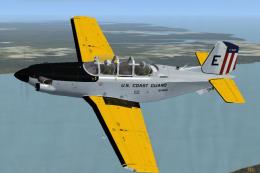
The following repaint showcases an authentic USMC T-34C Turbo Mentor livery s…
 FSX Military Aircraft
Enthusiasts of military trainer simulations can enhance their Microsoft Fligh…
 FSX Military Aircraft
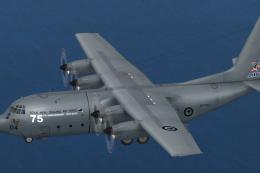
This package provides a distinctive 75th Anniversary livery honoring the Roya…
 FSX Military Aircraft
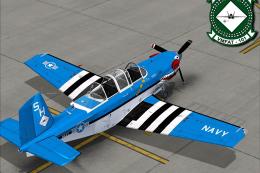
The Virtavia Beechcraft T34C Turbo Mentor in VMFAT-101 WWII scheme. Repaint b…
 FSX Military Aircraft
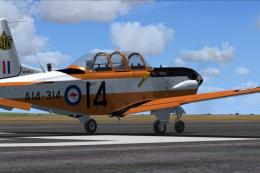
This is a fictional RAAF repaint that will fit the payware Virtavia Beech T34…
 FSX Military Aircraft
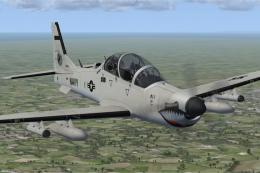
This custom texture set presents a fictional United States Navy low-visibilit…
 FSX Military Aircraft
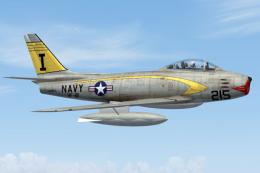
FSX USN F-86 Sabre, US Navy VF-21 'Machbusters' in two schemes: glossy sea bl…
 FSX Military Aircraft
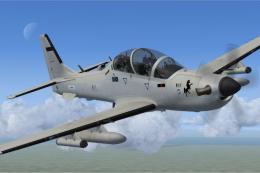
This freeware repaint highlights a US Navy “Imminent Fury” theme for the Embr…
Be the first to leave a comment on this download.
Be the first to share your thoughts on this download.