

 FSX Military Aircraft
RDAF Skrydstrup Typhoon Squadron
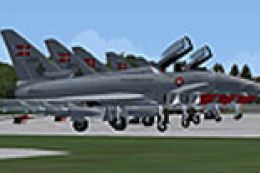
Royal Danish Air Force Typhoon Squadron based at Skrydstrup. For use with sce…
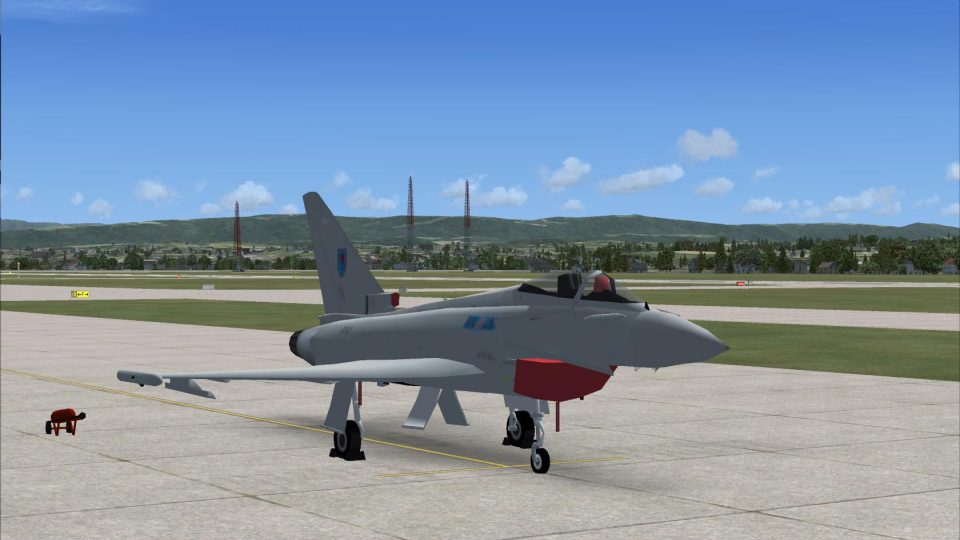
RAF No. 6 Squadron Eurofighter Typhoon textures bring authentic service markings to the MAIW model in Microsoft Flight Simulator X, with paintwork converted for correct alignment and a refined canopy look. The package replaces textures only and requires the original Typhoon aircraft folder from the referenced MAIW release.
 Rate
Rate
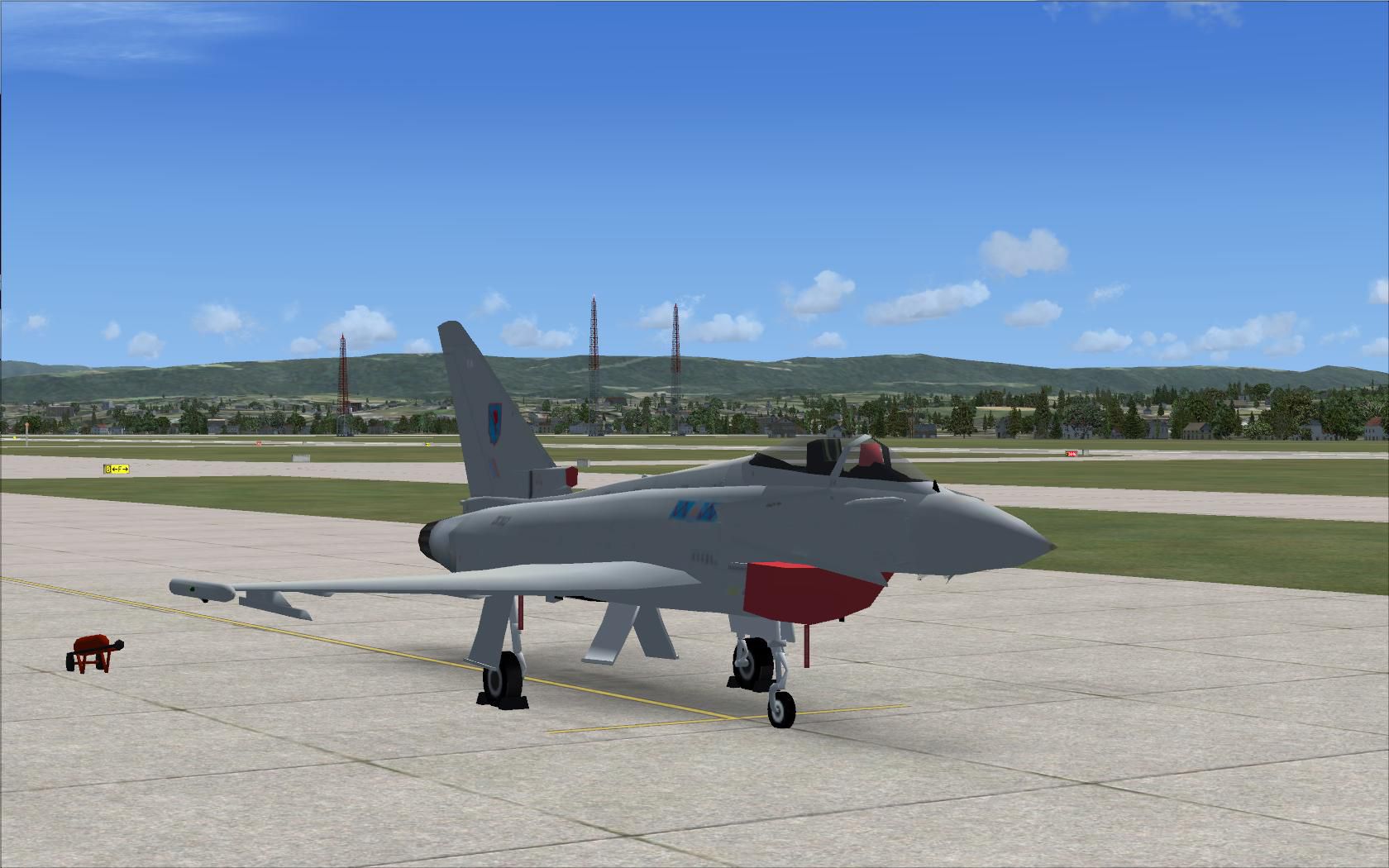
Textures that are designed so that they work correctly in FSX. Huge thanks to Martin Gossmann for the conversion of the original paints. The model is needed for this to work. Model by Nick Black and Rysiek Winawer. Repaint by Dale Ashcroft.
Screenshot of RAF 6 Squadron Typhoon on the ground.
Used in an FSX environment, there is one shortcoming with this model: the cockpit glass is greyish opaque. Luckily this can be fixed by adding an alpha channel for the glass part. Many thanks to Gavin Cole for finding the canopy texture.
Thanks to Dale Ashcroft for allowing me to make the modified textures available.
This Zip contains only the replacement textures for the MAIW aircraft in the raf6typhoon.zip package. You need the original aircraft folder that comes with the respective package to make use of it.
Free for all simmers · 3.25 MB · Scanned clean Oct 2026
Download speed: Free tier is capped at 0.5 Mbps. PRO members download at full line speed.
texture.{airline}) inside FSX\SimObjects\Airplanes\{base-aircraft}\.aircraft.cfg in Notepad. Add a new [fltsim.X] section per the readme.readme.txt or README file. It tells you exactly where files go, what dependencies are needed, and any quirks specific to this add-on.The archive fsx6sqtyphoon.zip has 69 files and directories contained within it.
This list displays the first 500 files in the package. If the package has more, you will need to download it to view them.
| Filename/Directory | File Date | File Size |
|---|---|---|
| x_FSX_Cockpit_DA_NBAI_Eurofighter RAF Leuchars | 09.07.12 | 0 B |
| Owl-Readme-Typhoon-FSX-Textures.txt | 09.08.12 | 1.23 kB |
| RAF6TYPHOON | 09.07.12 | 0 B |
| texture.61 | 08.29.12 | 0 B |
| NBAI_typhoon_f2_L.bmp | 01.29.07 | 1.00 MB |
| NBAI_typhoon_t1_T.bmp | 08.29.12 | 1.33 MB |
| texture.62 | 08.29.12 | 0 B |
| NBAI_typhoon_f2_L.bmp | 01.29.07 | 1.00 MB |
| NBAI_typhoon_t1_T 1.bmp | 08.29.12 | 1.33 MB |
| texture.6_ZJ809 | 08.29.12 | 0 B |
| NBAI_typhoon_t1_L.bmp | 01.29.07 | 1.00 MB |
| NBAI_typhoon_t1_T.bmp | 08.29.12 | 1.33 MB |
| texture.6_ZK302 | 08.29.12 | 0 B |
| NBAI_typhoon_f2_L.bmp | 01.29.07 | 1.00 MB |
| NBAI_typhoon_f2_T.bmp | 08.29.12 | 1.33 MB |
| texture.6_ZK304 | 08.29.12 | 0 B |
| NBAI_typhoon_f2_L.bmp | 01.29.07 | 1.00 MB |
| NBAI_typhoon_f2_T.bmp | 08.29.12 | 1.33 MB |
| texture.6_ZK310 | 08.29.12 | 0 B |
| NBAI_typhoon_f2_L.bmp | 01.29.07 | 1.00 MB |
| NBAI_typhoon_f2_T.bmp | 08.29.12 | 1.33 MB |
| texture.6_ZK311 | 08.29.12 | 0 B |
| NBAI_typhoon_f2_L.bmp | 01.29.07 | 1.00 MB |
| NBAI_typhoon_f2_T.bmp | 08.29.12 | 1.33 MB |
| texture.6_ZK312 | 08.29.12 | 0 B |
| NBAI_typhoon_f2_L.bmp | 01.29.07 | 1.00 MB |
| NBAI_typhoon_f2_T.bmp | 08.29.12 | 1.33 MB |
| texture.6_ZK313 | 08.29.12 | 0 B |
| NBAI_typhoon_f2_L.bmp | 01.29.07 | 1.00 MB |
| NBAI_typhoon_f2_T.bmp | 08.29.12 | 1.33 MB |
| texture.6_ZK314 | 08.29.12 | 0 B |
| NBAI_typhoon_f2_L.bmp | 01.29.07 | 1.00 MB |
| NBAI_typhoon_f2_T.bmp | 08.29.12 | 1.33 MB |
| texture.6_ZK317 | 08.29.12 | 0 B |
| NBAI_typhoon_f2_L.bmp | 01.29.07 | 1.00 MB |
| NBAI_typhoon_f2_T.bmp | 08.29.12 | 1.33 MB |
| texture.6_ZK318 | 08.29.12 | 0 B |
| NBAI_typhoon_f2_L.bmp | 01.29.07 | 1.00 MB |
| NBAI_typhoon_f2_T.bmp | 08.29.12 | 1.33 MB |
| texture.6_ZK320 | 08.29.12 | 0 B |
| NBAI_typhoon_f2_L.bmp | 01.29.07 | 1.00 MB |
| NBAI_typhoon_f2_T.bmp | 08.29.12 | 1.33 MB |
| texture.6_ZK321 | 08.29.12 | 0 B |
| NBAI_typhoon_f2_L.bmp | 01.29.07 | 1.00 MB |
| NBAI_typhoon_f2_T.bmp | 08.29.12 | 1.33 MB |
| texture.6_ZK324 | 08.29.12 | 0 B |
| NBAI_typhoon_f2_L.bmp | 01.29.07 | 1.00 MB |
| NBAI_typhoon_f2_T.bmp | 08.29.12 | 1.33 MB |
| texture.6_ZK325 | 08.29.12 | 0 B |
| NBAI_typhoon_f2_L.bmp | 01.29.07 | 1.00 MB |
| NBAI_typhoon_f2_T.bmp | 08.29.12 | 1.33 MB |
| texture.6_ZK327 | 08.29.12 | 0 B |
| NBAI_typhoon_f2_L.bmp | 01.29.07 | 1.00 MB |
| NBAI_typhoon_f2_T.bmp | 08.29.12 | 1.33 MB |
| texture.6_ZK330 | 08.29.12 | 0 B |
| NBAI_typhoon_f2_L.bmp | 01.29.07 | 1.00 MB |
| NBAI_typhoon_f2_T.bmp | 08.29.12 | 1.33 MB |
| texture.6_ZK333 | 08.29.12 | 0 B |
| NBAI_typhoon_f2_L.bmp | 01.29.07 | 1.00 MB |
| NBAI_typhoon_f2_T.bmp | 08.29.12 | 1.33 MB |
| texture.6_ZK334 | 08.29.12 | 0 B |
| NBAI_typhoon_f2_L.bmp | 01.29.07 | 1.00 MB |
| NBAI_typhoon_f2_T.bmp | 08.29.12 | 1.33 MB |
| texture.6_ZK381 | 08.29.12 | 0 B |
| NBAI_typhoon_t1_L.bmp | 01.29.07 | 1.00 MB |
| NBAI_typhoon_t1_T.bmp | 08.29.12 | 1.33 MB |
| Typhoon-Canopy.JPG | 09.07.12 | 175.94 kB |
| flyawaysimulation.txt | 10.29.13 | 959 B |
| Go to Fly Away Simulation.url | 01.22.16 | 52 B |
Only PRO members can place votes.
More FSX & P3D add-ons hand-picked based on this download.
FSX Military Aircraft
Royal Danish Air Force Typhoon Squadron based at Skrydstrup. For use with sce…
 FSX Military Aircraft
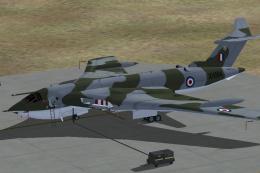
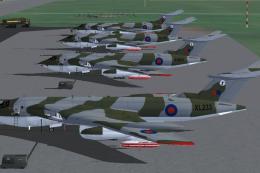
This repaint collection features the Handley Page Victor assigned to the Roya…
 FSX Military Aircraft
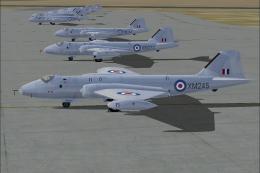
This repaint set brings to life the Royal Air Force 40 Squadron English Elect…
 FSX Military Aircraft
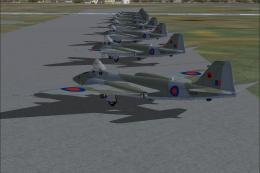
Textures of the Royal Air Force 39 Squadron English Electric Canberra PR9. In…
 FSX Military Aircraft
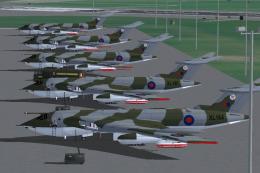
This repaint set offers an authentic representation of the British Victor air…
 FSX Military Aircraft
Experience a realistic set of Royal Air Force 55 Squadron textures designed s…
 FSX Military Aircraft
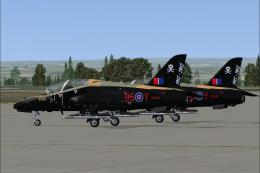
This a repaint bundle package of 100 squadron that are based at RAF Leeming. …
 FSX Military Aircraft
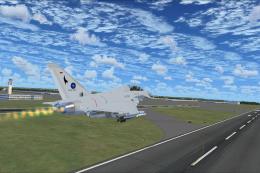
The version 2.0 includes significant improvements for the VC and the external…
Be the first to leave a comment on this download.
Be the first to share your thoughts on this download.