

 FSX AFCAD Files
AFX For LSZH
AFX For LSZH, Zurick-Kloten Airport, Switzerland. Adds ILS to runway 28, park…
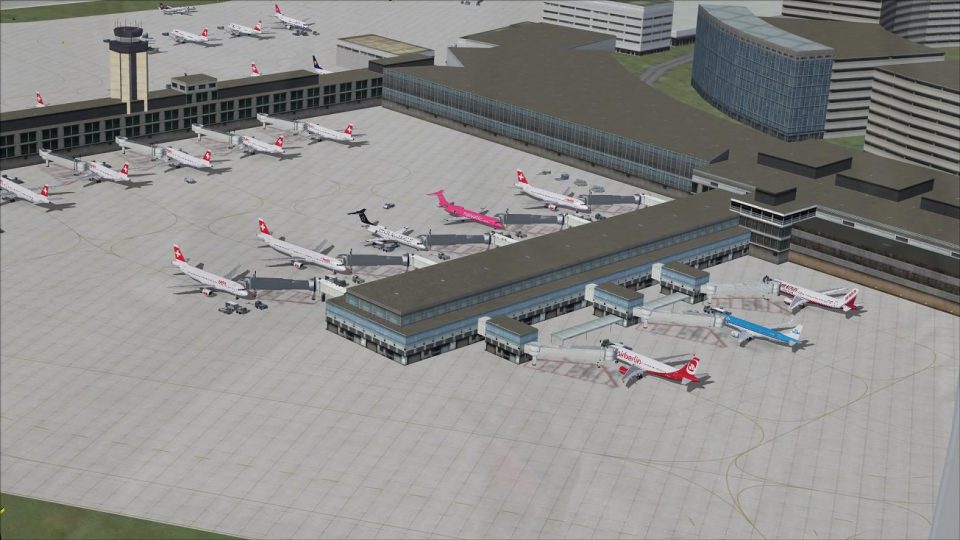
Zurich International Airport (LSZH) gets a sharper, more current layout in Microsoft Flight Simulator X with refreshed runways, taxiways, gates, and signage aligned to modern procedures. Two AFCAD options support standard operations or full three-runway crosswind use, plus expanded parking with an A380-capable stand, rebuilt service roads, a renovated Dock B, and an improved tower viewpoint.
 Rate
Rate
 Switzerland
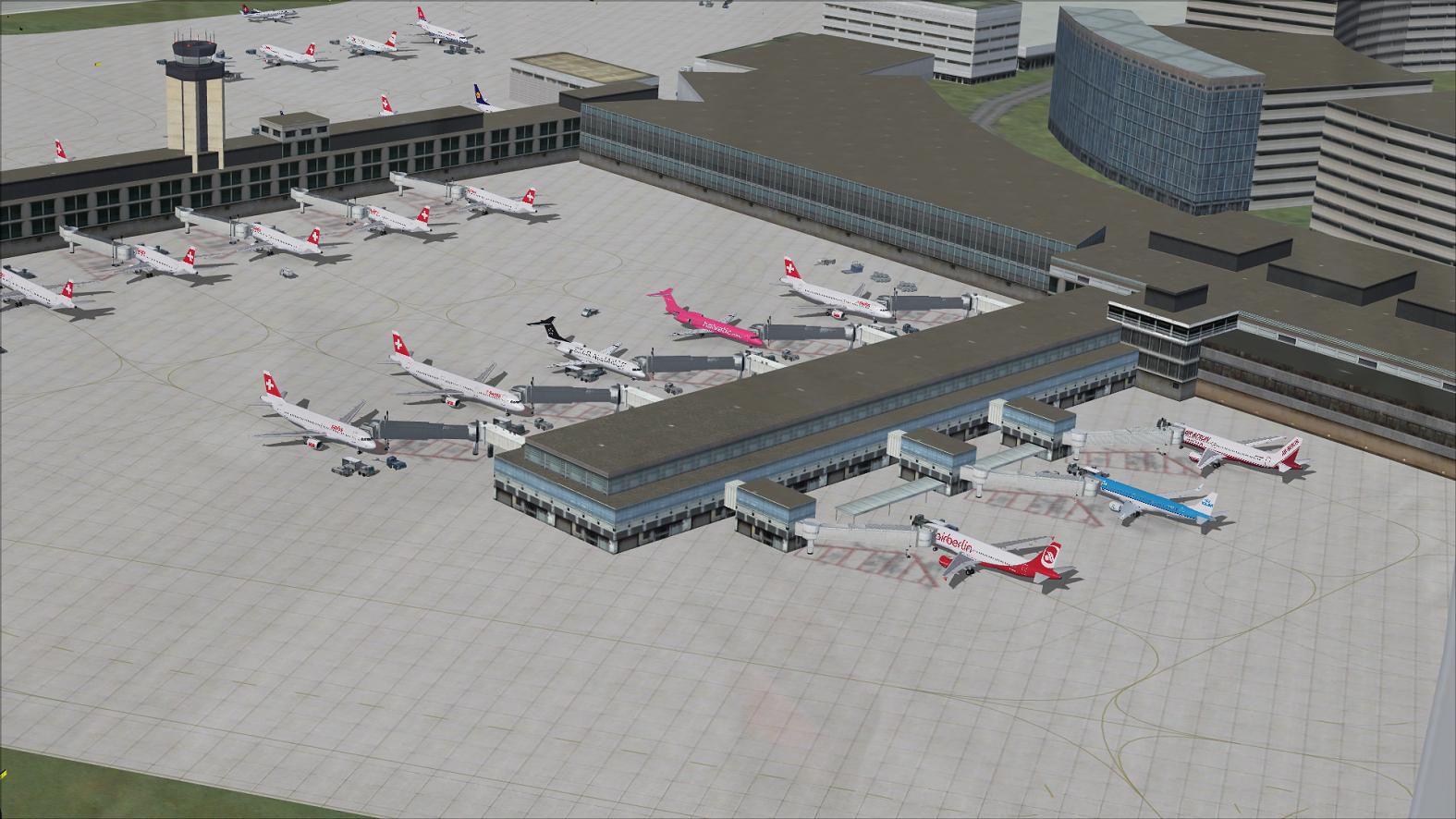
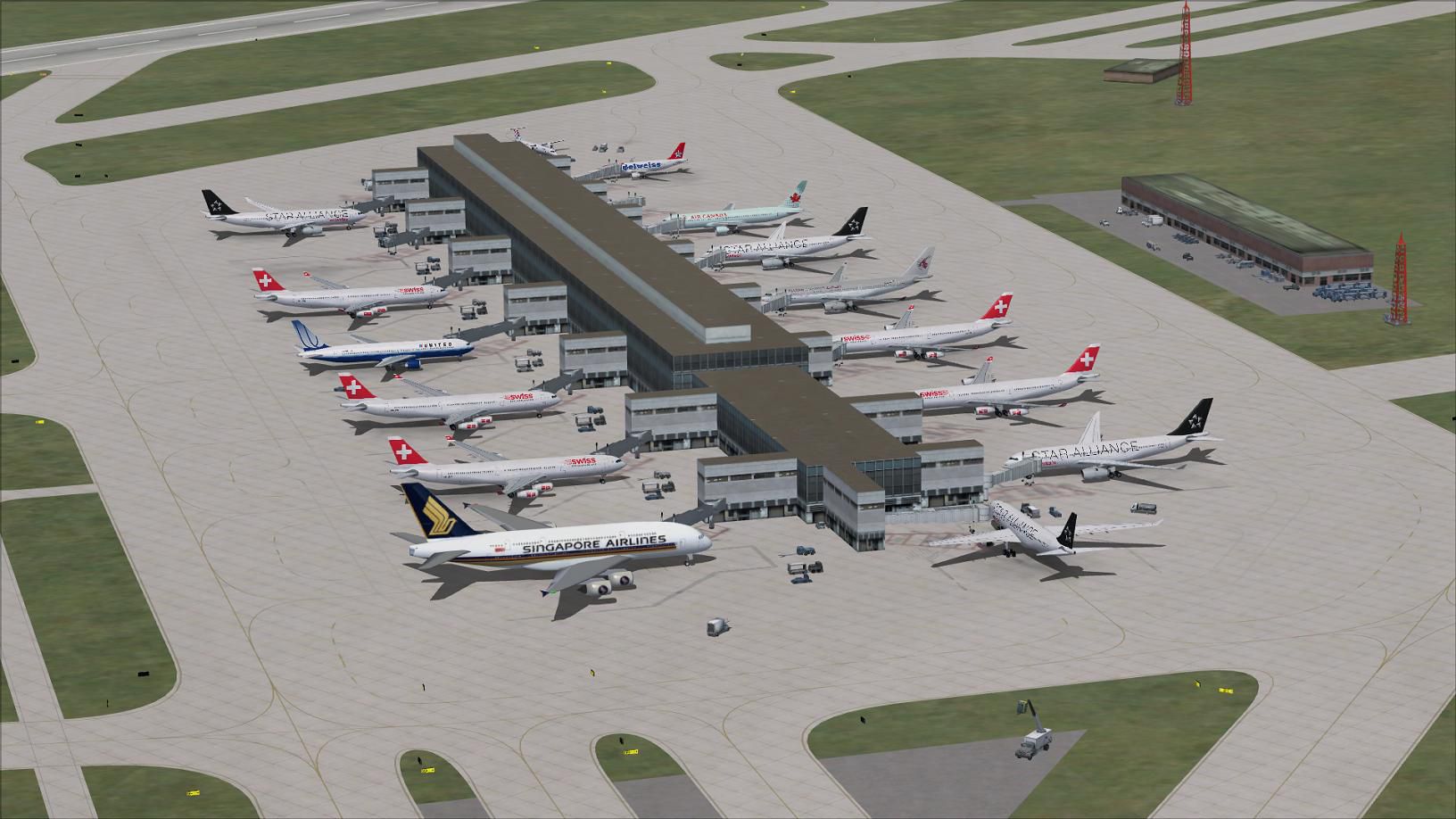
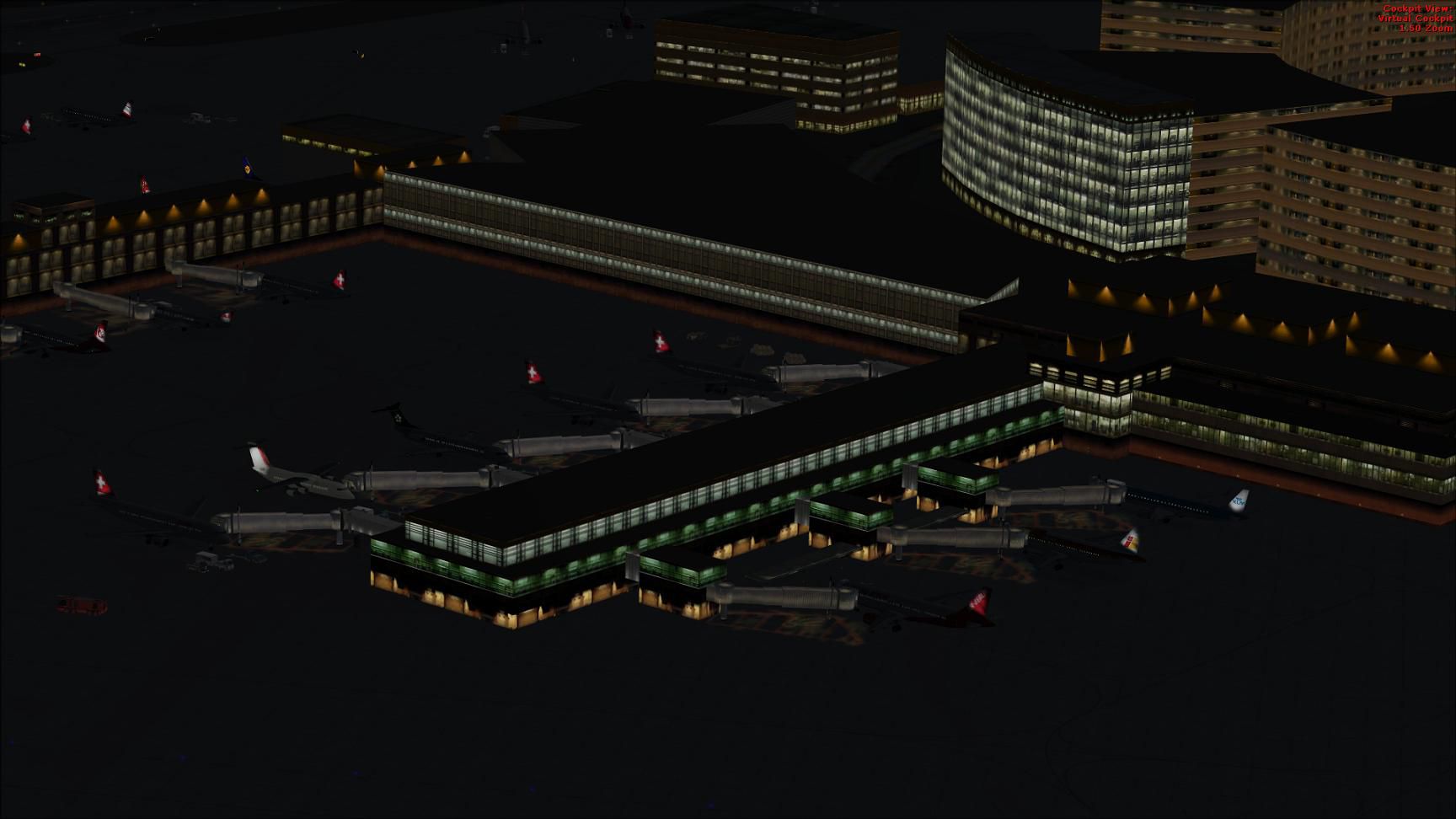
This freeware package modernizes Zurich International Airport (LSZH) in Microsoft Flight Simulator X with updated runways, gates, and taxiway details. Created by Ray Smith, it provides two distinct AFCAD configurations, expanded parking (including an A380-capable gate), reworked vehicle paths, and accurate signage based on the latest procedures. Dock B is also represented in its renovated form, while the enhanced control tower viewpoint offers a unique perspective.
Zurich International Airport, located near Kloten in Switzerland’s scenic canton of Zurich, is a key hub for Swiss International Air Lines and hosts extensive intercontinental traffic. This add-on features two optional layout files for the default FSX rendition, ensuring users can select the arrangement that best fits their preference:
These files assign parking spots to reflect current real-world planning, including a specifically designated gate for the Airbus A380. Dock B, which has undergone significant work in reality, appears here in a renovated state. Additionally, taxiway markings and signage match the newest charts, while support vehicle roads have been rebuilt to enhance ground service operations.
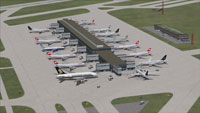
Screenshot of Zurich International Airport, Switzerland.
If you use the crosswind configuration (LSZH_CW_RS.BGL), ATIS will broadcast additional references (commonly known as “fake runways”) to maintain parallel operations. This is part of how multiple runways are activated. If that extra chatter is not desired, revert to the LSZH_RS.BGL file.
Also verify that AI traffic packages have not installed alternative AFCAD data for LSZH. Multiple AFCADs can generate parking clashes and other undesirable effects.
To uninstall, delete all associated LSZH BGL files from their respective folders. Microsoft Flight Simulator X will then default to its original Zurich International Airport scenery once these files are removed.
Free for all simmers · 534.68 KB · Scanned clean Oct 2026
Download speed: Free tier is capped at 0.5 Mbps. PRO members download at full line speed.
AF2_*.bgl or AFX_*.bgl) go into FSX\Addon Scenery\Scenery\ or a dedicated AFCAD folder you create.readme.txt or README file. It tells you exactly where files go, what dependencies are needed, and any quirks specific to this add-on.Use these coordinates to fly directly to this location once the mod is installed.
47.46470000,8.54920000
Launch FSX or Prepar3D and use Flights → Load to open the downloaded .pln file. Your aircraft will be positioned at this location.
The archive lszh_rs_fsx.zip has 10 files and directories contained within it.
This list displays the first 500 files in the package. If the package has more, you will need to download it to view them.
| Filename/Directory | File Date | File Size |
|---|---|---|
| LSZH.jpg | 11.24.12 | 180.37 kB |
| LSZH1.jpg | 11.24.12 | 118.46 kB |
| LSZH2.jpg | 11.24.12 | 179.04 kB |
| LSZH_CW_RS.BGL | 11.24.12 | 58.02 kB |
| LSZH_OBJ.BGL | 11.24.12 | 66.93 kB |
| LSZH_RS.BGL | 11.24.12 | 57.66 kB |
| ReadMe.txt | 11.24.12 | 4.05 kB |
| FSX_lszh_rs | 11.24.12 | 0 B |
| flyawaysimulation.txt | 10.29.13 | 959 B |
| Go to Fly Away Simulation.url | 01.22.16 | 52 B |
Only PRO members can place votes.
More FSX & P3D add-ons hand-picked based on this download.
FSX AFCAD Files
AFX For LSZH, Zurick-Kloten Airport, Switzerland. Adds ILS to runway 28, park…
 FSX AFCAD Files
Elevate Microsoft Flight Simulator X with a refined rendition of Lisbon Inter…
 FSX AFCAD Files
John F. Kennedy International Airport, New York, NY, USA, v2. This airport up…
 FSX AFCAD Files
Dubai International Airport, United Arab Emirates (UAE). This airport update …
 FSX AFCAD Files
Los Angeles International Airport (LAX), California (CA), USA. This airport u…
 FSX AFCAD Files
Lic Benito Juarez International Airport, Mexico City, Mexico. This airport up…
 FSX AFCAD Files
Enhance Kastrup Airport (EKCH) in Copenhagen, Denmark with this freeware upgr…
 FSX AFCAD Files
This enhanced update for Schiphol (EHAM) in Amsterdam focuses on reconstructi…
Read what other simmers think, or add your own.

Hi Im followed the instalation-introduction and after this i started the FSX. The Taxiway and Runways are there but the Bilding arent here. I cant see them.. Please help
THX Moritz