

 FSX General Aviation Aircraft
Cessna C206H Stationair
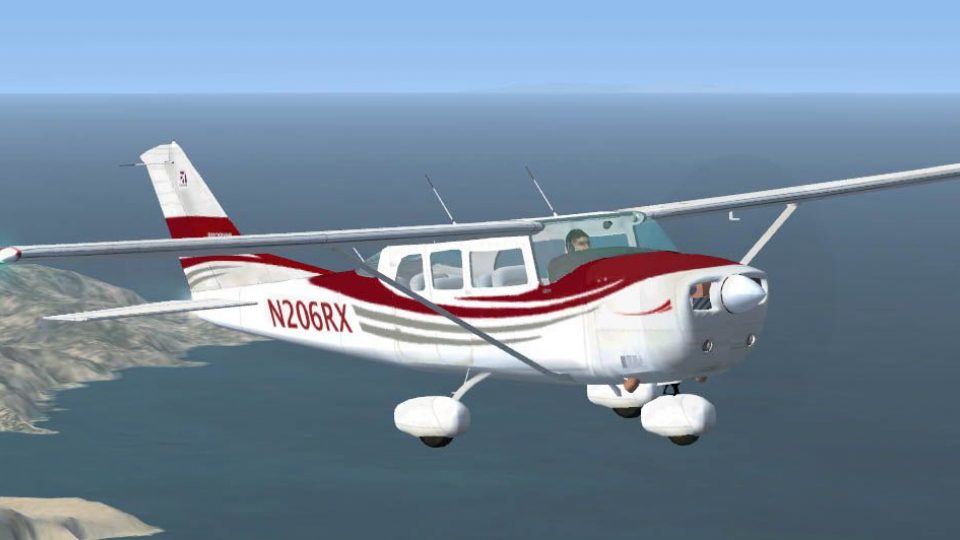
Cessna C206H Stationair, v2.1, registration N206RX. A repaint of the Cessna 2…
Cessna C206H Stationair V2.0 in North American registry N206RX delivers a corrected, flight-tested package with crisp DXT-3 textures, a custom panel and sound set, plus both analog and Garmin G1000 virtual cockpit options. Originally built for FS2004, it has been adapted for Microsoft Flight Simulator X.
 Rate
Rate
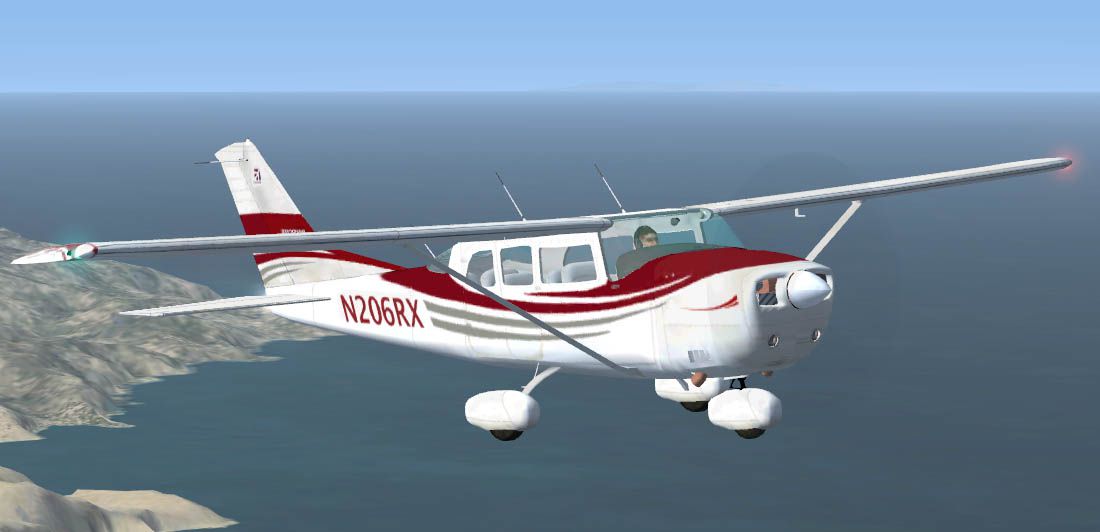
This is a North American Registry (N206RX) re-paint of the Cessna C206H Stationair VERSION 2.0 (Complete Aircraft) by Blue Sky Simulations, Roger Bonne & GUIDEE Francois-Denis. VERSION 2.0 has been reworked after reports of a few errors in the files. ALL ERRORS HAVE BEEN CORRECTED! This model has been throughly flight tested and flys like a dream! All textures are rendered in DXT-3 format for crisp texturing without sacrificing frame rates. Originally modeled for FS2004, this rendition of the sturdy aircraft has been modified to work within the FS-X platform. Includes customized panel and sound package by Peter Spanakos. Both an analog and Garmin G1000 glass panel versions have been included
Free for all simmers · 16.44 MB · Scanned clean Oct 2026
Download speed: Free tier is capped at 0.5 Mbps (this file takes approximately 5 mins at the cap). PRO members download at full line speed.
FSX\SimObjects\Airplanes\. The folder must contain an aircraft.cfg file. Effects go into FSX\Effects\; gauges go into FSX\Gauges\.readme.txt or README file. It tells you exactly where files go, what dependencies are needed, and any quirks specific to this add-on.The archive c206_n206rx_v20.zip has 6 files and directories contained within it.
This list displays the first 500 files in the package. If the package has more, you will need to download it to view them.
| Filename/Directory | File Date | File Size |
|---|---|---|
| README.txt | 11.27.06 | 2.73 kB |
| c206_n206rx_v20.zip | 11.27.06 | 16.39 MB |
| C206H_N206RX.jpg | 11.17.06 | 56.16 kB |
| C206H_N206RX_v2.gif | 11.27.06 | 5.50 kB |
| flyawaysimulation.txt | 10.29.13 | 959 B |
| Go to Fly Away Simulation.url | 01.22.16 | 52 B |
Only PRO members can place votes.
More FSX & P3D add-ons hand-picked based on this download.
FSX General Aviation Aircraft
Cessna C206H Stationair, v2.1, registration N206RX. A repaint of the Cessna 2…
 FSX General Aviation Aircraft
Cessna C206H Stationair Fix. A 2D panel/VC gauge fix for use with C206_6RX.ZI…
 FSX General Aviation Aircraft
High Flight Simulations is pleased to introduce the Cessna C206T Turbo Statio…
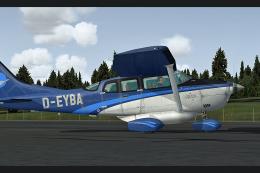 FSX General Aviation Aircraft
Enhance your experience flying the classic single-engine Cessna 206 Stationai…
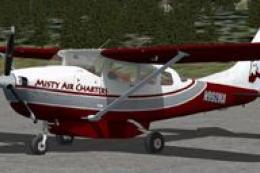 FSX General Aviation Aircraft
This carefully crafted repaint is designed for the cargo variant of the Caren…
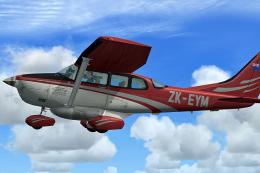 FSX General Aviation Aircraft
This repaint, created by B. Lechner, brings a realistic texture set to the ca…
 FSX General Aviation Aircraft
This freeware repaint integrates seamlessly with the payware Carenado 206 Sta…
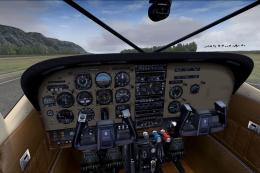 FSX General Aviation Aircraft
A photoreal skin of a real world paint for Carenado's payware U206G Stationai…
Read what other simmers think, or add your own.


Still cannot get gauges in the vitural cockpit, after downloading Version 2.0. I am running Windows Vista. Otherwise the plane looks great and flies well.

Downloaded the "FIX" for the missing VC panel and it looks and works as well as the FS9 version did over there. It is a great download and a fun plane to fly, the only thing missing now after the upgrade is the magnetic compass on the window post.


Still no gauges...and no hint as to why they are not available. Tried the gauge-fix program from another site...still nothing. Aircraft handles fairly well. Install is a bit confusing.

Virtual cockpit has no gauges. View thru windshield in 2D view is looking too far down, can't see end of runway until rotating.