

 FS2004 Civil Jet Aircraft
FFX Shaheen Air International 737-200
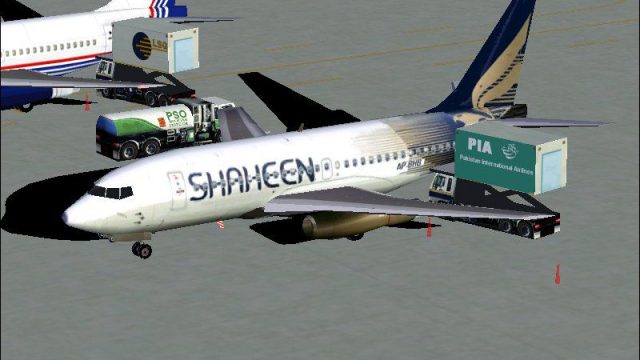
Shaheen Air International B737-200, registration AP-BHB N/C. Shaheen Air is P…
Shaheen Air International’s Boeing 737-200 AP-BHB brings a freshly inducted ex–America West jet to FS2004 with an authentic Pakistani carrier scheme, matching markings, and a clean exterior finish suited to AI traffic or ramp screenshots. Requires Jon Murchison’s AIS 737 “Baby Boeings” base model for correct animation and proportions.
 Rate
Rate
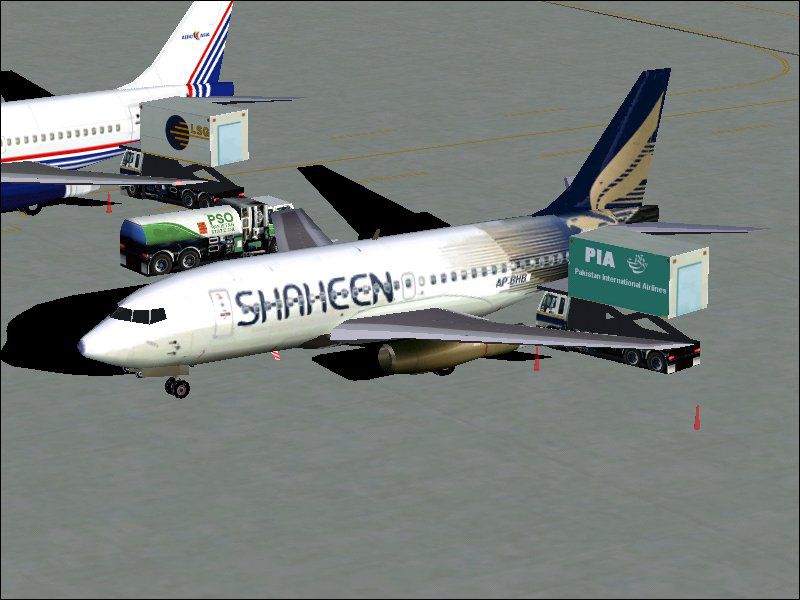
Shaheen Air is Pakistan's second national carrier. "Shaheen" is an Urdu language word for Falcon. This particular ex-America West 732 has just only recently been inducted into the airline's fleet. Requires Jon Murchison's AIS 737 "Baby Boeings" (AIS737BB.ZIP). Repainted by Ali Mujtaba (Flightsim Pakistan).
Screenshot of Shaheen Air International 737-200 on the ground.
Installation:
Move the texture.SAI folder into the aircraft folder.
Then copy and paste from between the lines into the aircraft.cfg file and change the XX into the next following number
[fltsim.xx]

	title=B737-200 SAI

	sim=733_2k2

	model=732

	panel=

	sound=

	texture=SAI

	atc_id=SAI-386

	atc_airline=SAI

	atc_flight_number=

	ui_manufacturer=AIS

	ui_type=737-200

	ui_variation=SHAHEEN

	description=Aircraft designed by Jon Murchison(ARNZ.CB.NET). Painted by Ali Mujtaba

	atc_id_color=0000000000

	visual_damage=1

	atc_parking_codes=SAI

	atc_parking_types=RAMP,GATE

	atc_heavy=0
Free for all simmers · 537.03 KB · Scanned clean Oct 2026
Download speed: Free tier is capped at 0.5 Mbps. PRO members download at full line speed.
FS9\Aircraft\, FS9\Addon Scenery\, FS9\Gauges\, or FS9\Effects\.readme.txt or README file. It tells you exactly where files go, what dependencies are needed, and any quirks specific to this add-on.The archive sai73ais.zip has 10 files and directories contained within it.
This list displays the first 500 files in the package. If the package has more, you will need to download it to view them.
| Filename/Directory | File Date | File Size |
|---|---|---|
| texture.sai | 12.04.04 | 0 B |
| 73X_AI_L.bmp | 11.10.04 | 1.33 MB |
| IS_TEXTURES.bmp | 11.15.04 | 341.43 kB |
| IS_TEXTURES_L.bmp | 11.15.04 | 341.43 kB |
| 73X_AI.bmp | 12.04.04 | 1.33 MB |
| FILE_ID.DIZ | 12.04.04 | 398 B |
| readme.txt | 12.04.04 | 1.68 kB |
| screenshot.jpg | 12.04.04 | 74.22 kB |
| flyawaysimulation.txt | 10.29.13 | 959 B |
| Go to Fly Away Simulation.url | 01.22.16 | 52 B |
Only PRO members can place votes.
More FS2004 add-ons hand-picked based on this download.
FS2004 Civil Jet Aircraft
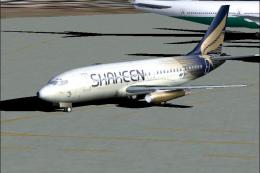
Shaheen Air International B737-200, registration AP-BHB N/C. Shaheen Air is P…
 FS2004 Civil Jet Aircraft
Shaheen Air International Boeing 737-200, registration AP-BHB N/C. Shaheen Ai…
 FS2004 Civil Jet Aircraft
Tupolev TU-154 SAI livery textures. Shaheen Air International is Pakistan's s…
 FS2004 Civil Jet Aircraft
Texture update. Features the revised new livery which replaces the "Pakistan"…
 FS2004 Civil Jet Aircraft
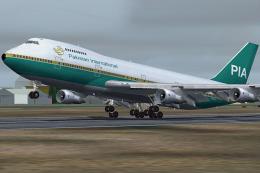
This freeware release showcases a detailed Pakistan International Airlines Bo…
 FS2004 Civil Jet Aircraft
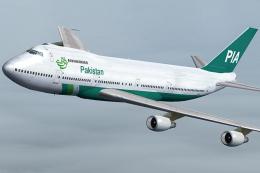
This release showcases a classic Boeing 747-200 in the Pakistan Airlines live…
 FS2004 Civil Jet Aircraft
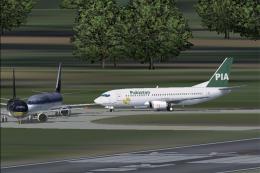
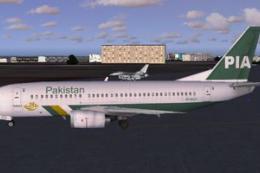
Model by AI Aardvark. Repainted by Azhar Munir. Screenshot of PIA Boeing 737-…
 FS2004 Civil Jet Aircraft
Textures only; requires AIAFS9UP.ZIP. Model by AI Aardvark. Livery by Azhar M…
Be the first to leave a comment on this download.
Be the first to share your thoughts on this download.