

 FS2004 Civil Jet Aircraft
Pakistan International Tu-154
Tupolev TU-154 PIA livery textures. This particular aircraft was leased in th…
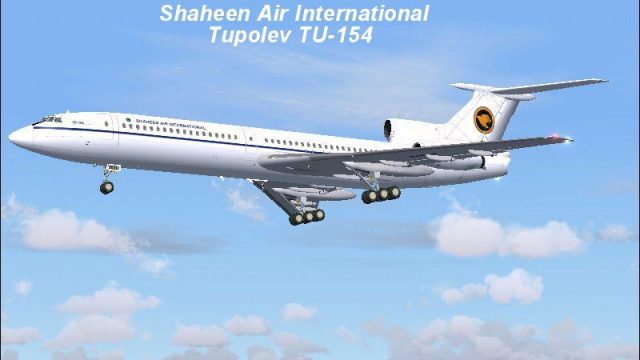
Shaheen Air International livery textures bring a realistic Pakistan-based Tu-154B-2 repaint to FS2004, reflecting the carrier’s domestic and Middle East operations. The package updates exterior markings and color scheme for authentic airline visuals, and requires the full TU154LCG.ZIP base model by Tibor Kokai to fly.
 Rate
Rate
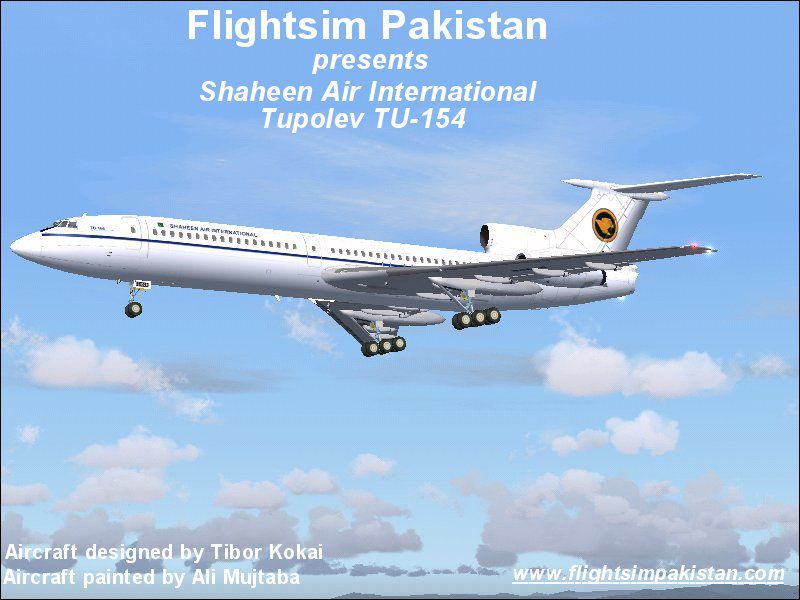
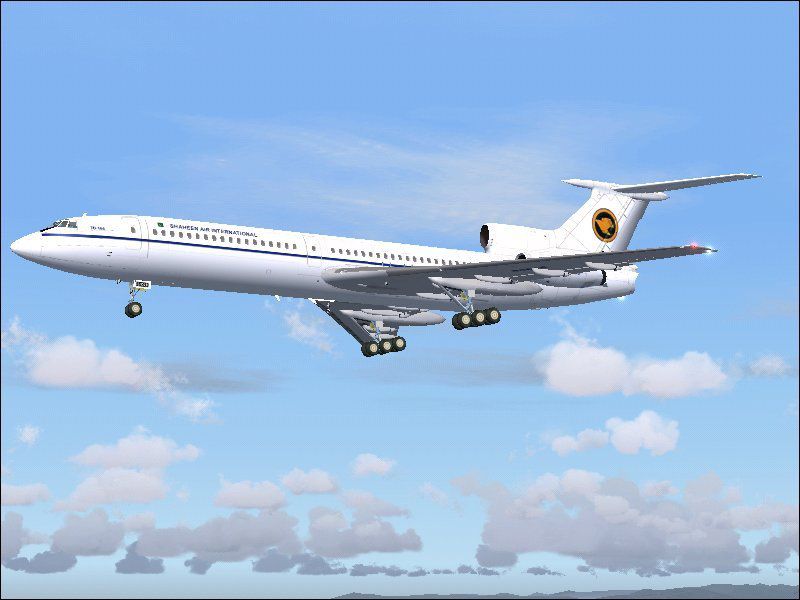
Tupolev TU-154 SAI livery textures. Shaheen Air International is Pakistan's second national carrier which operates its flights on domestic and Mid-East routes. Requires the full package TU154LCG.ZIP by Tibor Kokai. Painted by Ali Mujtaba.
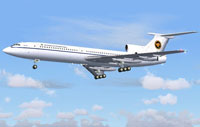
Screenshot of Shaheen Air International Tu-154 in flight.
Installation:
1. Download and install the base package tu154b2_mal.zip by Tibor Kokai.
2. Locate the folder of the installed TU-154 under the aircraft folder in FS2004. It should look something like this - C:\fs2004\aircraft\Tu-154B2
3. Extract the texture.sai folder in the TU-154B2 folder.
4. Open up the aircraft.cfg file in the TU-145B2 folder and cut paste the following entries.
Replace x with the appropriate number. e.g [fltsim.1, fltsim.2 and so on]
[fltsim.x]

	title=Tu-154-B2 SAI

	sim=Tu154B2_LCG

	model=

	panel=

	texture=sai

	kb_checklists=

	atc_id_color=0000000000

	visual_damage=1

	description=Tu-154B-2 Air-file version 7.2 from Dmitry Kolesnik for FS2002. Painted by Ali Mujtaba

	ui_manufacturer=Tupolev

	ui_type=Tu-154-B2

	ui_variation=SAI

	atc_heavy=0

	atc_id=

	atc_airline=

	atc_flight_number=85816
5. Run FS2004 and select Tupolev in the aircraft selection window and select SAI from the variation window. Thats all there is to it.
Happy Flying!
Free for all simmers · 3.07 MB · Scanned clean Oct 2026
Download speed: Free tier is capped at 0.5 Mbps. PRO members download at full line speed.
FS9\Aircraft\, FS9\Addon Scenery\, FS9\Gauges\, or FS9\Effects\.readme.txt or README file. It tells you exactly where files go, what dependencies are needed, and any quirks specific to this add-on.The archive fsp154sa.zip has 26 files and directories contained within it.
This list displays the first 500 files in the package. If the package has more, you will need to download it to view them.
| Filename/Directory | File Date | File Size |
|---|---|---|
| File_Id.diz | 02.13.04 | 308 B |
| TU154SAI.jpg | 02.13.04 | 69.86 kB |
| screenshot.jpg | 02.13.04 | 54.85 kB |
| README_1ST.txt | 02.13.04 | 2.36 kB |
| inside.bmp | 06.26.03 | 257.05 kB |
| Thumbs.db | 02.13.04 | 77.50 kB |
| tu154_fuse01.bmp | 02.13.04 | 5.33 MB |
| tu154_fuse01_alpha.bmp | 08.14.03 | 1.00 MB |
| tu154_fuse02.bmp | 02.13.04 | 5.33 MB |
| tu154_fuse02_alpha.bmp | 08.14.03 | 1.00 MB |
| tu154_fuse03.bmp | 02.13.04 | 5.33 MB |
| tu154_fuse03_alpha.bmp | 08.14.03 | 1.00 MB |
| tu154_fuse04.bmp | 08.03.03 | 64.54 kB |
| tu154_panel01.bmp | 09.10.03 | 257.05 kB |
| tu154_panel02.bmp | 05.04.02 | 257.05 kB |
| tu154_panel03.bmp | 05.04.02 | 257.05 kB |
| tu154_panel04.bmp | 04.10.02 | 257.05 kB |
| tu154_panel05.bmp | 06.19.03 | 257.05 kB |
| tu154_panel06.bmp | 05.01.02 | 257.05 kB |
| tu154_panel07.bmp | 06.21.03 | 257.05 kB |
| tu154_wing01.bmp | 02.13.04 | 5.33 MB |
| tu154_wing01_alpha.bmp | 08.14.03 | 1.00 MB |
| tu154_wing02.bmp | 02.13.04 | 5.33 MB |
| tu154_wing02_alpha.bmp | 08.14.03 | 1.00 MB |
| flyawaysimulation.txt | 10.29.13 | 959 B |
| Go to Fly Away Simulation.url | 01.22.16 | 52 B |
Only PRO members can place votes.
More FS2004 add-ons hand-picked based on this download.
FS2004 Civil Jet Aircraft
Tupolev TU-154 PIA livery textures. This particular aircraft was leased in th…
 FS2004 Civil Jet Aircraft
This creatively enhanced livery add-on showcases UT Air’s color scheme applie…
 FS2004 Civil Jet Aircraft
Tupolev Tu-154 B-2 virtual cockpit add-on package for the Tupolev Tu-154 B-2 …
 FS2004 Civil Jet Aircraft
Russia Tupolev Tu-154, registation 85843. 32 bit "Russia" texture for the Tu-…
 FS2004 Civil Jet Aircraft
Textures only; requires AI154PAK.ZIP. Model by Viktor Schacht. Livery by Vlad…
 FS2004 Civil Jet Aircraft
Belavia Tupolev Tu-154, registration EW-85741. Belavia texture for the Tu-154…
 FS2004 Civil Jet Aircraft
Textures only. Recommended panel is PT154ZUK.ZIP Repainted by M. Zukowski. Sc…
 FS2004 Civil Jet Aircraft
A fix for the Tu-154 virtual cockpit light, for use with TU154B2V.ZIP. Two ve…
Be the first to leave a comment on this download.
Be the first to share your thoughts on this download.