

 FS2004 Civil Jet Aircraft
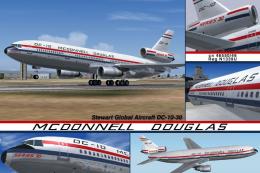
Series 30 Demonstrator DC-10-30
This freeware release brings fresh updates to a classic tri-engine wide-body …
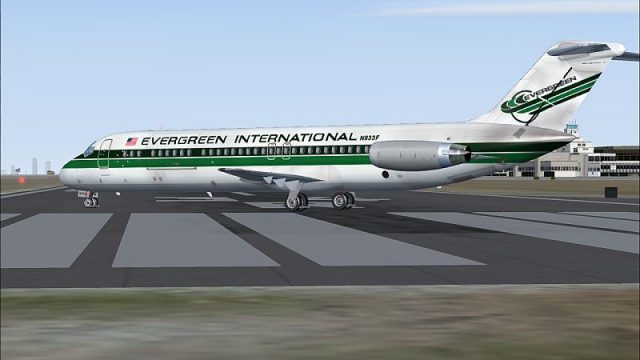
Evergreen International (EIA) colors bring a distinctive cargo-era look to the SGA Douglas DC-9-30 in FS2004, with clean markings and believable airline details for ramp and enroute flying. Textures only, requires SGA930.ZIP, and integrates through the aircraft configuration for a seamless new livery option.
 Rate
Rate
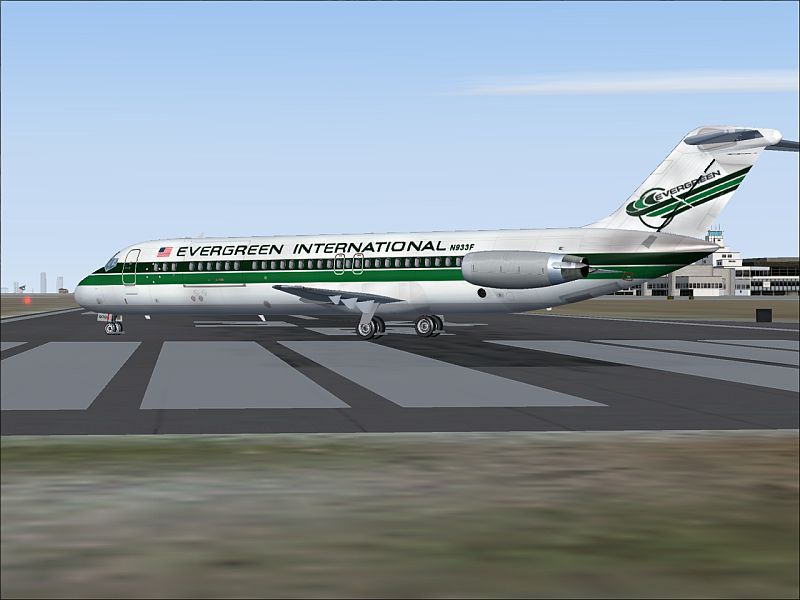
Textures only; requires SGA930.ZIP. A repaint of the SGA DC9-30 in EIA colors. By JP Visser.
Screenshot of EIA Douglas DC-9-30 on the ground.
[fltsim.xx]

	title=FlightFX DC-9-30 Evergreen International

	sim=SGA DC9_30

	model=

	panel=

	sound=

	texture=eia

	kb_reference=SAS_DC-9-41_ref

	kb_checklists=SAS_DC-9-41_check

	atc_id=N933F

	atc_id_color=0xffffffff

	atc_airline=Evergreen

	atc_flight_number=935

	ui_manufacturer=Douglas

	ui_type=DC-9-30

	ui_variation=Evergreen

	description=Model: Erick Cantu & FDE Fraser Turner
Free for all simmers · 1.22 MB · Scanned clean Oct 2026
Download speed: Free tier is capped at 0.5 Mbps. PRO members download at full line speed.
This file is a repaint — the package below is the base model it paints onto. Install it first, or the textures will have nothing to load onto.
FS9\Aircraft\, FS9\Addon Scenery\, FS9\Gauges\, or FS9\Effects\.readme.txt or README file. It tells you exactly where files go, what dependencies are needed, and any quirks specific to this add-on.The archive dc93jp1.zip has 22 files and directories contained within it.
This list displays the first 500 files in the package. If the package has more, you will need to download it to view them.
| Filename/Directory | File Date | File Size |
|---|---|---|
| 30FUSE_l.bmp | 12.12.04 | 1.00 MB |
| 30FUSE_T.bmp | 12.13.04 | 4.00 MB |
| CONE_L.BMP | 08.08.03 | 5.43 kB |
| CONE_T.BMP | 08.08.03 | 5.43 kB |
| DC9xINTERIOR_L.BMP | 05.19.04 | 256.07 kB |
| DC9xINTERIOR_T.BMP | 01.28.04 | 1.00 MB |
| DC9_B_L.BMP | 08.21.04 | 1.00 MB |
| DC9_b_T.bmp | 12.12.04 | 4.00 MB |
| ENGINES_L.BMP | 05.19.04 | 256.07 kB |
| ENGINES_T.BMP | 11.16.04 | 1.00 MB |
| INTAKE_L.bmp | 08.08.03 | 5.43 kB |
| INTAKE_t.BMP | 08.10.03 | 42.78 kB |
| WING_LEFT_L.BMP | 08.28.04 | 1.00 MB |
| WING_LEFT_T.BMP | 08.28.04 | 1.00 MB |
| WING_RIGHT_L.BMP | 08.28.04 | 1.00 MB |
| WING_RIGHT_T.BMP | 08.28.04 | 1.00 MB |
| texture.eia | 12.12.04 | 0 B |
| readme.txt | 12.13.04 | 1.69 kB |
| eia30.jpg | 12.13.04 | 48.04 kB |
| file_id_diz | 12.13.04 | 71 B |
| flyawaysimulation.txt | 10.29.13 | 959 B |
| Go to Fly Away Simulation.url | 01.22.16 | 52 B |
Only PRO members can place votes.
More FS2004 add-ons hand-picked based on this download.
FS2004 Civil Jet Aircraft
This freeware release brings fresh updates to a classic tri-engine wide-body …
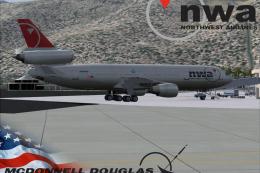 FS2004 Civil Jet Aircraft
This complete freeware package brings the iconic tri-jet design of the Dougla…
 FS2004 Civil Jet Aircraft
Brand new model from SGA. The SGA DC9-30 with North Central and Eastern. Mode…
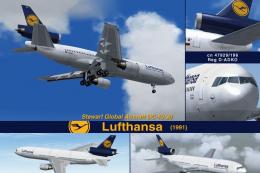 FS2004 Civil Jet Aircraft
This freeware release offers flight simulation enthusiasts an enhanced Dougla…
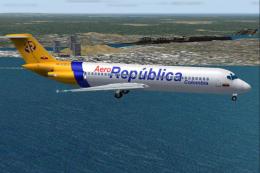 FS2004 Civil Jet Aircraft
A Douglas DC9-30 in Aerorepublica Colombia livery, painted in DXT3 textures, …
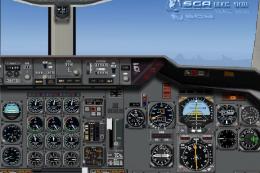 FS2004 Civil Jet Aircraft
A repaint of the DC10-30 Gmax model made by FFX/SGA. Avensa textures by Adalb…
 FS2004 Civil Jet Aircraft
A repaint of the DC10-30 Gmax model made by FFX/SGA. Textures by Adalberto Pe…
 FS2004 Civil Jet Aircraft
This freeware package introduces an AOM-branded Douglas DC-10-30 for Microsof…
Be the first to leave a comment on this download.
Be the first to share your thoughts on this download.