

 FS2004 Civil Jet Aircraft
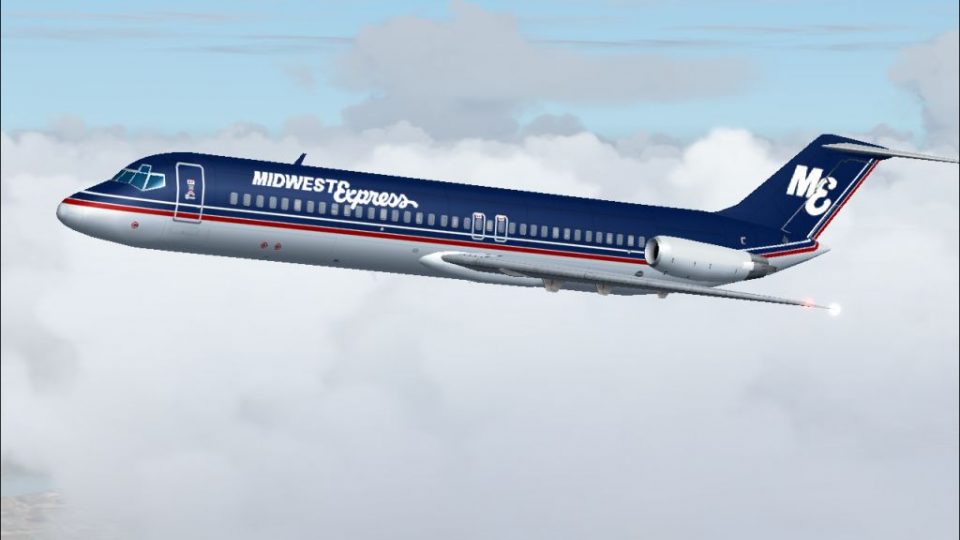
1980's Midwest Express Airlines MD-81 V2
This repaint set offers a faithful homage to Midwest Express Airlines during …
Midwest Express Airlines’ elegant 1980s DC-9-30 livery brings the carrier’s signature blue-and-gray look to Microsoft Flight Simulator 2004, with crisp day and night textures, accurate window and door alignment, and AI-traffic-friendly performance for busier hubs. Requires the AI Aardvark DC-9-30 base model to showcase authentic period operations.
 Rate
Rate
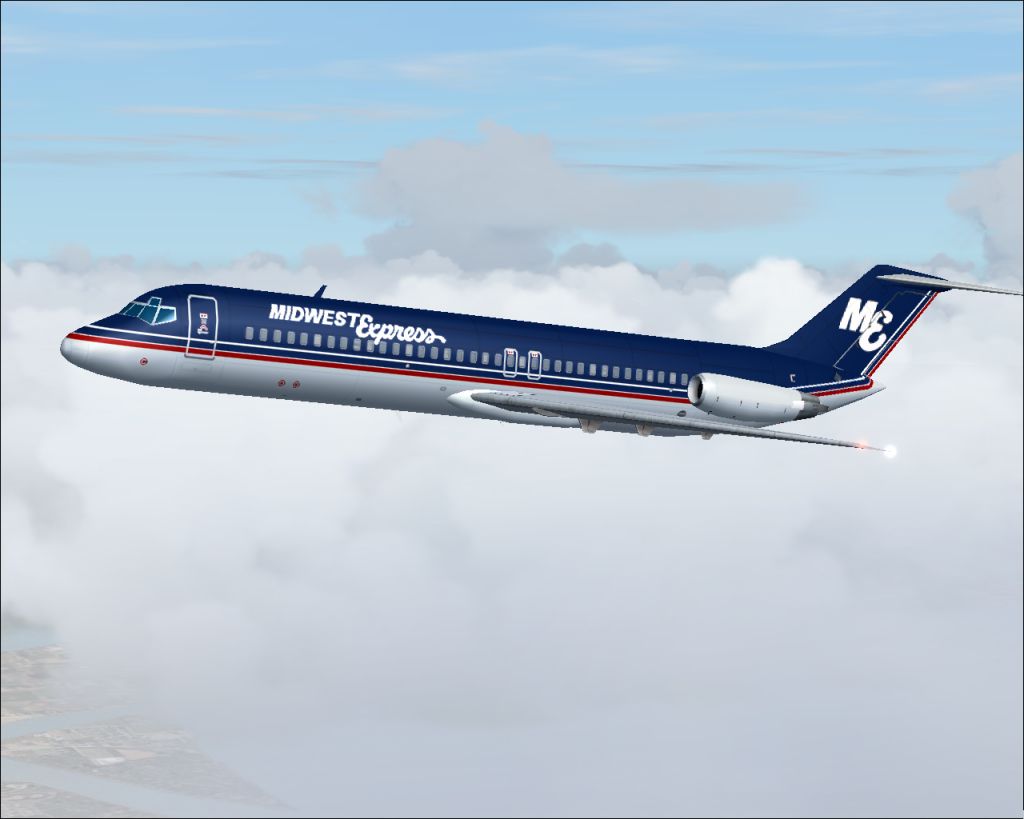
This freeware repaint showcases the classic Midwest Express Airlines livery from the 1980s, specifically created for Microsoft Flight Simulator 2004. It captures the airline's sophisticated style from its early days when it delivered attentive onboard service and savory baked cookies to its passengers.
Originally operating from Milwaukee, Wisconsin, Midwest Express Airlines evolved into a noteworthy carrier known for its business-class seating configuration offered at economy fares. Established as a branch of the Kimberly-Clark Corporation, it soon expanded into Washington, D.C. and beyond. The 1980s color scheme featured on this Douglas DC-9-30 (a short-to-medium range narrow-body jet from McDonnell Douglas) reflects the airline’s intent to provide a distinctive travel experience under the slogan, "The Best Care in the Air." This meticulous repaint, courtesy of Sheppard Avery, replicates the timeless blue and gray fuselage layout along with night-illumination textures for after-hours operations.
Midwest Express Airlines DC-9-30 during cruise showcasing the 1980s paint scheme.
The repaint includes only the texture files for the AI Aardvark DC-9-30 model (developed by AI Aardvark). This add-on does not contain the original base package, so you will need to download the freeware model from the Fly Away Simulation library. Once acquired, simply place each texture folder into the corresponding aircraft directory. Then, modify the aircraft.cfg file by adding the provided texture entries, ensuring they align with the correct model variant.
With these textures applied, you can immerse yourself in historic operations over hubs such as Milwaukee, Omaha, and Kansas City. Although it has since rebranded to Midwest Airlines, this livery stands as a tribute to the airline’s beginnings when it offered a premium travel experience at competitive fares. The visual transformation will bring a touch of nostalgia for enthusiasts who remember the DC-9 family’s impact on domestic air travel.
Free for all simmers · 475.21 KB · Scanned clean Oct 2026
Download speed: Free tier is capped at 0.5 Mbps. PRO members download at full line speed.
This file is a repaint — the package below is the base model it paints onto. Install it first, or the textures will have nothing to load onto.
FS9\Aircraft\, FS9\Addon Scenery\, FS9\Gauges\, or FS9\Effects\.readme.txt or README file. It tells you exactly where files go, what dependencies are needed, and any quirks specific to this add-on.The archive med9srai.zip has 9 files and directories contained within it.
This list displays the first 500 files in the package. If the package has more, you will need to download it to view them.
| Filename/Directory | File Date | File Size |
|---|---|---|
| aia_dc_9_30_l.bmp | 08.07.04 | 341.43 kB |
| aia_dc_9_30_t.bmp | 11.30.04 | 1.33 MB |
| mid D9S.jpg | 11.30.04 | 256.33 kB |
| midwest80s.gif | 12.02.04 | 2.74 kB |
| READ ME.txt | 12.02.04 | 1.68 kB |
| READMERetroAI.txt | 12.02.04 | 769 B |
| mid ex DC-9-30 | 12.02.04 | 0 B |
| flyawaysimulation.txt | 10.29.13 | 959 B |
| Go to Fly Away Simulation.url | 01.22.16 | 52 B |
Only PRO members can place votes.
More FS2004 add-ons hand-picked based on this download.
FS2004 Civil Jet Aircraft
This repaint set offers a faithful homage to Midwest Express Airlines during …
 FS2004 Civil Jet Aircraft
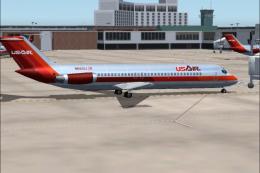
Experience a classic example of USAir’s early 1980s livery in Microsoft Fligh…
 FS2004 Civil Jet Aircraft
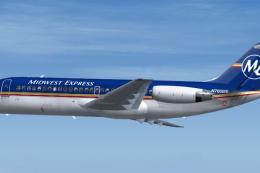
Bring a touch of classic aviation to Microsoft Flight Simulator 2004 with thi…
 FS2004 Civil Jet Aircraft
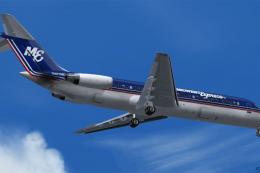
This repaint provides a distinctive Midwest Express finish for the Douglas DC…
 FS2004 Civil Jet Aircraft
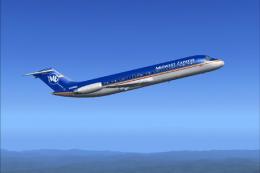
This freeware repaint enhances Microsoft Flight Simulator 2004 by representin…
 FS2004 Civil Jet Aircraft
Pilots interested in expanding their FS2004 fleet with a robust, long-haul tr…
 FS2004 Civil Jet Aircraft
A repaint of the McDonnell Douglas MD83 by SGA/FFX. Includes full aircraft, n…
 FS2004 Civil Jet Aircraft
Midwest Airlines McDonnell Douglas MD-81 (new tail), registration N801ME. Tex…
Be the first to leave a comment on this download.
Be the first to share your thoughts on this download.