

 FSX Panels & Gauges
Three Panels For The Douglas DC-10
Three panels for the DC10 in FSX, each with sub-panel and popups. One analogu…
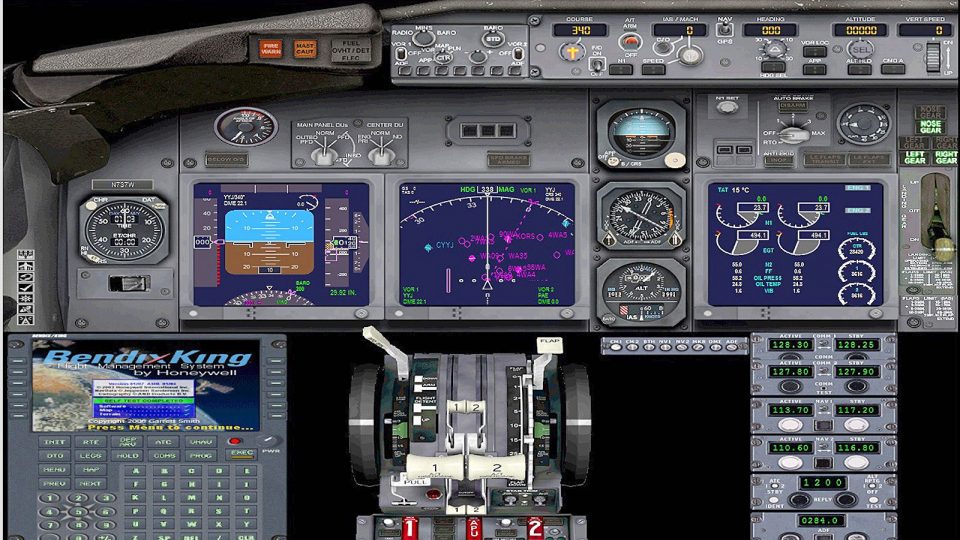
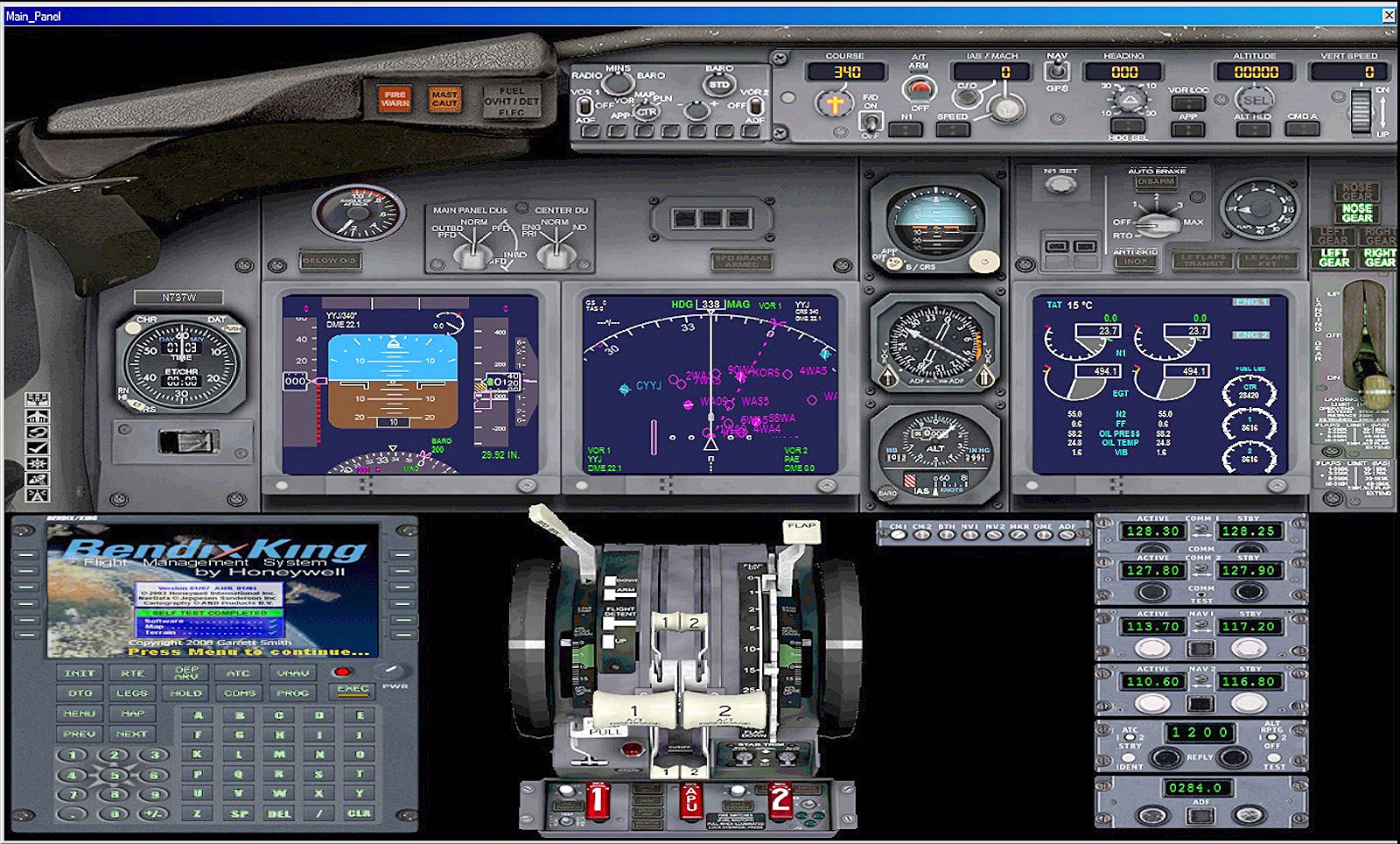
Multiple-monitor 2D instrument panels for the default Boeing 737-800 in FSX deliver full-screen glass displays tailored to home-built flight decks, with six preconfigured layouts and integrated night lighting for two- or three-monitor setups. The configuration uses mostly default gauges for smooth performance and supports Boeing callouts that requires Mike Smith’s BOEING_CALLOUTS_FSX files.
 Rate
Rate
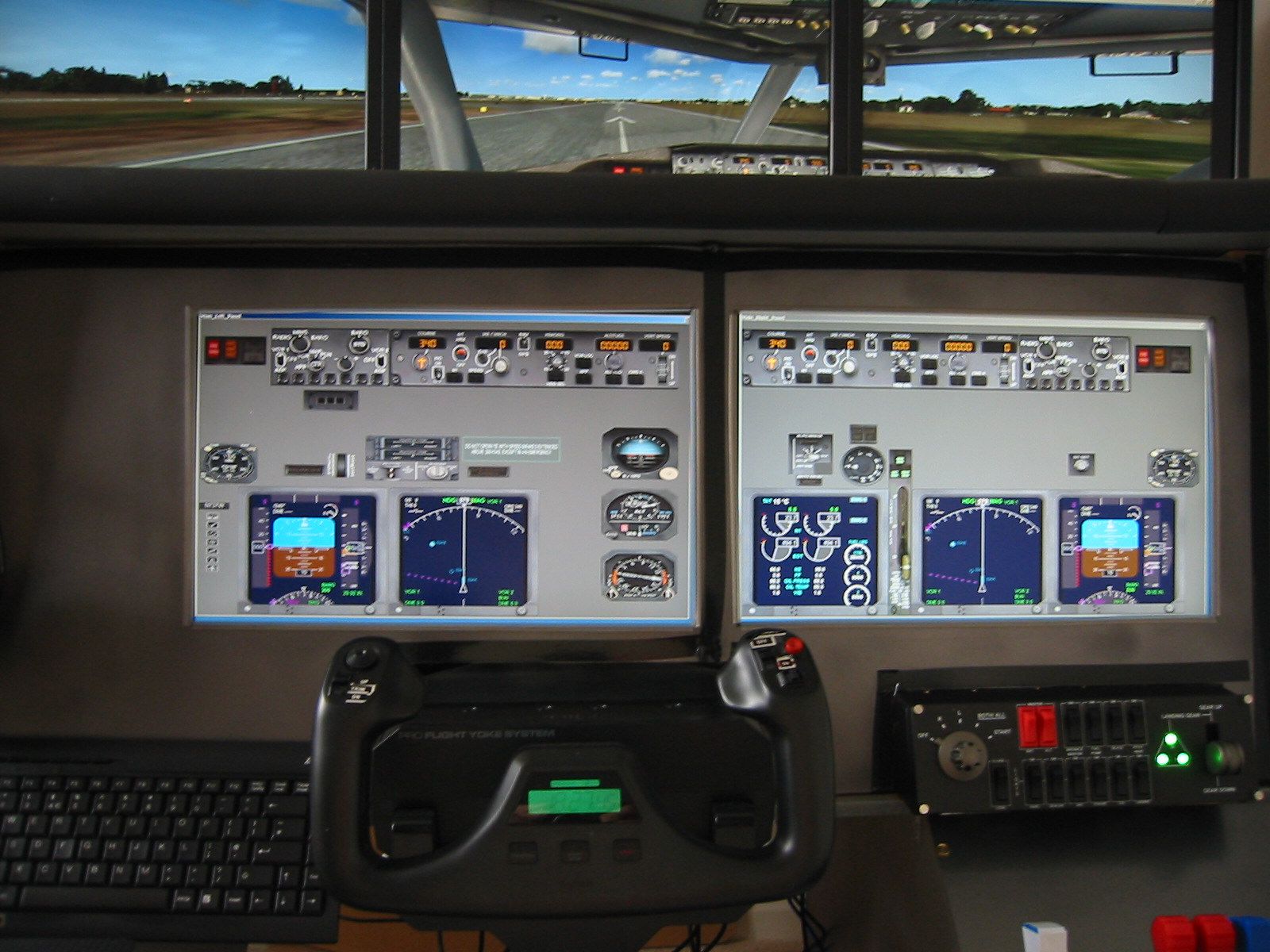

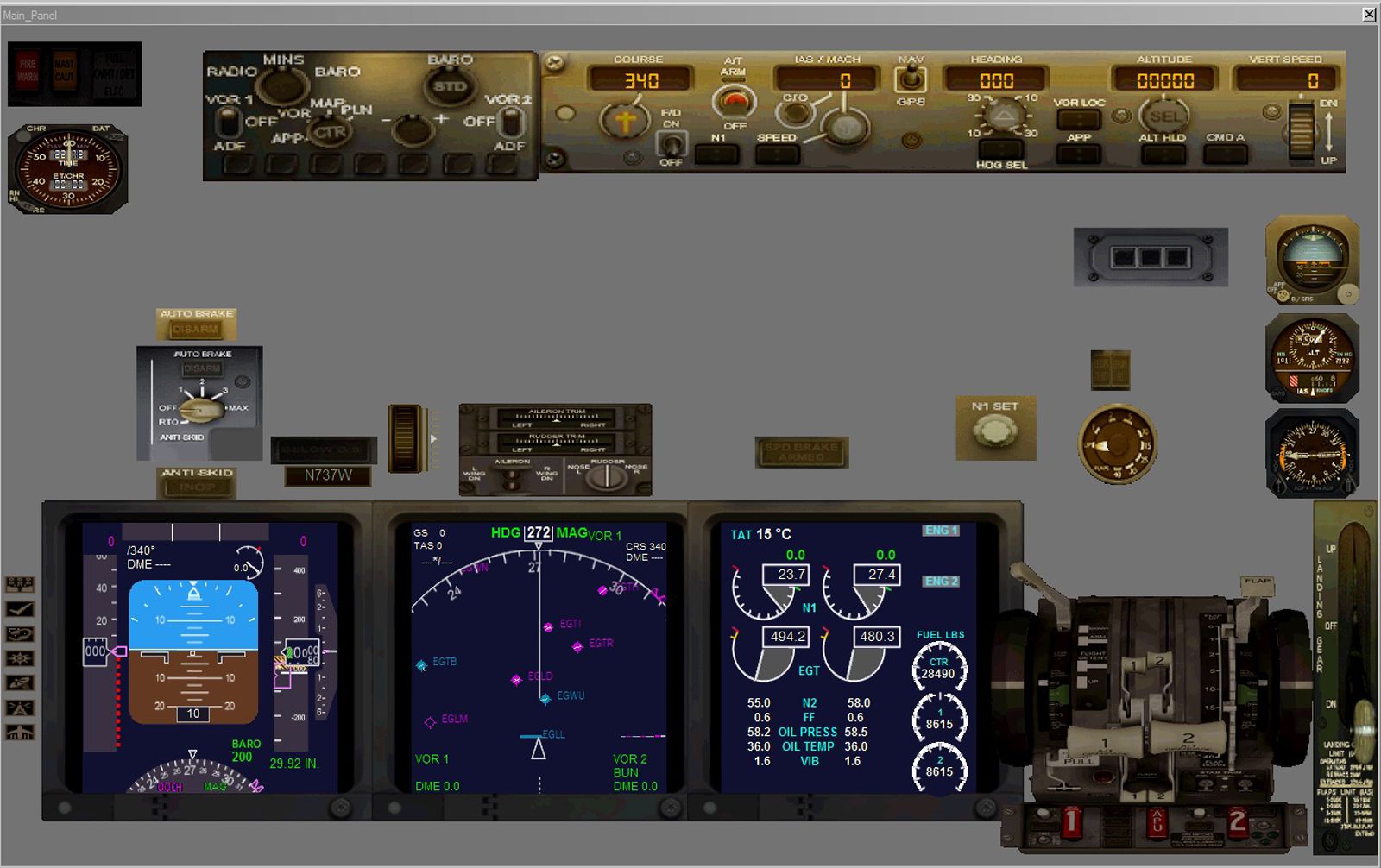
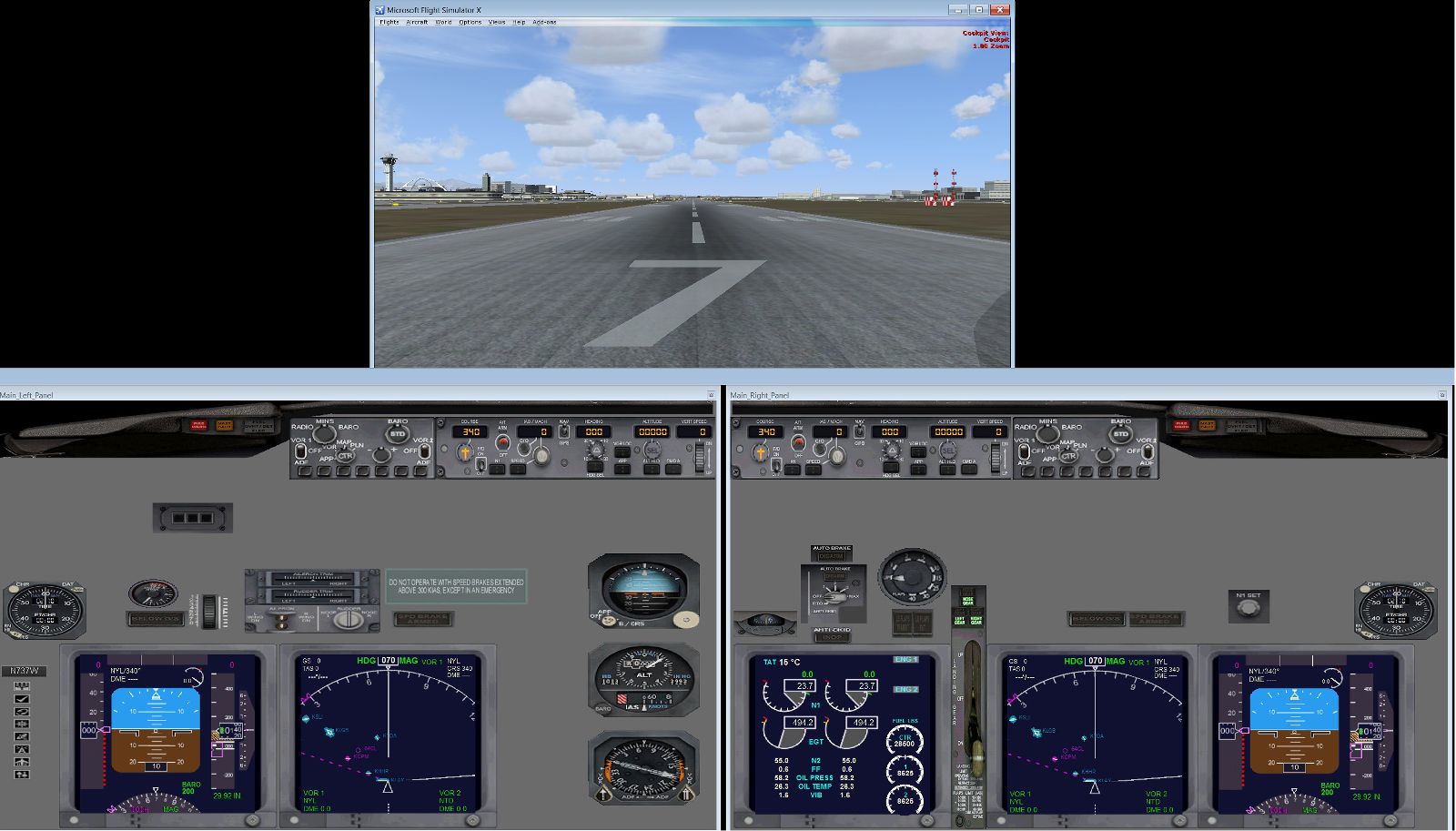
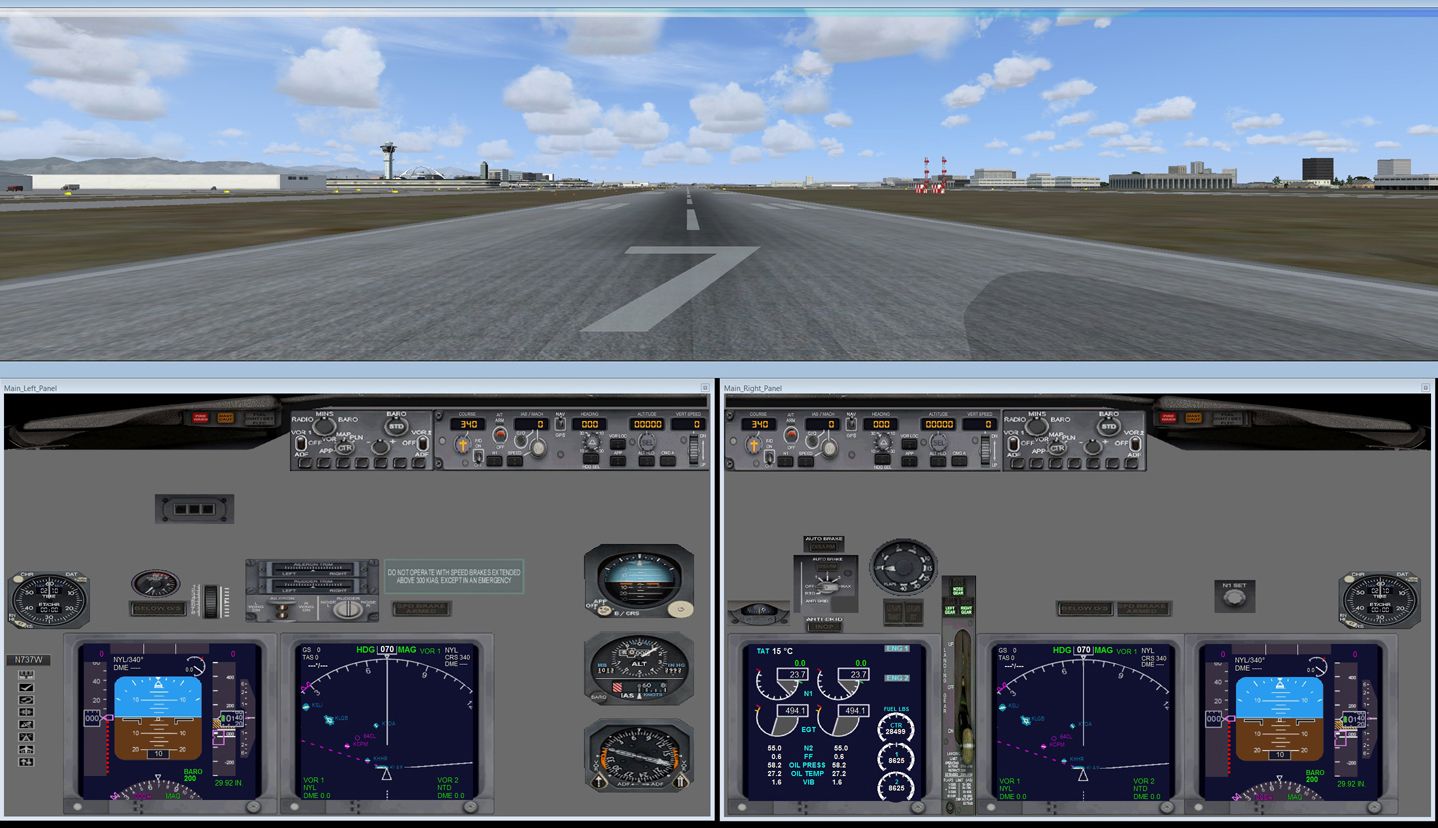
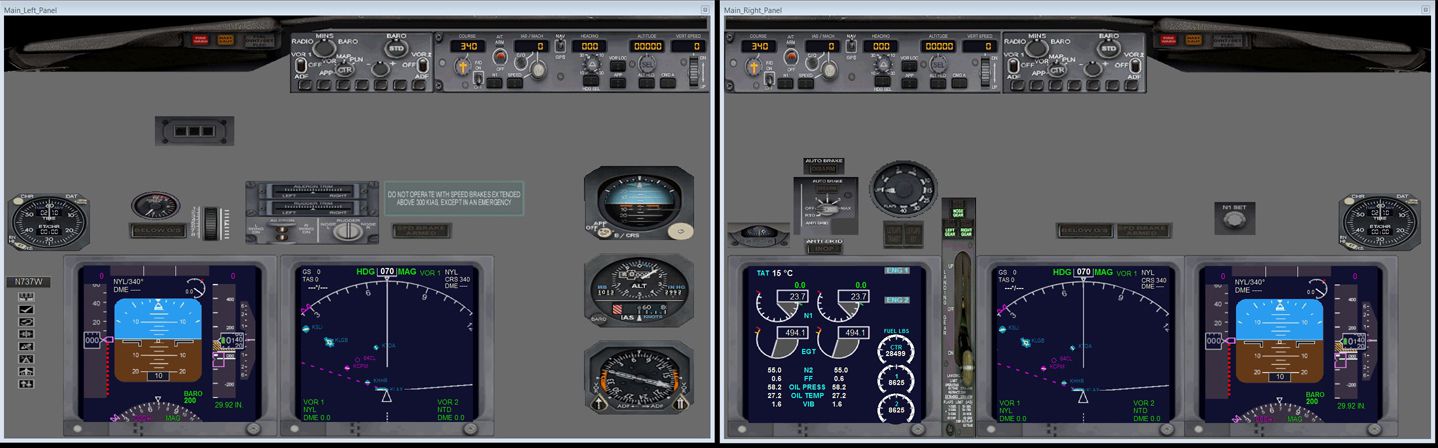

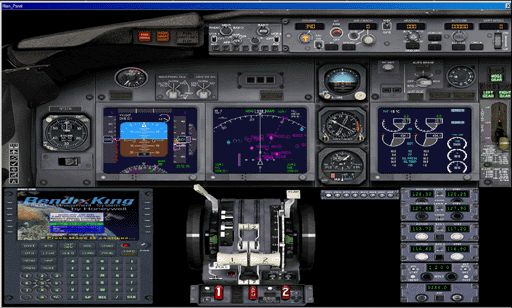

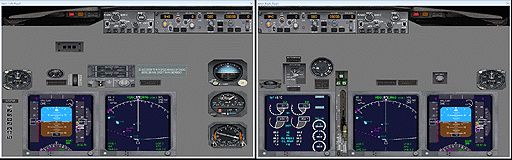
Virtual pilots who have built there own flightdecks are all too familiar with the default views that FSX display on their 2D instrument panels.
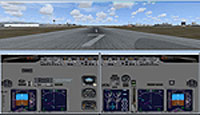
Screenshot of Boeing 737-800 VC Dual monitor panels.
This collection of panels provides pilots with full screen, 2D cockpit instrument displays designed specifically to be used with multi-monitor flight decks. The glass 2D cockpit instrument panels are intended solely for FSX's default B737-800 aircraft, with a minimum flightdeck setup of two monitors - one monitor acting as a cockpit instrument panel and the other proving an "out-of-the-window" scenery view. The new panels are not intended to be used with single monitor displays and are best suited to flightdecks using two or three monitors as instrument panels. Six different configured sets of panels, with night lighting, are available to pilots flying this aircraft. Default gauges have mainly been used to maintain good frame rates. Boeing sound callouts have been written into the panel configuration files, but will not be operative unless users have downloaded Mike Smith's BOEING_CALLOUTS_FSX.ZIP or already have his original wav and cab files installed. By FlightSem Software, Author B. Semmens.
Free for all simmers · 17.87 MB · Scanned clean Aug 2026
Download speed: Free tier is capped at 0.5 Mbps (this file takes approximately 5 mins at the cap). PRO members download at full line speed.
FSX\SimObjects\Airplanes\. The folder must contain an aircraft.cfg file. Effects go into FSX\Effects\; gauges go into FSX\Gauges\.readme.txt or README file. It tells you exactly where files go, what dependencies are needed, and any quirks specific to this add-on.The archive b737-800_multimonitor_panels.zip has 88 files and directories contained within it.
This list displays the first 500 files in the package. If the package has more, you will need to download it to view them.
| Filename/Directory | File Date | File Size |
|---|---|---|
| B737-800_MultiPanels.pdf | 05.02.12 | 855.46 kB |
| B737-800_MultiPanels.txt | 05.02.12 | 25.03 kB |
| File_ID.diz | 05.01.12 | 1.28 kB |
| FSS EULA.pdf | 05.01.12 | 36.09 kB |
| FSS EULA.txt | 04.27.12 | 8.03 kB |
| HoneywellFMC.pdf | 02.24.09 | 568.54 kB |
| Images | 05.02.12 | 0 B |
| 3-monitors.jpg | 05.01.12 | 696.65 kB |
| 4-monitors.jpg | 05.01.12 | 686.95 kB |
| 5-monitor Fltdeck.jpg | 04.06.12 | 396.55 kB |
| 5-monitors.jpg | 05.01.12 | 727.70 kB |
| B737-800_Default Panel.jpg | 04.04.12 | 92.54 kB |
| Panel_1AP0.jpg | 04.24.12 | 1.52 MB |
| Panel_1AP1.jpg | 04.24.12 | 758.66 kB |
| Panel_2AP2.jpg | 05.01.12 | 376.33 kB |
| Panel_3AP2.jpg | 04.06.12 | 179.78 kB |
| Thumbs.db | 05.02.12 | 142.50 kB |
| Install - Quick Guide.txt | 05.02.12 | 11.33 kB |
| Panel Files-Dual | 05.02.12 | 0 B |
| 737_compass.BMP | 05.12.06 | 95.51 kB |
| 737_Panel_Decals_2.bmp | 05.12.06 | 257.05 kB |
| Alrot_CitX.CAB | 12.11.10 | 1.63 MB |
| B737-800_LBlnkpanel.bmp | 04.27.12 | 769.07 kB |
| B737-800_LBlnkpanel_night.bmp | 04.27.12 | 769.07 kB |
| B737-800_R2Blnkpanel.bmp | 04.01.12 | 769.05 kB |
| B737-800_R2Blnkpanel_night.bmp | 04.01.12 | 769.05 kB |
| B737-800_RBlnkpanel.bmp | 04.28.12 | 769.07 kB |
| B737-800_RBlnkpanel_night.bmp | 04.28.12 | 769.07 kB |
| B737_800.cab | 10.21.10 | 2.00 MB |
| Panel_2AP1 | 05.02.12 | 0 B |
| panel.cfg | 04.21.12 | 13.35 kB |
| Readme 2.1.txt | 05.01.12 | 1.20 kB |
| Thumbs.db | 04.27.12 | 17.00 kB |
| Panel_2AP2 | 05.02.12 | 0 B |
| panel.cfg | 04.21.12 | 13.58 kB |
| Readme 2.2.txt | 05.01.12 | 1.21 kB |
| Thumbs.db | 04.27.12 | 31.00 kB |
| Readme.txt | 05.02.12 | 1.22 kB |
| Thumbs.db | 05.02.12 | 6.00 kB |
| upper_640.bmp | 05.12.06 | 18.99 kB |
| Panel Files-Mono | 05.02.12 | 0 B |
| 737_compass.BMP | 05.12.06 | 95.51 kB |
| 737_Panel_Decals_2.bmp | 05.12.06 | 257.05 kB |
| Alrot_CitX.CAB | 12.11.10 | 1.63 MB |
| B737-800_panel_background.BMP | 04.24.12 | 769.07 kB |
| B737-800_panel_background_night.BMP | 04.24.12 | 769.07 kB |
| B737-800_RBlnkpanel.bmp | 04.27.12 | 769.05 kB |
| B737-800_RBlnkpanel_night.bmp | 04.27.12 | 769.07 kB |
| B737_800.cab | 10.21.10 | 2.00 MB |
| Panel_1AP0 | 05.02.12 | 0 B |
| panel.cfg | 04.28.12 | 11.52 kB |
| Readme 1.0.txt | 05.01.12 | 1004 B |
| Thumbs.db | 04.25.12 | 12.50 kB |
| Panel_1AP1 | 05.02.12 | 0 B |
| panel.cfg | 04.27.12 | 10.69 kB |
| Readme 1.1.txt | 04.28.12 | 1006 B |
| Thumbs.db | 04.27.12 | 13.00 kB |
| Readme.txt | 05.02.12 | 1.17 kB |
| Thumbs.db | 05.02.12 | 23.50 kB |
| upper_640.bmp | 05.12.06 | 18.99 kB |
| Panel Files-Triple | 05.02.12 | 0 B |
| 737_compass.BMP | 05.12.06 | 95.51 kB |
| 737_Panel_Decals_2.bmp | 05.12.06 | 257.05 kB |
| Alrot_CitX.CAB | 12.11.10 | 1.63 MB |
| B737-800_LBlnkpanel.bmp | 04.02.12 | 769.07 kB |
| B737-800_LBlnkpanel_night.bmp | 04.02.12 | 769.07 kB |
| B737-800_R2Blnkpanel.bmp | 04.01.12 | 769.05 kB |
| B737-800_R2Blnkpanel_night.bmp | 04.01.12 | 769.05 kB |
| B737-800_RBlnkpanel.bmp | 04.02.12 | 769.07 kB |
| B737-800_RBlnkpanel_night.bmp | 04.02.12 | 769.07 kB |
| B737_800.cab | 10.21.10 | 2.00 MB |
| Panel_3AP1 | 05.02.12 | 0 B |
| panel.cfg | 04.21.12 | 13.35 kB |
| Readme 3.1.txt | 05.01.12 | 1.16 kB |
| Thumbs.db | 04.24.12 | 6.00 kB |
| Panel_3AP2 | 05.02.12 | 0 B |
| panel.cfg | 04.21.12 | 13.35 kB |
| Readme 3.2.txt | 05.01.12 | 1.16 kB |
| Thumbs.db | 04.24.12 | 6.00 kB |
| Readme.txt | 05.02.12 | 1.19 kB |
| Thumbs.db | 05.02.12 | 17.00 kB |
| upper_640.bmp | 05.12.06 | 18.99 kB |
| Thumbnail_1.gif | 04.25.12 | 84.79 kB |
| thumbnail_2.gif | 05.02.12 | 49.30 kB |
| Thumbs.db | 05.02.12 | 51.00 kB |
| B737-800_Mutimonitor_Panels | 05.02.12 | 0 B |
| flyawaysimulation.txt | 10.29.13 | 959 B |
| Go to Fly Away Simulation.url | 01.22.16 | 52 B |
Only PRO members can place votes.
More FSX & P3D add-ons hand-picked based on this download.
FSX Panels & Gauges
Three panels for the DC10 in FSX, each with sub-panel and popups. One analogu…
 FSX Panels & Gauges
Enstrom 280 2D And VC Panels. Built on the Eagle Rotorcraft Simulation FSX mo…
 FSX Panels & Gauges
This package contains repaint textures that will make the default B737-800 co…
 FSX Panels & Gauges
Default FSX B737-800 VC for the Project Open Sky Boeing 737-800 only. By Paul…
 FSX Panels & Gauges
This freeware package refines and expands the default camera angles for the B…
 FSX Panels & Gauges
Created using default fsx gauges and photorealistic reworked bitmap. Marco Spada
 FSX Panels & Gauges
P3D Migration Our lab system has been migrated to P3D V4 and FSUIPC V5. This …
 FSX Panels & Gauges
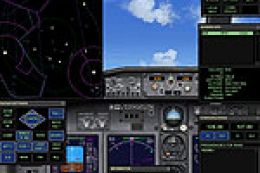
737 AWACS Panel. This is just Boeing 737 original panel with ATC radar panel.…
Read what other simmers think, or add your own.

I love nothing more than to fly my FSX Gold. I have thanks to MANY good buddies downloaded Various Airliners and Corporate Acft, enjoying them ALL.
I wish that More Aircraft such as the B777 would have 2D Instrument Panels as that is the only flying I enjoy with my 3 monitor set up.
Any advice on newer airlines that have 2D Panels? Any suggestions Email me Pls.
