FSX Multiple Monitor Instrument Panels For Boeing 737-800
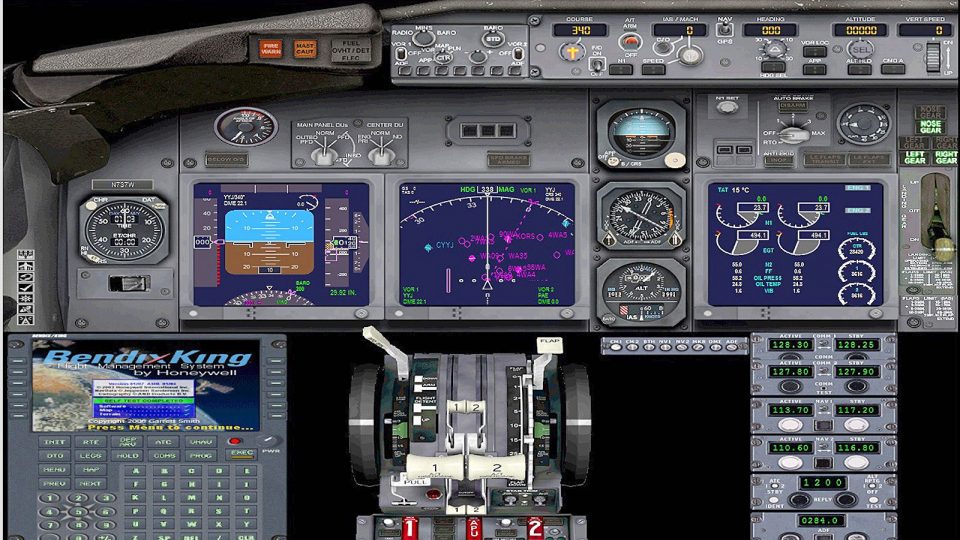
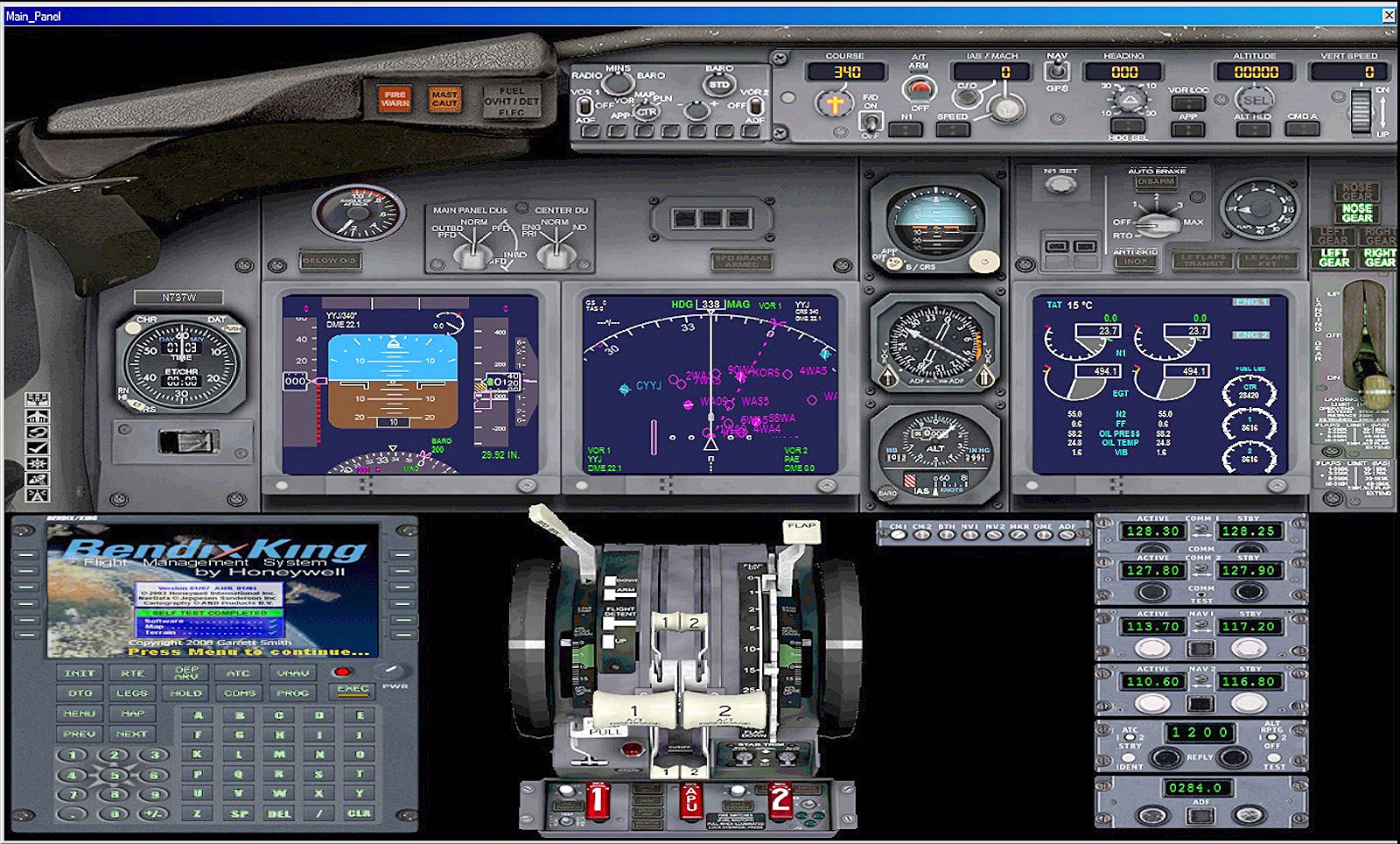
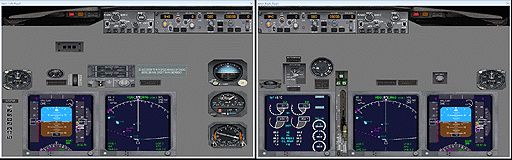
Multiple-monitor 2D instrument panels for the default Boeing 737-800 in FSX deliver full-screen glass displays tailored to home-built flight decks, with six preconfigured layouts and integrated night lighting for two- or three-monitor setups. The configuration uses mostly default gauges for smooth performance and supports Boeing callouts that requires Mike Smith’s BOEING_CALLOUTS_FSX files.
No ratings yet
Rate
3.8k downloads since 201317.87 MB
Scanned clean · Sep 2026Added
Flight Simulator XPrepar3D
Images & Screenshots
11 total
Multiple Monitor Instrument Panels For Boeing 737-800
1/1
Virtual pilots who have built there own flightdecks are all too familiar with the default views that FSX display on their 2D instrument panels.
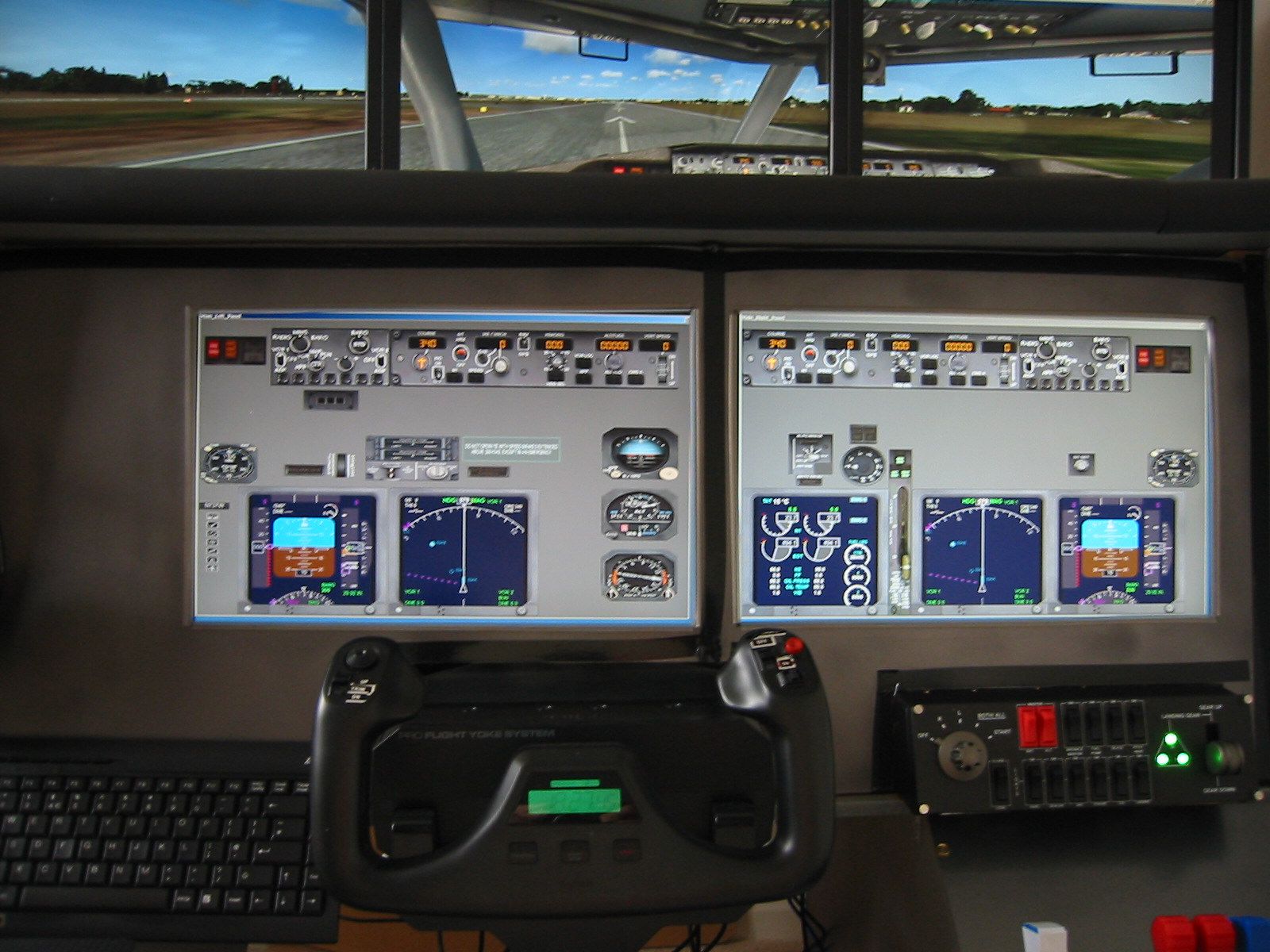
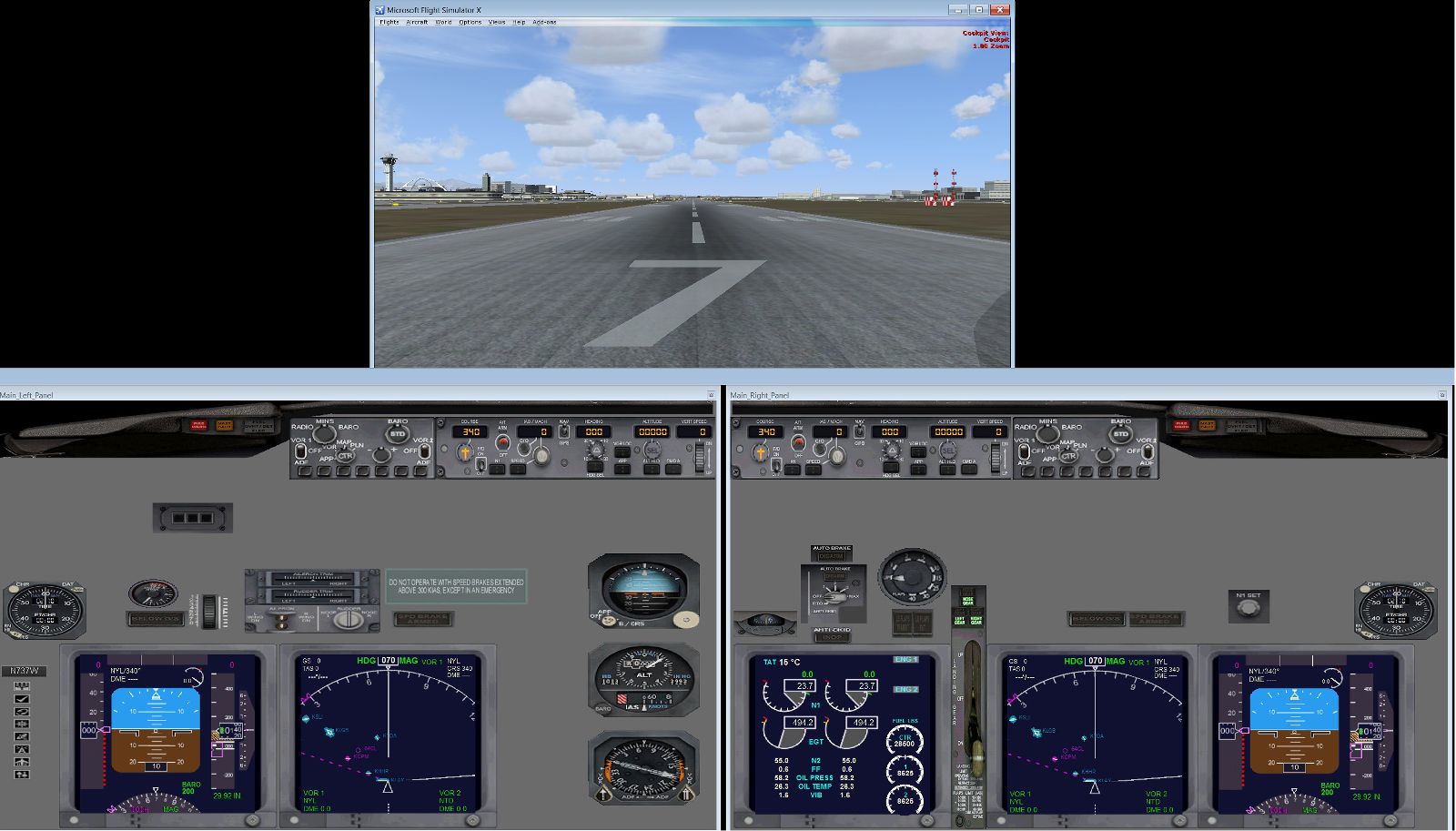
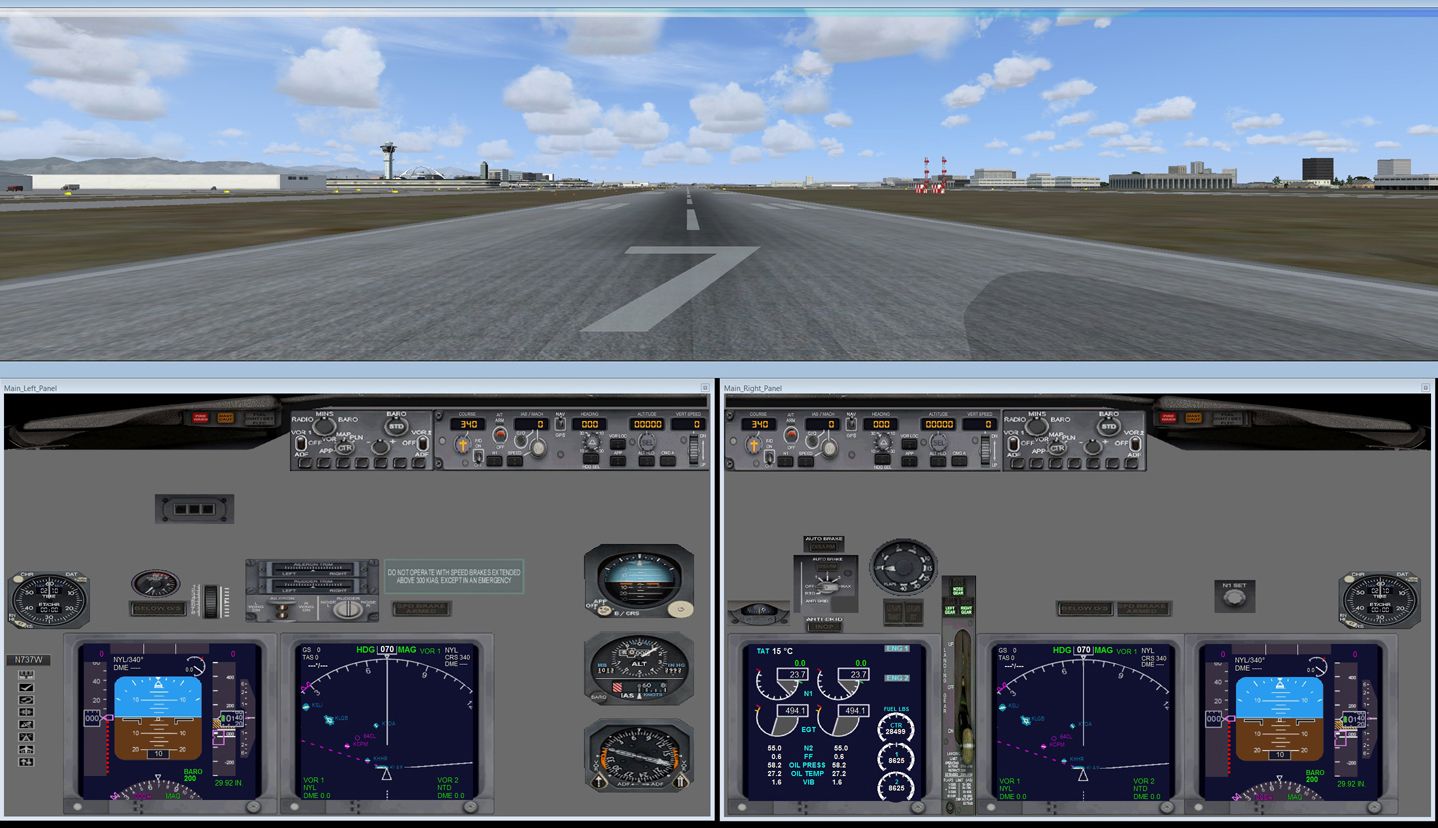
Screenshot of Boeing 737-800 VC Dual monitor panels.
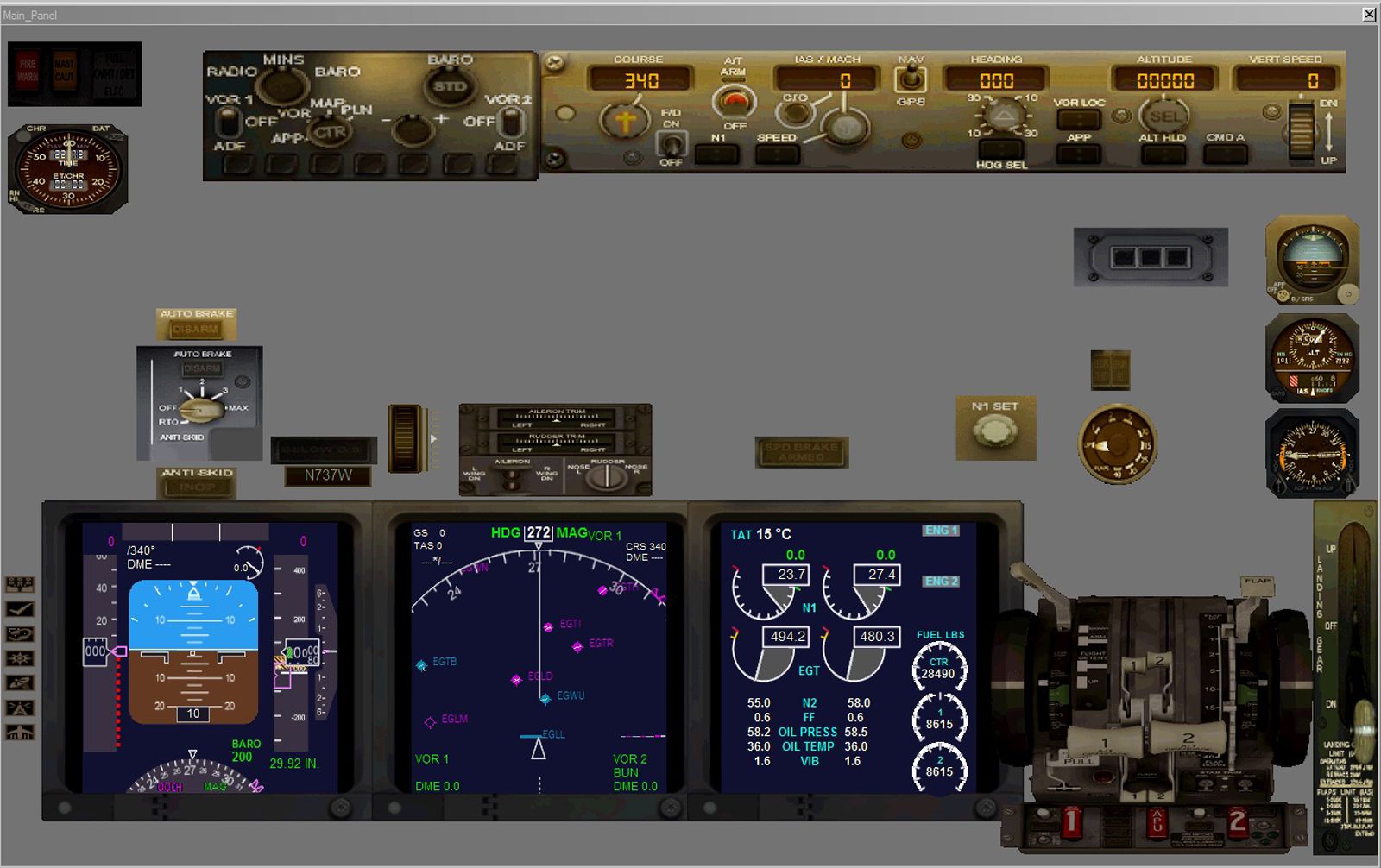
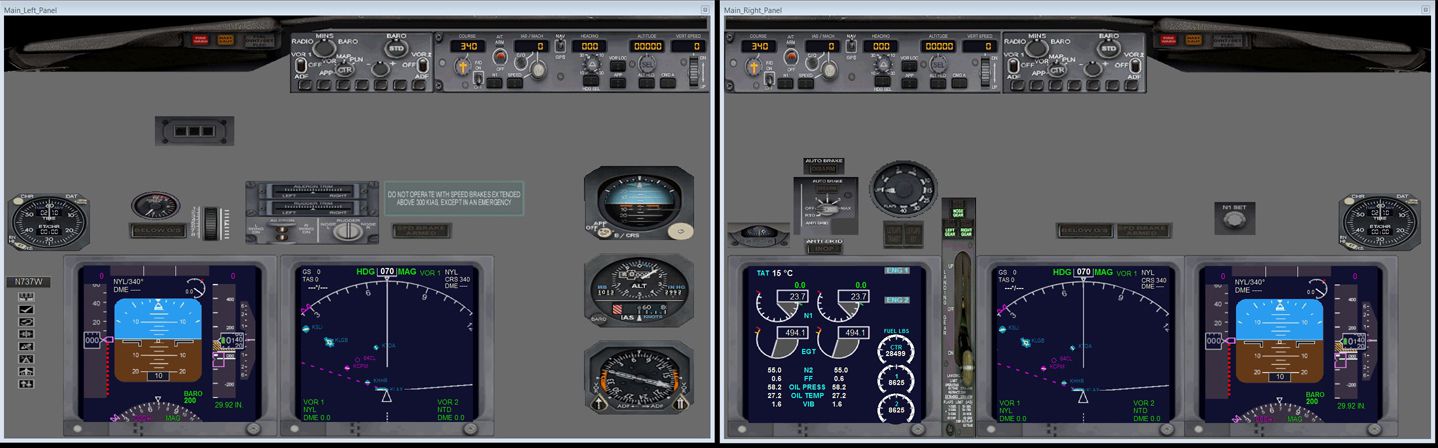
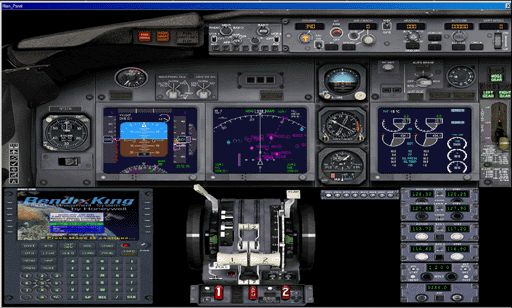
This collection of panels provides pilots with full screen, 2D cockpit instrument displays designed specifically to be used with multi-monitor flight decks. The glass 2D cockpit instrument panels are intended solely for FSX's default B737-800 aircraft, with a minimum flightdeck setup of two monitors - one monitor acting as a cockpit instrument panel and the other proving an "out-of-the-window" scenery view. The new panels are not intended to be used with single monitor displays and are best suited to flightdecks using two or three monitors as instrument panels. Six different configured sets of panels, with night lighting, are available to pilots flying this aircraft. Default gauges have mainly been used to maintain good frame rates. Boeing sound callouts have been written into the panel configuration files, but will not be operative unless users have downloaded Mike Smith's BOEING_CALLOUTS_FSX.ZIP or already have his original wav and cab files installed. By FlightSem Software, Author B. Semmens.
Ready to download Multiple Monitor Instrument Panels For Boeing 737-800?
Free for all simmers · 17.87 MB · Scanned clean Sep 2026
File information
Filename
b737-800_multimonitor_panels.zip
File size
17.87 MB
Added
Virus scan
Clean
ClamAV · Sep 2026
Access
Freeware
Content rating
Everyone
Download speed: Free tier is capped at 0.5 Mbps (this file takes approximately 5 mins at the cap).
PRO members download at full line speed.
Use 7-Zip (free) or WinRAR to extract the ZIP to a temporary folder. Don't install while still zipped — the simulator can't read inside ZIP files.
Copy aircraft files into SimObjects
Place the aircraft folder inside FSX\SimObjects\Airplanes\. The folder must contain an aircraft.cfg file. Effects go into FSX\Effects\; gauges go into FSX\Gauges\.
Verify in FSX
Launch FSX, go to Free Flight → Select Aircraft and find your new aircraft under its manufacturer.
Always read the included readme
Every mod ships with a readme.txt or README file. It tells you exactly where files go, what dependencies are needed, and any quirks specific to this add-on.
What’s inside this archive
The archive b737-800_multimonitor_panels.zip has 88 files and directories contained within it.
File Contents
This list displays the first 500 files in the package. If the package has more, you will need to download it to view them.
Comments below are opinions of individual posters and don’t always reflect Fly Away Simulation’s views. Every comment is manually moderated before publication.
Most helpful comment
Rudy_AZS
I love nothing more than to fly my FSX Gold. I have thanks to MANY good buddies downloaded Various Airliners and Corporate Acft, enjoying them ALL.
I wish that More Aircraft such as the B777 would have 2D Instrument Panels as that is the only flying I enjoy with my 3 monitor set up.
23" for Main Panel
19" for GPS/Radios/Weather Radar etc.
40" for out front Visuals using my top hat switch to change forward view angles.
Any advice on newer airlines that have 2D Panels? Any suggestions Email me Pls.