

 FS2004 Propeller Aircraft
Douglas DC-3 Prop Tips Update (Red/White)
This freeware update delivers a refined layer of red and white propeller tips…
Give the default Douglas DC-3 a crisp, uniform look with fully white propeller tips that refine the spinning disc visuals while keeping the aircraft’s classic character intact. Designed for Microsoft Flight Simulator 2004, the package supplies updated bitmap textures that integrate cleanly into the stock set for a subtle but striking ramp and in-flight presentation.
 Rate
Rate
This freeware release introduces fully white propeller tips for the default Douglas DC-3 within Microsoft Flight Simulator 2004, offering an alternative visual style for enthusiasts who appreciate classic aircraft modifications. Developed by Juan Ernesto Oropeza, this update is intended for experienced repainters seeking to incorporate a distinctive look into the default texture set. This patch methodically adjusts your DC-3’s revolving propeller visuals while preserving historical authenticity.
The Douglas DC-3 stands as a pioneering airliner with twin radial engines and a storied heritage of reliable service around the globe. This add-on modifies the spinning prop tips, rendering them fully white for a streamlined, uniform appearance. By providing new bitmap files, it refreshes the aircraft's aesthetic without losing the iconic form that has made the DC-3 an enduring favorite among virtual pilots.
This package includes texture elements specifically tailored for the default DC-3. The core file, named Prop_DC3.bmp, pairs with an overlay layer to breathe new color life into the existing Douglas_DC3_1_T.bmp. A backup of all original files is strongly advised before overwriting any assets, ensuring an uncomplicated return to the prior texture set if desired.
Individuals unfamiliar with repainting or manipulating texture layers may wish to consult a fellow flight simulation user proficient in bitmap editing for correct application. Because the propeller’s rotational animations depend on various alpha layers and precise positioning, caution is essential when merging or flattening the new bitmaps.
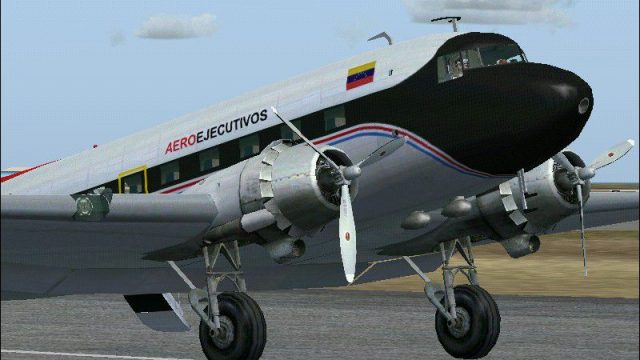
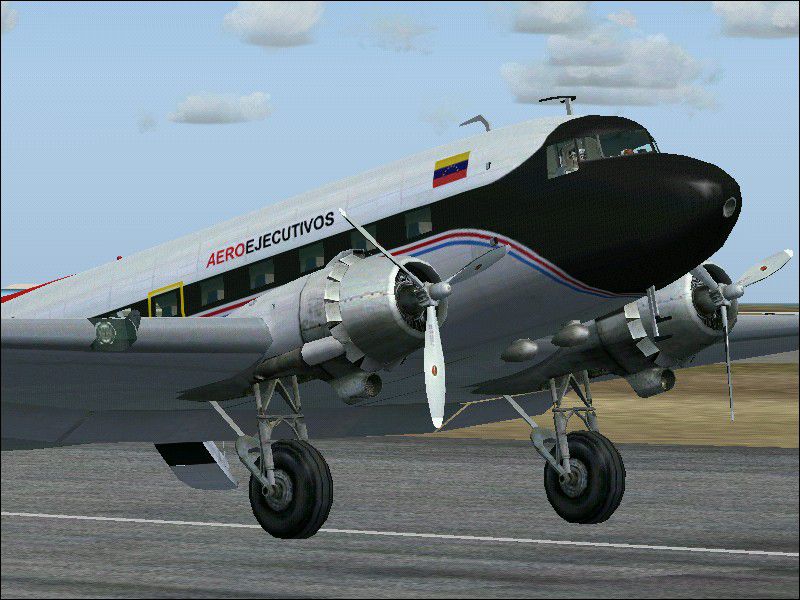
Above: A sample preview of the Douglas DC-3 sporting white-tipped propeller blades.
By incorporating these revised textures, the venerable DC-3 gains a starkly contrasting detail around the rotating props, creating strong visual impact during flights or while parked on the ramp. The designer, Juan Ernesto Oropeza, has meticulously crafted these enhancements to respect the design nuances of this legendary aircraft. Users seeking a sleek yet minimal style update will discover new depth in their Microsoft Flight Simulator 2004 experiences.
Free for all simmers · 222.06 KB · Scanned clean Oct 2026
Download speed: Free tier is capped at 0.5 Mbps. PRO members download at full line speed.
FS9\Aircraft\, FS9\Addon Scenery\, FS9\Gauges\, or FS9\Effects\.readme.txt or README file. It tells you exactly where files go, what dependencies are needed, and any quirks specific to this add-on.The archive wfulltip.zip has 8 files and directories contained within it.
This list displays the first 500 files in the package. If the package has more, you will need to download it to view them.
| Filename/Directory | File Date | File Size |
|---|---|---|
| whitefulltip.bmp | 09.07.05 | 41.44 kB |
| read me wprop.txt | 10.17.05 | 818 B |
| Prop_DC3.bmp | 04.20.05 | 341.40 kB |
| File_id.diz | 10.17.05 | 179 B |
| Fullwhitetips.jpg | 10.04.05 | 129.28 kB |
| Fullwhitetips.png | 10.17.05 | 36.68 kB |
| flyawaysimulation.txt | 10.29.13 | 959 B |
| Go to Fly Away Simulation.url | 01.22.16 | 52 B |
Only PRO members can place votes.
More FS2004 add-ons hand-picked based on this download.
FS2004 Propeller Aircraft
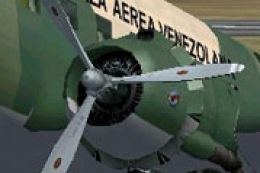
This freeware update delivers a refined layer of red and white propeller tips…
 FS2004 Propeller Aircraft
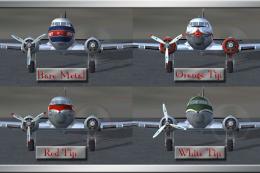
This update offers a refined set of white propeller tip textures for enthusia…
 FS2004 Propeller Aircraft
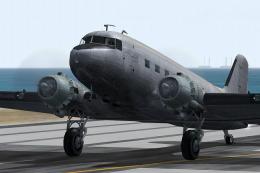
These files are prop replacement textures for the MAAM R4D6/DC3 passenger mod…
 FS2004 Propeller Aircraft
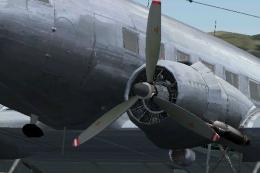
The default Microsoft DC3 prop bitmap has been adjusted to make it a little m…
 FS2004 Propeller Aircraft
MAAM-Sim Douglas DC-3/C-47 red/white propeller tips update. Textures only. By…
 FS2004 Propeller Aircraft
Repaint (textures only) in Val-U-Prop livery of the FS2004 FS Design Berlin T…
 FS2004 Propeller Aircraft
Textures only for the default Douglas DC3. By James Underwood. Screenshot of …
 FS2004 Propeller Aircraft
Textures in DXT3 format for fast FPS and little or no loss of visual quality.…
Be the first to leave a comment on this download.
Be the first to share your thoughts on this download.