

 FS2004 Propeller Aircraft
VARIG Airlines Lockheed Super G V1.0
Enhance your classic airliner library in Microsoft Flight Simulator 2004 with…
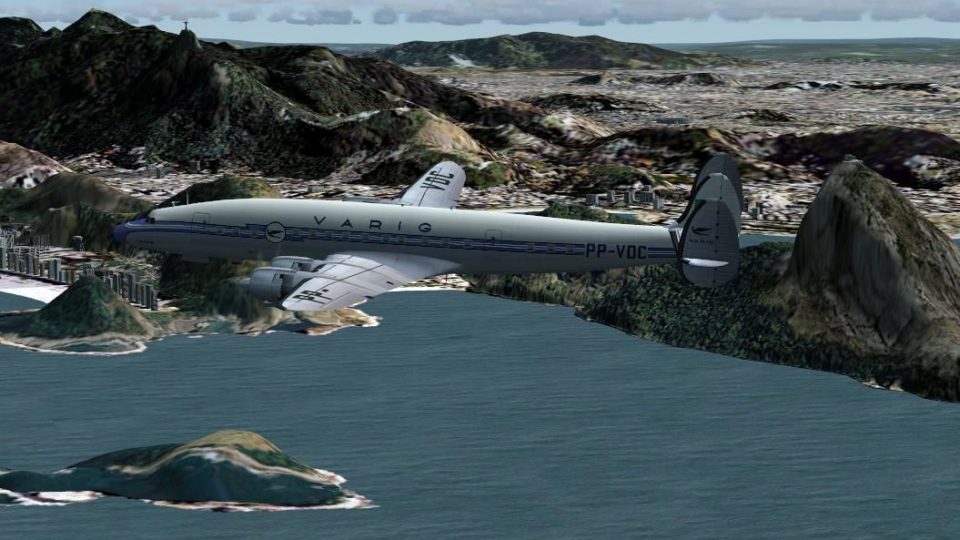
VARIG’s classic Lockheed L-1049G Super Constellation returns in the PP-VDC repaint, capturing the airline’s historic Brazilian scheme on the no tip-tanks L-1049G/82-81 variant with period-accurate markings for authentic piston-era routes in Microsoft Flight Simulator 2004. Requires Manfred Jahn’s L-1049G Super Constellation base package (L1049G.ZIP).
 Rate
Rate
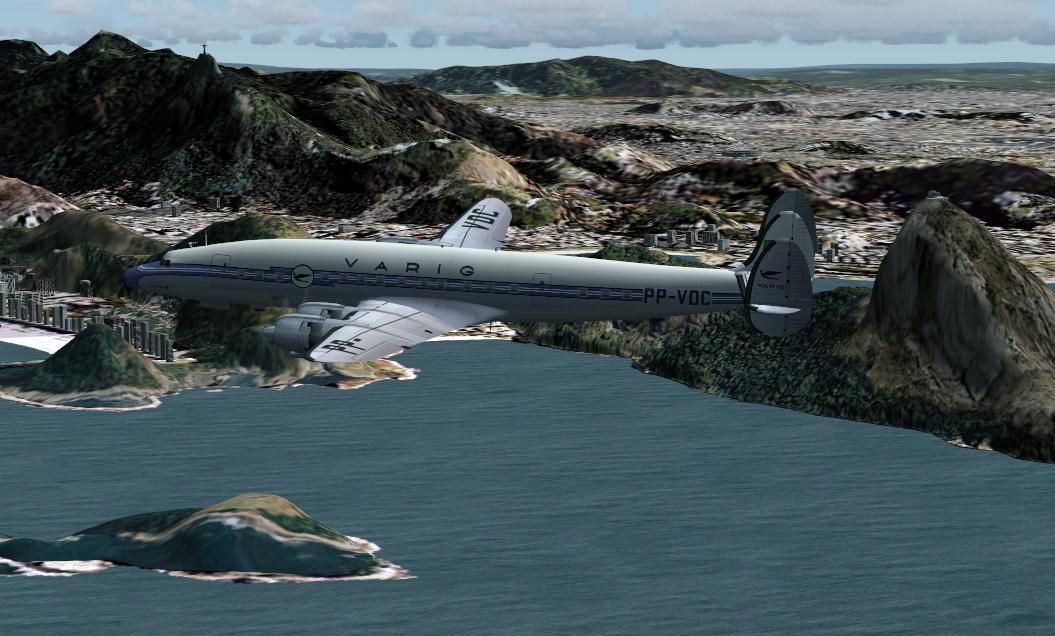
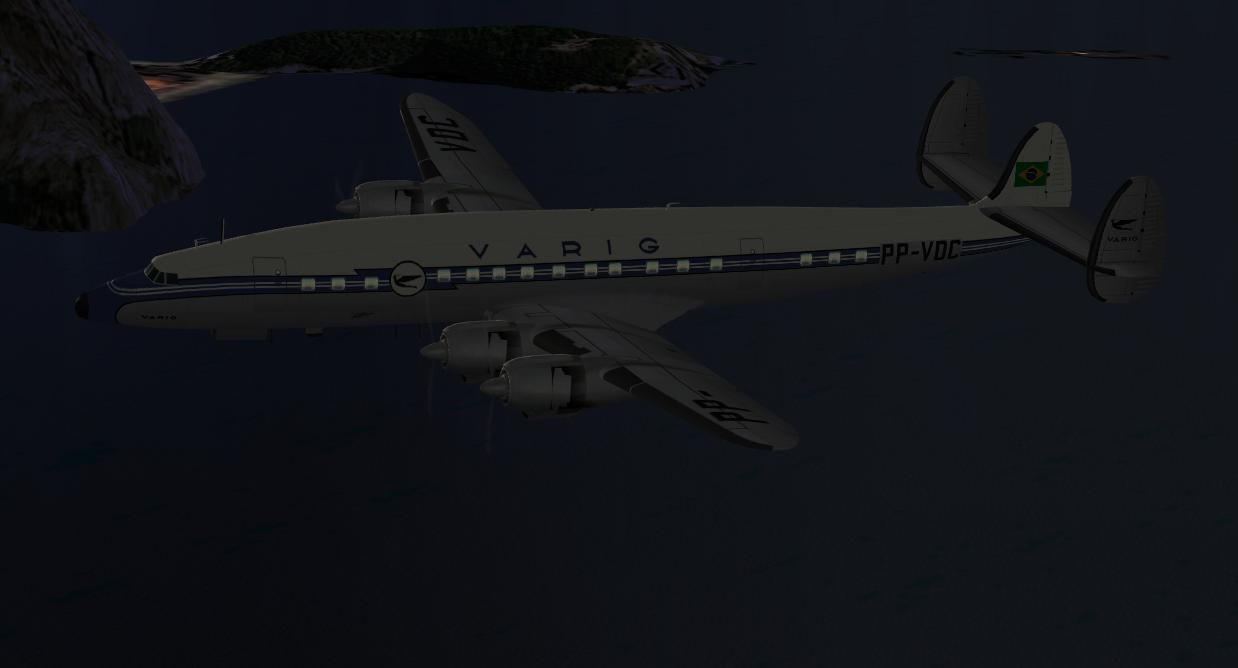
This freeware repaint showcases the Lockheed L-1049G/82-81 variant, specifically tailored to match the historical VARIG (Viação Aérea Rio-Grandense) livery without tip tanks. It is intended for Microsoft Flight Simulator 2004 and relies on the L-1049G Super Constellation base package (L1049G.ZIP) originally created by Manfred Jahn. The repaint itself, which pays homage to the classic Brazilian carrier, comes courtesy of Luiz Foernges. This particular airframe, registered PP-VDC, eventually ended its service life in Porto Alegre where it was scrapped.
The L-1049 Super Constellation series emerged as one of Lockheed’s long-range piston-driven airliner designs. Often recognized for its distinctive fuselage shape and triple tailfin assembly, it became a favored transcontinental transport in the 1950s. VARIG deployed this airliner on several regional and international routes, relying on its performance and capacity to handle extended flights across South America.
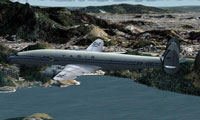
Screenshot of the L-1049G in classic VARIG markings.
Before applying this repaint, ensure you have the freeware Lockheed Super Constellation package. It is essential to install the L-1049G Super Constellation files in full so the textures appear correctly in the simulator. The model is obtainable from the Fly Away Simulation library under the filename given above.
aircraft.cfg file, and add the following block of text to incorporate the VARIG repaint into your aircraft selection menu.[fltsim.X]
title=Lockheed L-1049G Varig PP-VDC
sim=L1049G
model=1049vc_rs
panel=
sound=
texture=rg_no.tanks
kb_checklists=L1049_check
kb_reference=L1049G_ref
atc_id=PP-VDC
atc_id_enable=1
ui_manufacturer=Lockheed
ui_type=L-1049G Super Constellation
ui_variation=Varig PP-VDC (no tanks)
description=VARIG Lockheed L-1049G-82-81 PP-VDC, s/n 4612. Scrapped in Porto Alegre. Textures by Luiz Foernges
atc_flight_number=251
atc_heavy=0
atc_airline=Varig
atc_parking_codes=VRG
atc_parking_types=GATE
prop_anim_ratio=0.99
atc_id_color=0x00000000
atc_id_font=Verdana,-11,1,600,0
Replace X with the next available [fltsim] index number. When finished, you can load Microsoft Flight Simulator 2004 to verify the new VARIG texture is ready for use.
This adaptation involves the base texture work of Manfred Jahn and was repainted for VARIG by Luiz Foernges. Please note that the actual aircraft model is not part of the download. Make sure to retrieve the original files from the Fly Away Simulation repository if not already installed.
Free for all simmers · 4.12 MB · Scanned clean Oct 2026
Download speed: Free tier is capped at 0.5 Mbps (this file takes approximately 1 min at the cap). PRO members download at full line speed.
This file is a repaint — the package below is the base model it paints onto. Install it first, or the textures will have nothing to load onto.
FS9\Aircraft\, FS9\Addon Scenery\, FS9\Gauges\, or FS9\Effects\.readme.txt or README file. It tells you exactly where files go, what dependencies are needed, and any quirks specific to this add-on.The archive rg1049nt.zip has 31 files and directories contained within it.
This list displays the first 500 files in the package. If the package has more, you will need to download it to view them.
| Filename/Directory | File Date | File Size |
|---|---|---|
| rg1049nt | 05.15.09 | 0 B |
| file_id.diz | 05.15.09 | 424 B |
| PP-VDC 1.JPG | 05.15.09 | 109.41 kB |
| PP-VDC 2.JPG | 05.15.09 | 31.66 kB |
| Read PP VDC.txt | 05.15.09 | 4.06 kB |
| texture.rg_no.tanks | 05.15.09 | 0 B |
| fins_l.bmp | 05.15.09 | 256.07 kB |
| fins_t.bmp | 05.13.09 | 4.00 MB |
| floor_2.bmp | 05.11.09 | 341.40 kB |
| fuse_l.bmp | 05.15.09 | 1.00 MB |
| fuse_t.bmp | 05.15.09 | 4.00 MB |
| propdisk.bmp | 05.11.09 | 341.40 kB |
| shade_01.bmp | 08.14.08 | 64.07 kB |
| vc01.bmp | 04.22.09 | 1.00 MB |
| vc01a_l.bmp | 02.08.09 | 64.07 kB |
| vc01_l.bmp | 10.24.08 | 64.07 kB |
| vc02.bmp | 04.22.09 | 1.00 MB |
| vc02_l.bmp | 10.24.08 | 64.07 kB |
| vc03.bmp | 04.22.09 | 1.00 MB |
| vc03_l.bmp | 10.23.08 | 64.07 kB |
| vc04.bmp | 04.22.09 | 1.00 MB |
| vc04_l.bmp | 10.24.08 | 64.07 kB |
| vc05.bmp | 04.22.09 | 1.00 MB |
| vc05_l.bmp | 10.24.08 | 64.07 kB |
| vc06.bmp | 04.22.09 | 1.00 MB |
| vc06_l.bmp | 10.24.08 | 64.07 kB |
| wings_l.bmp | 05.11.09 | 5.40 kB |
| wings_t.bmp | 05.15.09 | 4.00 MB |
| xxcal_121.bmp | 05.15.09 | 16.07 kB |
| flyawaysimulation.txt | 10.29.13 | 959 B |
| Go to Fly Away Simulation.url | 01.22.16 | 52 B |
Only PRO members can place votes.
More FS2004 add-ons hand-picked based on this download.
FS2004 Propeller Aircraft
Enhance your classic airliner library in Microsoft Flight Simulator 2004 with…
 FS2004 Propeller Aircraft
This is a VARIG - Brazilian Airlines repaint of Lockheed L-1049H/01-03-159 PP…
 FS2004 Propeller Aircraft
Immerse yourself in a retro aviation adventure with this freeware repaint fea…
 FS2004 Propeller Aircraft
This meticulously refined repaint depicts Varig’s iconic Lockheed L-188 Elect…
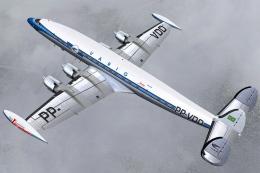 FS2004 Propeller Aircraft
A Lockheed L-1049G-03-158 (c/n 4681) 'PP-VDD' belonging to Varig. Delivered t…
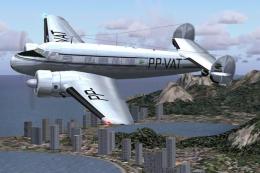 FS2004 Propeller Aircraft
Textures only. Varig repaint by Luiz Foernges on original model by FS Design …
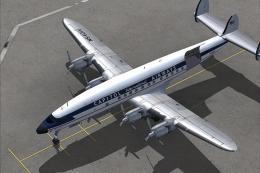 FS2004 Propeller Aircraft
The L1049H was a convertible passenger/cargo version of the Super Constellati…
 FS2004 Propeller Aircraft
First flown in December 1954, the "Super G" was the most successful and prest…
Be the first to leave a comment on this download.
Be the first to share your thoughts on this download.