

 FSX Misc
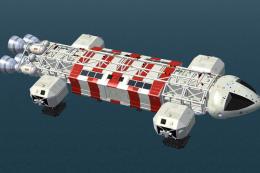
Space 1999 Eagle
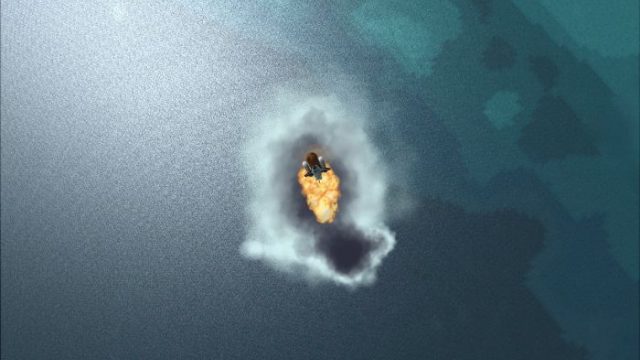
From the 70's TV Series Space 1999. Finally FS allows space flight and it won…
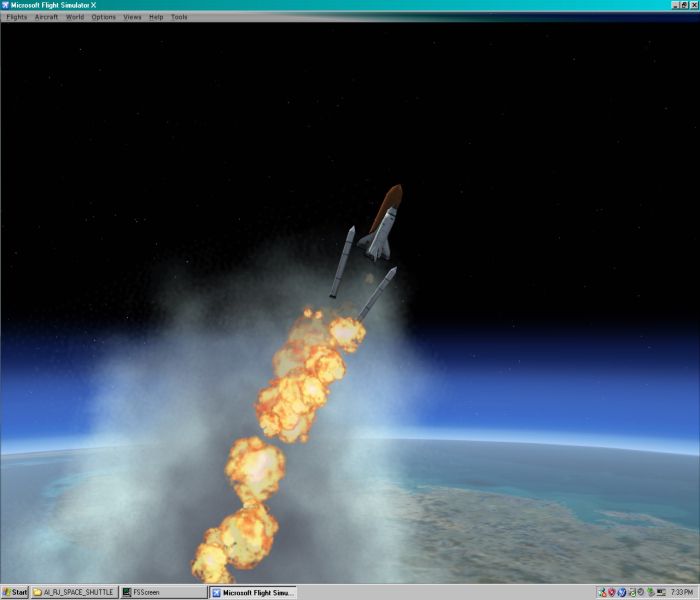
A space shuttle scenario for Microsoft Flight Simulator X showcases high-altitude “space views” with a ready-made liftoff save over Cape Canaveral, timed roll maneuver, and animated booster and external tank separation. Exhaust effects fade at orbit height, letting the shuttle coast in near-orbit for smooth exploration and cinematic screenshots.
 Rate
Rate
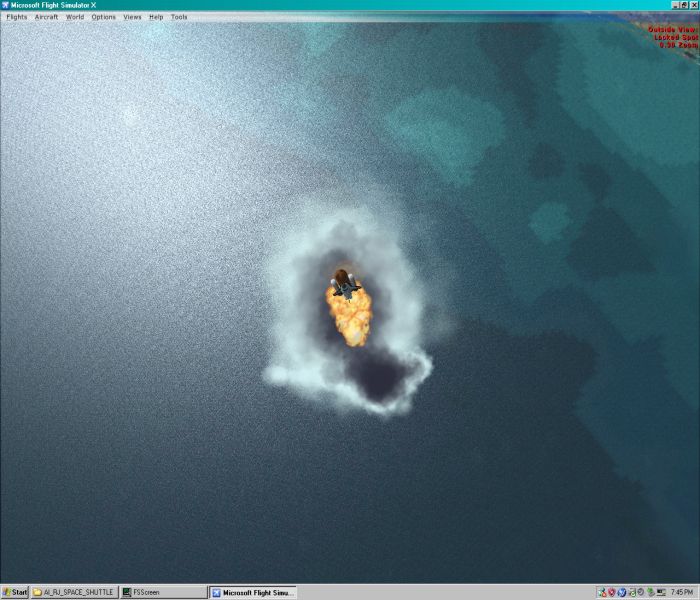
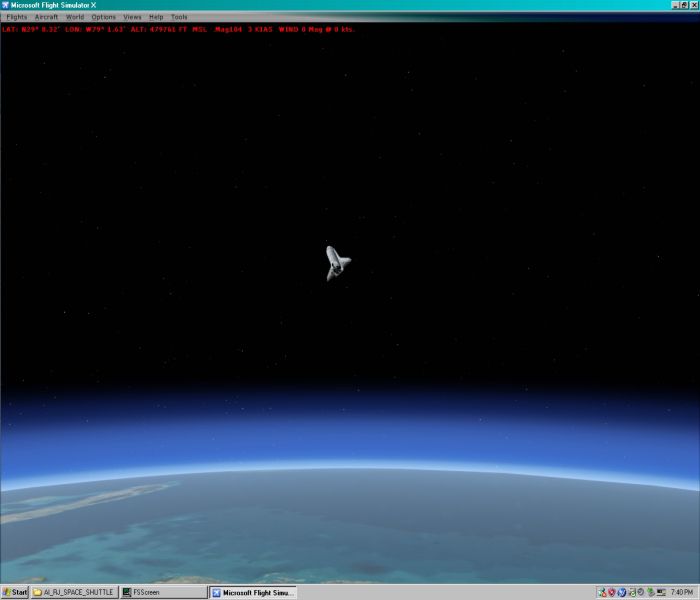
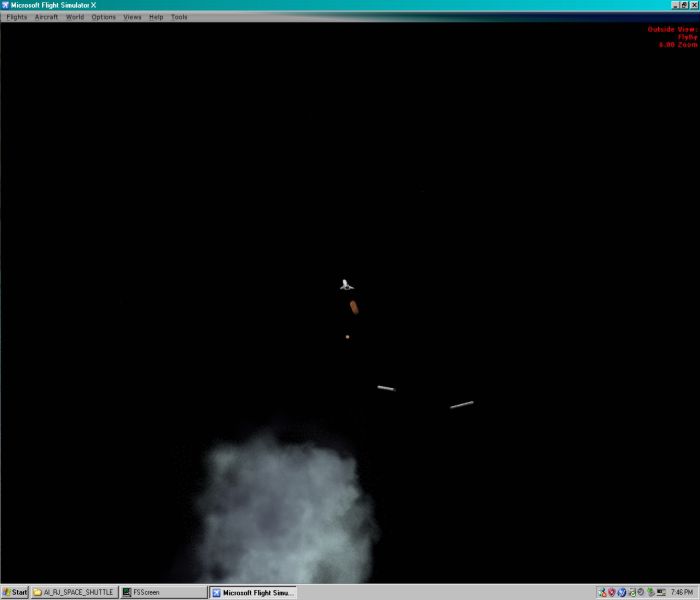
Not a realistic flying vehicle but just an interesting way to check out the new FSX space views. Included save flight offers a simulated liftoff with appropriate animations. By Ron Jeffers.
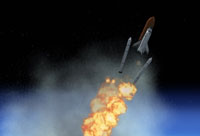
Screenshot of space shuttle disconnecting from fuel tanks.
First off this is only an interesting way to check out the FSX space views and is not to be meant as a challenge flight. As the aircraft is totally controlled from (Houston Control!) or the cfg file. So anyway, (don't try to fly it as it ascends) the save flight puts you already after Liftoff over Cape Canaveral and headed up. The shuttle is animated and effect timed to do a roll and booster and fuel tank separation on the way up. Plus the effects will cut off when you reach orbit altitude. When you are above 600 thousand feet then you are good as for orbit. You may then hit the (Y) key on your keyboard to go into (Slew) mode. Then hold down an appropriate (arrow) key on the keyboard to set a direction of orbit. Then you can control the shuttle with the arrow keys and other keys to rotate ect.
Free for all simmers · 2.58 MB · Scanned clean Oct 2026
Download speed: Free tier is capped at 0.5 Mbps. PRO members download at full line speed.
SimObjects\Airplanes\, Addon Scenery\, Effects\, or Gauges\.readme.txt or README file. It tells you exactly where files go, what dependencies are needed, and any quirks specific to this add-on.The archive spcshtfx.zip has 44 files and directories contained within it.
This list displays the first 500 files in the package. If the package has more, you will need to download it to view them.
| Filename/Directory | File Date | File Size |
|---|---|---|
| Effects | 11.10.06 | 0 B |
| fx_RJ_Space_shut_2A.fx | 11.10.06 | 15.40 kB |
| fx_RJ_Space_shut_3A.fx | 11.10.06 | 4.08 kB |
| FiLEiD.txt | 11.10.06 | 157 B |
| Install.txt | 11.10.06 | 2.51 kB |
| Save flight files | 11.10.06 | 0 B |
| sPacE shUttlE launcH fSx .FLT | 11.10.06 | 7.61 kB |
| sPacE shUttlE launcH fSx .FSSAVE | 11.03.06 | 78.08 kB |
| sPacE shUttlE launcH fSx .WX | 11.10.06 | 88.65 kB |
| Sceenies | 11.10.06 | 0 B |
| fsscr112.gif | 11.10.06 | 7.44 kB |
| fsscr112.jpg | 11.10.06 | 134.88 kB |
| fsscr134.jpg | 11.10.06 | 89.75 kB |
| fsscr148.jpg | 11.10.06 | 313.67 kB |
| fsscr157.jpg | 11.10.06 | 49.08 kB |
| Thumbs.db | 11.10.06 | 14.50 kB |
| SimObjects | 11.10.06 | 0 B |
| Airplanes | 11.10.06 | 0 B |
| AI_RJ_SPACE_SHUTTLE | 11.10.06 | 0 B |
| Aircraft.cfg | 11.10.06 | 15.13 kB |
| AI_RJ_SPACE_SHUTTLE.air | 09.04.06 | 6.64 kB |
| model | 11.10.06 | 0 B |
| AI_RJ_SPACE_SHUTTLE.mdl | 11.09.06 | 98.59 kB |
| Model.cfg | 10.27.06 | 38 B |
| panel | 11.10.06 | 0 B |
| Panel.bmp | 11.01.06 | 1.33 MB |
| PANEL.cfg | 09.13.05 | 2.99 kB |
| Thumbs.db | 11.01.06 | 35.50 kB |
| sound | 11.10.06 | 0 B |
| Sound.cfg | 10.26.06 | 28 B |
| texture | 11.10.06 | 0 B |
| RJ_SH1.bmp | 03.26.05 | 170.75 kB |
| RJ_SH1a.dds | 11.09.06 | 170.80 kB |
| RJ_SH1a_LM.bmp | 04.29.06 | 170.75 kB |
| RJ_SH1tiles.bmp | 11.01.06 | 170.75 kB |
| RJ_SH1_LM.bmp | 04.29.06 | 170.75 kB |
| RJ_SH2.bmp | 03.26.05 | 170.75 kB |
| RJ_SH2_LM.bmp | 03.26.05 | 170.75 kB |
| Sound | 11.10.06 | 0 B |
| Space_shuttle_amb.wav | 10.29.06 | 1.37 MB |
| Space_shuttle_blast_rj.wav | 10.29.06 | 436.00 kB |
| SPacE ShuTTLe FSX | 11.10.06 | 0 B |
| flyawaysimulation.txt | 10.29.13 | 959 B |
| Go to Fly Away Simulation.url | 01.22.16 | 52 B |
Only PRO members can place votes.
More FSX & P3D add-ons hand-picked based on this download.
FSX Misc
From the 70's TV Series Space 1999. Finally FS allows space flight and it won…
 FSX Misc
A pack of AI military starships/spaceships which are landable and located on …
 FSX Misc
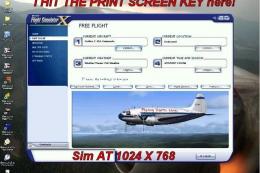
An illustrated guide. After landing your favorite FSX aircraft, are you frust…
 FSX Misc
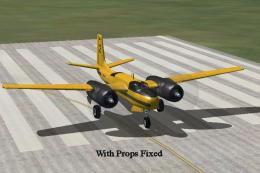
A tutorial in PDF format. By Mike Basford. Thumbnail of Tiger Sky6 in flight.
 FSX Misc
A translation into French. By Gilbert Fouche from original by David Marshall …
 FSX Misc
Weapons effects with Minigun sounds for the FSX 160 SOAR Little Bird by Tim C…
 FSX Misc
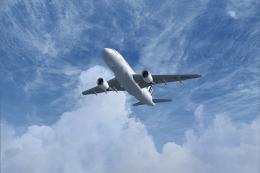
Converted for FSX. These files act as HDE sky texture replacements for import…
 FSX Misc
These are the final keyboard commands for FSX. Many are new due to the new fe…
Be the first to leave a comment on this download.
Be the first to share your thoughts on this download.