

 FSX General Aviation Aircraft
Flight Replicas Super Cub Extreme
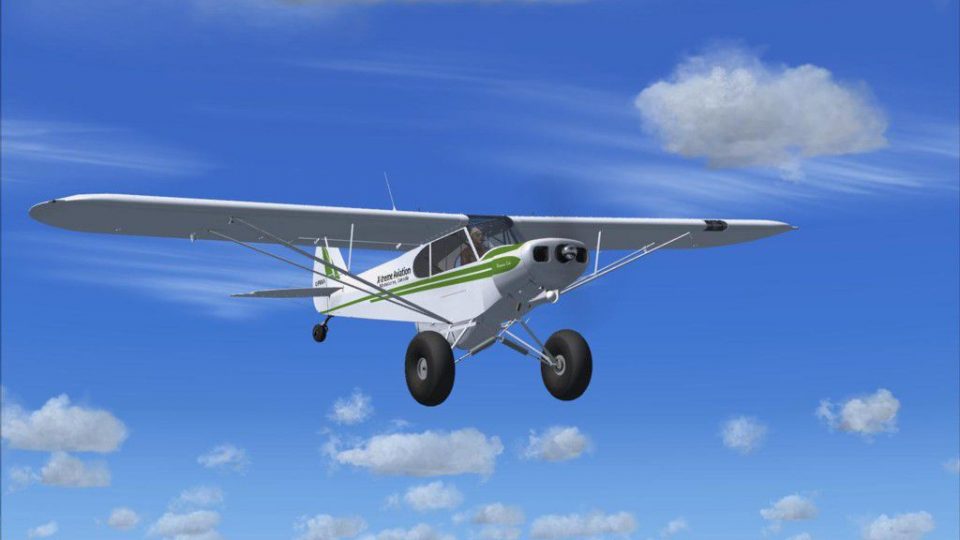
Flight Replicas Super Cub Extreme. A paint scheme for a 180 hp bush type airp…
Piper PA-18 Super Cub Extreme repaints bring rugged, backcountry character to the Flight Replicas model in Microsoft Flight Simulator X, with multiple authentic schemes, weathered detailing, crisp markings, and texture work tuned for smooth performance. Each livery complements the aircraft’s bush-flying role and preserves the full virtual cockpit experience; requires the Flight Replicas Super Cub Extreme Bushplane Package.
 Rate
Rate
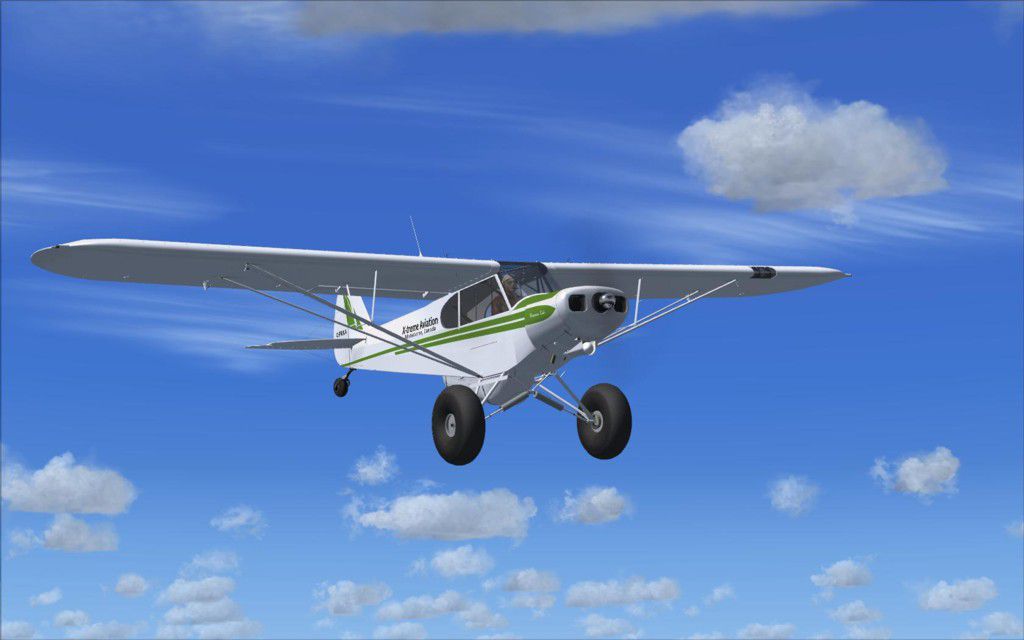
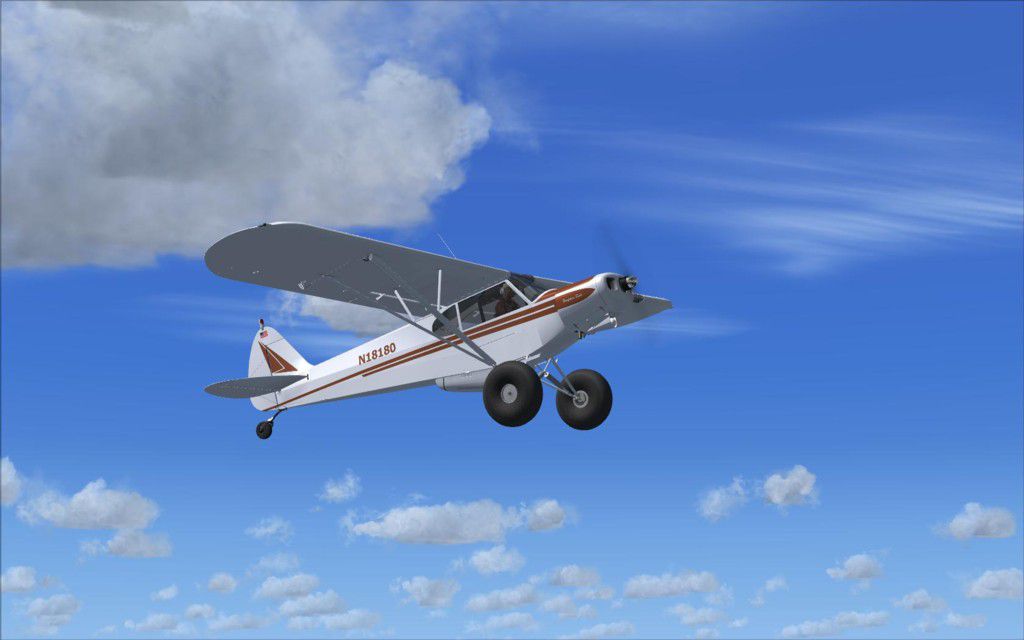
This package offers custom liveries designed for the Flight Replicas Super Cub add-on, specifically tailored to the Extreme Plane variant included in the Extreme Bushplane Package. Developed by Dirk Hueschelrath, these repaints adapt the well-loved Piper Super Cub—renowned for its short takeoff and landing capabilities—to a bush-flying environment inside Microsoft Flight Simulator X. Enthusiasts who value realism will enjoy the rugged aesthetics and practical enhancements this set delivers. Please note that the original payware model is required and is not included here.
The core appeal of this repaint collection is its focus on hardcore backcountry performance. The Piper Super Cub, known for its ability to handle remote airstrips, gets a visually distinctive treatment in each livery. The designs reflect authentic wear-and-tear, plus color layouts that mirror real-world counterparts frequently seen in rugged areas. You will find careful attention to panel lines, along with a fine-tuned shading approach that emphasizes structural details.
Below are concise instructions on integrating these textures into your simulator setup. Always remember to back up any original files prior to modifying your aircraft folders.
[fltsim.XX]
title=PA-18_180 C-FRXA
sim=FR_PA-18TE_180_FSX
model=
panel=
sound=
texture=cfrxa
kb_checklists=Super_Cub_check
kb_reference=Super_Cub_ref
atc_id=
atc_id_color=
ui_manufacturer=Piper
ui_type=Super Cub
ui_variation=180 hp C-FRXA
ui_typerole="Single Engine Prop"
ui_createdby=Flight Replicas
description=Repaint by D. Hueschelrath
[fltsim.XX]
title=PA-18_180 N8180
sim=FR_PA-18TE_180_FSX
model=
panel=
sound=
texture=N18180
kb_checklists=Super_Cub_check
kb_reference=Super_Cub_ref
atc_id=
atc_id_color=
ui_manufacturer=Piper
ui_type=Super Cub
ui_variation=180 hp N18180
ui_typerole="Single Engine Prop"
ui_createdby=Flight Replicas
description=Repaint by D. Hueschelrath
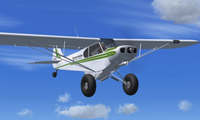
Screenshot showcasing one of the repaints in flight.
By adding these liveries, virtual bush pilots can extend their Microsoft Flight Simulator X adventures and immerse themselves in demanding off-airport approaches with a stylized, yet highly functional, exterior design. Enjoy exploring backcountry strips across the globe with a new level of authenticity.
Free for all simmers · 4.82 MB · Scanned clean Oct 2026
Download speed: Free tier is capped at 0.5 Mbps (this file takes approximately 1 min at the cap). PRO members download at full line speed.
texture.{airline}) inside FSX\SimObjects\Airplanes\{base-aircraft}\.aircraft.cfg in Notepad. Add a new [fltsim.X] section per the readme.readme.txt or README file. It tells you exactly where files go, what dependencies are needed, and any quirks specific to this add-on.The archive frscextrp1.zip has 8 files and directories contained within it.
This list displays the first 500 files in the package. If the package has more, you will need to download it to view them.
| Filename/Directory | File Date | File Size |
|---|---|---|
| FR SC Extreme_RP1 | 01.20.10 | 0 B |
| CFRXA.jpg | 01.20.10 | 71.68 kB |
| N18180.jpg | 01.20.10 | 69.46 kB |
| Read me.txt | 01.20.10 | 1.53 kB |
| texture.cfrxa.zip | 01.19.10 | 2.37 MB |
| texture.N18180.zip | 01.19.10 | 2.37 MB |
| flyawaysimulation.txt | 10.29.13 | 959 B |
| Go to Fly Away Simulation.url | 01.22.16 | 52 B |
Only PRO members can place votes.
More FSX & P3D add-ons hand-picked based on this download.
FSX General Aviation Aircraft
Flight Replicas Super Cub Extreme. A paint scheme for a 180 hp bush type airp…
 FSX General Aviation Aircraft
This repaint is for the Flight Replicas SuperCub payware model for FSX. It is…
 FSX General Aviation Aircraft
This repaint collection is tailored for the Flight Replicas Piper Super Cub p…
 FSX General Aviation Aircraft
Enhance your bush-flying sessions with this meticulously crafted repaint desi…
 FSX General Aviation Aircraft
Extra 300S "Extreme Speed". A repaint of the default Extra 300. The repaint i…
 FSX General Aviation Aircraft
A repaint of the Flight Replica PA-18 Super Cub. Screenshot of yellow Piper S…
 FSX General Aviation Aircraft
Piper PA-18 Super Cub, registration D-EKIB / D-ELJH. This is a repaint (DXT5)…
 FSX General Aviation Aircraft
Piper Super Cub. A repaint of the Flight Replicas Piper Super Cub "Tiger" for…
Be the first to leave a comment on this download.
Be the first to share your thoughts on this download.