

 FSX Civil Aircraft
Boeing 747-400 Qantas Textures only
This is a repaint of the default 747-400 in Qantas Colour, registration VH-OJ…
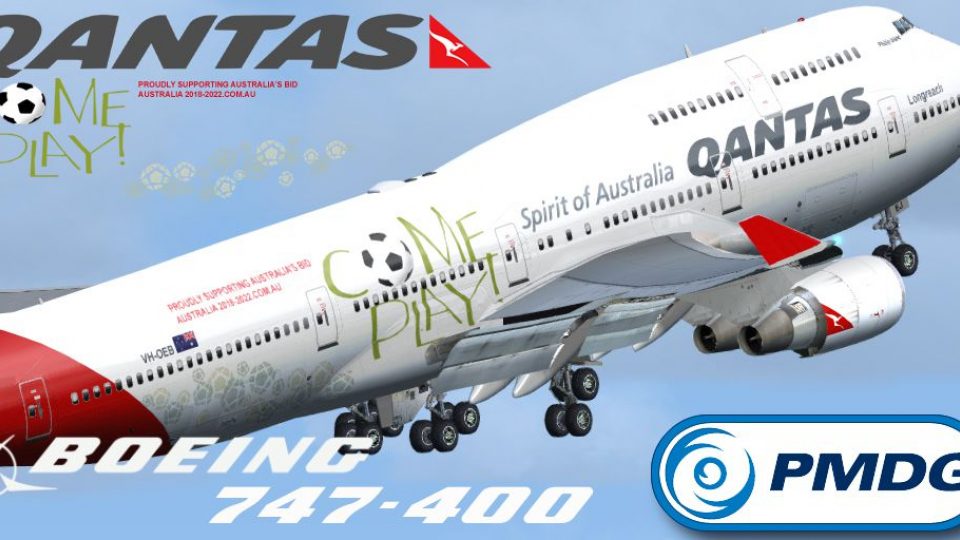
Qantas’ “Come Play” special livery for Boeing 747-400 VH-OEB brings bold promotional graphics and authentic airline markings to the PMDG Queen of the Skies exterior textures, tailored to the GE variant. Built for Microsoft Flight Simulator X, it delivers crisp logos and accurate registration detail and requires the payware PMDG 747-400 base package.
 Rate
Rate
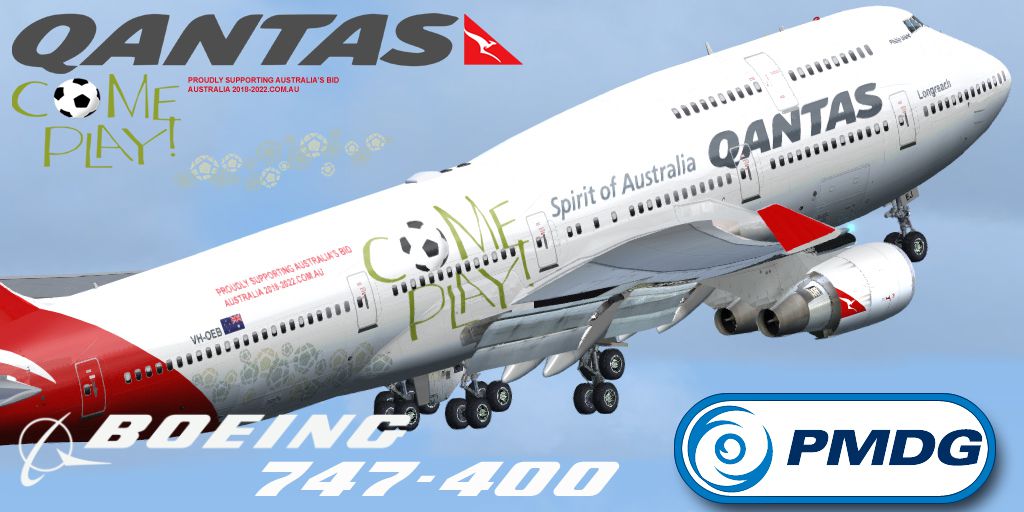
This exclusive repaint showcases Qantas’ distinctive “Come Play” theme on the Boeing 747-400 (registration VH-OEB), designed specifically for the payware PMDG 747-400 series. It is offered at no charge and provides a realistic representation of the Australian airline’s iconic special livery. By Mathew Tank.
The livery re-creates the Come Play branding, highlighting bold fuselage graphics and details representative of Qantas operations. Qantas, recognized as the flag carrier of Australia, has operated the 747 for many long-haul routes, and this repaint emphasizes the airline’s vibrant promotional scheme that was once featured on their wide-body fleet. Compatible with Microsoft Flight Simulator X, this add-on fits right into serious simmers’ hangars, preserving accurate markings such as the aircraft’s registration and Qantas signage.
This repaint is tailored for the PMDG “Queen of the Skies” add-on and reflects a General Electric (GE) engine configuration. The PMDG 747-400 payware model replicates systems fidelity, high-resolution external modeling, and cockpit instrumentation. This livery complements those features by illustrating external textures with crisp logos, fuselage details, and placeholder surfaces for the aircraft hull. Please note that the payware base package is not included and can be obtained separately from retailers such as SimShack.
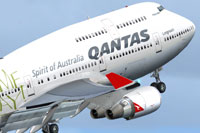
Depiction of the Qantas “Come Play” Boeing 747-400 as it departs the runway.
To integrate this repaint into your simulator, follow these steps:
[fltsim.XX]
title=PMDG - 747-400 GE Qantas Come Play Livery
sim=B747-400
model=GE
panel=VC
sound=GE
texture=Qantas VH-OEB CP
kb_checklists=PMDG747-400_CHECK
atc_id_color=0xffffffff
atc_id=VH-OEB
atc_airline=Qantas
atc_flight_number=744
ui_manufacturer=BOEING
ui_type=747-400 GE
ui_variation=Qantas VH-OEB Come Play
ui_typerole=747-400
ui_createdby="PMDG"
visual_damage=0
description=Boeing 747-400 powered with RB-211 engines v 1.0
Precision Manuals Development Group
Produced under license from Boeing Management Company.

Boeing 747, 747-400, the 747 airplane configuration & Boeing are among the trademarks owned by Boeing.
atc_heavy=1
LongAntenna=1
LongAntenna2=0
Once loaded in Microsoft Flight Simulator X, you will see the Qantas Come Play 747-400 with realistic texturing. The aircraft’s call sign, livery artwork, and registration match the real livery that Qantas operated. From startup procedures to cruising altitudes, simmers can appreciate the model’s refined flight deck and external features while exploring international routes commonly flown by the actual Boeing 747 within Qantas’ historical fleet.
This repaint was prepared by Mathew Tank, capturing unique design elements and airline decals. Ensure you have the required payware PMDG 747-400 product before installing this texture set. This package does not include the original payware aircraft model.
Free for all simmers · 5.69 MB · Scanned clean Oct 2026
Download speed: Free tier is capped at 0.5 Mbps (this file takes approximately 2 mins at the cap). PRO members download at full line speed.
texture.{airline}) inside FSX\SimObjects\Airplanes\{base-aircraft}\.aircraft.cfg in Notepad. Add a new [fltsim.X] section per the readme.readme.txt or README file. It tells you exactly where files go, what dependencies are needed, and any quirks specific to this add-on.The archive pmdg_747_400_qantasvh_oeb_cp.zip has 22 files and directories contained within it.
This list displays the first 500 files in the package. If the package has more, you will need to download it to view them.
| Filename/Directory | File Date | File Size |
|---|---|---|
| PMDG_747_400_ QantasVH_OEB_CP | 02.15.14 | 0 B |
| PMDG747-400 | 02.15.14 | 0 B |
| Help me file..txt | 12.28.12 | 500 B |
| Intallation instructions and README.txt | 02.15.14 | 1.28 kB |
| Readme.txt | 02.15.14 | 868 B |
| texture.Qantas VH-OEB CP | 02.15.14 | 0 B |
| PMDG_744_Engines_T.dds | 02.01.14 | 4.00 MB |
| PMDG_744_VC_MANUALS_C.dds | 10.23.08 | 64.12 kB |
| PMDG_744_WINGS_T.dds | 02.01.14 | 4.00 MB |
| PMDG_747_Decals.dds | 02.01.14 | 1.00 MB |
| PMDG_747_Externals_T.dds | 02.01.14 | 4.00 MB |
| PMDG_747_FUSE_LEFT_T.dds | 02.01.14 | 4.00 MB |
| PMDG_747_FUSE_LEFT_T_bump.dds | 10.23.08 | 1.00 MB |
| PMDG_747_FUSE_LEFT_T_LM.dds | 02.01.14 | 4.00 MB |
| PMDG_747_fuse_Right_T.dds | 02.01.14 | 4.00 MB |
| PMDG_747_FUSE_RIGHT_T_bump.dds | 10.23.08 | 1.00 MB |
| PMDG_747_FUSE_RIGHT_T_LM.dds | 02.01.14 | 4.00 MB |
| texture.cfg | 05.12.07 | 142 B |
| thumbnail.jpg | 01.25.14 | 390.18 kB |
| VH-OEB CP.jpg | 01.25.14 | 390.18 kB |
| flyawaysimulation.txt | 10.29.13 | 959 B |
| Go to Fly Away Simulation.url | 01.22.16 | 52 B |
Only PRO members can place votes.
More FSX & P3D add-ons hand-picked based on this download.
FSX Civil Aircraft
This is a repaint of the default 747-400 in Qantas Colour, registration VH-OJ…
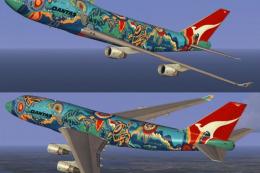 FSX Civil Aircraft
Experience a vibrant addition to your simulator with this textured rendition …
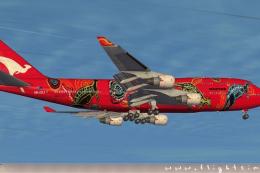 FSX Civil Aircraft
FSX Qantas Boeing 747-400, registration VH-OEJ, "Wunala Dreaming". Textures o…
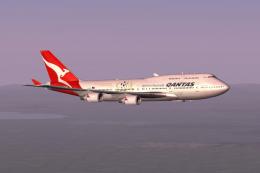 FSX Civil Aircraft
This freeware expansion offers an updated rendition of the Qantas Boeing 747-…
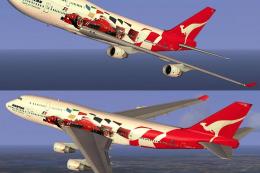 FSX Civil Aircraft
FSX Qantas Boeing 747-400 in "Formula 1" livery. Textures only for the defaul…
 FSX Civil Aircraft
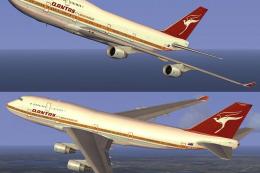
This freeware add-on introduces a striking throwback skin depicting the iconi…
 FSX Civil Aircraft
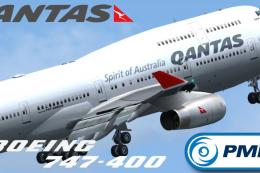
This repaint showcases Qantas’ updated Boeing 747-400 exterior design and is …
 FSX Civil Aircraft
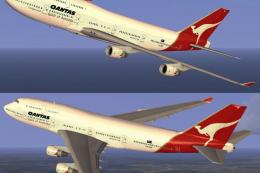
FSX Qantas Boeing 747-400, registration VH-OEF. Textures only for the default…
Be the first to leave a comment on this download.
Be the first to share your thoughts on this download.