

 FSX Civil Aircraft
Air Canada Boeing 777-200LR
Air Canada Boeing 777-200LR. Model by Project Open Sky. Repaint by Yosuke. Ai…
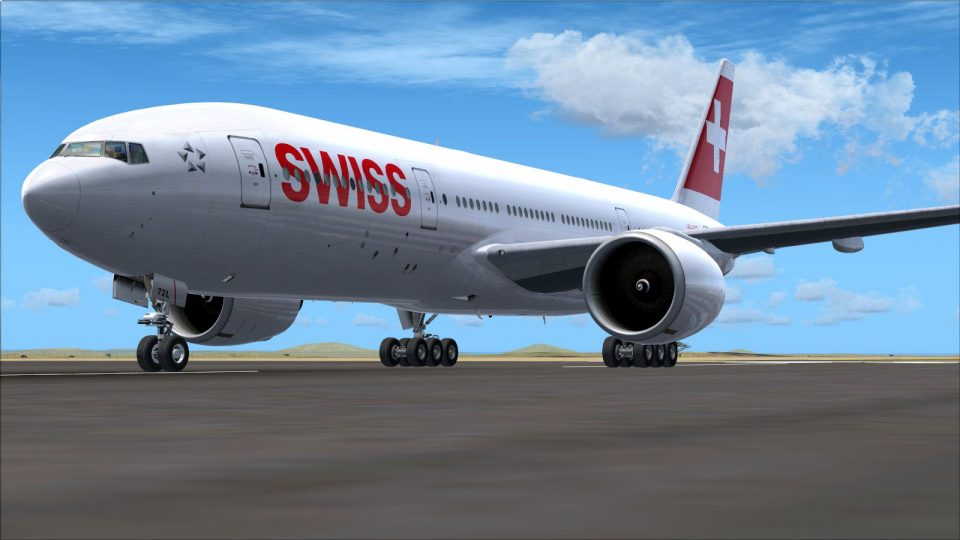
Swiss International Air Lines styling meets the Boeing 777-200LR with a high-resolution repaint featuring crisp red-and-white branding, accurate markings, and refined exterior detailing for convincing long-haul operations. Built for Microsoft Flight Simulator X, it requires the payware PMDG 777-200LR and installs as a PTP texture set for the Operations Center.
 Rate
Rate
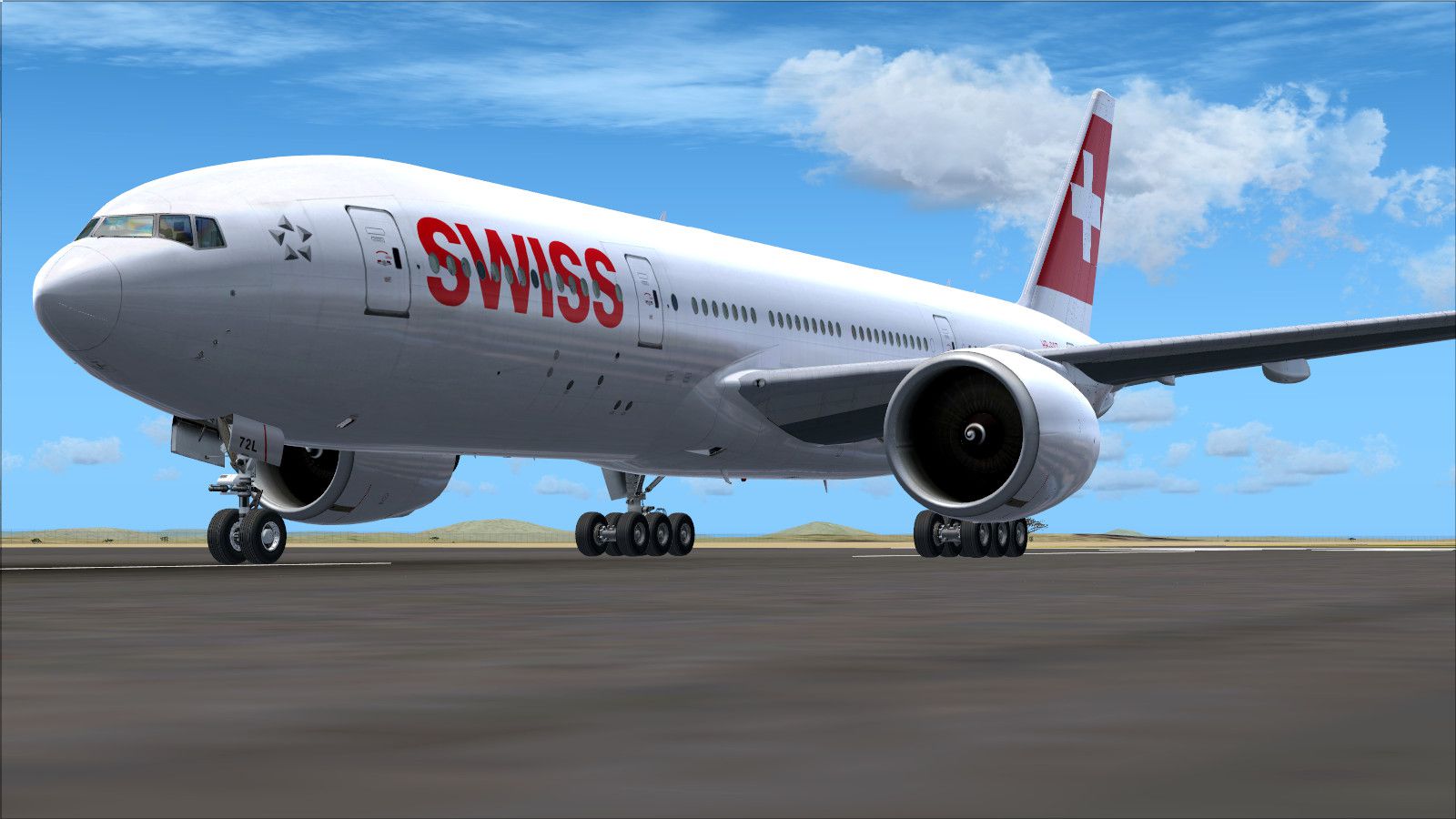
This specialized repaint brings the aesthetic of Swiss International Air Lines to the Boeing 777?200 fleet in Microsoft Flight Simulator X. It integrates a custom livery tailored for the payware PMDG 777-200LR model. It was developed by Brenden Corlet, and this texture package showcases the distinctive red and white branding of Switzerland’s flag carrier without compromising on visual detail or accuracy.
Swiss International Air Lines, often recognized for its precise scheduling and top-tier European connectivity, operates the Boeing 777 series on a variety of long-haul routes. This particular digital adaptation adds realistic paint elements such as fuselage markings and tail insignia. The Boeing 777, identified by its twin-engine wide-body configuration, offers impressive range and efficiency. In this repaint, the key cabin areas and external surfaces reflect the sleek design that enthusiasts expect when they fly under the Swiss banner.
Screenshot featuring the Swiss Boeing 777?200LR resting on an airport apron.
This custom artwork emphasizes high-resolution texturing, ensuring realistic rivet lines and accurate color gradients seen on the real Swiss fleet. Operators who delve into cold-and-dark startups in the PMDG simulation environment will notice that cockpit window outlines and engine cowling details exhibit a level of precision inspired by actual Boeing reference materials. Since the 777-200LR is known for its extended operating range, users may also enjoy replicating intercontinental flights with the Swiss livery, embracing realism in every stage of flight planning.
The download folder provides only the essential texture files (PTP format) needed to install this repaint. Note that the PMDG 777?200LR product is payware and must be acquired from a reputable source to ensure full compatibility. In addition, this repaint is freeware and contains exclusively the Swiss livery data for those seeking to fly a high-concept transatlantic or transpacific route in their virtual hangar.
After completing these steps, enthusiasts can enjoy intercontinental flights that replicate the crisp Swiss experience. This texture set, authored by Brenden Corlet, aims to deliver a faithful representation of the airline’s color scheme and operational identity within your simulated environment.
Free for all simmers · 3.51 MB · Scanned clean Oct 2026
Download speed: Free tier is capped at 0.5 Mbps. PRO members download at full line speed.
texture.{airline}) inside FSX\SimObjects\Airplanes\{base-aircraft}\.aircraft.cfg in Notepad. Add a new [fltsim.X] section per the readme.readme.txt or README file. It tells you exactly where files go, what dependencies are needed, and any quirks specific to this add-on.The archive pmdg_777-200lr_swiss.zip has 6 files and directories contained within it.
This list displays the first 500 files in the package. If the package has more, you will need to download it to view them.
| Filename/Directory | File Date | File Size |
|---|---|---|
| PMDG_777-200LR_SWISS | 10.06.13 | 0 B |
| 2013-9-16_16-35-45-785.jpg | 09.16.13 | 225.66 kB |
| PMDG_777-200LR_SWISSAIR.ptp | 10.04.13 | 3.30 MB |
| READ ME.txt | 10.04.13 | 1.57 kB |
| flyawaysimulation.txt | 10.29.13 | 959 B |
| Go to Fly Away Simulation.url | 01.22.16 | 52 B |
Only PRO members can place votes.
More FSX & P3D add-ons hand-picked based on this download.
FSX Civil Aircraft
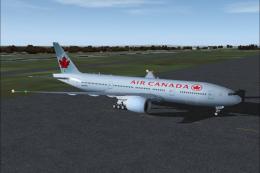
Air Canada Boeing 777-200LR. Model by Project Open Sky. Repaint by Yosuke. Ai…
 FSX Civil Aircraft
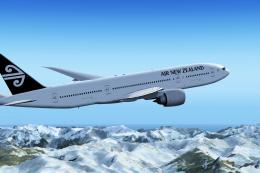
This comprehensive package blends Air Canada Boeing 777-200LR liveries with t…
 FSX Civil Aircraft
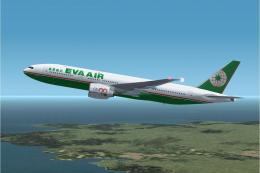
Air New Zealand Boeing 777-200LR (new livery). B777-200 model by SkySpirit201…
 FSX Civil Aircraft
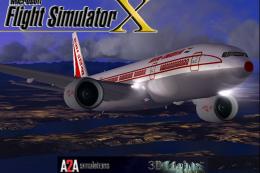
This freeware package features a fully functional Boeing 777-200LR in EVA Air…
 FSX Civil Aircraft
This updated freeware package features a complete Boeing 777-200LR in the Air…
 FSX Civil Aircraft
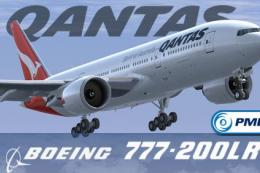
Qantas Boeing 777-200LR with updated readme.txt file. This repaint is for the…
 FSX Civil Aircraft
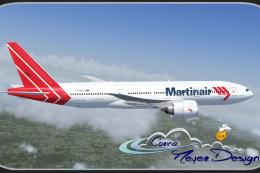
This fictional repaint package offers a customized Martinair-themed look for …
 FSX Civil Aircraft
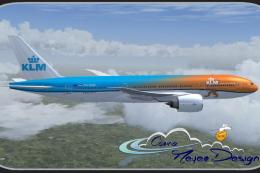
The PMDG B777-200 LR as KLM Royal Dutch Airlines new design "Koningin Maxima"…
Be the first to leave a comment on this download.
Be the first to share your thoughts on this download.