

 FSX Civil Aircraft
Kuwait Airways Airbus A300 9K-AMB
Accurate livery of the Kuwait A300 9K-AMB in DDS DXT3 high definition format.…
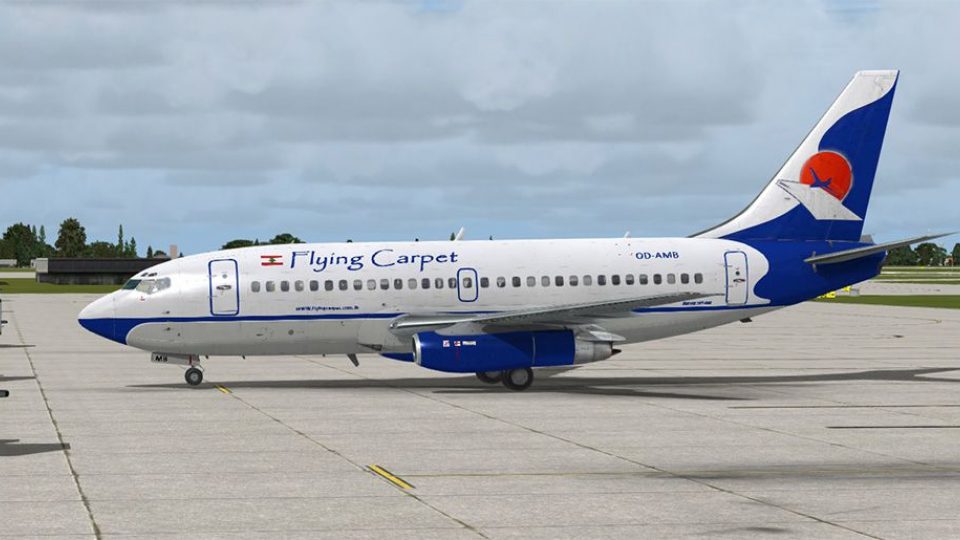
Flying Carpet Boeing 737-200ADV repaint for registration OD-AMB delivers crisp, period-authentic markings and carefully matched colors for believable short-haul operations, while keeping the classic twinjet’s look front and center in Microsoft Flight Simulator X. It requires the payware Captain Sim 737-200ADV expansion and includes external textures only.
 Rate
Rate
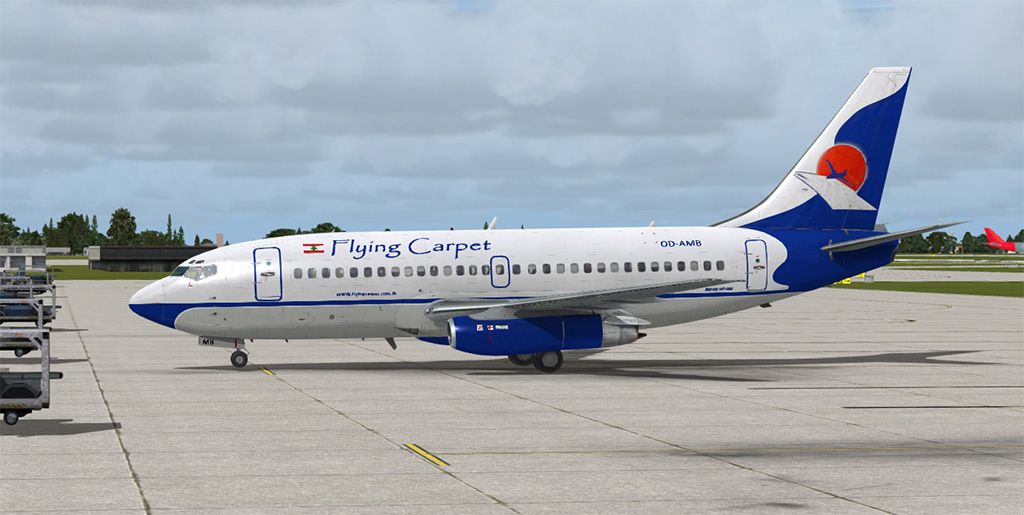
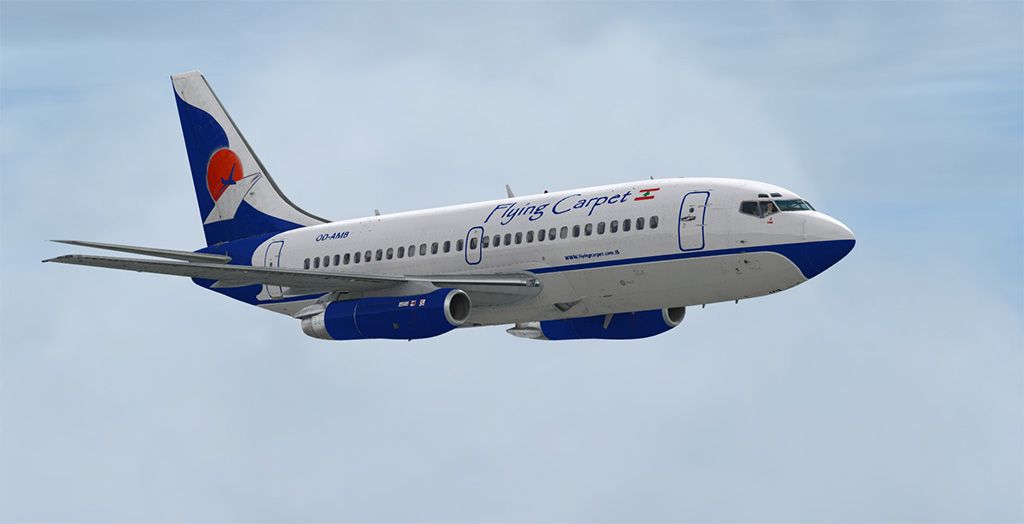
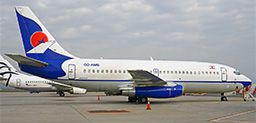
This repaint offers a meticulously detailed Flying Carpet scheme for the Captain Sim Boeing 737-200ADV, registration OD-AMB. It has been developed by Muhammad Chariri for Microsoft Flight Simulator X enthusiasts who appreciate authentic liveries and realistic short-haul jet operations without sacrificing performance.
This texture set leverages the classic lines of the 737-200ADV, which has historically been a steadfast jetliner for regional routes. Painted by Muhammad Chariri, it highlights Flying Carpet’s registration OD-AMB with care taken to replicate accurate color placement and subtle markings. Since this release strictly comprises external textures, the payware Captain Sim 737-200ADV expansion model is required before installing.
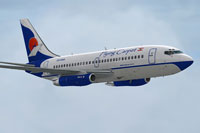
Screenshot showing this versatile twinjet in action with its Flying Carpet livery.
The Boeing 737-200ADV is a short-to-medium haul platform, renowned for its robust build and reliable performance in global commercial aviation. In order to enjoy this repaint, ensure the following:
Below are the steps to integrate these custom textures into your Captain Sim 737-200ADV folder. Ensure that the simulator is closed before proceeding to avoid any file conflicts:
[fltsim.X] with the next available number.
[fltsim.X]
title=CS 737-200ADV Flying Carpet
sim=csx732
model=adv
panel=
sound=
texture=flyingcarpet
kb_checklists=
kb_reference=
atc_id=OD-AMB
atc_heavy=0
atc_airline=Flying Carpet
atc_flight_number=0001
ui_manufacturer=Boeing
ui_type=737-200ADV
ui_variation=Flying Carpet
ui_typerole=Commercial Airliner
ui_createdby=Captain Sim
description=737 Captain (737-200ADV Expansion model) v1.1
2012 Captain Sim.
Once you have confirmed the lines in the configuration file and copied the texture folder, start your simulator to load the Flying Carpet OD-AMB repaint from the aircraft selection menu. Visually inspect the jet both in external and cockpit views to ensure the repaint is fully operational.
All data reproduced here remains credited to Muhammad Chariri together with the Captain Sim team for their 737-200ADV platform.
Free for all simmers · 7.77 MB · Scanned clean Oct 2026
Download speed: Free tier is capped at 0.5 Mbps (this file takes approximately 2 mins at the cap). PRO members download at full line speed.
texture.{airline}) inside FSX\SimObjects\Airplanes\{base-aircraft}\.aircraft.cfg in Notepad. Add a new [fltsim.X] section per the readme.readme.txt or README file. It tells you exactly where files go, what dependencies are needed, and any quirks specific to this add-on.The archive flyingcarpet.zip has 18 files and directories contained within it.
This list displays the first 500 files in the package. If the package has more, you will need to download it to view them.
| Filename/Directory | File Date | File Size |
|---|---|---|
| SS2.jpg | 07.01.13 | 88.92 kB |
| cs737_01_T.dds | 06.30.13 | 4.00 MB |
| cs737_04_T.dds | 06.30.13 | 4.00 MB |
| cs737_05_T.dds | 06.29.13 | 4.00 MB |
| cs737_06_T.dds | 06.30.13 | 4.00 MB |
| cs737_07_T.dds | 06.30.13 | 4.00 MB |
| cs737_08_T.dds | 06.30.13 | 4.00 MB |
| cs737_09_T.dds | 06.30.13 | 4.00 MB |
| cs737_10_T.dds | 06.30.13 | 4.00 MB |
| cs737_14_T.dds | 04.06.12 | 32.12 kB |
| cs737_17_T.dds | 06.30.13 | 1.00 MB |
| texture.cfg | 04.04.12 | 203 B |
| thumbnail.jpg | 06.28.13 | 33.39 kB |
| texture.flyingcarpet | 07.01.13 | 0 B |
| Readme.txt | 07.01.13 | 2.34 kB |
| SS1.jpg | 07.01.13 | 165.56 kB |
| flyawaysimulation.txt | 10.29.13 | 959 B |
| Go to Fly Away Simulation.url | 01.22.16 | 52 B |
Only PRO members can place votes.
More FSX & P3D add-ons hand-picked based on this download.
FSX Civil Aircraft
Accurate livery of the Kuwait A300 9K-AMB in DDS DXT3 high definition format.…
 FSX Civil Aircraft
B737-200 ADV base pack contains four model variations (normal, logo light, gr…
 FSX Civil Aircraft
This is the repaint of payware Captain Sim B737-200 Adv model in livery of Me…
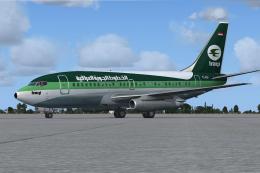 FSX Civil Aircraft
This freeware repaint recreates the distinctive Iraqi Airways livery for the …
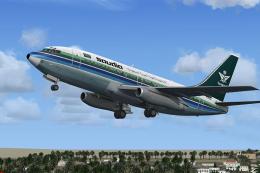 FSX Civil Aircraft
This is the repaint of payware Captain Sim B737-200 Adv model in Saudia liver…
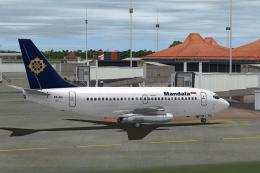 FSX Civil Aircraft
This is the repaint of the payware Captain Sim B737-200 ADV model in Mandala …
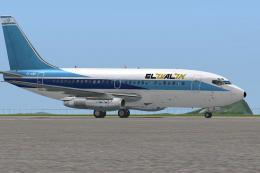 FSX Civil Aircraft
This is the repaint of the payware Captain Sim B737-200 Adv model in El Al li…
 FSX Civil Aircraft
This is the repaint of the payware Captain Sim B737-200 Adv model in Air Phil…
Be the first to leave a comment on this download.
Be the first to share your thoughts on this download.