

 FSX Civil Aircraft
Greek ERJ-135 (Legacy 600) / 145
This is a repaint (textures only) package for the payware Wilco/feelThere Emb…
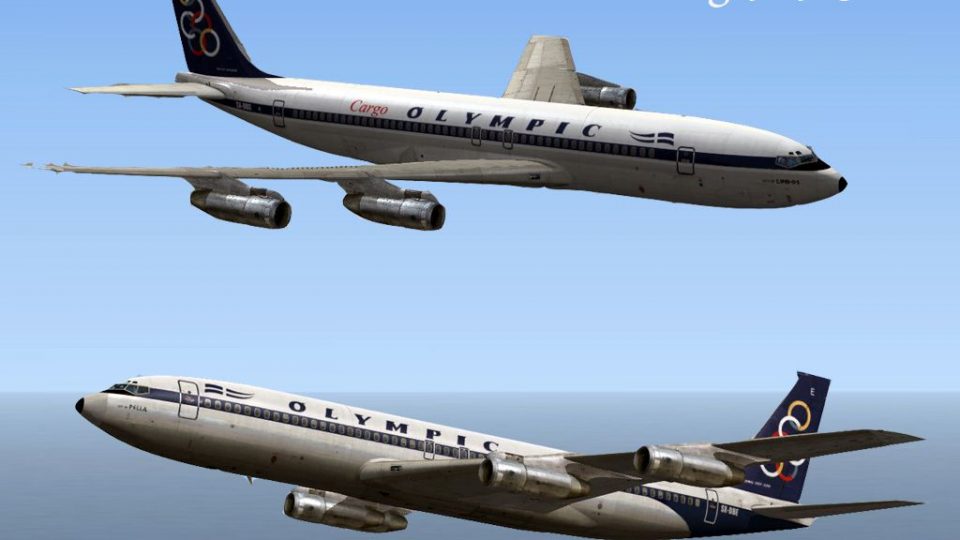
Olympic Airways Boeing 707-300 liveries recreate classic Greek jetliners SX-DBE “City of Pella” and SX-DBO “City of Lindos,” capturing the airline’s 1968–1990 and 1973–1990 era look with authentic textures. Built for FSX, the repaint set requires the payware Captain Sim 707-300.
 Rate
Rate
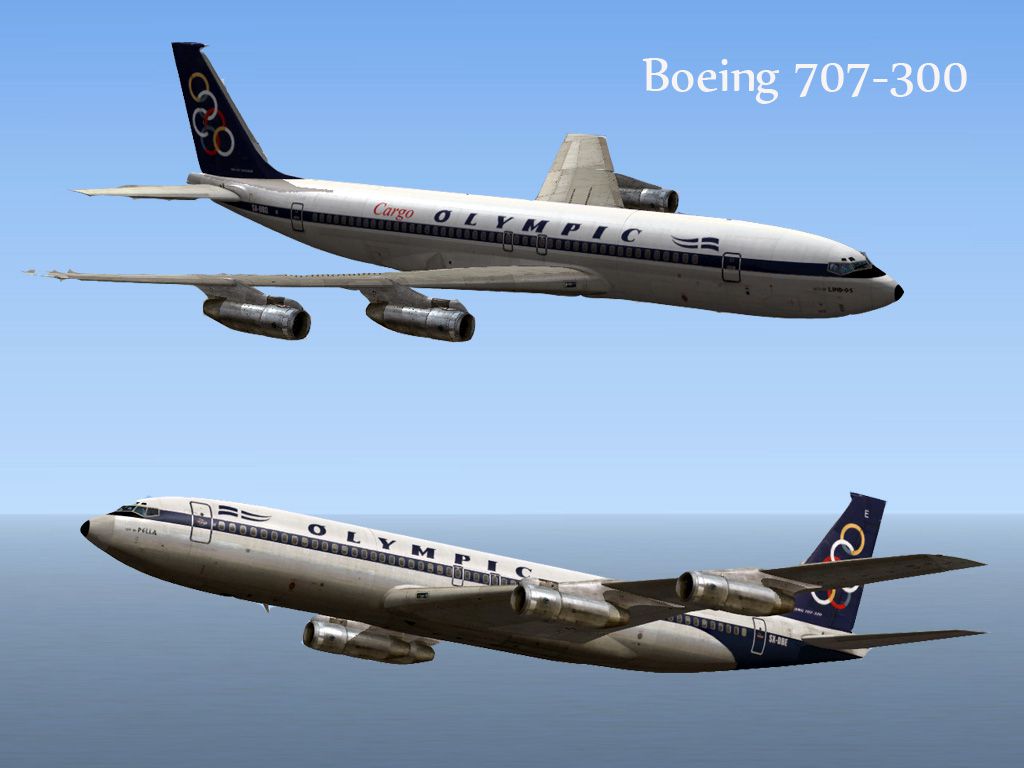
These is a repaints (textures only) package for the payware Captain Sim B707-300. These textures represent two aircraft of Olympic Airways that used to fly over Greece decades ago, the Olympic Airways SX-DBE ("City Of Pella" 1968 - 1990) and Olympic Airways SX-DBO ("City Of Lindos" 1973 - 1990). By Astrios Tso.
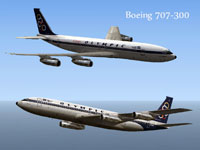
Image showing two liveries for Greek Boeing 707-300.
Installation for SX-DBE:
Installation for SX-DBO:
Free for all simmers · 11.93 MB · Scanned clean Oct 2026
Download speed: Free tier is capped at 0.5 Mbps (this file takes approximately 3 mins at the cap). PRO members download at full line speed.
texture.{airline}) inside FSX\SimObjects\Airplanes\{base-aircraft}\.aircraft.cfg in Notepad. Add a new [fltsim.X] section per the readme.readme.txt or README file. It tells you exactly where files go, what dependencies are needed, and any quirks specific to this add-on.The archive astrios_b707_gr.zip has 23 files and directories contained within it.
This list displays the first 500 files in the package. If the package has more, you will need to download it to view them.
| Filename/Directory | File Date | File Size |
|---|---|---|
| texture.olymp | 04.01.13 | 0 B |
| b707_10_T.dds | 09.16.10 | 32.12 kB |
| b707_6_Spec.dds | 02.26.11 | 256.12 kB |
| b707_b1_t.dds | 09.16.10 | 4.00 MB |
| b707_b2_t.dds | 09.16.10 | 4.00 MB |
| b707_b5_t.dds | 09.16.10 | 2.00 MB |
| b707_b6_t.dds | 02.19.11 | 2.00 MB |
| texture.cfg | 09.06.10 | 118 B |
| thumbnail.jpg | 09.16.10 | 9.89 kB |
| texture.SX-DBE | 04.01.13 | 0 B |
| b707_10_T.dds | 09.16.10 | 32.12 kB |
| b707_6_Spec.dds | 02.26.11 | 256.12 kB |
| b707_b1_t.dds | 10.28.12 | 5.33 MB |
| b707_b2_t.dds | 10.28.12 | 5.33 MB |
| b707_b5_t.dds | 10.28.12 | 2.67 MB |
| b707_b6_t.dds | 10.28.12 | 2.67 MB |
| texture.cfg | 09.06.10 | 118 B |
| thumbnail.jpg | 10.27.12 | 40.10 kB |
| ReadMe.txt | 04.01.13 | 2.06 kB |
| Screen.jpg | 04.01.13 | 161.47 kB |
| Thumb.png | 04.01.13 | 23.86 kB |
| flyawaysimulation.txt | 10.29.13 | 959 B |
| Go to Fly Away Simulation.url | 01.22.16 | 52 B |
Only PRO members can place votes.
More FSX & P3D add-ons hand-picked based on this download.
FSX Civil Aircraft
This is a repaint (textures only) package for the payware Wilco/feelThere Emb…
 FSX Civil Aircraft
This is my second file for the Captain Sim 707-300 for FSX. This file fixes t…
 FSX Civil Aircraft
The orange, red and green was such an odd choice, so now you have a faded blu…
 FSX Civil Aircraft
High quality polished reflective DDS textures BB707-329. Passenger cabin colo…
 FSX Civil Aircraft
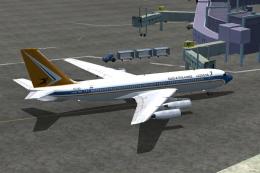
The FSX B707-420 in South African Airways colors. The real jet age for SAA be…
 FSX Civil Aircraft
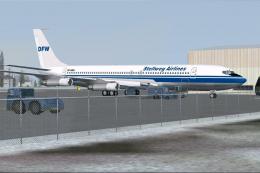
In this package you will find the "DFW"B707-321B DF-WBA, operated by Stellweg…
 FSX Civil Aircraft
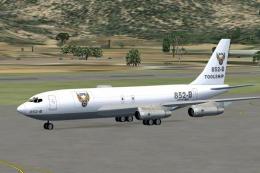
Boeing 707-321C. These are two PAI B707-321C from the DFW Military group. It …
 FSX Civil Aircraft
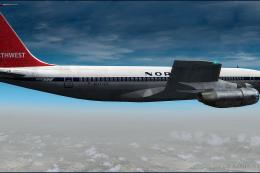
Northwest Orient Airlines Boeing 707-351. A repaint of the Captain Sim B707 i…
Be the first to leave a comment on this download.
Be the first to share your thoughts on this download.