

 FSX Civil Aircraft
Air Transat Airbus A310-300
Air Transat Airbus A310-300. The Thomas Ruth A310-300 in Air Transat colors. …
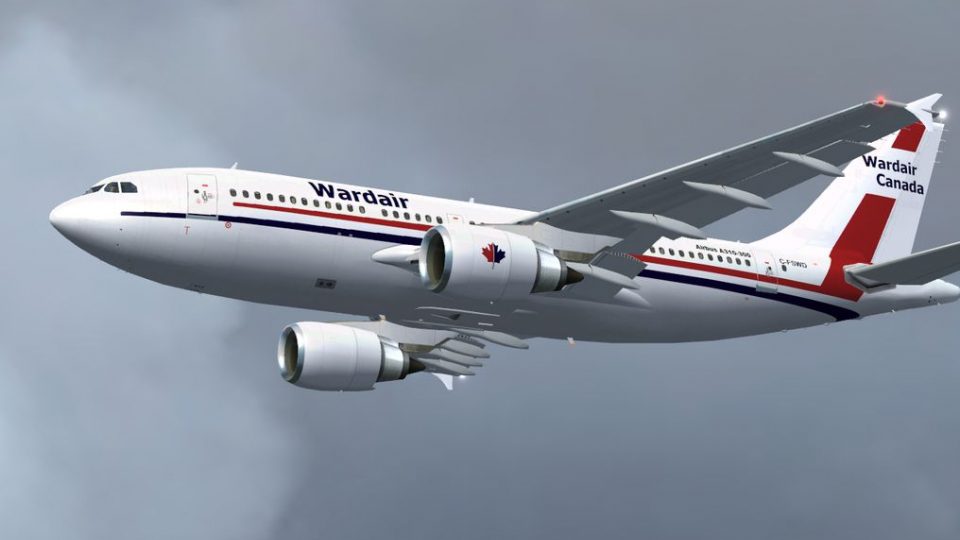
Wardair’s classic Airbus A310-300 colors bring a period-accurate Canadian charter look to the Thomas Ruth widebody, with matching registration and airline callsign details for authentic ATC immersion in Microsoft Flight Simulator X. Requires TOMA310.ZIP and FSX SP1 or SP2 to ensure the fuselage displays correctly.
 Rate
Rate
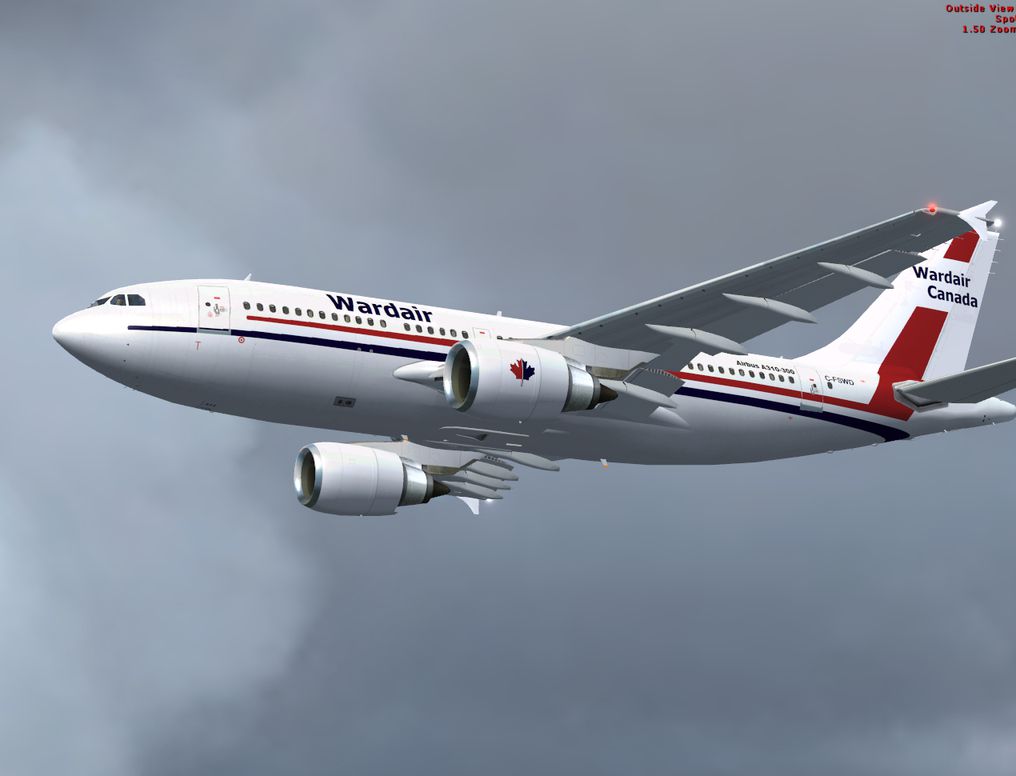
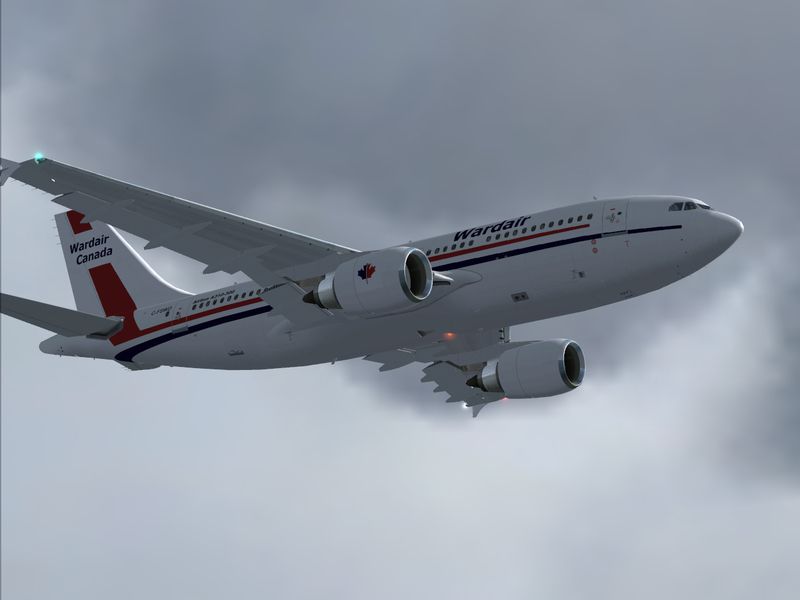
A repaint for the Thomas Ruth Airbus A310-300; requires TOMA310.ZIP and FSX SP1 or SP2 otherwise the fuselage is not visible. Repaint by Brian Braden.
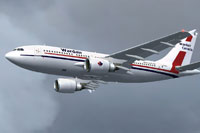
Screenshot of Wardair Airbus A310-300 in flight.
Installation:
If you need more information on installing textures then look on one of the many freeware websites as there is a lot of information on this subject that will help you understand how to do this in more detail.
[fltsim.xx]

title=Wardair A310-300

sim=TomA310

model=GE

panel=310GE

sound=

texture=wardair

kb_checklists=

kb_reference=

atc_id=C-FSWD

atc_airline=WARDAIR

atc_flight_number=1124

atc_heavy=1

ui_manufacturer=Airbus

ui_typerole=Commercial Airliner

ui_createdby=Thomas Ruth

ui_type=A310-300

ui_variation=Wardair
Free for all simmers · 2 MB · Scanned clean Oct 2026
Download speed: Free tier is capped at 0.5 Mbps. PRO members download at full line speed.
This file is a repaint — the package below is the base model it paints onto. Install it first, or the textures will have nothing to load onto.
texture.{airline}) inside FSX\SimObjects\Airplanes\{base-aircraft}\.aircraft.cfg in Notepad. Add a new [fltsim.X] section per the readme.readme.txt or README file. It tells you exactly where files go, what dependencies are needed, and any quirks specific to this add-on.The archive tom-wardair-a310.zip has 16 files and directories contained within it.
This list displays the first 500 files in the package. If the package has more, you will need to download it to view them.
| Filename/Directory | File Date | File Size |
|---|---|---|
| README.txt | 01.27.13 | 1.31 kB |
| Screenshot1.jpg | 01.27.13 | 194.97 kB |
| Screenshot2.jpg | 01.27.13 | 337.24 kB |
| ScreenshotGIF.gif | 01.27.13 | 13.92 kB |
| texture.wardair | 01.27.13 | 0 B |
| glass.dds | 06.08.10 | 64.12 kB |
| main.dds | 01.27.13 | 4.00 MB |
| main_bump.dds | 03.12.10 | 4.00 MB |
| main_light.dds | 03.12.10 | 1.00 MB |
| main_spec.dds | 03.12.10 | 256.12 kB |
| texture.cfg | 03.12.10 | 143 B |
| thumbnail.jpg | 01.27.13 | 220.77 kB |
| wing_l.dds | 03.12.10 | 1.00 MB |
| wing_r.dds | 03.12.10 | 1.00 MB |
| flyawaysimulation.txt | 10.29.13 | 959 B |
| Go to Fly Away Simulation.url | 01.22.16 | 52 B |
Only PRO members can place votes.
More FSX & P3D add-ons hand-picked based on this download.
FSX Civil Aircraft
Air Transat Airbus A310-300. The Thomas Ruth A310-300 in Air Transat colors. …
 FSX Civil Aircraft
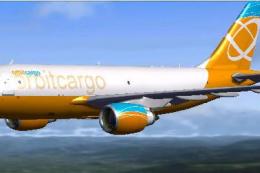
Orbit Cargo Airbus A310-300 based on the MS Orbit airlines colors. This is a …
 FSX Civil Aircraft
This freeware add-on for Microsoft Flight Simulator X offers a detailed repai…
 FSX Civil Aircraft
Tarom Airbus A310-300. This repaint is for the Thomas Ruth A310-300 model (TO…
 FSX Civil Aircraft
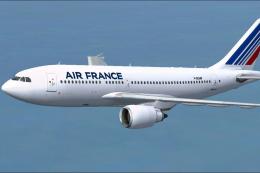
Air France Airbus A310-300. Repaint of Thomas Ruth's Airbus A310-300 Textures…
 FSX Civil Aircraft
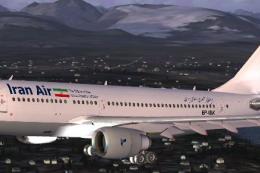
Model by Thomas Ruth. Repaint by Ali Heravi. Screenshot of Iran Air Airbus A3…
 FSX Civil Aircraft
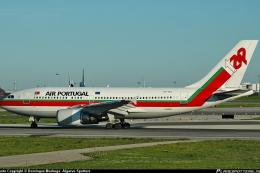
The Thomas Ruth A310-300 model repainted for TAP Air Portugal in the 1979-200…
 FSX Civil Aircraft
Repaint by Mathieu Vos (APSS), model by Thomas Ruth. Screenshot of Tarom Airb…
Be the first to leave a comment on this download.
Be the first to share your thoughts on this download.