

 FSX Civil Aircraft
Southwest Airlines 'Colorado One' Boeing 737-700W
This specialized freeware release offers a faithful virtual rendition of a So…
Air China colors arrive on the Boeing 737-700W with crisp logos, accurate tail emblem, and smooth paint transitions that look convincing in daylight and under night lighting. Built for AI traffic or a flyable fleet in Microsoft Flight Simulator X and Microsoft Flight Simulator 2004, this repaint requires the FAIB freeware base model.
 Rate
Rate
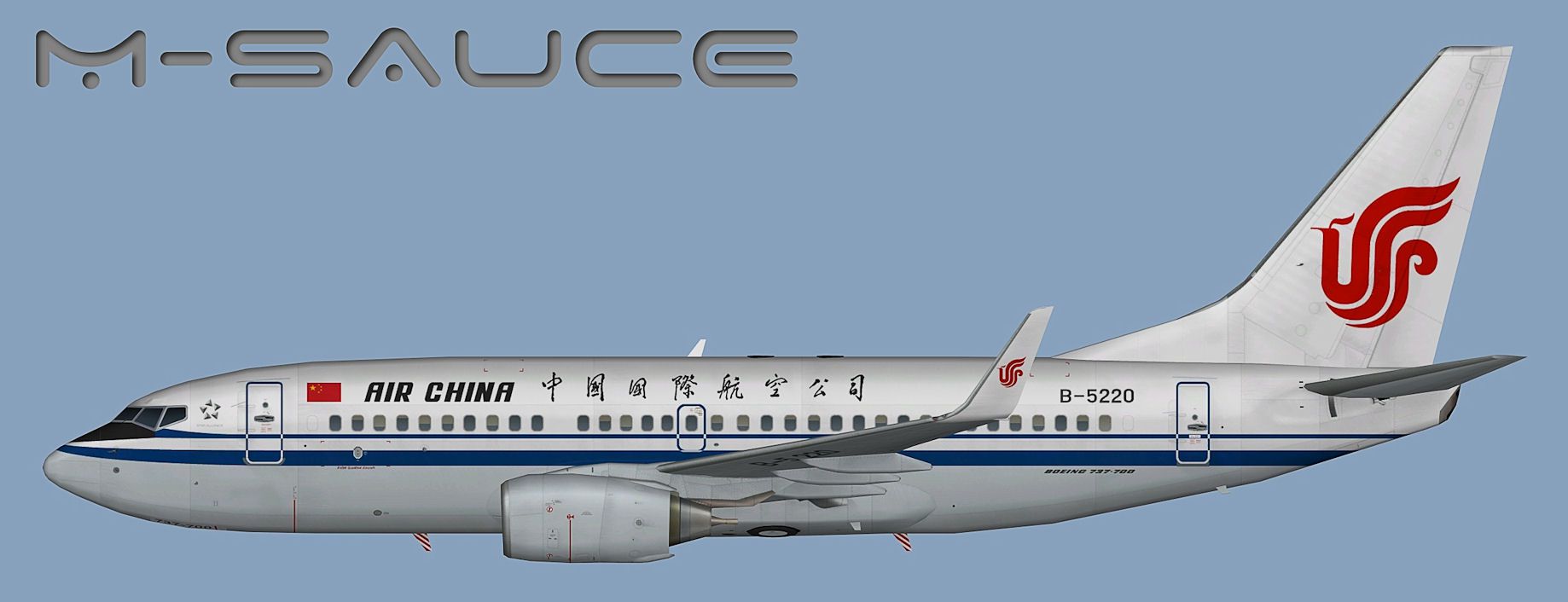
This repaint pack offers a detailed Air China livery for the free Boeing 737-700W model by FSX AI Bureau, crafted by the talented developers at FSX AI Bureau and skillfully painted by Mariano Bonaccorso. Enthusiasts can utilize these textures in Microsoft Flight Simulator X or Microsoft Flight Simulator 2004 to enhance AI traffic or personal fleets. The real Boeing 737-700 series is widely recognized for its short- to medium-range capabilities and efficient winglet design, making it a fundamental aircraft for carriers such as Air China, which is noted for connecting key domestic and international routes.
These textures showcase the signature Air China markings, including the airline’s distinctive tail emblem and a precise fuselage logo. The visual finish is optimized to produce smooth transitions between colors and crisp edges, while integrating realistic lightmaps for nighttime environments. Air China’s actual fleet incorporates the 737-700 model for various regional journeys, which reinforces this livery’s authenticity in your simulated environment.
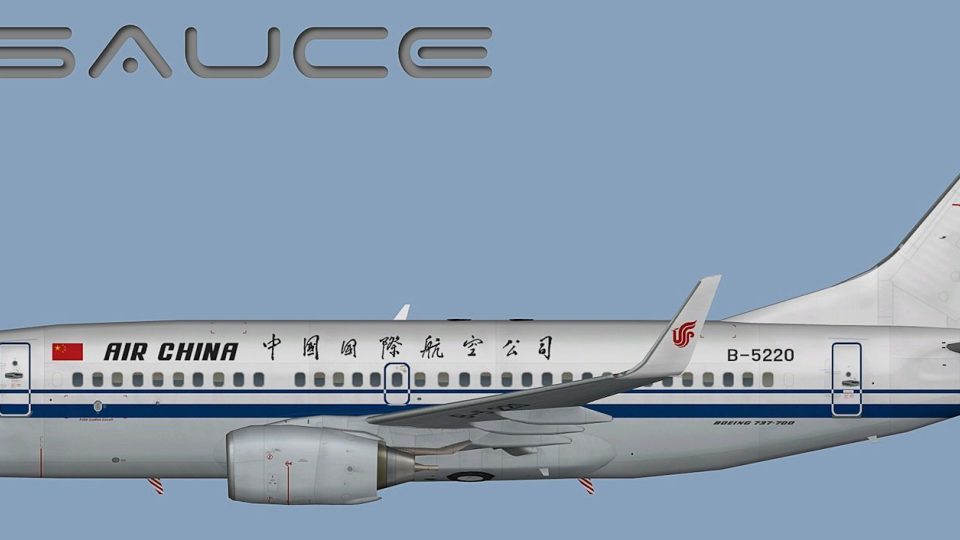
Profile view of Air China Boeing 737-700W.
Begin by acquiring the freeware base model from the Fly Away Simulation mod library. Once the base aircraft files are available, place the new texture folder into the corresponding Boeing 737-700W folder. Afterwards, update the aircraft’s configuration (.cfg) file. Locate or create an entry similar to what follows, making sure to replace “X” with the next valid sequence number and adapt any references to match your simulator’s file structures.
[fltsim.X]
title=AI B737W CCA
sim=FAIB_7377
model=winglets
texture=CCA
atc_airline=AIR CHINA
atc_parking_codes=CCA
atc_parking_types=GATE
ui_manufacturer=Boeing
ui_type=B737-700W
ui_variation=Air China
description=AI Aircraft from FAIB
Users unsure about editing these details should review the official documentation that came with the model, along with the relevant SDK section for aircraft container guidelines.
This package contains multiple texture formats tailored to different simulator preferences. The DXT5 format performs well in modern platforms such as Microsoft Flight Simulator X, and the DXT3 version is generally suited for Microsoft Flight Simulator 2004. You will also see a 32-bit version included, which is typically not advised for in-sim use due to potential performance constraints. However, it remains available for specialized tasks such as format conversion or visual examination in paint tools or model viewers.
Air China’s 737-700W fleet leverages enhanced winglets (often referred to as blended winglets) to improve aerodynamic performance and reduce fuel consumption. This repaint reflects those design features accurately. Pilots and virtual airlines seeking authentic Chinese national carrier operations are likely to appreciate the realism offered here.
Please remember that this repaint is freeware and does not include the original aircraft base pack. Downloading the base model is essential for correct functionality. Once installed properly, this repaint will bring additional immersion and variety to your traffic environment, reflecting Air China’s distinguished presence within commercial aviation.
Free for all simmers · 3.87 MB · Scanned clean Oct 2026
Download speed: Free tier is capped at 0.5 Mbps (this file takes approximately 1 min at the cap). PRO members download at full line speed.
texture.{airline}) inside FSX\SimObjects\Airplanes\{base-aircraft}\.aircraft.cfg in Notepad. Add a new [fltsim.X] section per the readme.readme.txt or README file. It tells you exactly where files go, what dependencies are needed, and any quirks specific to this add-on.The archive faib_b737w_cca.zip has 12 files and directories contained within it.
This list displays the first 500 files in the package. If the package has more, you will need to download it to view them.
| Filename/Directory | File Date | File Size |
|---|---|---|
| FAIB_737_700_L.bmp | 11.04.12 | 4.00 MB |
| FAIB_737_700_T.bmp | 12.18.12 | 5.33 MB |
| FS9 | 12.18.12 | 0 B |
| 32Bit | 12.18.12 | 0 B |
| FAIB_737_700_T.bmp | 12.18.12 | 4.00 MB |
| FAIB_737_700_L.bmp | 11.04.12 | 1.00 MB |
| FAIB_737_700_T.bmp | 12.18.12 | 1.33 MB |
| Preview.jpg | 12.18.12 | 125.73 kB |
| Thumbnail.png | 12.18.12 | 6.89 kB |
| Installation.txt | 12.18.12 | 1.96 kB |
| flyawaysimulation.txt | 10.29.13 | 959 B |
| Go to Fly Away Simulation.url | 01.22.16 | 52 B |
Only PRO members can place votes.
More FSX & P3D add-ons hand-picked based on this download.
FSX Civil Aircraft
This specialized freeware release offers a faithful virtual rendition of a So…
 FSX Civil Aircraft
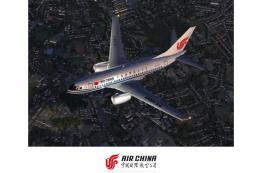
FSX Air China Boeing 737-600, registration B-5027. Air China has a large flee…
 FSX Civil Aircraft
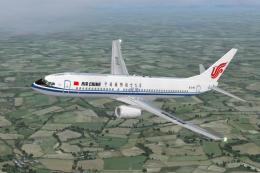
This complete freeware package offers an Air China Boeing 737-800 (B-5196) wi…
 FSX Civil Aircraft
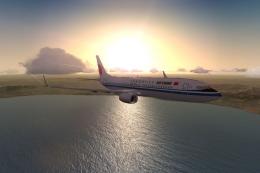
This enhanced package brings the iconic Air China Boeing 737-800 (registratio…
 FSX Civil Aircraft
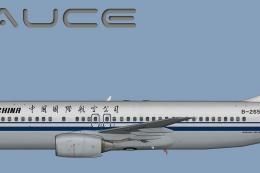
This repaint focuses on delivering an accurate representation of Air China’s …
 FSX Civil Aircraft
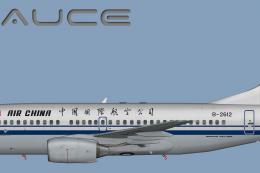
This repaint package for the freeware FAIB 737-700 model brings Air China’s d…
 FSX Civil Aircraft
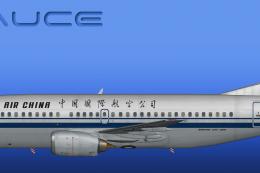
This freeware release offers a detailed repaint of an Air China Boeing 737-30…
 FSX Civil Aircraft
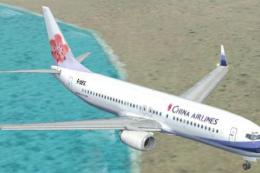
China Airlines Boeing 737-800. Textures only for the default B737-800 model. …
Be the first to leave a comment on this download.
Be the first to share your thoughts on this download.