

 FSX Civil Aircraft
Cathy Pacific Airbus A350-1000 V4
This refined rendition of the Cathy Pacific Airbus A350-1000 for FSX focuses …
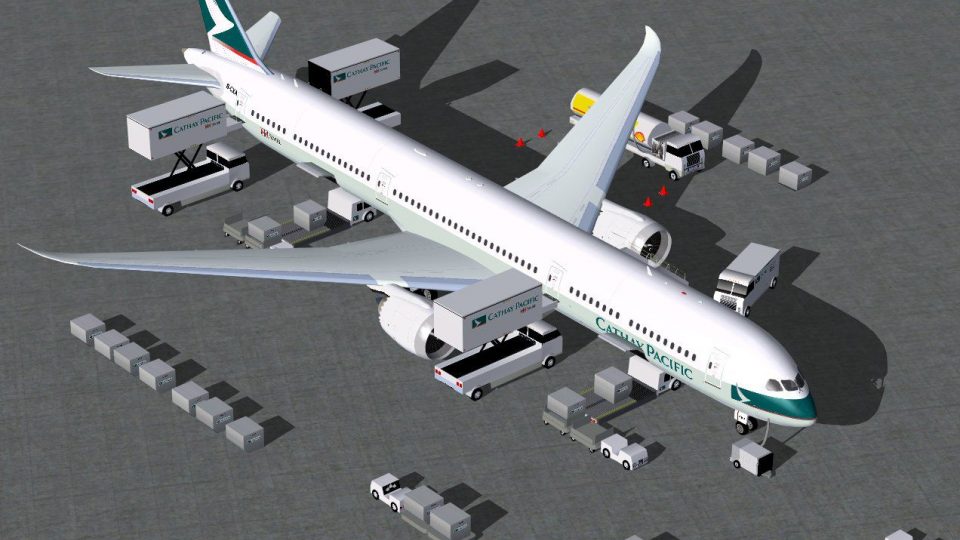
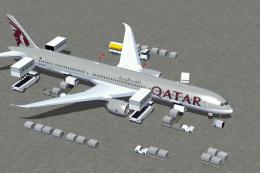
Cathy Pacific Boeing 787-10 V4 brings a modern wide-body look to FSX with revised wing-root shaping, corrected door and window layouts, animated cabin air ducts, and added antenna detail. Animated Ground Servicing supports boarding, cargo, and apron scenes, including vehicles that attach or detach trailers for a livelier gate.
 Rate
Rate


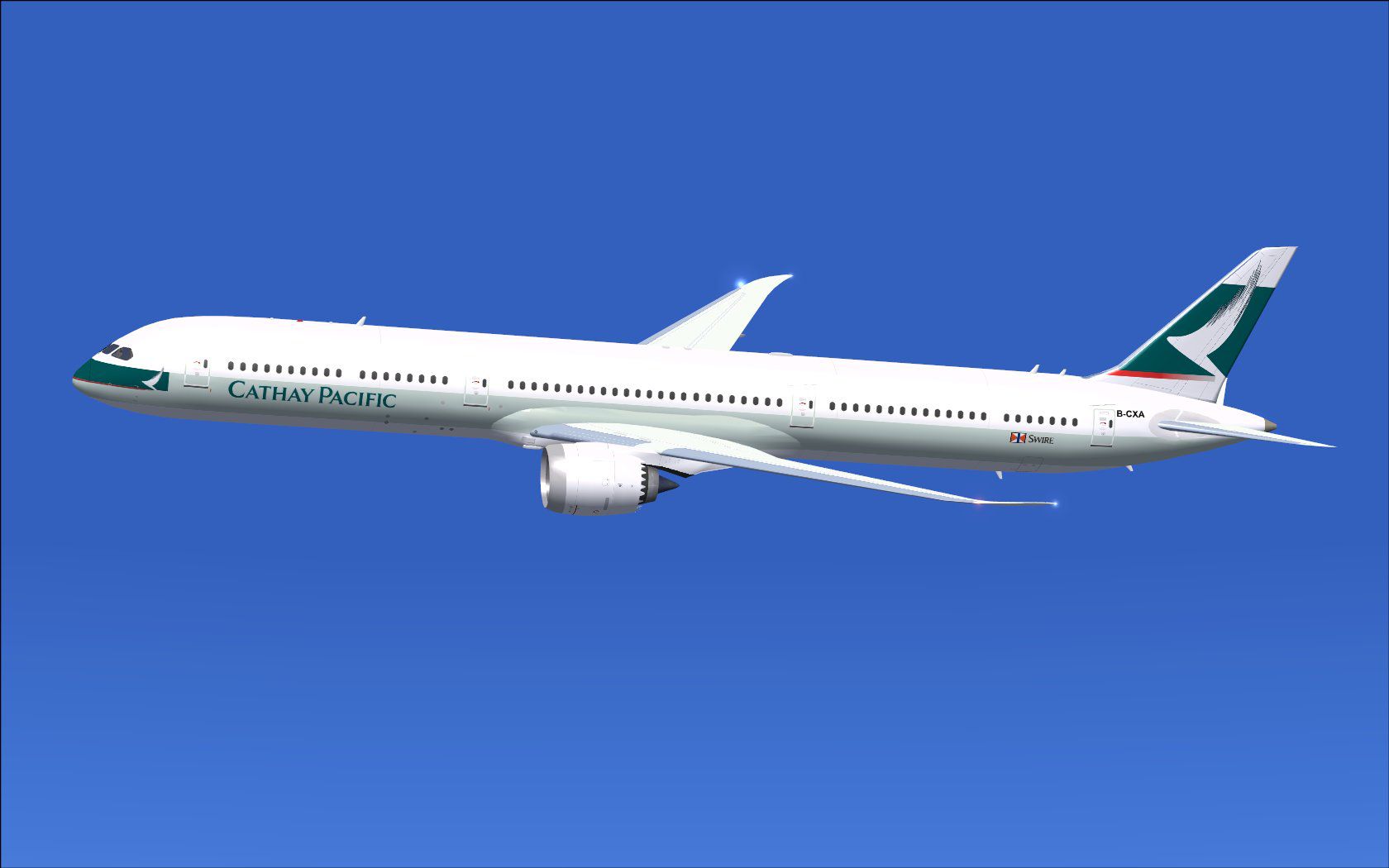
This freeware release simulates the latest variant of a popular wide-body jet featuring distinctive Cathy Pacific markings. It incorporates an array of enhancements that elevate realism in FSX. These upgrades encompass a refined wing root, broader passenger door cutouts, detailed window configurations, animated cabin air ducts, and additional antenna placements. Meanwhile, ground servicing functions expand to include trailer attachment and static display scenes, all integrated and painted by Camil Valiquette of CamSim.
Wing Root Refinements deliver a more authentic joint between the main fuselage and the wing panels, ensuring smoother aerodynamic transitions and improved visual fidelity. Meanwhile, new door dimensions provide enhanced clarity of the passenger entry points, and the updated window patterns introduce a realistic cabin structure. You will also notice extra communication antenna arrays mounted on the fuselage roof, which replicate modern avionics hardware. Furthermore, each animated air duct adds a touching detail for ground operations.
Screenshot of Cathy Pacific Boeing 787-10 and ground services.
The aircraft integrates Animated Ground Servicing (AGS) functions for engine startup preparations, cargo loading, and passenger boarding. Shift+E opens or closes the M2 door where the air stairs connect, and Shift+E+2 adjusts the forward M1 entry. Use Shift+D to cycle the cargo door hatches, and Shift+C to launch or end the service vehicles’ arrangements. This version also introduces ground vehicles that hook and unhook trailers, adding dynamic realism around the apron. To fully experience these animated features, bind the corresponding actions in your simulator’s control menu under Buttons/Keys.
Every detail is meticulously crafted by CamSim, with the exterior textures and improvements authored by Camil Valiquette—offered entirely as freeware. By combining authentic airline visuals with a functional suite of ground services, this add-on enriches flight simulation for those who appreciate accurate aerodynamics and immersive pre-flight preparation. Enjoy the extensive capabilities of this aircraft and its modern design refinements when you load it into your FSX environment.
Free for all simmers · 5.25 MB · Scanned clean Oct 2026
Download speed: Free tier is capped at 0.5 Mbps (this file takes approximately 1 min at the cap). PRO members download at full line speed.
This add-on may require the following files to function properly. If this is a repaint, the dependency below is likely the base aircraft package.
FSX\SimObjects\Airplanes\. The folder must contain an aircraft.cfg file. Effects go into FSX\Effects\; gauges go into FSX\Gauges\.readme.txt or README file. It tells you exactly where files go, what dependencies are needed, and any quirks specific to this add-on.The archive 780v4cxx.zip has 35 files and directories contained within it.
This list displays the first 500 files in the package. If the package has more, you will need to download it to view them.
| Filename/Directory | File Date | File Size |
|---|---|---|
| CamSim Boeing 787-10 V4 Cathy Pacific | 11.26.12 | 0 B |
| 787-10.air | 03.24.09 | 12.76 kB |
| 787-10v4cx_.jpg | 11.19.12 | 70.37 kB |
| 787-10v4cx_ags 4.jpg | 11.26.12 | 186.97 kB |
| aircraft.cfg | 11.26.12 | 15.58 kB |
| Effects.zip | 09.09.08 | 1.81 kB |
| file_id.diz | 11.26.12 | 438 B |
| model.787-10 ags V4 | 11.26.12 | 0 B |
| 787-10 ags v4.mdl | 07.04.12 | 3.02 MB |
| Model.cfg | 03.27.12 | 32 B |
| Panel | 11.26.12 | 0 B |
| 787_350_panel_background.bmp | 02.25.10 | 2.25 MB |
| 787_350_panel_background_night.bmp | 02.25.10 | 2.25 MB |
| Airbus_A321.cab | 09.04.06 | 2.72 MB |
| panel.cfg | 02.25.10 | 5.48 kB |
| panel camsim 787-350 afx_2.jpg | 04.09.10 | 182.86 kB |
| Read Me_FSX.txt | 11.26.12 | 2.37 kB |
| sound | 11.26.12 | 0 B |
| Sound.cfg | 11.04.09 | 35 B |
| texture.cx | 11.26.12 | 0 B |
| 787eng_t.bmp | 11.19.12 | 1.00 MB |
| 787ext_L.bmp | 11.26.12 | 4.00 MB |
| 787ext_t.bmp | 11.26.12 | 1.00 MB |
| 787int_L.bmp | 11.26.12 | 4.00 MB |
| 787int_t.bmp | 11.26.12 | 1.00 MB |
| 787tail_t.bmp | 11.18.12 | 1.00 MB |
| 789wings_t.bmp | 11.24.09 | 1.00 MB |
| 78xfuse_t.bmp | 11.19.12 | 1.00 MB |
| gris_t.bmp | 12.09.09 | 16.07 kB |
| pilot1.bmp | 09.10.09 | 257.05 kB |
| pilot1_L.bmp | 12.06.06 | 1.00 MB |
| thumbnail.jpg | 11.26.12 | 3.99 kB |
| w_t.bmp | 12.06.08 | 16.07 kB |
| flyawaysimulation.txt | 10.29.13 | 959 B |
| Go to Fly Away Simulation.url | 01.22.16 | 52 B |
Only PRO members can place votes.
More FSX & P3D add-ons hand-picked based on this download.
FSX Civil Aircraft
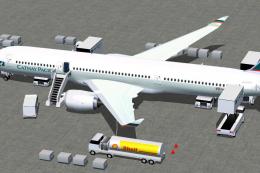
This refined rendition of the Cathy Pacific Airbus A350-1000 for FSX focuses …
 FSX Civil Aircraft
This freeware package brings together CamSim’s fourth rendition of the wide-b…
 FSX Civil Aircraft
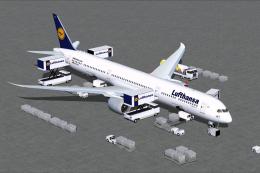
This comprehensive freeware release offers an enhanced Lufthansa Boeing 787-1…
 FSX Civil Aircraft
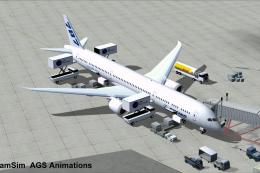
This freeware package offers a detailed British Airways Boeing 787-10, produc…
 FSX Civil Aircraft
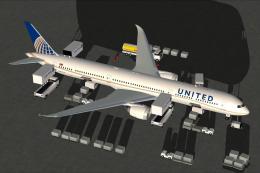
Experience an enhanced rendition of United Airlines’ Boeing 787-10, developed…
 FSX Civil Aircraft
The latest rendition of this freeware model highlights a range of structural …
 FSX Civil Aircraft
This updated package provides a complete freeware rendition of the Air Canada…
 FSX Civil Aircraft
This updated freeware package introduces an Air France Boeing 787-10 variant …
Be the first to leave a comment on this download.
Be the first to share your thoughts on this download.