

 FSX Civil Aircraft
Qatar Boeing 787-8 V4
Fly the updated rendition of the Boeing 787-8 in Qatar livery, designed by Ca…
Qatar Airways’ Boeing 787-10 V4 brings a refined CamSim freeware widebody to FSX with a reworked wing root, enlarged passenger doors, corrected window placement, and extra antennas and ducting. Animated Ground Servicing adds ramp vehicles, trailer hookups, and door-driven cargo and passenger operations for a busier, more believable virtual cockpit experience.
 Rate
Rate
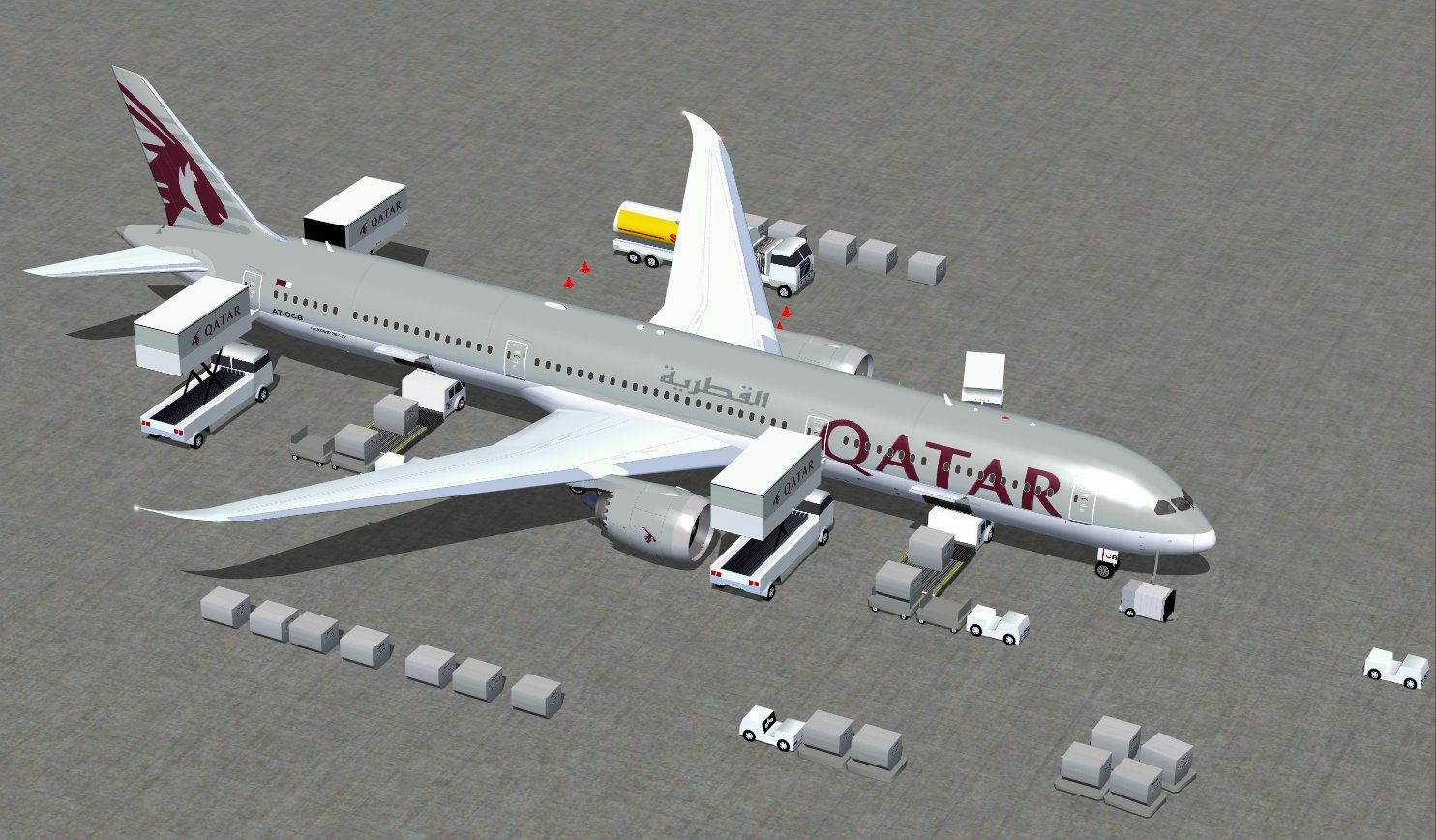
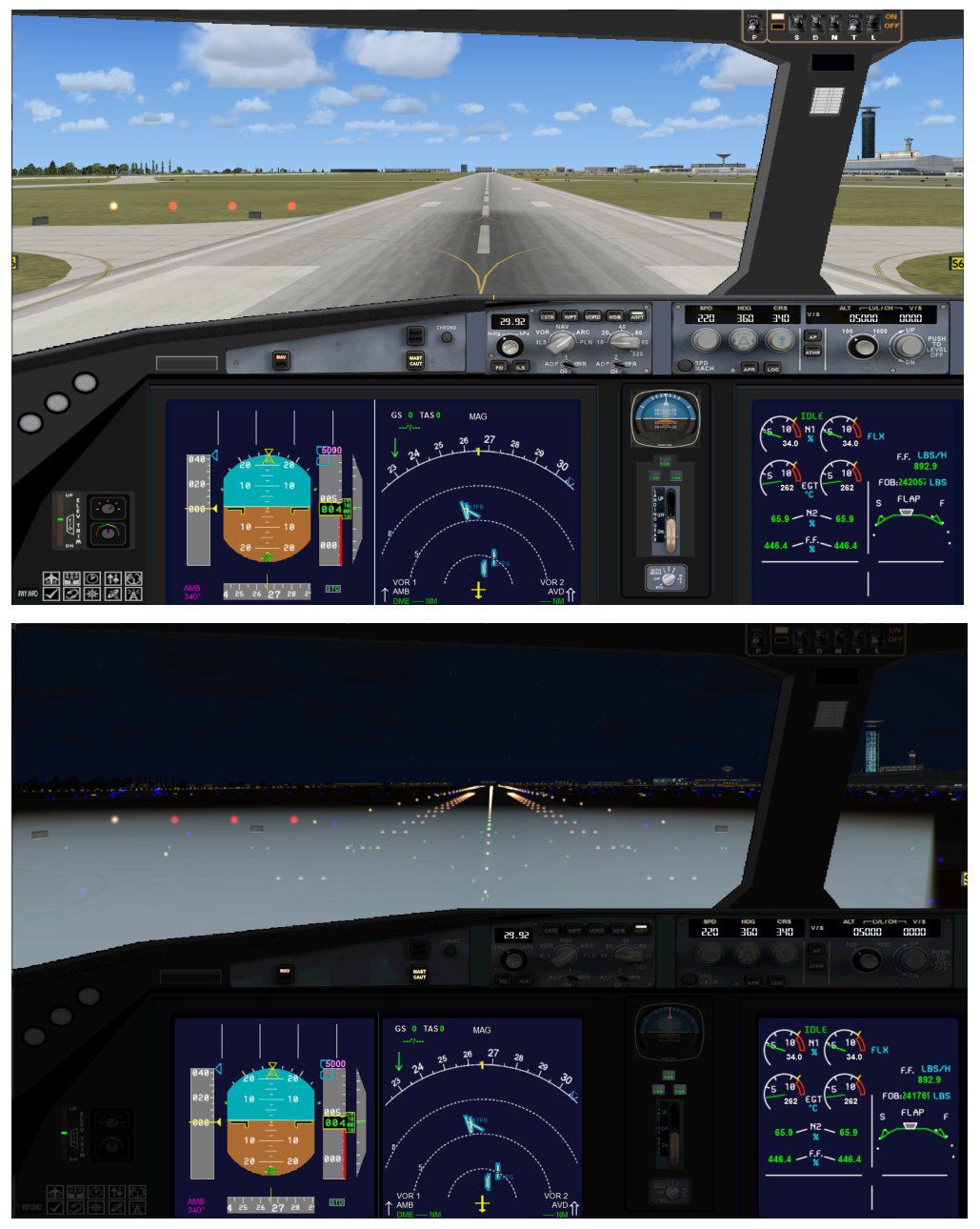
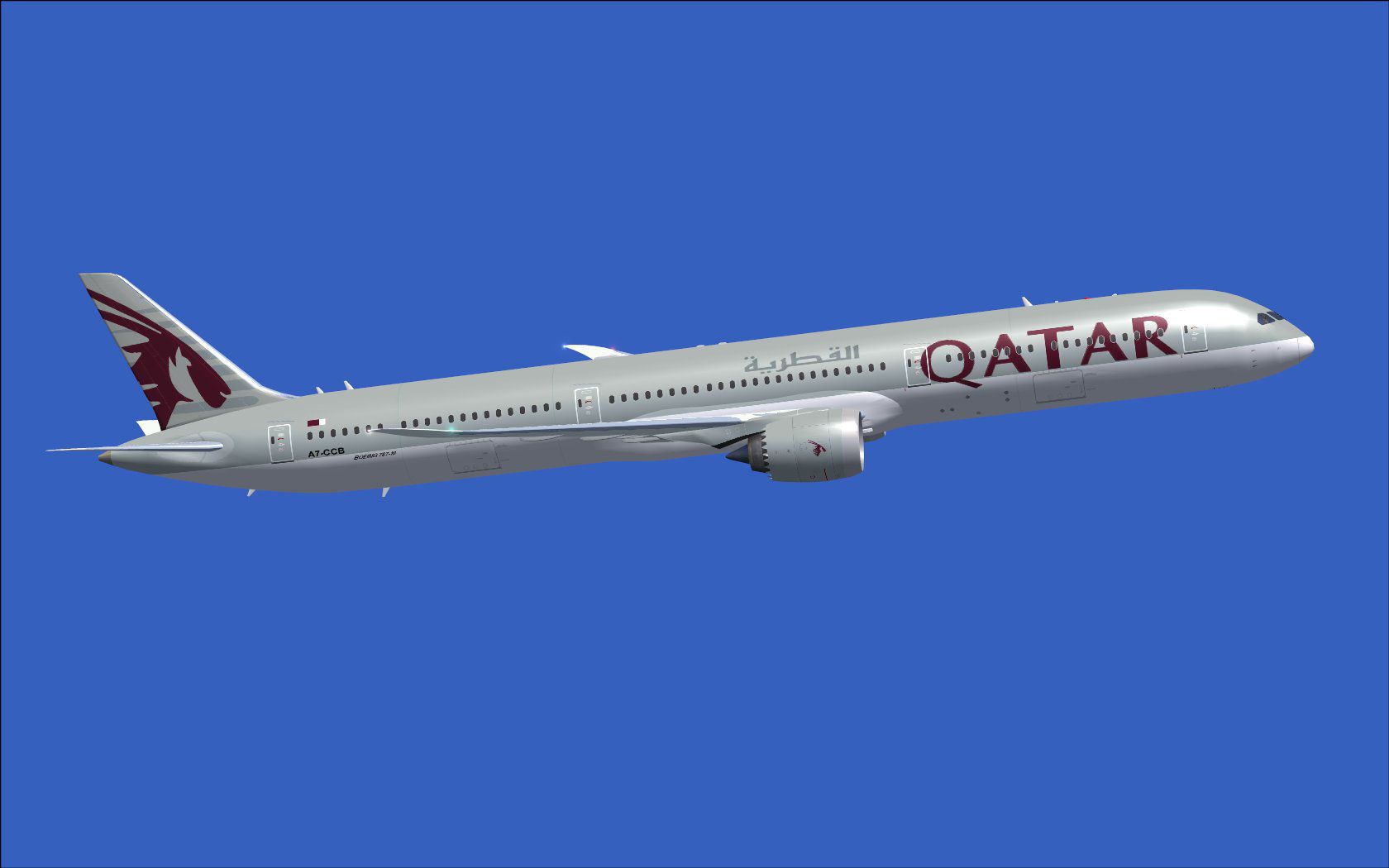
The latest rendition of this freeware model highlights a range of structural refinements and animations that expand its realism, all wrapped in a user-friendly package for FSX. This Boeing 787-10 carries the Qatar livery and showcases a carefully revised wing root assembly, plus larger passenger doors and updated window placements. It retains the trusted CamSim design philosophy introduced by the author, Camil Valiquette, offering an extensive suite of technical and visual touches aimed at the simulation community.
CamSim’s fourth iteration brings updated aerodynamic shaping at the wing-to-fuselage junction, helping to convey an accurate widebody feel. The design also includes expanded passenger entryways—annotated as M1 and M2 in the simulator—to enhance the sense of scale. Meanwhile, the newly adjusted window outlines amplify visual precision. Added antennas and visible air ducts contribute to the advanced fuselage appearance.
One of the key elements in this package is the Animated Ground Servicing (AGS). This functionality integrates a suite of service vehicle motions that simulate hooking and unhooking trailers, along with a variety of ramp operations. Such animations help depict the practical day-to-day tasks encountered around a real Boeing 787-10, especially one flown by Qatar Airways, a major Middle Eastern carrier.
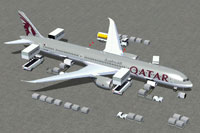
Screenshot of Qatar Boeing 787-10 and ground services.
/Airplane directory, ensuring the folder structure is maintained.Effects folder. If you already use a CamSim AGS aircraft, you may bypass this step.To take full advantage of the AGS animations, assign the following under the FSX main menu (Options > Settings > Controls > Buttons/Keys > Change Assignment):
This Boeing 787-10 variant is the largest member of the Dreamliner series. By offering increased cabin capacity and range capabilities, it embodies a modern approach to efficiency and passenger comfort. The Qatar-inspired paint scheme underscores the global reach of this airline, noted for its widebody operations across numerous international hubs.
All in all, the commitment by author Camil Valiquette to detail and authenticity translates into a well-rounded freeware release. This package is prepared as a comprehensive solution, delivering both advanced cockpit details and in-depth external animations to immerse you in a rewarding virtual flight experience.
Free for all simmers · 5.31 MB · Scanned clean Oct 2026
Download speed: Free tier is capped at 0.5 Mbps (this file takes approximately 1 min at the cap). PRO members download at full line speed.
This add-on may require the following files to function properly. If this is a repaint, the dependency below is likely the base aircraft package.
FSX\SimObjects\Airplanes\. The folder must contain an aircraft.cfg file. Effects go into FSX\Effects\; gauges go into FSX\Gauges\.readme.txt or README file. It tells you exactly where files go, what dependencies are needed, and any quirks specific to this add-on.The archive 780v4qrx.zip has 35 files and directories contained within it.
This list displays the first 500 files in the package. If the package has more, you will need to download it to view them.
| Filename/Directory | File Date | File Size |
|---|---|---|
| CamSim Boeing 787-10 V4 QATAR | 11.15.12 | 0 B |
| 787-10.air | 03.24.09 | 12.76 kB |
| 787-10v4qr ags.jpg | 11.15.12 | 215.34 kB |
| 787-10v4qr_2.jpg | 11.15.12 | 62.40 kB |
| aircraft.cfg | 11.15.12 | 15.56 kB |
| Effects.zip | 09.09.08 | 1.81 kB |
| file_id.diz | 11.15.12 | 430 B |
| model.787-10 ags V4 | 11.15.12 | 0 B |
| 787-10 ags v4.mdl | 07.04.12 | 3.02 MB |
| Model.cfg | 03.27.12 | 32 B |
| Panel | 11.15.12 | 0 B |
| 787_350_panel_background.bmp | 02.25.10 | 2.25 MB |
| 787_350_panel_background_night.bmp | 02.25.10 | 2.25 MB |
| Airbus_A321.cab | 09.04.06 | 2.72 MB |
| panel.cfg | 02.25.10 | 5.48 kB |
| panel camsim 787-350 afx_2.jpg | 04.09.10 | 182.86 kB |
| Read Me_FSX.txt | 11.15.12 | 2.36 kB |
| sound | 11.15.12 | 0 B |
| Sound.cfg | 11.04.09 | 35 B |
| texture.qr | 11.15.12 | 0 B |
| 787eng_t.bmp | 11.14.12 | 1.00 MB |
| 787ext_L.bmp | 07.23.10 | 4.00 MB |
| 787ext_t.bmp | 11.15.12 | 1.00 MB |
| 787int_L.bmp | 07.05.12 | 4.00 MB |
| 787int_t.bmp | 11.15.12 | 1.00 MB |
| 787tail_t.bmp | 09.16.10 | 1.00 MB |
| 789wings_t.bmp | 11.24.09 | 1.00 MB |
| 78xfuse_t.bmp | 11.14.12 | 1.00 MB |
| gris_t.bmp | 12.09.09 | 16.07 kB |
| pilot1.bmp | 09.10.09 | 257.05 kB |
| pilot1_L.bmp | 12.06.06 | 1.00 MB |
| thumbnail.jpg | 11.15.12 | 3.92 kB |
| w_t.bmp | 12.06.08 | 16.07 kB |
| flyawaysimulation.txt | 10.29.13 | 959 B |
| Go to Fly Away Simulation.url | 01.22.16 | 52 B |
Only PRO members can place votes.
More FSX & P3D add-ons hand-picked based on this download.
FSX Civil Aircraft
Fly the updated rendition of the Boeing 787-8 in Qatar livery, designed by Ca…
 FSX Civil Aircraft
This updated package features the Qatar Boeing 787-8 in a refined configurati…
 FSX Civil Aircraft
This CamSim version 2 features an improved aircraft design with new Animated …
 FSX Civil Aircraft
Experience a meticulously refined edition of the Dreamliner carrying the late…
 FSX Civil Aircraft
Immerse yourself in realistic virtual airline operations with this Qatar Boei…
 FSX Civil Aircraft
This comprehensive freeware release offers an enhanced Lufthansa Boeing 787-1…
 FSX Civil Aircraft
This freeware package offers a detailed British Airways Boeing 787-10, produc…
 FSX Civil Aircraft
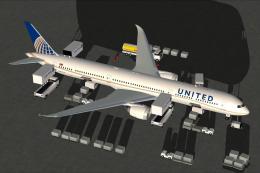
Experience an enhanced rendition of United Airlines’ Boeing 787-10, developed…
Be the first to leave a comment on this download.
Be the first to share your thoughts on this download.