

 FSX Civil Aircraft
United Airlines Boeing 787-9 V4
This full-featured Boeing 787-9 package, wearing the United Airlines livery, …
United Airlines’ Boeing 787-10 V4 brings a refined airframe to FSX with updated geometry, corrected passenger door shapes, added vents, and extra satellite and communications details, paired with a polished virtual cockpit feel. Animated Ground Servicing supports catering, stairs, cargo trucks, and trailer hook-ups for realistic ramp activity.
 Rate
Rate
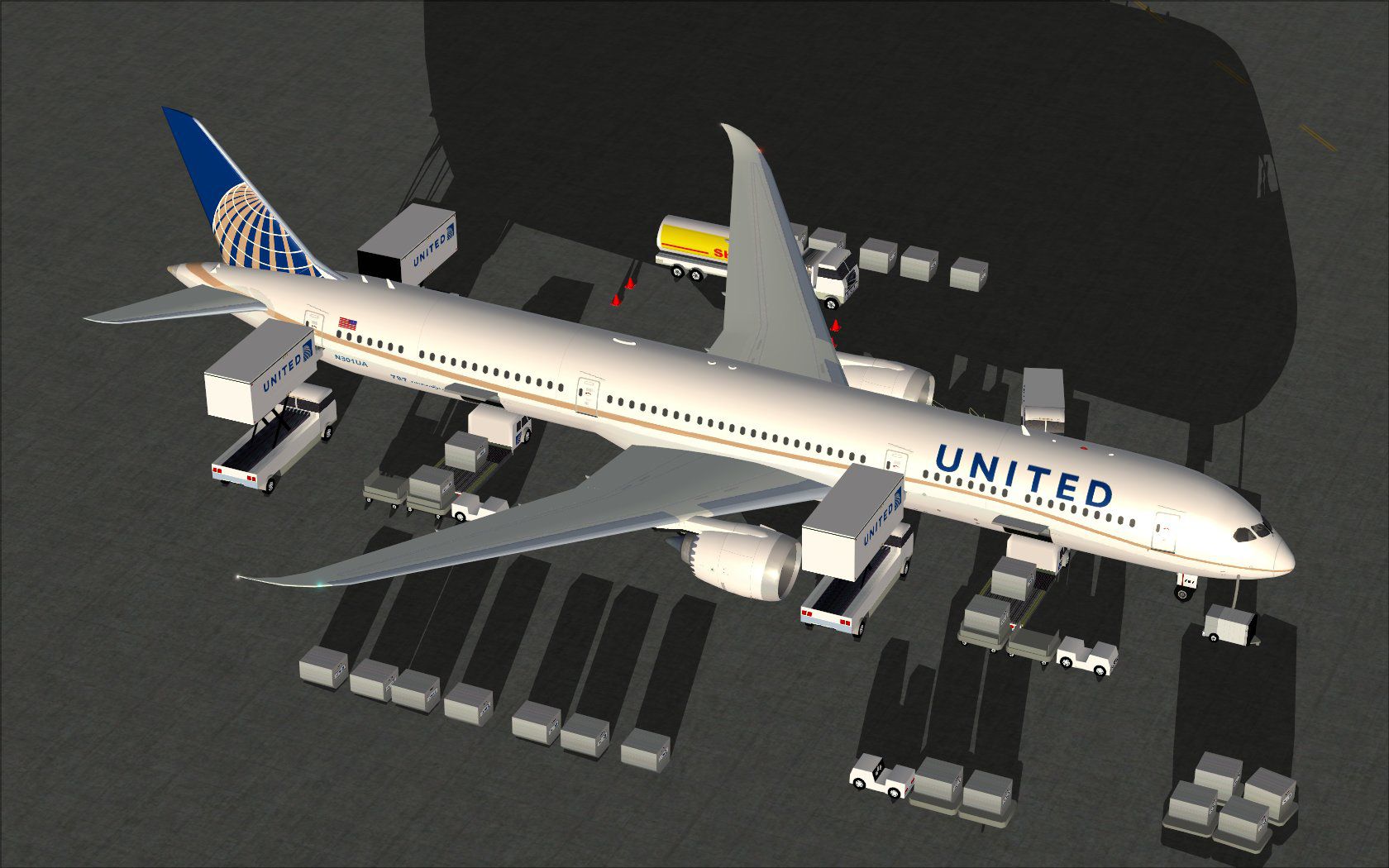
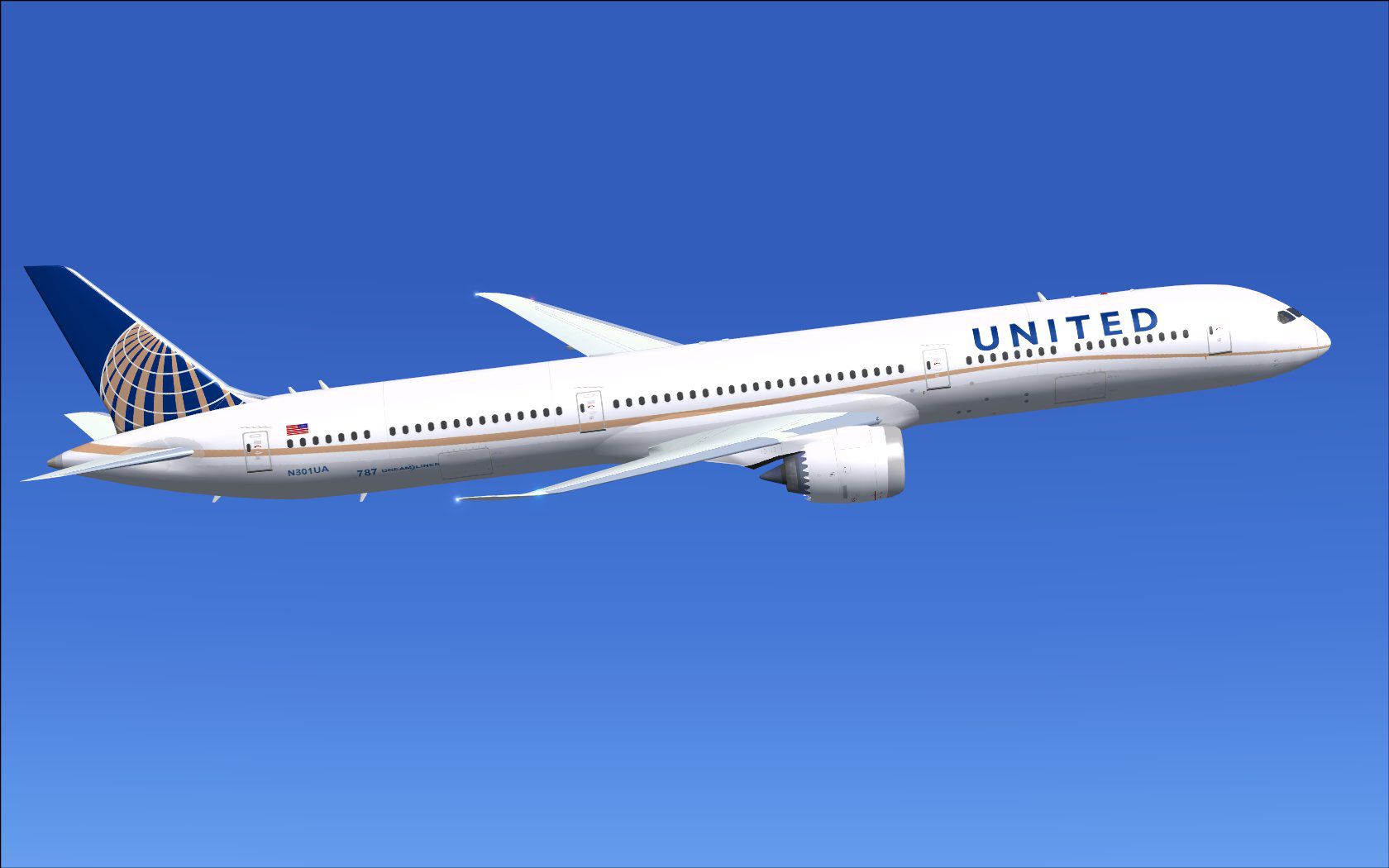
Experience an enhanced rendition of United Airlines’ Boeing 787-10, developed by Camil Valiquette, that merges detailed design adjustments with sophisticated animated services. This freeware package presents refined geometry, updated passenger door outlines, and extra airframe accents. It arrives integrated with specialized ground servicing features that load and unload at your command, seamlessly blending realism with exceptional attention to detail.
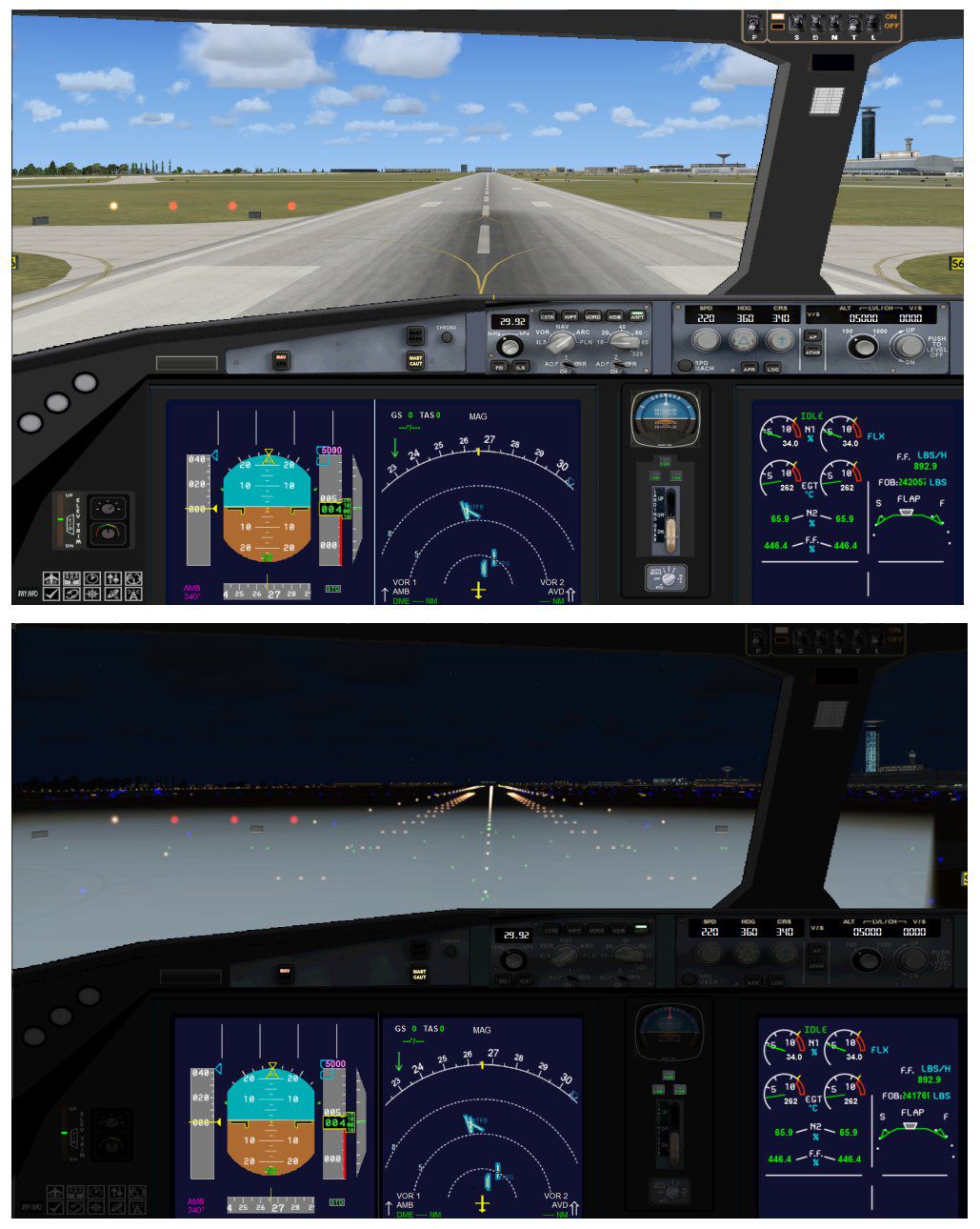
This version incorporates an optimized wing root shape to refine aerodynamic visuals. It also includes fresh door apertures (wider passenger doors with window modifications) and new air ducts [ventilation structures used for cabin pressurization and temperature control]. Moreover, you will discover expanded satellite and communication equipment on the fuselage, contributing to operational realism. These tailored changes all come together to offer a more immersive flight deck environment in FSX.
Animated Ground Servicing (AGS) introduces catering options, passenger stairways, and cargo handling trucks. It also enables trailer hookups and unhooking sequences for a deeply engaging ramp scene. Camil Valiquette’s attention to these elements adds authentic ground-based procedures for virtual captains seeking accuracy.
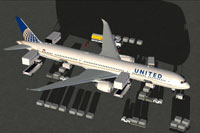
Preview of the Boeing 787-10 in United Airlines livery receiving ground services.
To access AGS doors and cargo bays, use these key commands:
Ensure you configure these assignments in your FSX Options > Settings > Controls > Buttons/Keys > Change Assignment menu:
These selections allow a genuine ramp management experience for users who want realistic operations. Camil Valiquette’s meticulous color scheme and structural revisions ensure this Boeing 787-10 V4 in United Airlines markings fits perfectly into any FSX fleet.
Free for all simmers · 5.42 MB · Scanned clean Oct 2026
Download speed: Free tier is capped at 0.5 Mbps (this file takes approximately 2 mins at the cap). PRO members download at full line speed.
This add-on may require the following files to function properly. If this is a repaint, the dependency below is likely the base aircraft package.
FSX\SimObjects\Airplanes\. The folder must contain an aircraft.cfg file. Effects go into FSX\Effects\; gauges go into FSX\Gauges\.readme.txt or README file. It tells you exactly where files go, what dependencies are needed, and any quirks specific to this add-on.The archive 780v4uax.zip has 36 files and directories contained within it.
This list displays the first 500 files in the package. If the package has more, you will need to download it to view them.
| Filename/Directory | File Date | File Size |
|---|---|---|
| CamSim Boeing 787-10 V4 United | 06.21.13 | 0 B |
| 780v4ua_3.jpg | 06.21.13 | 82.69 kB |
| 780v4ua_ags_.jpg | 06.21.13 | 214.89 kB |
| 787-10.air | 03.24.09 | 12.76 kB |
| aircraft.cfg | 06.21.13 | 15.56 kB |
| Effects.zip | 09.09.08 | 1.81 kB |
| file_id.diz | 06.21.13 | 431 B |
| model.787-10 ags V4 | 06.21.13 | 0 B |
| 787-10 ags v4.mdl | 07.04.12 | 3.02 MB |
| Model.cfg | 03.27.12 | 32 B |
| Panel | 06.21.13 | 0 B |
| 787_350_panel_background.bmp | 02.25.10 | 2.25 MB |
| 787_350_panel_background_night.bmp | 02.25.10 | 2.25 MB |
| Airbus_A321.cab | 09.04.06 | 2.72 MB |
| panel.cfg | 02.25.10 | 5.48 kB |
| panel camsim 787-350 afx_2.jpg | 04.09.10 | 182.86 kB |
| Read Me_FSX.txt | 06.21.13 | 2.36 kB |
| sound | 06.21.13 | 0 B |
| Sound.cfg | 11.04.09 | 35 B |
| texture.ua | 06.21.13 | 0 B |
| 787eng_t.bmp | 05.05.10 | 1.00 MB |
| 787ext_L.bmp | 02.12.11 | 4.00 MB |
| 787ext_t.bmp | 06.21.13 | 1.00 MB |
| 787int_L.bmp | 06.21.13 | 4.00 MB |
| 787int_t.bmp | 06.21.13 | 1.00 MB |
| 787tail_t.bmp | 07.12.12 | 1.00 MB |
| 789wings_t.bmp | 11.24.09 | 1.00 MB |
| 78xfuse_t.bmp | 06.21.13 | 1.00 MB |
| gris_t.bmp | 12.09.09 | 16.07 kB |
| pilot1.bmp | 09.11.09 | 257.05 kB |
| pilot1_L.bmp | 12.06.06 | 1.00 MB |
| tail.bmp | 12.02.12 | 1.00 MB |
| thumbnail.jpg | 06.21.13 | 4.29 kB |
| w_t.bmp | 12.06.08 | 16.07 kB |
| flyawaysimulation.txt | 10.29.13 | 959 B |
| Go to Fly Away Simulation.url | 01.22.16 | 52 B |
Only PRO members can place votes.
More FSX & P3D add-ons hand-picked based on this download.
FSX Civil Aircraft
This full-featured Boeing 787-9 package, wearing the United Airlines livery, …
 FSX Civil Aircraft
This freeware repaint faithfully captures a United Airlines tri-jet from the …
 FSX Civil Aircraft
This comprehensive freeware release offers an enhanced Lufthansa Boeing 787-1…
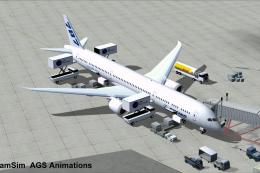 FSX Civil Aircraft
This freeware package offers a detailed British Airways Boeing 787-10, produc…
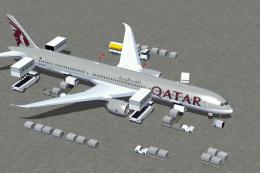 FSX Civil Aircraft
The latest rendition of this freeware model highlights a range of structural …
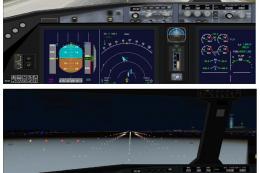 FSX Civil Aircraft
This updated package provides a complete freeware rendition of the Air Canada…
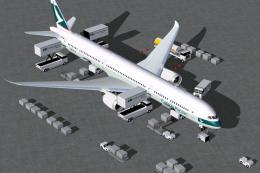 FSX Civil Aircraft
This freeware release simulates the latest variant of a popular wide-body jet…
 FSX Civil Aircraft
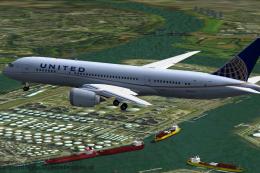
Experience a meticulously repainted Boeing 787-8 Dreamliner representing Unit…
Be the first to leave a comment on this download.
Be the first to share your thoughts on this download.