

 FSX Civil Aircraft
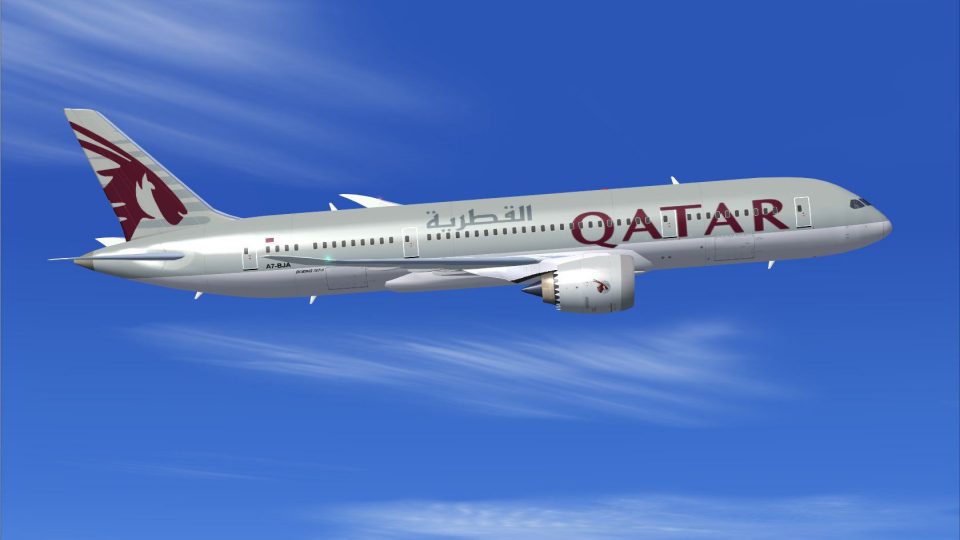
Qatar Boeing 787-8
This updated package features the Qatar Boeing 787-8 in a refined configurati…
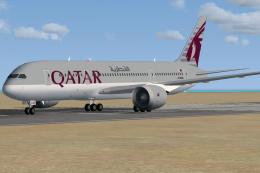
Qatar Airways’ Boeing 787-8 AI traffic repaint brings authentic tail art and fuselage markings to busy virtual airports, sharpening the look of modern long-haul operations. Compatible with FSX and Prepar3D, it requires the freeware CamSim Boeing 787-8 AI base model and delivers crisp, accurate textures that blend naturally into airline schedules.
 Rate
Rate
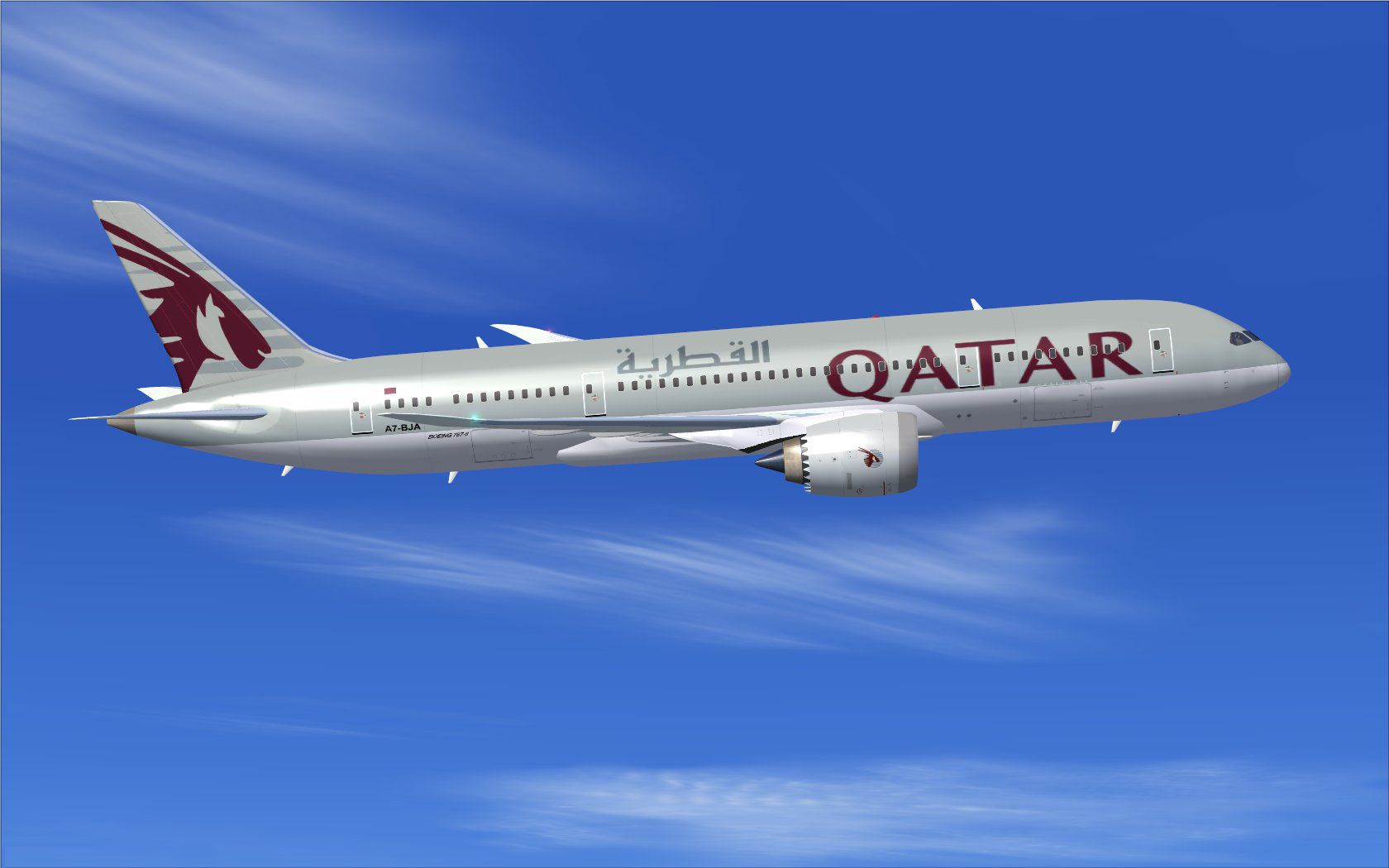
Immerse yourself in realistic virtual airline operations with this Qatar Boeing 787-8 repaint designed for AI traffic. It leverages CamSim’s freeware Boeing 787-8 base model to display accurate tail and fuselage textures, thereby enhancing the visual atmosphere around your simulated airports. Model design and repaint creation are credited to Camil Valiquette, who has meticulously crafted these textures to align with the high standards of flight simulation enthusiasts.
Depiction of the Qatar Airways Dreamliner showing the distinctive fuselage markings and modern lines.
The Boeing 787-8 showcases advanced composite materials and cutting-edge aerodynamics. Qatar Airways maintains an extensive network around the globe, and adding this AI traffic repaint will mimic the airline’s modern fleet presence at busy virtual hubs. The aircraft’s sleek fuselage design, combined with the airline’s signature livery, offers a visually appealing experience for those seeking accurate airport environments. This repaint only provides textures; to enable the aircraft model, you need to acquire the freeware CamSim 787-8 AI package already available in the Fly Away Simulation library.
x with the next correct sequence:
[fltsim.x]
title=Boeing 787-8 v5 AI Qatar
sim=787-8
model=787-8 ai v5
panel=
sound=
texture=qr
kb_checklists=
kb_reference=
atc_id=xx
atc_airline=xxx
atc_flight_number=xxx
atc_heavy=1
ui_manufacturer="CamSim AI Aircaft"
ui_type="Boeing 787-8 V5 AI"
ui_variation="AI Qatar"
ui_typerole="Commercial Airliner"
ui_createdby="CamSim"
description="Boeing AI Boeing 787-8 Version 5."
This entry ensures the repaint is properly integrated into FSX/P3D, allowing AI traffic controllers to recognize and dispatch flights using the new texture. Be sure to align the [fltsim.x] index with your existing texture entries for correct loading.
If parts of the aircraft appear missing during dawn or dusk flight scenarios, confirm that Preview DirectX 10 is deselected under Options ? Settings ? Display ? Global when running FSX in Windows 7. This step is critical for avoiding graphical anomalies with CamSim aircraft models.
By following these guidelines, you will successfully deploy the Qatar Airways Boeing 787-8 repaint within your virtual environment, enriching every flight scenario with realistic AI traffic movements. Developed and illustrated by Camil Valiquette, this repaint delivers an enhanced airline presence for your busy airfields.
Free for all simmers · 455.99 KB · Scanned clean Oct 2026
Download speed: Free tier is capped at 0.5 Mbps. PRO members download at full line speed.
texture.{airline}) inside FSX\SimObjects\Airplanes\{base-aircraft}\.aircraft.cfg in Notepad. Add a new [fltsim.X] section per the readme.readme.txt or README file. It tells you exactly where files go, what dependencies are needed, and any quirks specific to this add-on.The archive camsim788ai_qr_x.zip has 17 files and directories contained within it.
This list displays the first 500 files in the package. If the package has more, you will need to download it to view them.
| Filename/Directory | File Date | File Size |
|---|---|---|
| CamSim Boeing 787-8 V5 AI Texture Only Qatar | 11.06.14 | 0 B |
| 788V2qrnc_.jpg | 09.16.10 | 96.40 kB |
| file_id.diz | 11.06.14 | 231 B |
| Read Me_FSX.txt | 11.06.14 | 1.58 kB |
| texture.qr | 11.06.14 | 0 B |
| 787eng_t.bmp | 11.14.12 | 1.00 MB |
| 787int_t.bmp | 07.05.12 | 1.00 MB |
| 787tail_t.bmp | 09.16.10 | 1.00 MB |
| 788fuse_t.bmp | 11.14.12 | 1.00 MB |
| 789wings_t.bmp | 08.21.13 | 1.00 MB |
| gris_t.bmp | 12.09.09 | 16.07 kB |
| tail.bmp | 12.02.12 | 1.00 MB |
| thumbnail.jpg | 11.06.14 | 5.81 kB |
| w787x_t.bmp | 07.17.13 | 16.07 kB |
| w_t.bmp | 10.22.13 | 16.07 kB |
| flyawaysimulation.txt | 10.29.13 | 959 B |
| Go to Fly Away Simulation.url | 01.22.16 | 52 B |
Only PRO members can place votes.
More FSX & P3D add-ons hand-picked based on this download.
FSX Civil Aircraft
This updated package features the Qatar Boeing 787-8 in a refined configurati…
 FSX Civil Aircraft
This CamSim version 2 features an improved aircraft design with new Animated …
 FSX Civil Aircraft
Fly the updated rendition of the Boeing 787-8 in Qatar livery, designed by Ca…
 FSX Civil Aircraft
The latest rendition of this freeware model highlights a range of structural …
 FSX Civil Aircraft
Experience a meticulously refined edition of the Dreamliner carrying the late…
 FSX Civil Aircraft
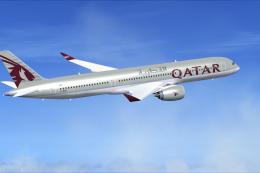
This repaint for the Airbus A350-900 replicates Qatar Airways’ sleek livery w…
 FSX Civil Aircraft
This freeware package delivers a dedicated Boeing 787-9 model optimized speci…
 FSX Civil Aircraft
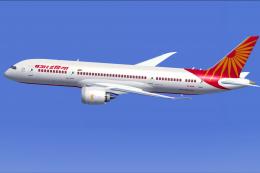
Experience a detailed Air India Boeing 787-8 repaint intended for use with th…
Be the first to leave a comment on this download.
Be the first to share your thoughts on this download.