

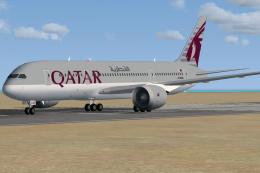
 FSX Civil Aircraft
Qatar Airways Boeing 787-8 A7-BCB
This CamSim version 2 features an improved aircraft design with new Animated …
Qatar Airways’ Boeing 787-8 Dreamliner arrives as a polished freeware aircraft for FSX, featuring refined aerodynamics, updated 3D geometry with wing flex, and crisp Qatar exterior textures. Integrated Animated Ground Servicing brings interactive passenger and cargo doors plus ground operations, complemented by custom night lighting and a detailed virtual cockpit for immersive long-haul flying.
 Rate
Rate
This updated package features the Qatar Boeing 787-8 in a refined configuration with enhanced aerodynamics, an improved external model, and integrated ground support animations. The model is fully freeware, including both the base design and liveries. Developed and painted by Camil Valiquette (CAMSIM), this version introduces refined geometry and Animated Ground Servicing (AGS) for a more immersive experience in FSX.
The Boeing 787-8, often referred to as the Dreamliner, is a twin-engine wide-body airliner designed for long-haul flights. Qatar Airways operates this type extensively for medium- and long-range routes. In this freeware rendition, Camil Valiquette’s design brings a faithful recreation of the Qatar livery and aircraft dynamics, ensuring both visual appeal and performance accuracy.
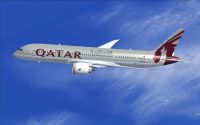
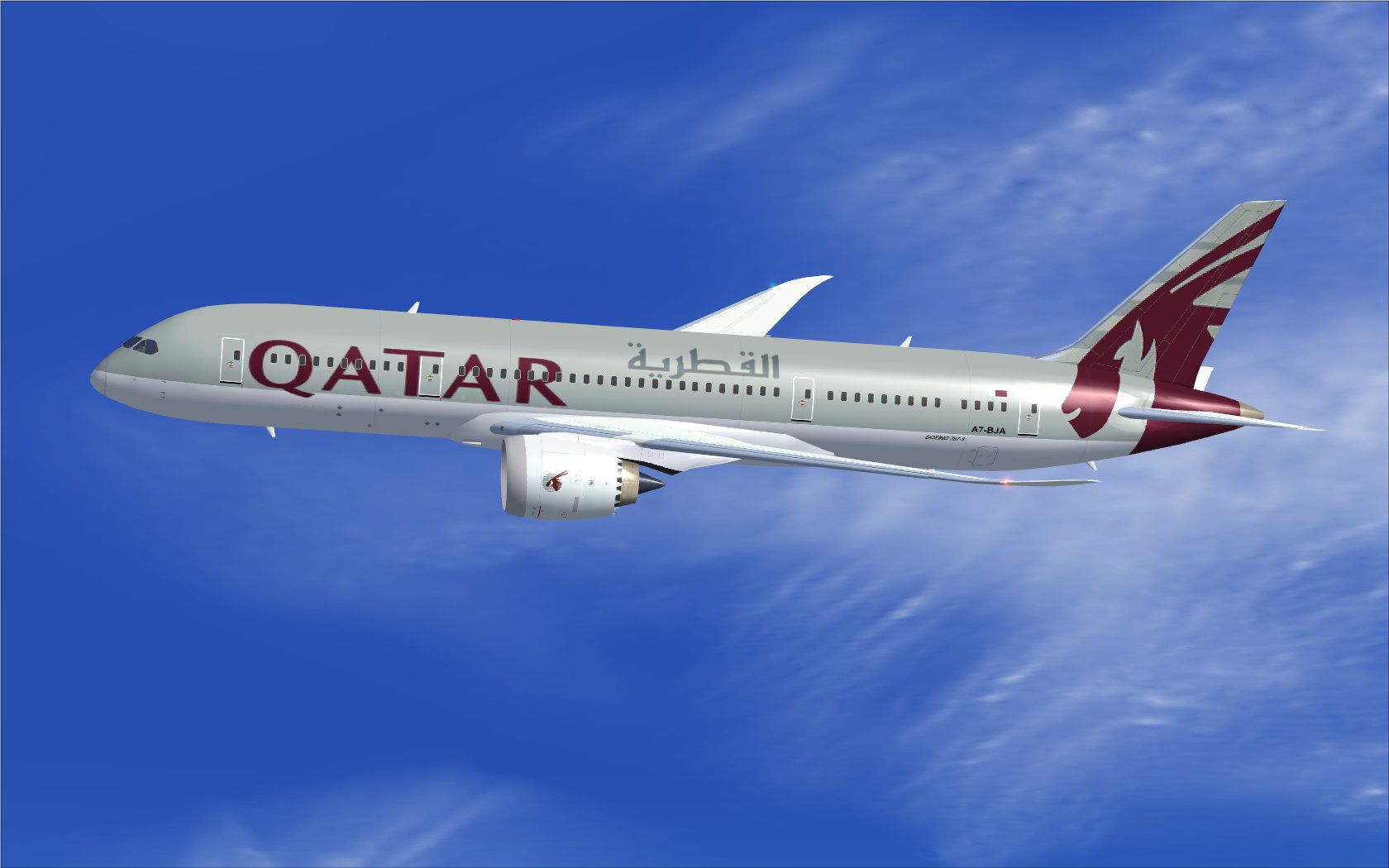
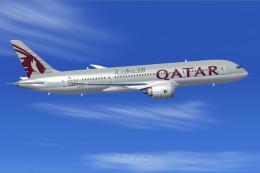
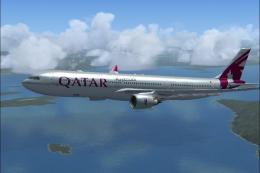
Qatar Boeing 787-8 in flight.
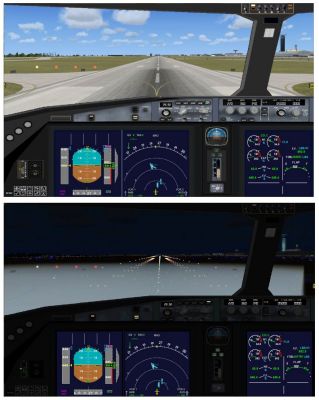
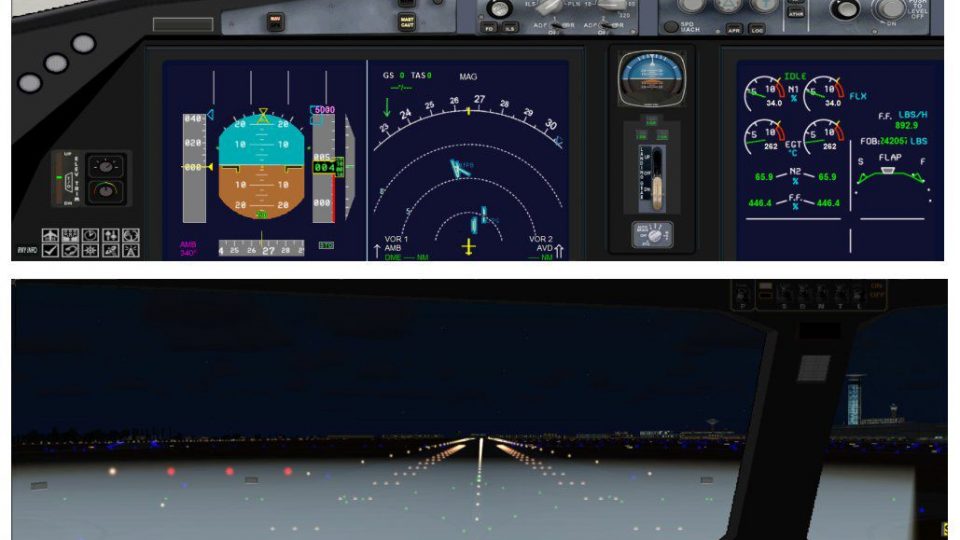
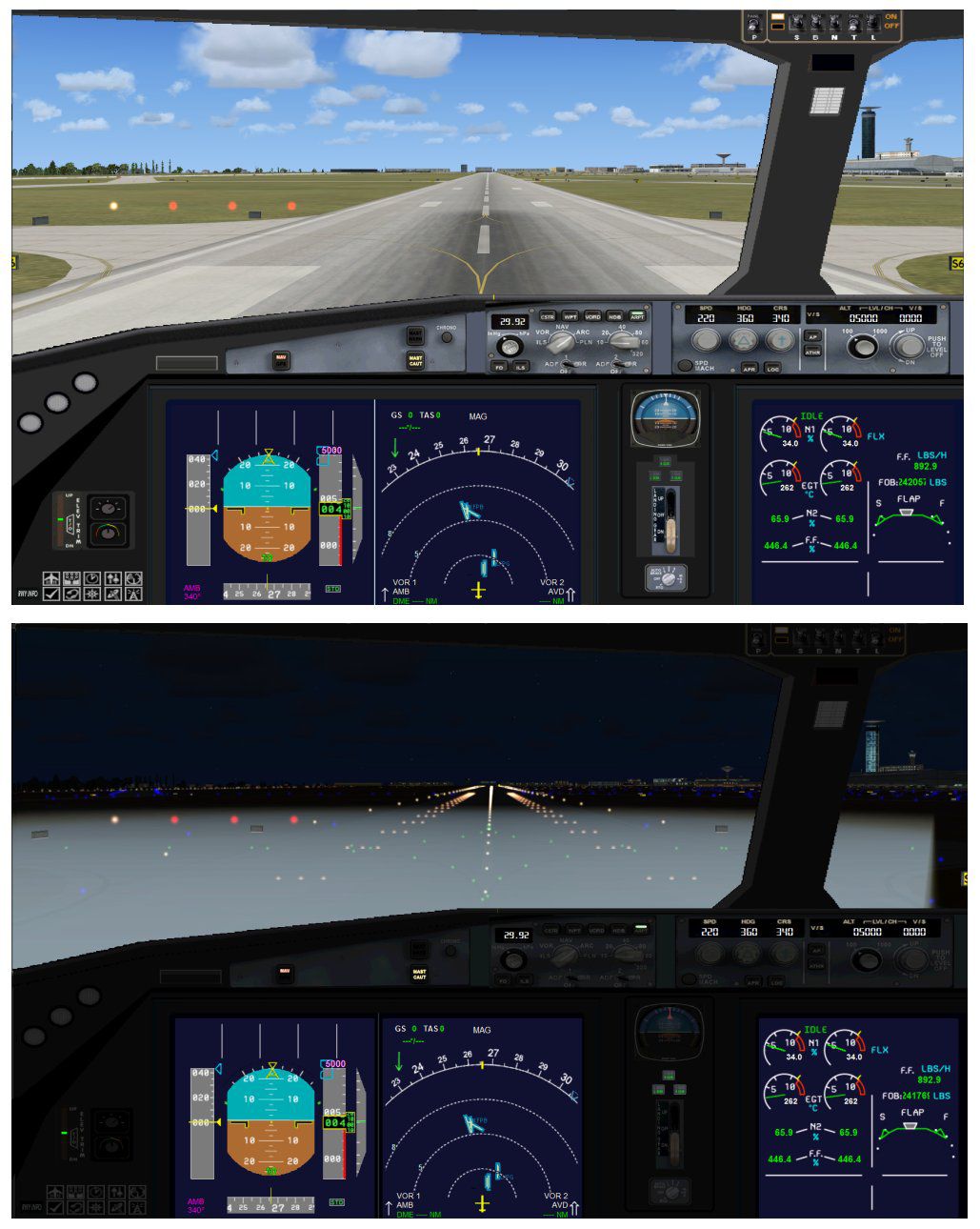
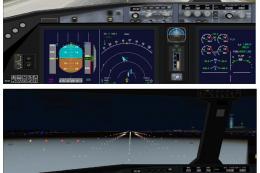
Cockpit view of Qatar Boeing 787-8.
AGS functionality provides realistic ground service elements, such as passenger bridges and cargo loading. Here are the relevant control assignments to enable the features:
Before using these animations, add or verify the following settings in Options > Settings > Controls > Buttons/Keys > Change Assignment:
Created and painted by Camil Valiquette at CAMSIM, this freeware release brings a highly detailed rendering of the Qatar Dreamliner to your FSX hangar. It provides a blend of visual fidelity, flight dynamics, and interactive ground operations, making it an excellent addition for sim pilots seeking a realistic long-haul experience.
Free for all simmers · 5.09 MB · Scanned clean Oct 2026
Download speed: Free tier is capped at 0.5 Mbps (this file takes approximately 1 min at the cap). PRO members download at full line speed.
This add-on may require the following files to function properly. If this is a repaint, the dependency below is likely the base aircraft package.
FSX\SimObjects\Airplanes\. The folder must contain an aircraft.cfg file. Effects go into FSX\Effects\; gauges go into FSX\Gauges\.readme.txt or README file. It tells you exactly where files go, what dependencies are needed, and any quirks specific to this add-on.The archive 788v2qrx.zip has 34 files and directories contained within it.
This list displays the first 500 files in the package. If the package has more, you will need to download it to view them.
| Filename/Directory | File Date | File Size |
|---|---|---|
| CamSim Boeing 787-8 V2 Qatar | 07.27.10 | 0 B |
| 787-8.air | 02.25.10 | 12.76 kB |
| 788v2qr_.jpg | 06.29.10 | 103.57 kB |
| aircraft.cfg | 07.27.10 | 15.42 kB |
| Effects.zip | 03.25.06 | 1.80 kB |
| file_id.diz | 07.23.10 | 185 B |
| model.787-8 ags | 07.27.10 | 0 B |
| 787-8 ags.mdl | 12.21.09 | 2.67 MB |
| Model.cfg | 03.16.06 | 28 B |
| Panel | 07.27.10 | 0 B |
| 787_350_panel_background.bmp | 02.25.10 | 2.25 MB |
| 787_350_panel_background_night.bmp | 02.25.10 | 2.25 MB |
| Airbus_A321.cab | 09.04.06 | 2.72 MB |
| panel.cfg | 02.25.10 | 5.48 kB |
| panel camsim 787-350 afx_2.jpg | 04.09.10 | 182.86 kB |
| Read Me_FSX.txt | 07.23.10 | 2.60 kB |
| sound | 07.27.10 | 0 B |
| Sound.cfg | 08.30.09 | 35 B |
| texture.qr | 07.27.10 | 0 B |
| 787eng_t.bmp | 06.29.10 | 1.00 MB |
| 787ext_L.bmp | 07.23.10 | 4.00 MB |
| 787ext_t.bmp | 07.23.10 | 1.00 MB |
| 787int_L.bmp | 07.23.10 | 4.00 MB |
| 787int_t.bmp | 07.23.10 | 1.00 MB |
| 787tail_t.bmp | 06.29.10 | 1.00 MB |
| 788fuse_t.bmp | 06.29.10 | 1.00 MB |
| 789wings_t.bmp | 11.24.09 | 1.00 MB |
| gris_t.bmp | 12.09.09 | 16.07 kB |
| pilot1.bmp | 03.04.10 | 257.05 kB |
| pilot1_L.bmp | 12.06.06 | 1.00 MB |
| thumbnail.jpg | 07.23.10 | 5.56 kB |
| w_t.bmp | 12.06.08 | 16.07 kB |
| flyawaysimulation.txt | 10.29.13 | 959 B |
| Go to Fly Away Simulation.url | 01.22.16 | 52 B |
Only PRO members can place votes.
More FSX & P3D add-ons hand-picked based on this download.
FSX Civil Aircraft
This CamSim version 2 features an improved aircraft design with new Animated …
 FSX Civil Aircraft
Fly the updated rendition of the Boeing 787-8 in Qatar livery, designed by Ca…
 FSX Civil Aircraft
The latest rendition of this freeware model highlights a range of structural …
 FSX Civil Aircraft
Experience a meticulously refined edition of the Dreamliner carrying the late…
 FSX Civil Aircraft
Immerse yourself in realistic virtual airline operations with this Qatar Boei…
 FSX Civil Aircraft
Qatar Airways Boeing 777-2DZ/LR. A repaint on the Feelthere/Wilco B777-200 mo…
 FSX Civil Aircraft
This update introduces a refined release of the Airbus A350-1000 for FSX, fea…
 FSX Civil Aircraft
Qatar Airways Airbus A330-300. Qatar Airways repaint for Thomas Ruth's A330-3…
Read what other simmers think, or add your own.
