

 FSX Civil Aircraft
Qatar Boeing 787-8
This updated package features the Qatar Boeing 787-8 in a refined configurati…
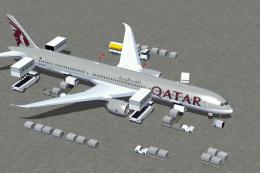
Qatar Airways Boeing 787-8 V2 brings the Dreamliner to FSX with refreshed exterior detailing, the latest tail markings, and immersive cockpit viewpoints for long-haul flying. Animated Ground Servicing simulates real turnaround operations with working passenger and cargo doors plus service vehicle animations, enhancing ramp realism and pre-departure atmosphere.
 Rate
Rate
Experience a meticulously refined edition of the Dreamliner carrying the latest Qatar tail markings, featuring version 2 enhancements from CamSim Aviation Simulation. Created by developer Camil Valiquette, this freeware package offers a fully realized Boeing 787-8 rendition for FSX with fully functional ground servicing close to real operations. It also includes an updated exterior design and innovative cockpit perspectives, ensuring maximum immersion for enthusiasts of long-haul aircraft simulations.
Designed and painted by Camil Valiquette, this package integrates a visually upgraded 787-8 model with the new Qatar tail logo. The Boeing 787-8 is renowned for its efficient composite structure and advanced aerodynamics. In this project, the updated tail artwork reflects Qatar’s evolving livery while maintaining a precise layout of the aircraft’s structure. In addition, this release implements Animated Ground Servicing (AGS) components, allowing users to interact with passenger doors, cargo doors, and service vehicles. These animations help replicate real-world servicing procedures.
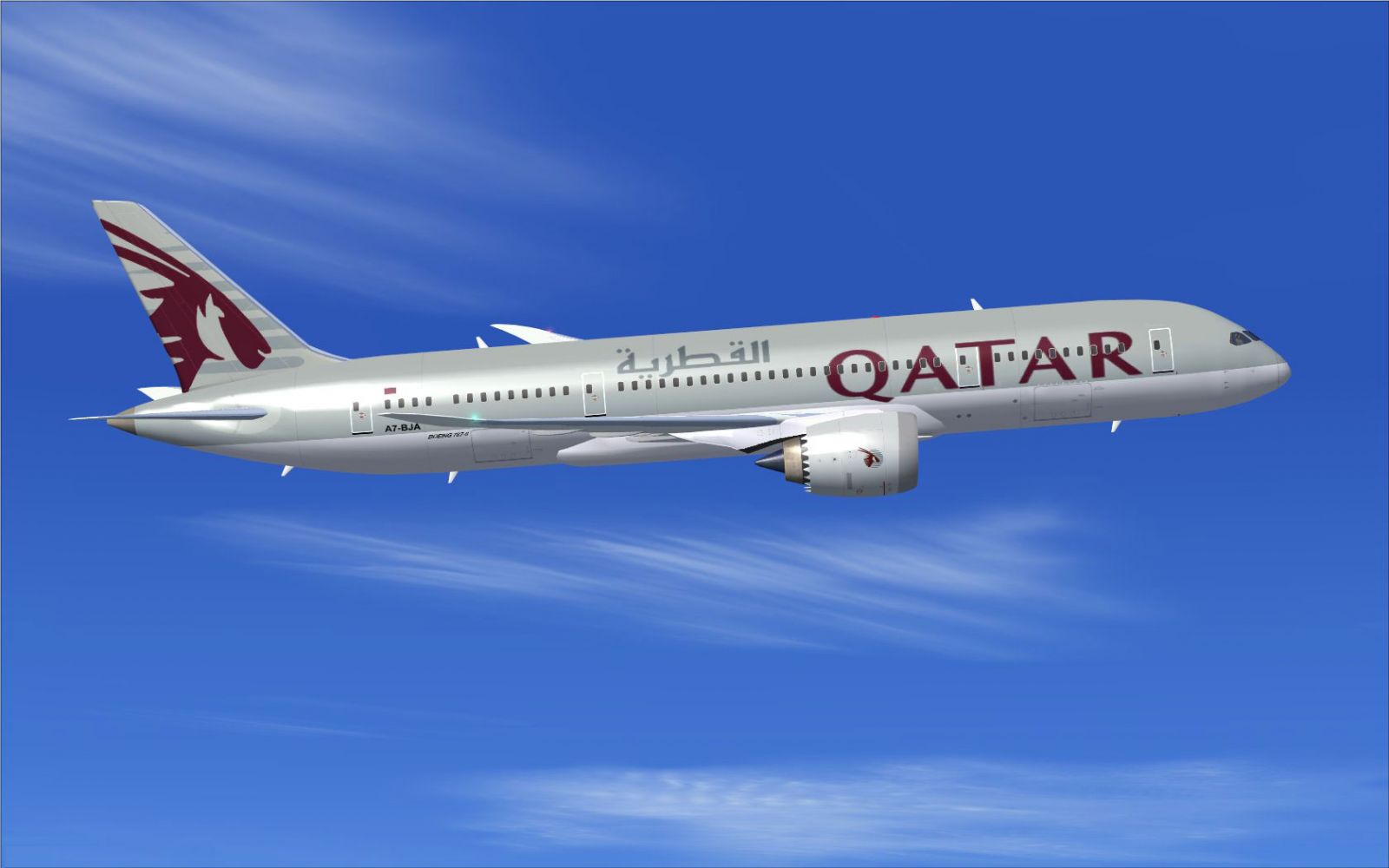
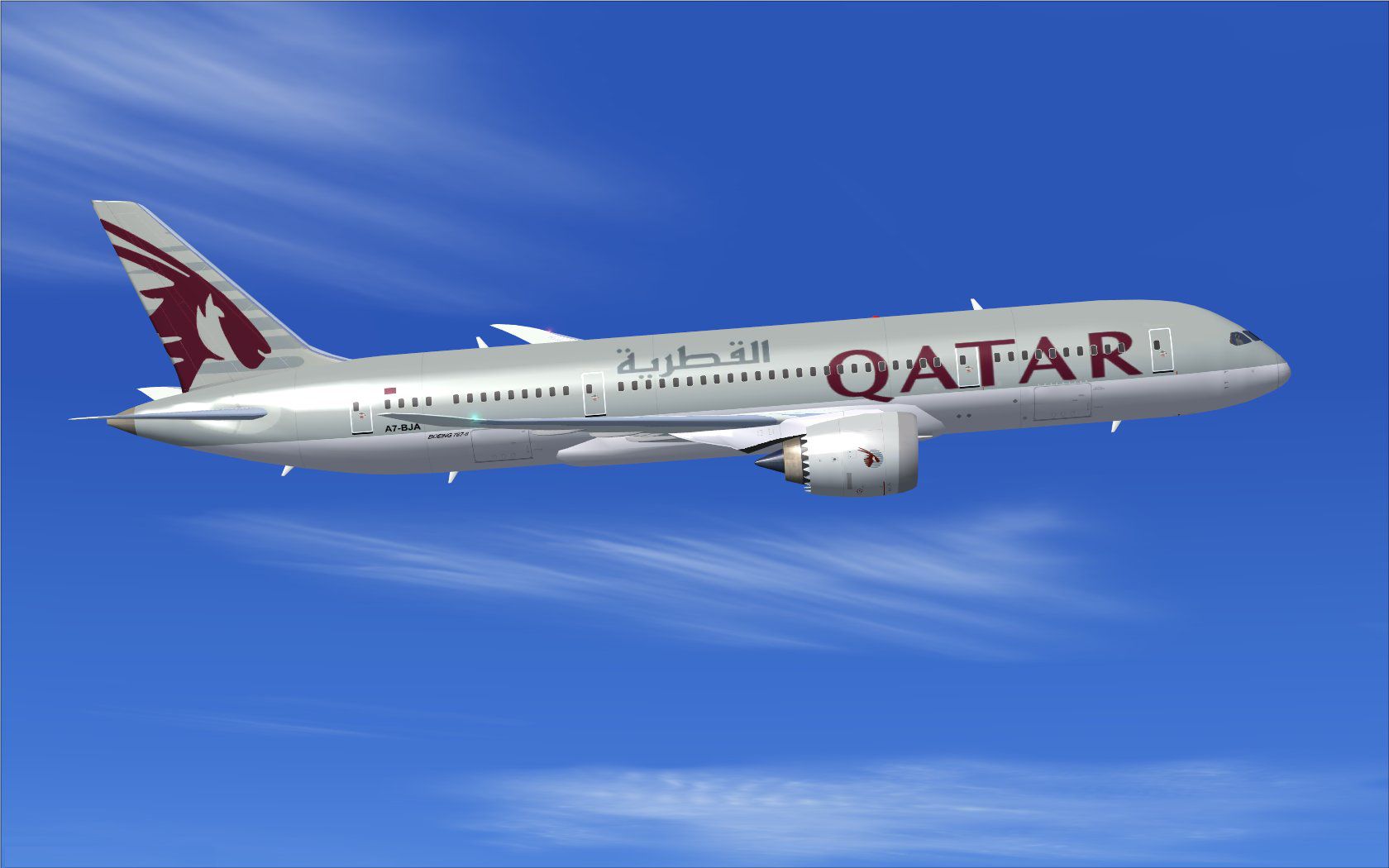
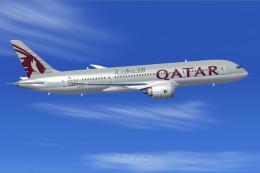
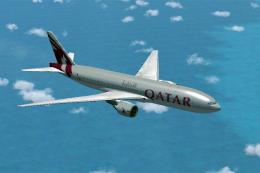
Qatar Boeing 787-8 cruising at altitude.
Within this package, ground operations have been carefully modeled to simulate realistic servicing scenarios. These operations include opening specific doors and deploying service vehicles for an immersive turnaround process:
Before engaging these ground operations, confirm the following default keyboard assignments in FSX:
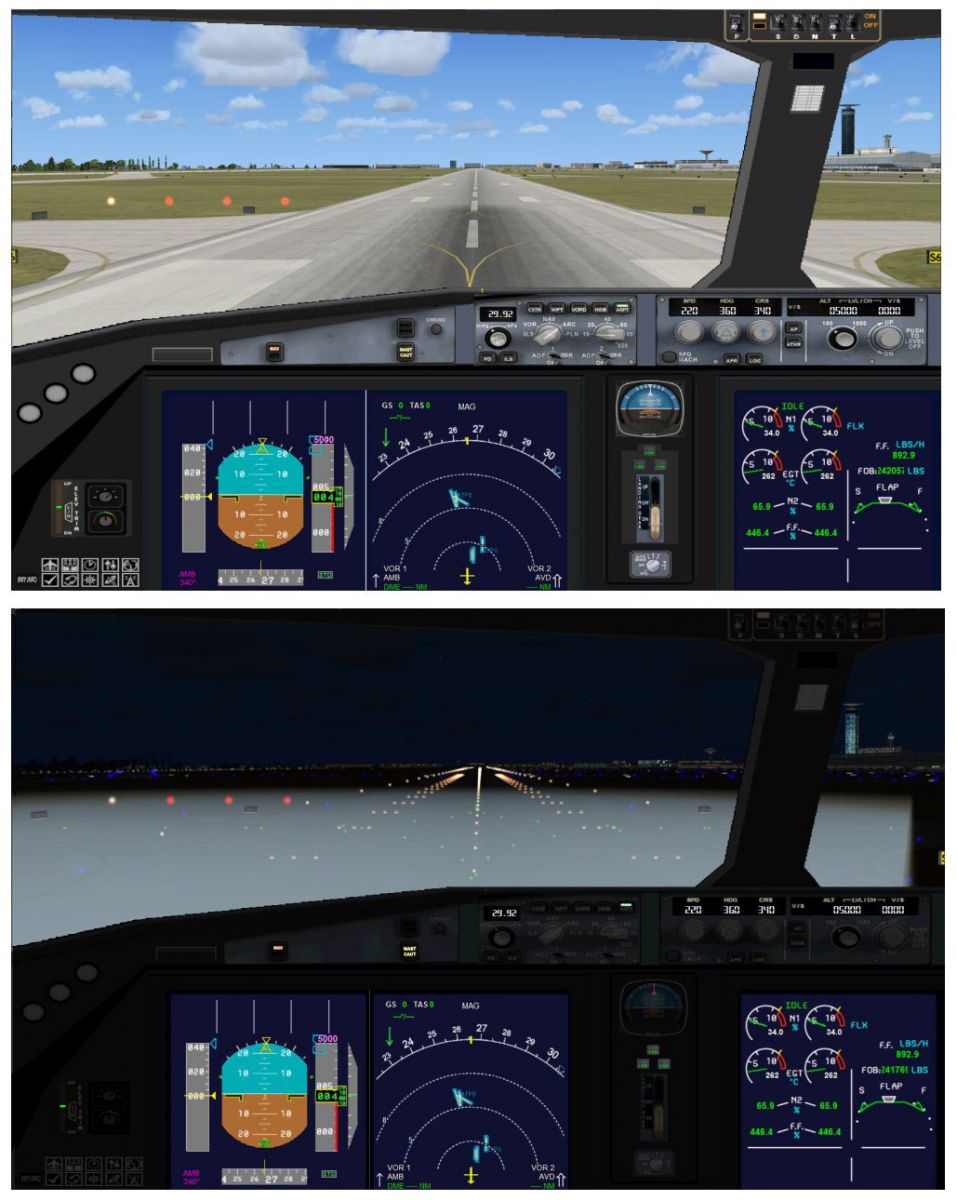
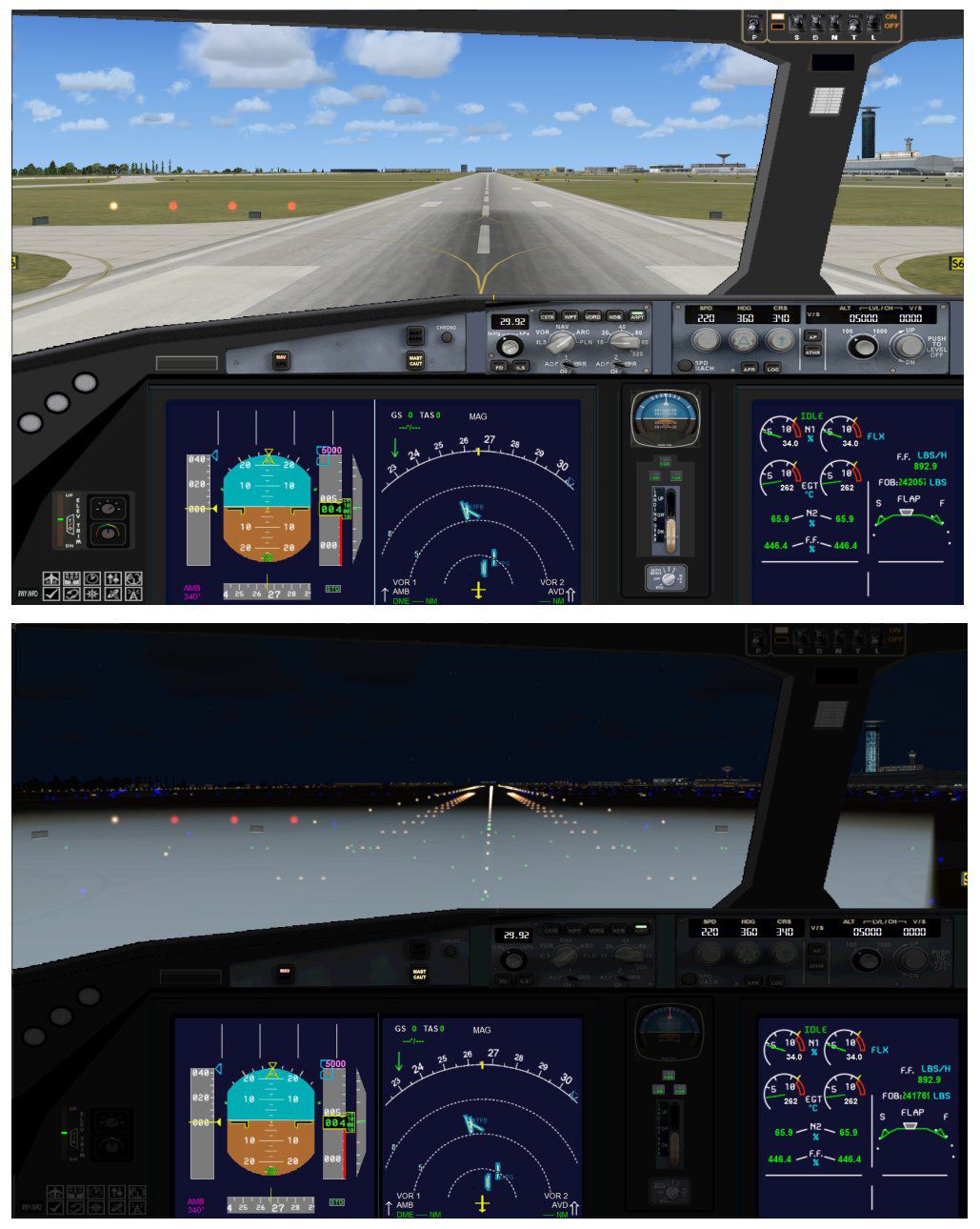
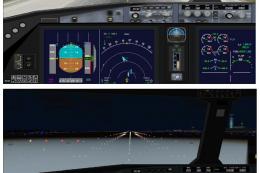
Cockpit perspective showcasing preparations for departure on the runway.
All model design and textures are by Camil Valiquette. The enhanced version 2 updates and Animated Ground Servicing elements come courtesy of CamSim Aviation Simulation, ensuring reliable quality and compatibility. This freeware aircraft mod is a comprehensive rendition of the Boeing 787-8 in Qatar’s updated livery, now prepared for immersive sessions in FSX.
Free for all simmers · 5.04 MB · Scanned clean Oct 2026
Download speed: Free tier is capped at 0.5 Mbps (this file takes approximately 1 min at the cap). PRO members download at full line speed.
This add-on may require the following files to function properly. If this is a repaint, the dependency below is likely the base aircraft package.
FSX\SimObjects\Airplanes\. The folder must contain an aircraft.cfg file. Effects go into FSX\Effects\; gauges go into FSX\Gauges\.readme.txt or README file. It tells you exactly where files go, what dependencies are needed, and any quirks specific to this add-on.The archive 78v2qrn0.zip has 34 files and directories contained within it.
This list displays the first 500 files in the package. If the package has more, you will need to download it to view them.
| Filename/Directory | File Date | File Size |
|---|---|---|
| CamSim Boeing 787-8 V2 Qatar ntc | 09.24.10 | 0 B |
| 787-8.air | 02.25.10 | 12.76 kB |
| 788V2qrnc_.jpg | 09.16.10 | 96.40 kB |
| aircraft.cfg | 09.24.10 | 15.43 kB |
| Effects.zip | 03.25.06 | 1.80 kB |
| file_id.diz | 09.24.10 | 222 B |
| model.787-8 ags | 09.24.10 | 0 B |
| 787-8 ags.mdl | 12.21.09 | 2.67 MB |
| Model.cfg | 03.16.06 | 28 B |
| Panel | 09.24.10 | 0 B |
| 787_350_panel_background.bmp | 02.25.10 | 2.25 MB |
| 787_350_panel_background_night.bmp | 02.25.10 | 2.25 MB |
| Airbus_A321.cab | 09.04.06 | 2.72 MB |
| panel.cfg | 02.25.10 | 5.48 kB |
| panel camsim 787-350 afx_2.jpg | 04.09.10 | 182.86 kB |
| Read Me_FSX.txt | 09.24.10 | 2.62 kB |
| sound | 09.24.10 | 0 B |
| Sound.cfg | 08.30.09 | 35 B |
| texture.qr2 | 09.24.10 | 0 B |
| 787eng_t.bmp | 09.16.10 | 1.00 MB |
| 787ext_L.bmp | 07.23.10 | 4.00 MB |
| 787ext_t.bmp | 07.23.10 | 1.00 MB |
| 787int_L.bmp | 07.23.10 | 4.00 MB |
| 787int_t.bmp | 07.23.10 | 1.00 MB |
| 787tail_t.bmp | 09.16.10 | 1.00 MB |
| 788fuse_t.bmp | 09.16.10 | 1.00 MB |
| 789wings_t.bmp | 11.24.09 | 1.00 MB |
| gris_t.bmp | 12.09.09 | 16.07 kB |
| pilot1.bmp | 03.04.10 | 257.05 kB |
| pilot1_L.bmp | 12.06.06 | 1.00 MB |
| thumbnail.jpg | 09.24.10 | 5.01 kB |
| w_t.bmp | 12.06.08 | 16.07 kB |
| flyawaysimulation.txt | 10.29.13 | 959 B |
| Go to Fly Away Simulation.url | 01.22.16 | 52 B |
Only PRO members can place votes.
More FSX & P3D add-ons hand-picked based on this download.
FSX Civil Aircraft
This updated package features the Qatar Boeing 787-8 in a refined configurati…
 FSX Civil Aircraft
This CamSim version 2 features an improved aircraft design with new Animated …
 FSX Civil Aircraft
Fly the updated rendition of the Boeing 787-8 in Qatar livery, designed by Ca…
 FSX Civil Aircraft
The latest rendition of this freeware model highlights a range of structural …
 FSX Civil Aircraft
Immerse yourself in realistic virtual airline operations with this Qatar Boei…
 FSX Civil Aircraft
Experience an updated rendition of Qatar’s acclaimed Airbus A350-900 XWB, met…
 FSX Civil Aircraft
This updated package offers a newly refined Qatar-themed Airbus A350-800 XWB …
 FSX Civil Aircraft
Qatar Airways Boeing 777-2DZ/LR. A repaint on the Feelthere/Wilco B777-200 mo…
Be the first to leave a comment on this download.
Be the first to share your thoughts on this download.