

 FSX Civil Aircraft
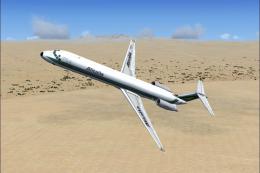
Alitalia Super McDonnell Douglas MD-80
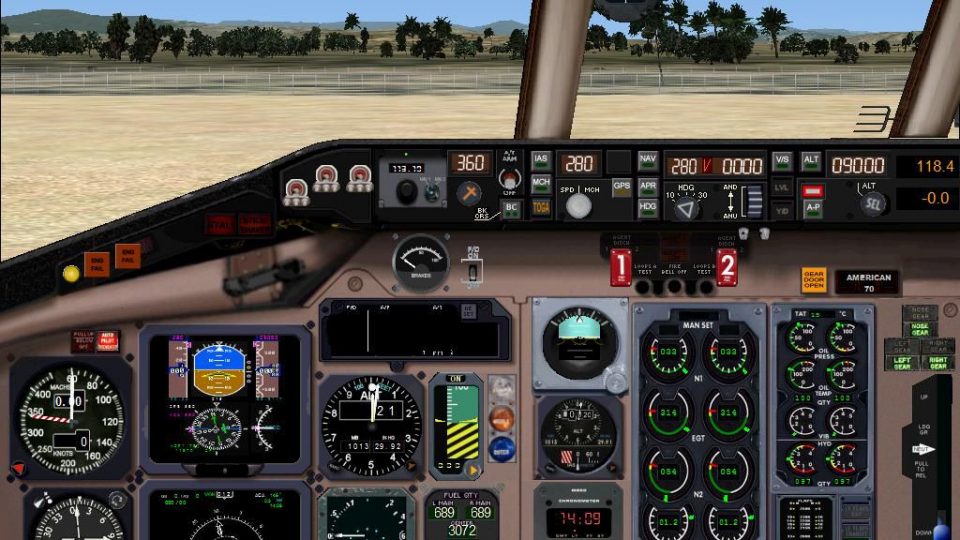
FSX Alitalia Super McDonnell Douglas MD-80. Features a very real 2D panel wit…
Aircraft configuration files pair the McDonnell Douglas MD-80/87 Panel Project with SGA’s MD-80 and MD-87 models in FSX, delivering ready-to-use entries for MD83.mdl, MD83C.mdl, and MD87.mdl along with matching effects cues. Requires FSX_MD-80-87_PANEL_PROJECT.ZIP and an installed SGA MD-80/87 aircraft folder.
 Rate
Rate
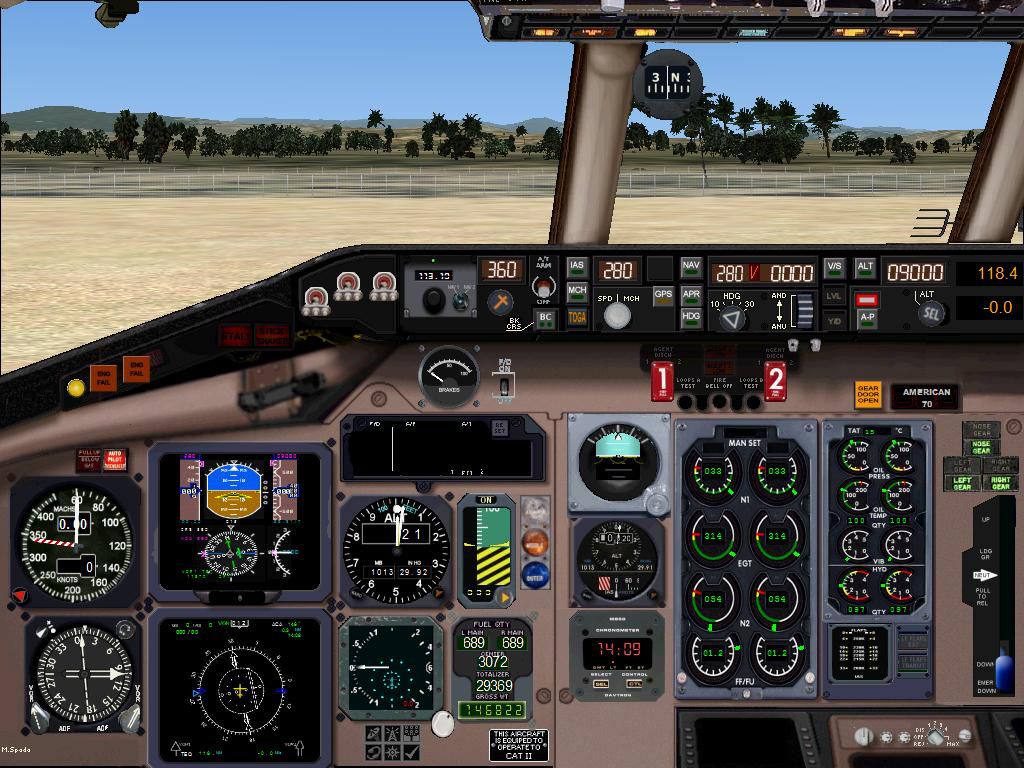
Sample aircraft configurations linking the FSX McDonnell Douglas MD-80-87 Panel Project (FSX_MD-80-87_PANEL_PROJECT.ZIP) with SGA's MD-80 and MD-87 models. Complete configs (absent your aircraft) for use with MD83.mdl / MD83C.mdl and MD87.mdl only. By Ken Wigginton.
Screenshot of the MD-80-87 panel.
Place these .fx files in your root Flight Simulator "Effects" folder.
Free for all simmers · 170.07 KB · Scanned clean Oct 2026
Download speed: Free tier is capped at 0.5 Mbps. PRO members download at full line speed.
This add-on may require the following files to function properly. If this is a repaint, the dependency below is likely the base aircraft package.
FSX\SimObjects\Airplanes\. The folder must contain an aircraft.cfg file. Effects go into FSX\Effects\; gauges go into FSX\Gauges\.readme.txt or README file. It tells you exactly where files go, what dependencies are needed, and any quirks specific to this add-on.The archive fsx_sga_md-80-87_aircraft_configs.zip has 10 files and directories contained within it.
This list displays the first 500 files in the package. If the package has more, you will need to download it to view them.
| Filename/Directory | File Date | File Size |
|---|---|---|
| (SGA MD-80) Aircraft.cfg | 08.08.12 | 10.22 kB |
| (SGA MD-87) Aircraft.cfg | 08.08.12 | 10.22 kB |
| FILE_ID.DIZ.txt | 08.08.12 | 252 B |
| FSX_SGA_MD-80-87_Aircraft_Configs.JPG | 08.07.12 | 162.91 kB |
| Smoke and Contrail Effects | 09.26.12 | 0 B |
| Effects.txt | 09.26.12 | 69 B |
| fx_contrail_320.fx | 07.24.02 | 1.17 kB |
| maddog_smoke.fx | 06.19.07 | 1.62 kB |
| flyawaysimulation.txt | 10.29.13 | 959 B |
| Go to Fly Away Simulation.url | 01.22.16 | 52 B |
Only PRO members can place votes.
More FSX & P3D add-ons hand-picked based on this download.
FSX Civil Aircraft
FSX Alitalia Super McDonnell Douglas MD-80. Features a very real 2D panel wit…
 FSX Civil Aircraft
FSX Aeromexico McDonnell Douglas MD-80 (new livery). Model by AI Aardvark. By…
 FSX Civil Aircraft
Brand new model from SGA; fix included. Model/textures by Erick Cantu and FDE…
 FSX Civil Aircraft
This is a repaint for the SGA MD-82 (SGA80.ZIP) in the Insel air colors, PJ-M…
 FSX Civil Aircraft
A Kish Air MD80 repaint for the payware Flight1/Coolsky MD Super 80 Pro plane…
 FSX Civil Aircraft
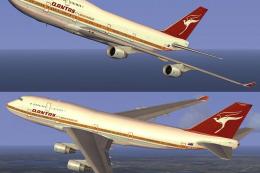
This freeware add-on introduces a striking throwback skin depicting the iconi…
 FSX Civil Aircraft
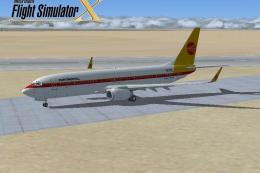
FSX Continental Airlines Boeing 737-800. A repaint for the default B737. The …
 FSX Civil Aircraft
McDonnell Douglas MD-81/MD-88 Fix. The enclosed data fixes a couple of small …
Be the first to leave a comment on this download.
Be the first to share your thoughts on this download.