

 FSX Civil Aircraft
Air New Zealand Boeing 787-9 V2
This enhanced release offers a complete freeware package of the Boeing 787-9 …
Air New Zealand’s Boeing 787-9 V4 brings a clean, accurate widebody to FSX with updated wing root shaping, refined windows, correctly sized passenger doors, and detailed antennas and ventilation scoops. Animated Ground Servicing adds operating cargo doors, stairs, and automated baggage and trailer interactions for more convincing turnarounds.
 Rate
Rate
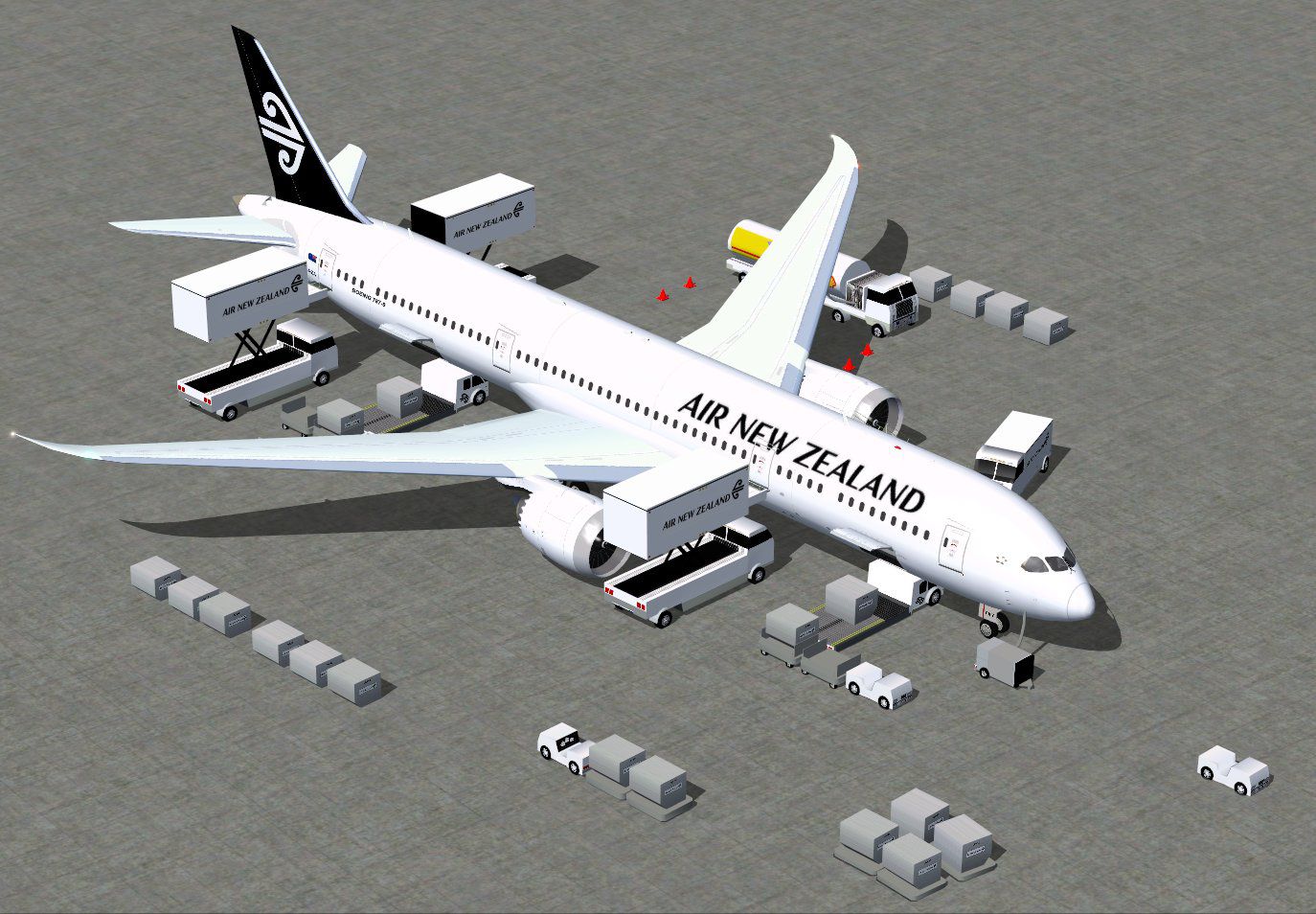
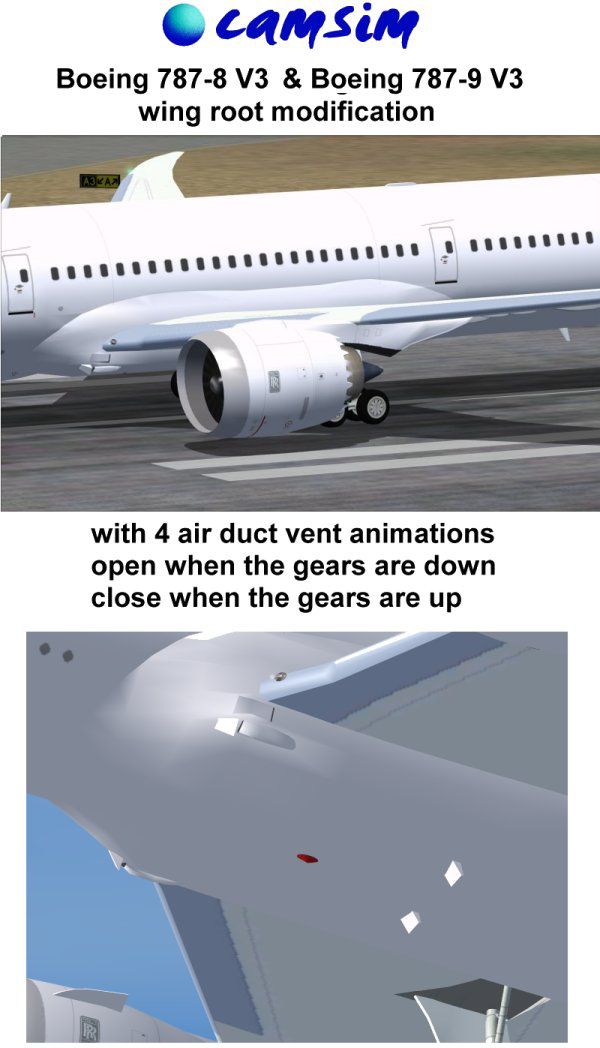
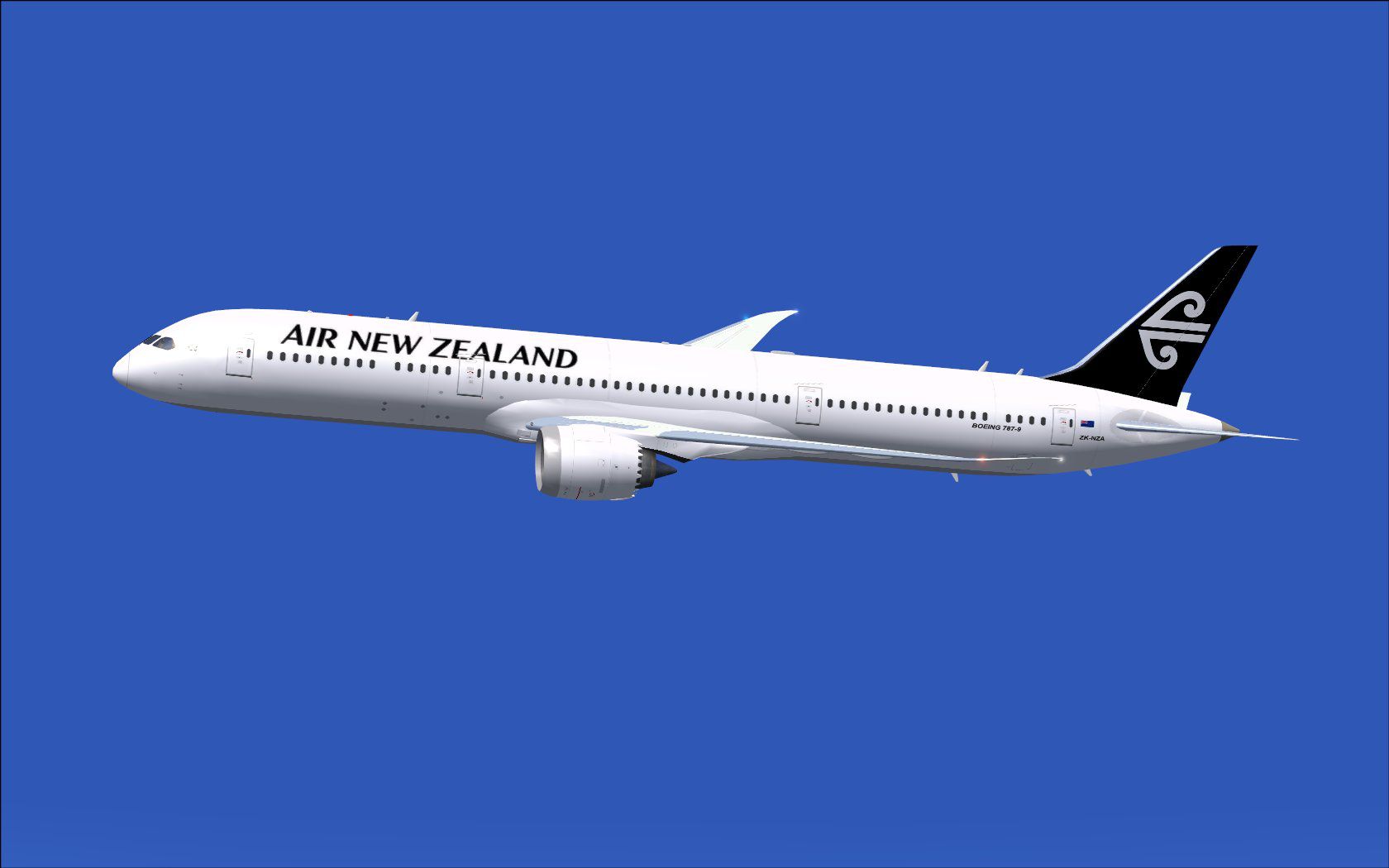
This package delivers a high-fidelity Boeing 787-9 rendition inspired by Air New Zealand's distinct livery. It incorporates an overhauled wing root geometry, wider passenger entryways, refined window contours, and enhanced ground servicing animations. Model construction and textures come from the skilled hands of Camil Valiquette. The aircraft and its animations are completely freeware and include every element necessary to get you airborne quickly in Flight Simulator X.
The upgraded wing root layout optimizes lift distribution, and the newly modeled passenger doors (sometimes referred to as “pax doors”) feature practical dimensions that mirror the real Boeing 787-9 configuration. Additionally, a series of airflow ventilation ducts (also known as air intake scoops) appear on the fuselage, while the fuselage sports updated communication and satellite antenna fixtures.
One of the noteworthy features is the Animated Ground Servicing (AGS) suite. Cargo door operations, passenger stairs, and trailer hook-ups add extra immersion to the simulation. For instance, baggage loaders and cargo handlers can connect and disconnect automatically—replicating operations one might see at major airports, especially where larger widebody airframes are serviced.
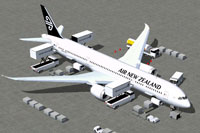
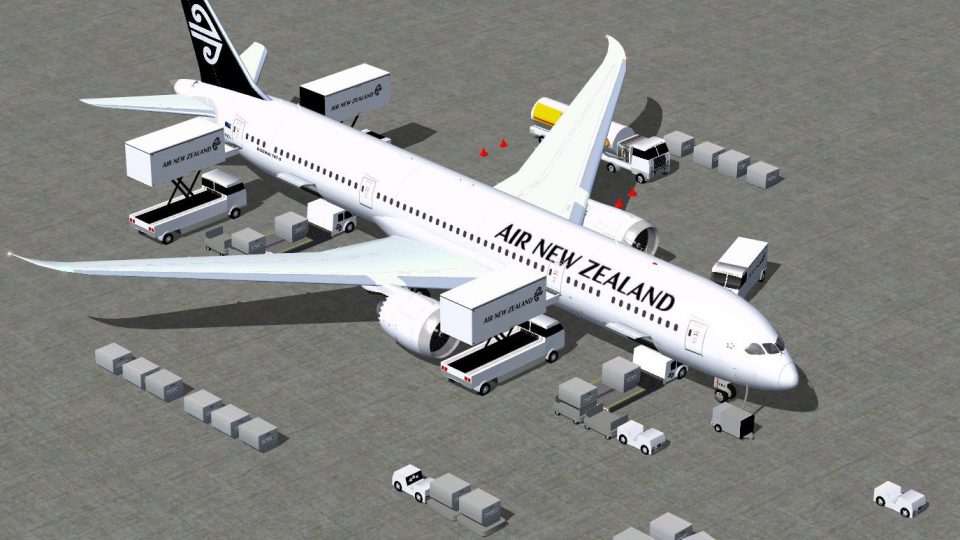
Illustration of Air New Zealand Boeing 787-9 with ground vehicles in place.
After loading into your simulator, use these key commands to bring the Boeing 787-9 to life:
To make the most of these advanced features, ensure that Wing fold/unfold is bound to Shift+C and Tail hook up/down is paired with Shift+D in your control assignments. These mappings are vital for enabling the AGS elements to function seamlessly.
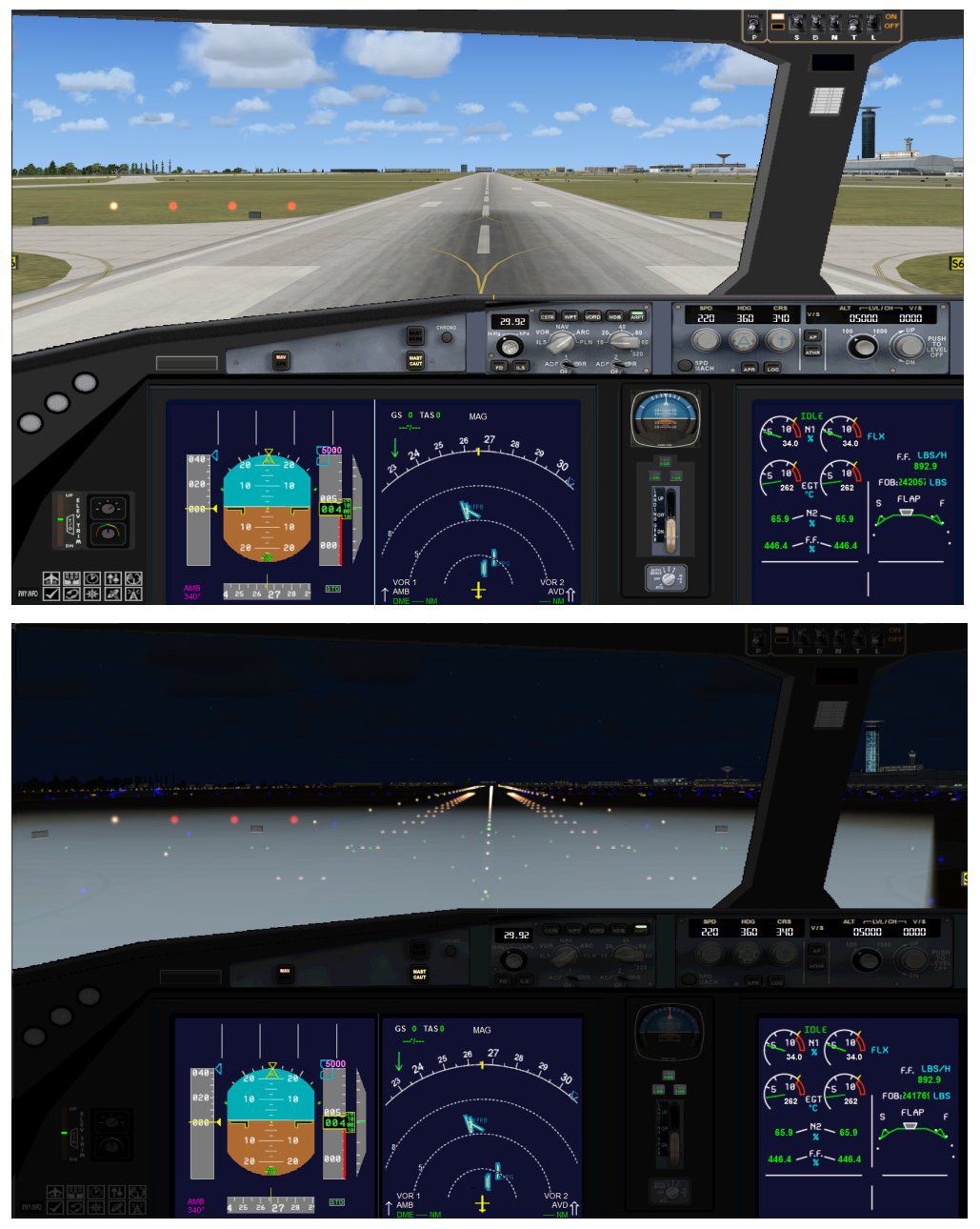
Air New Zealand’s Boeing 787-9 naturally fits long-haul operations crossing substantial distances. By integrating the real-world livery and interior door configurations, this add-on replicates the airline’s modern fleet in detail. The aircraft’s distinctive composite structure and state-of-the-art cockpit instrumentation create an immersive experience, especially with the additional ground vehicles that highlight the intensive turnaround procedures frequently observed at international hubs.
Developed and painted by Camil Valiquette, this comprehensive freeware version ensures an in-depth technical simulation right out of the box, merging realistic aerodynamic features with practical operational tasks. Enthusiasts and seasoned flight simulation users will enjoy the packaging of high-quality visuals, intuitive animations, and polished performance in a single download.
Free for all simmers · 5.37 MB · Scanned clean Oct 2026
Download speed: Free tier is capped at 0.5 Mbps (this file takes approximately 2 mins at the cap). PRO members download at full line speed.
This add-on may require the following files to function properly. If this is a repaint, the dependency below is likely the base aircraft package.
FSX\SimObjects\Airplanes\. The folder must contain an aircraft.cfg file. Effects go into FSX\Effects\; gauges go into FSX\Gauges\.readme.txt or README file. It tells you exactly where files go, what dependencies are needed, and any quirks specific to this add-on.The archive 789v4nzx.zip has 36 files and directories contained within it.
This list displays the first 500 files in the package. If the package has more, you will need to download it to view them.
| Filename/Directory | File Date | File Size |
|---|---|---|
| CamSim Boeing 787-9 V4 Air New Zealand | 08.06.12 | 0 B |
| 787-9.air | 02.28.12 | 12.76 kB |
| 789v4nz_.jpg | 08.06.12 | 65.14 kB |
| 789v4nz_ags.jpg | 08.06.12 | 226.53 kB |
| aircraft.cfg | 08.06.12 | 15.53 kB |
| Effects.zip | 09.09.08 | 1.81 kB |
| file_id.diz | 08.06.12 | 439 B |
| model.787-9 ags V4 | 08.06.12 | 0 B |
| 787-9 ags V4.mdl | 07.04.12 | 3.02 MB |
| Model.cfg | 03.27.12 | 31 B |
| Page design 787 v3_2 600.jpg | 12.28.11 | 77.35 kB |
| Panel | 08.06.12 | 0 B |
| 787_350_panel_background.bmp | 02.25.10 | 2.25 MB |
| 787_350_panel_background_night.bmp | 02.25.10 | 2.25 MB |
| Airbus_A321.cab | 09.04.06 | 2.72 MB |
| panel.cfg | 02.25.10 | 5.48 kB |
| panel camsim 787-350 afx_2.jpg | 04.09.10 | 182.86 kB |
| Read Me_FSX.txt | 08.06.12 | 2.38 kB |
| sound | 08.06.12 | 0 B |
| Sound.cfg | 11.04.09 | 35 B |
| texture.nz | 08.06.12 | 0 B |
| 787eng_t.bmp | 07.30.12 | 1.00 MB |
| 787ext_L.bmp | 08.06.12 | 4.00 MB |
| 787ext_t.bmp | 08.06.12 | 1.00 MB |
| 787int_L.bmp | 07.30.12 | 4.00 MB |
| 787int_t.bmp | 08.06.12 | 1.00 MB |
| 787tail_t.bmp | 07.31.12 | 1.00 MB |
| 789fuse_t.bmp | 07.30.12 | 1.00 MB |
| 789wings_t.bmp | 11.24.09 | 1.00 MB |
| gris_t.bmp | 12.09.09 | 16.07 kB |
| pilot1.bmp | 03.04.10 | 257.05 kB |
| pilot1_L.bmp | 12.06.06 | 1.00 MB |
| thumbnail.jpg | 08.06.12 | 3.67 kB |
| w_t.bmp | 12.06.08 | 16.07 kB |
| flyawaysimulation.txt | 10.29.13 | 959 B |
| Go to Fly Away Simulation.url | 01.22.16 | 52 B |
Only PRO members can place votes.
More FSX & P3D add-ons hand-picked based on this download.
FSX Civil Aircraft
This enhanced release offers a complete freeware package of the Boeing 787-9 …
 FSX Civil Aircraft
FSX Air New Zealand Boeing 737-300. Model by Erick Cantu. Repaint by Michael …
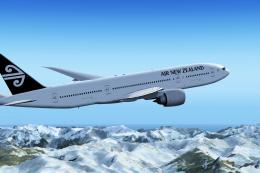 FSX Civil Aircraft
Air New Zealand Boeing 777-200LR (new livery). B777-200 model by SkySpirit201…
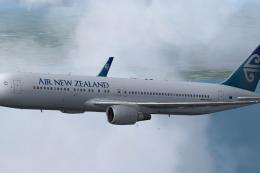 FSX Civil Aircraft
Complete package of the Skyspirit2010 B767-300 in Air New Zealand livery, reg…
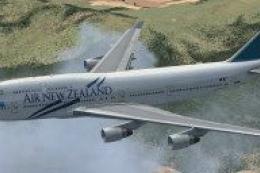 FSX Civil Aircraft
This package features a finely detailed Air New Zealand Boeing 747-400 repain…
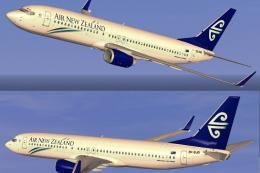 FSX Civil Aircraft
FSX Air New Zealand Boeing 737-800, registration ZK-SJB. Textures only for th…
 FSX Civil Aircraft
This freeware add-on offers a carefully rendered Air New Zealand repaint for …
 FSX Civil Aircraft
The SkySpirit2012 B777-200ER model painted in Air New Zealand livery, registe…
Read what other simmers think, or add your own.
