

 FSX Civil Aircraft
Air New Zealand Boeing 787-9 V4
This package delivers a high-fidelity Boeing 787-9 rendition inspired by Air …
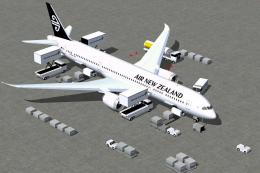
Air New Zealand’s Boeing 787-9 gets a polished freeware treatment with a refined V2 exterior model, accurate airline markings, and Animated Ground Servicing for lifelike ramp activity, including doors, cargo handling, and boarding elements. Built for FSX, it captures the Dreamliner’s long-haul twinjet character with smooth animations and crisp visual detailing.
 Rate
Rate


This enhanced release offers a complete freeware package of the Boeing 787-9 in Air New Zealand’s livery, featuring a refined model and advanced ground operations. It introduces new animation capabilities along with user-friendly installation steps to ensure a smooth experience in FSX. Created and painted by Camil Valiquette of CamSim, it accurately represents the long-haul capabilities of this twin-engine wide-body aircraft.
The version 2 build delivers an improved fuselage design and incorporates Animated Ground Servicing, often referred to as AGS. This system offers ground vehicles and boarding elements when parked, which helps simulate real-world airport procedures. The add-on’s design showcases Air New Zealand’s distinctive branding on the Boeing 787-9 platform. The 787-9 variant itself is known for its optimized aerodynamic profile and composite airframe, which provide excellent range and fuel efficiency. All visual details are meticulously executed by Camil Valiquette, who ensures each livery element displays precisely in FSX.
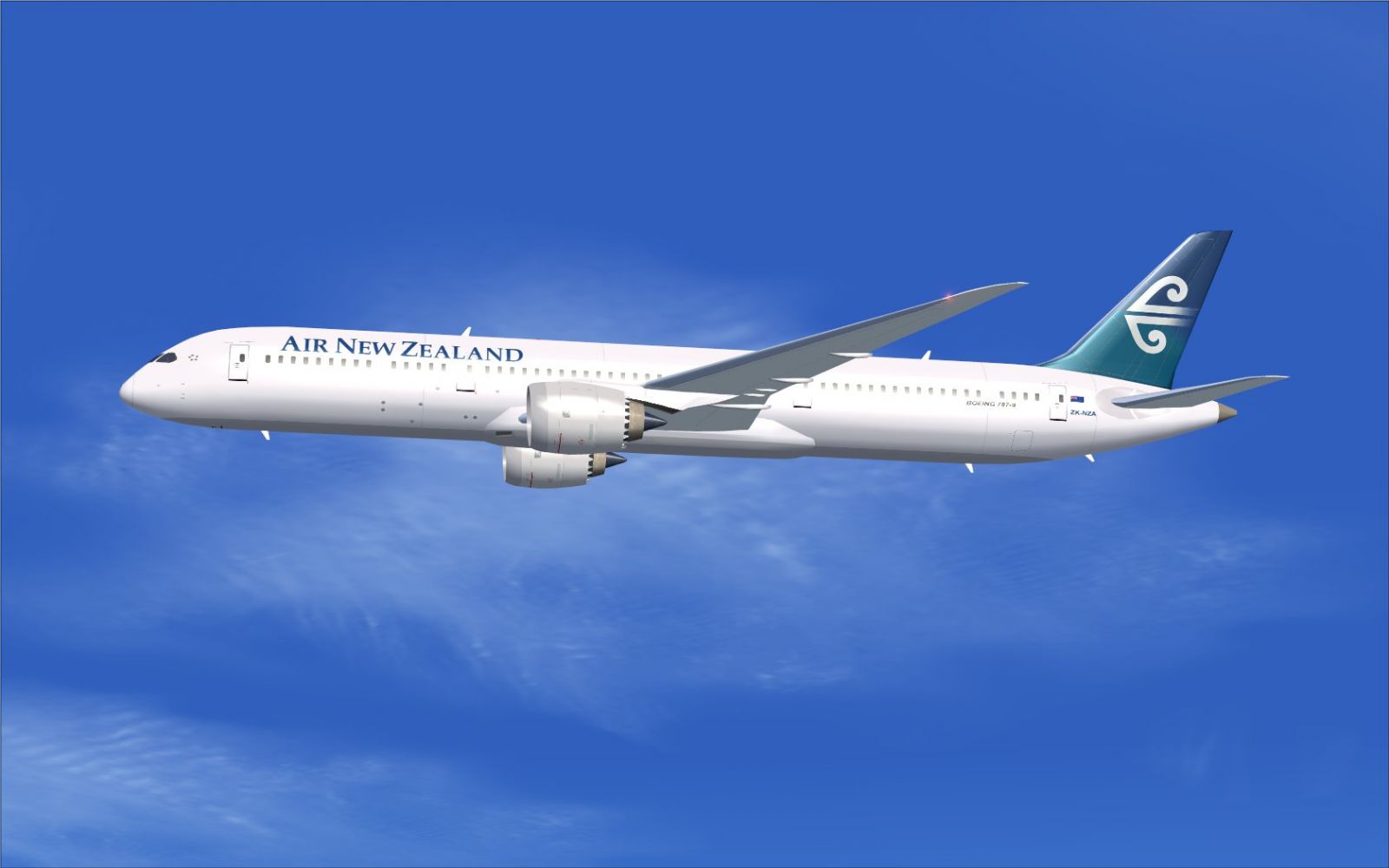
Air New Zealand Boeing 787-9 in flight.
This aircraft model utilizes AGS. To engage the relevant animations, set up or confirm the following key assignments under the simulator’s controller settings:
These key combinations allow access to realistic simulations of boarding steps as well as cargo loading operations, thereby enriching the overall airport ramp atmosphere.
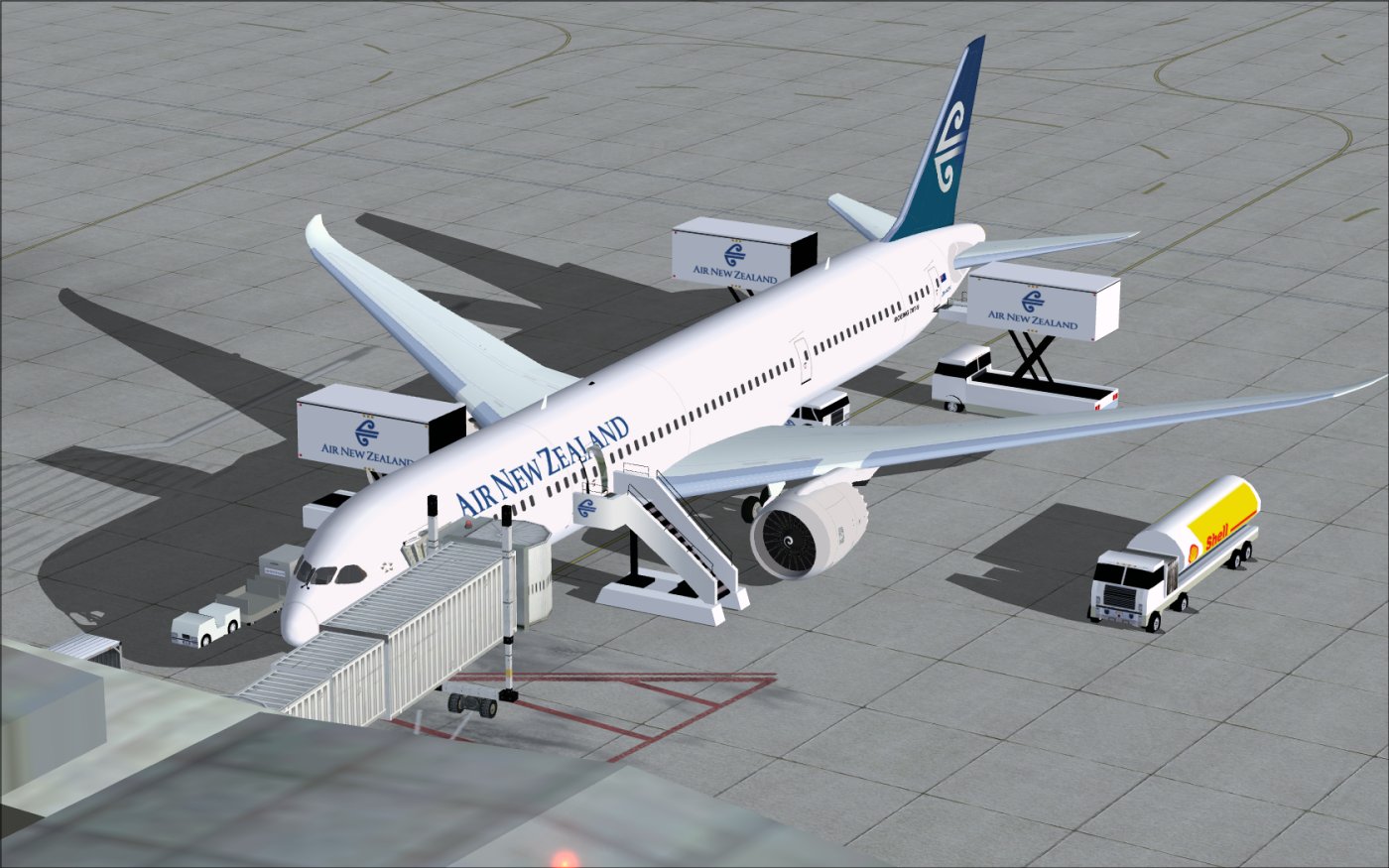
Air New Zealand Boeing 787-9 at boarding gate.
All these elements combine to recreate an authentic experience of Air New Zealand’s flagship Dreamliner. This modern twinjet is widely recognized for its global route capabilities, and such fidelity within FSX offers virtual pilots an immersive way to explore long-distance operations. Credits go to CamSim and Camil Valiquette for bringing this advanced freeware package to the community.
Free for all simmers · 5.17 MB · Scanned clean Oct 2026
Download speed: Free tier is capped at 0.5 Mbps (this file takes approximately 1 min at the cap). PRO members download at full line speed.
This add-on may require the following files to function properly. If this is a repaint, the dependency below is likely the base aircraft package.
FSX\SimObjects\Airplanes\. The folder must contain an aircraft.cfg file. Effects go into FSX\Effects\; gauges go into FSX\Gauges\.readme.txt or README file. It tells you exactly where files go, what dependencies are needed, and any quirks specific to this add-on.The archive 789v2nz0.zip has 35 files and directories contained within it.
This list displays the first 500 files in the package. If the package has more, you will need to download it to view them.
| Filename/Directory | File Date | File Size |
|---|---|---|
| CamSim Boeing 787-9 V2 Air New Zealand | 11.15.10 | 0 B |
| 787-9.air | 02.25.10 | 12.76 kB |
| 789v2nz0_.jpg | 11.15.10 | 85.40 kB |
| 789v2nz0_ags.jpg | 11.15.10 | 180.39 kB |
| aircraft.cfg | 11.15.10 | 15.48 kB |
| Effects.zip | 09.09.08 | 1.81 kB |
| file_id.diz | 11.15.10 | 195 B |
| model.787-9 ags | 11.15.10 | 0 B |
| 787-9 ags 1 pax stair 3 services.mdl | 02.11.10 | 2.67 MB |
| Model.cfg | 02.04.10 | 51 B |
| Panel | 11.15.10 | 0 B |
| 787_350_panel_background.bmp | 02.25.10 | 2.25 MB |
| 787_350_panel_background_night.bmp | 02.25.10 | 2.25 MB |
| Airbus_A321.cab | 09.04.06 | 2.72 MB |
| panel.cfg | 02.25.10 | 5.48 kB |
| panel camsim 787-350 afx_2.jpg | 04.09.10 | 182.86 kB |
| Read Me_FSX.txt | 11.15.10 | 2.46 kB |
| sound | 11.15.10 | 0 B |
| Sound.cfg | 08.30.09 | 35 B |
| texture.nz | 11.15.10 | 0 B |
| 787eng_t.bmp | 11.09.10 | 1.00 MB |
| 787ext_L.bmp | 11.15.10 | 4.00 MB |
| 787ext_t.bmp | 11.15.10 | 1.00 MB |
| 787int_L.bmp | 11.15.10 | 4.00 MB |
| 787int_t.bmp | 11.15.10 | 1.00 MB |
| 787tail_t.bmp | 11.09.10 | 1.00 MB |
| 789fuse_t.bmp | 11.09.10 | 1.00 MB |
| 789wings_t.bmp | 11.24.09 | 1.00 MB |
| gris_t.bmp | 12.09.09 | 16.07 kB |
| pilot1.bmp | 09.10.09 | 257.05 kB |
| pilot1_L.bmp | 12.06.06 | 1.00 MB |
| thumbnail.jpg | 11.15.10 | 5.83 kB |
| w_t.bmp | 12.06.08 | 16.07 kB |
| flyawaysimulation.txt | 10.29.13 | 959 B |
| Go to Fly Away Simulation.url | 01.22.16 | 52 B |
Only PRO members can place votes.
More FSX & P3D add-ons hand-picked based on this download.
FSX Civil Aircraft
This package delivers a high-fidelity Boeing 787-9 rendition inspired by Air …
 FSX Civil Aircraft
FSX Air New Zealand Boeing 737-300. Model by Erick Cantu. Repaint by Michael …
 FSX Civil Aircraft
Air New Zealand Boeing 777-200LR (new livery). B777-200 model by SkySpirit201…
 FSX Civil Aircraft
Complete package of the Skyspirit2010 B767-300 in Air New Zealand livery, reg…
 FSX Civil Aircraft
This package features a finely detailed Air New Zealand Boeing 747-400 repain…
 FSX Civil Aircraft
FSX Air New Zealand Boeing 737-800, registration ZK-SJB. Textures only for th…
 FSX Civil Aircraft
This freeware add-on offers a carefully rendered Air New Zealand repaint for …
 FSX Civil Aircraft
The SkySpirit2012 B777-200ER model painted in Air New Zealand livery, registe…
Be the first to leave a comment on this download.
Be the first to share your thoughts on this download.