

 FSX Civil Aircraft
Korean Air Bombardier CSeries CS300
This package recreates Korean Air’s livery on the Bombardier CSeries 300 airf…
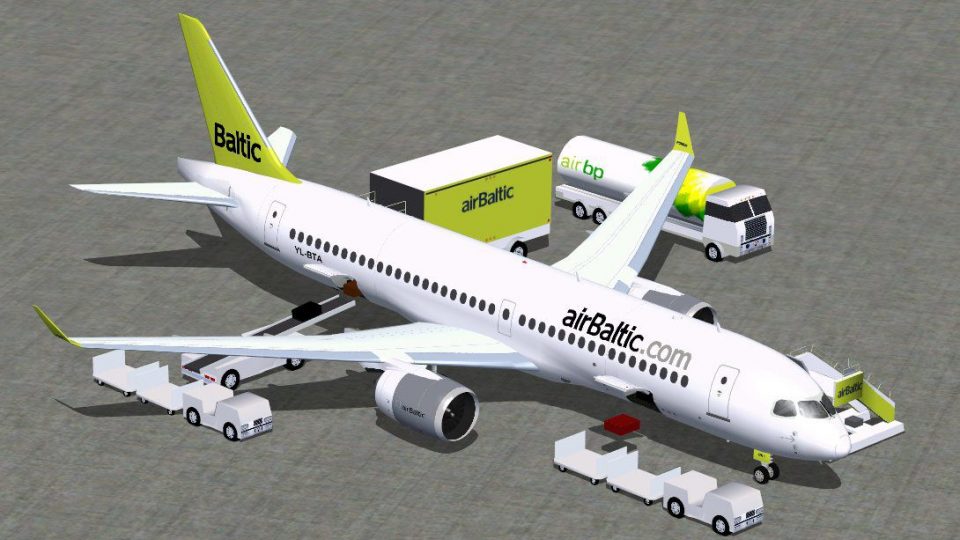
Air Baltic CSeries CS300 V3 brings a polished, true-to-scale rendition of the Bombardier CS300 to Microsoft Flight Simulator X, pairing refined geometry with crisp exterior detailing. Integrated Animated Ground Servicing adds interactive doors, cargo hatches, stairs, and turnaround equipment for more lifelike short-to-medium-haul airline operations.
 Rate
Rate
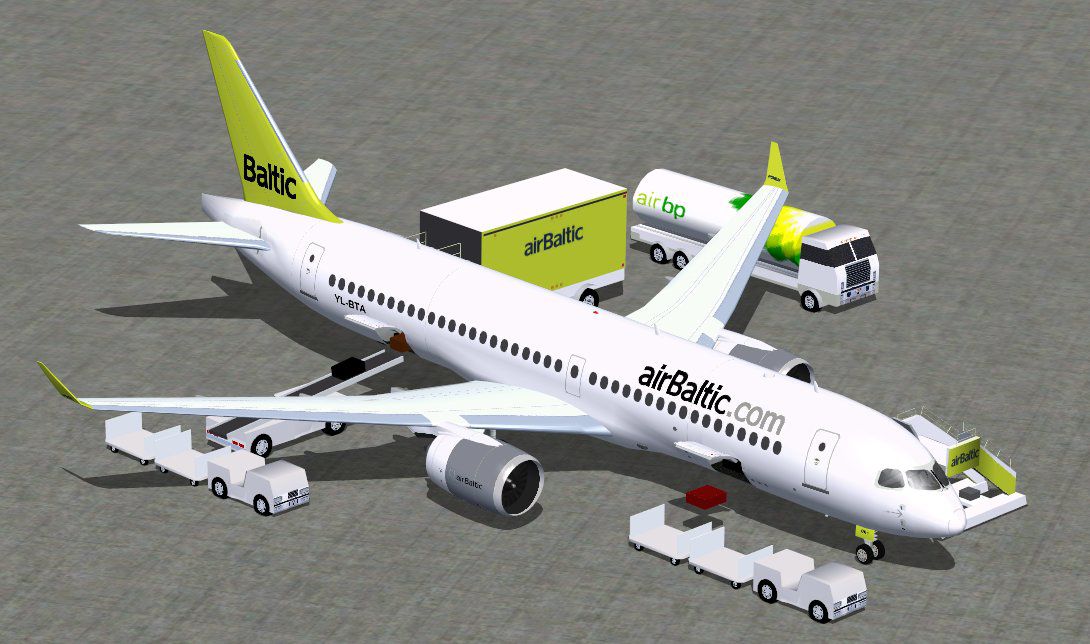
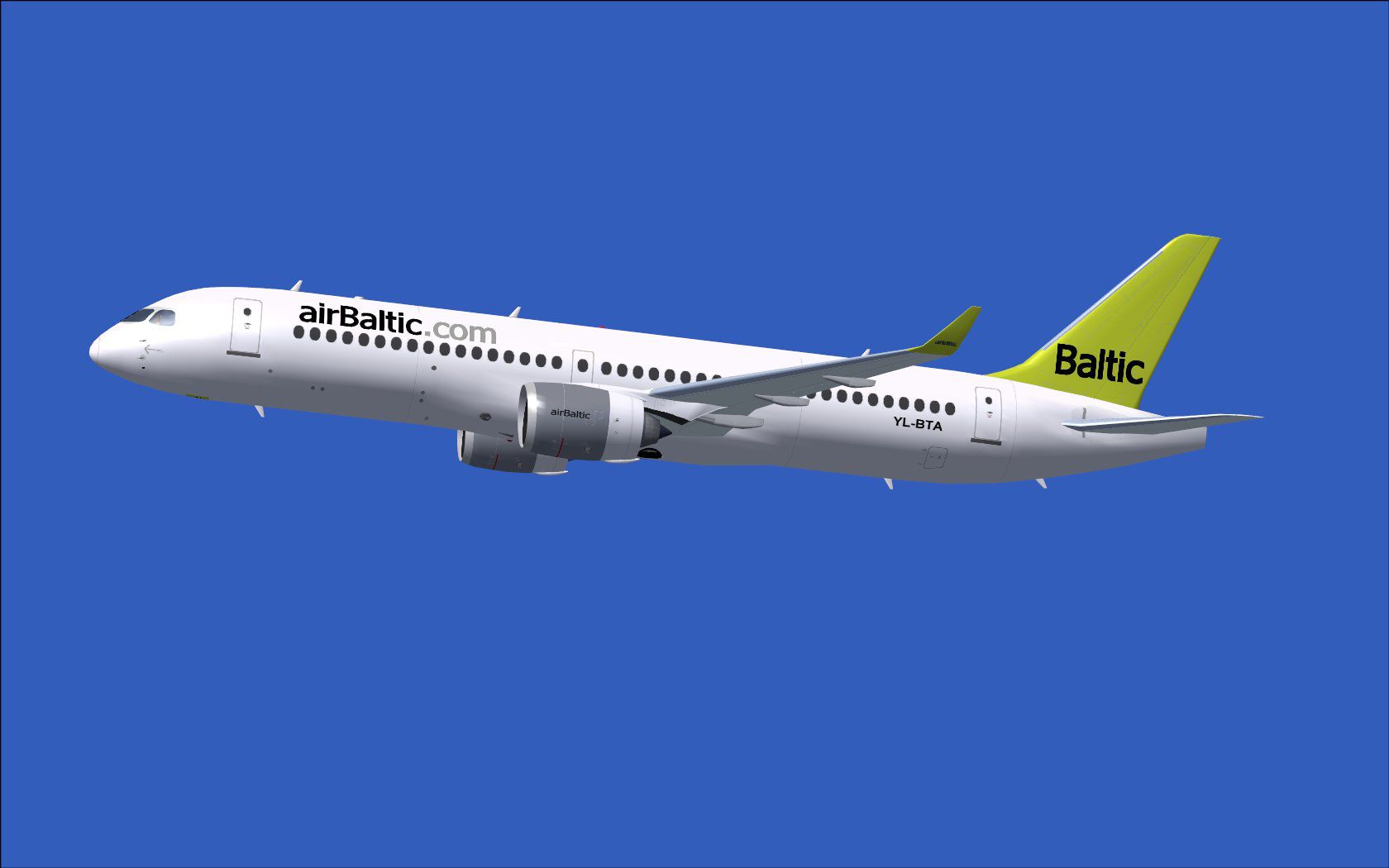
The latest revision of this freeware aircraft package provides a refined rendition of the Air Baltic CSeries CS300, also recognized as the Bombardier CS300. Created by CamSim (version 3) and featuring external paintwork by Camil Valiquette, this release includes dimension refinements and a seamlessly integrated suite of ground support animations. Pilots who enjoy operating modern, efficient short-to-medium-haul jets in FSX will appreciate how the model captures the essence of airBaltic’s fleet while bringing enhanced visual alignment and operational detail.
The development team meticulously updated the model’s dimensions to better reflect the real-world CS300 profile. This approach ensures that wingspan, fuselage length, and engine placement align more closely with actual Bombardier specifications. Material textures enrich the overall appearance by highlighting structural elements such as the cockpit windows and passenger door outlines.
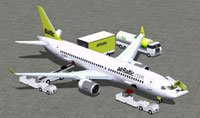
Screenshot of Air Baltic CSeries CS300 and ground services.
One highlight of this add-on is the inclusion of Animated Ground Servicing. [AGS refers to the in-simulator system that depicts various ground vehicles and tools interacting with the aircraft]. By pressing specific commands, you can deploy or stow passenger stairs, open cargo hatches, and manage auxiliary service equipment, lending an immersive real-world feel to every turnaround operation.
Flight deck crews can activate the doors and ground services using these keyboard shortcuts:
To fully utilize every animation, map the following commands in your FSX menu (Options > Settings > Controls > Buttons/Keys > Change Assignment):
This all-in-one freeware package offers a comprehensive way to simulate airBaltic operations in FSX without needing extra model files. By representing the efficient and modern CS300, this release from CamSim and Camil Valiquette delivers an engaging flying experience that aligns with contemporary airliner practices.
Free for all simmers · 4.67 MB · Scanned clean Oct 2026
Download speed: Free tier is capped at 0.5 Mbps (this file takes approximately 1 min at the cap). PRO members download at full line speed.
This add-on may require the following files to function properly. If this is a repaint, the dependency below is likely the base aircraft package.
SimObjects\Airplanes\, Addon Scenery\, Effects\, or Gauges\.readme.txt or README file. It tells you exactly where files go, what dependencies are needed, and any quirks specific to this add-on.The archive cs300v3btx.zip has 34 files and directories contained within it.
This list displays the first 500 files in the package. If the package has more, you will need to download it to view them.
| Filename/Directory | File Date | File Size |
|---|---|---|
| CSerie 300_V3 Air Baltic | 07.30.12 | 0 B |
| aircraft.cfg | 07.30.12 | 15.42 kB |
| cs300v3bt ags.jpg | 07.30.12 | 122.88 kB |
| cs300v3bt_.jpg | 07.30.12 | 62.45 kB |
| CSeries300.air | 02.28.12 | 12.76 kB |
| Effects.zip | 03.25.06 | 1.80 kB |
| file_id.diz | 07.30.12 | 207 B |
| model.300 ags v3 | 07.30.12 | 0 B |
| 300 ags v3.mdl | 04.23.12 | 1.96 MB |
| Model.cfg | 01.21.12 | 27 B |
| PANEL | 07.30.12 | 0 B |
| 787_350_panel_background.bmp | 02.25.10 | 2.25 MB |
| 787_350_panel_background_night.bmp | 02.25.10 | 2.25 MB |
| Airbus_A321.cab | 09.04.06 | 2.72 MB |
| panel.cfg | 02.25.10 | 5.48 kB |
| Read Me_FSX.txt | 07.30.12 | 2.33 kB |
| SOUND | 07.30.12 | 0 B |
| Sound.cfg | 11.04.09 | 35 B |
| texture.bt | 07.30.12 | 0 B |
| 787eng_t.bmp | 07.17.12 | 1.00 MB |
| 787ext_L.bmp | 07.30.12 | 4.00 MB |
| 787ext_t.bmp | 07.30.12 | 1.00 MB |
| 787int_L.bmp | 07.30.12 | 4.00 MB |
| 787int_t.bmp | 07.30.12 | 1.00 MB |
| 787tail_t.bmp | 07.17.12 | 1.00 MB |
| 789wings_t.bmp | 07.17.12 | 1.00 MB |
| 797fuse_t.bmp | 07.18.12 | 1.00 MB |
| gris_t.bmp | 12.09.09 | 16.07 kB |
| pilot1.bmp | 03.04.10 | 257.05 kB |
| pilot1_l.bmp | 12.06.06 | 1.00 MB |
| thumbnail.jpg | 07.30.12 | 3.45 kB |
| w_t.bmp | 12.06.08 | 16.07 kB |
| flyawaysimulation.txt | 10.29.13 | 959 B |
| Go to Fly Away Simulation.url | 01.22.16 | 52 B |
Only PRO members can place votes.
More FSX & P3D add-ons hand-picked based on this download.
FSX Civil Aircraft
This package recreates Korean Air’s livery on the Bombardier CSeries 300 airf…
 FSX Civil Aircraft
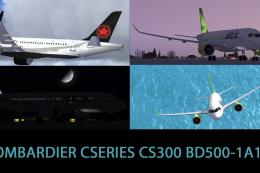
Included are the liveries of airBaltic YL-CSA, Air Canada, and Swiss Internat…
 FSX Civil Aircraft
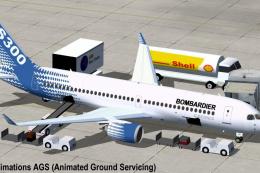
Discover an enhanced simulation of a modern regional jet that combines advanc…
 FSX Civil Aircraft
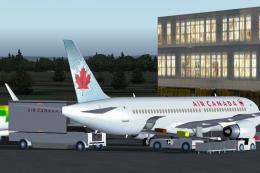
This freeware package showcases the Air Canada Bombardier CSeries 130 in both…
 FSX Civil Aircraft
A captivating freeware aircraft package featuring the J-Air livery for the Bo…
 FSX Civil Aircraft
The Air Canada Bombardier CSeries 110 for Microsoft Flight Simulator X offers…
 FSX Civil Aircraft
This freeware release provides a detailed recreation of the Bombardier CSerie…
 FSX Civil Aircraft
Immerse yourself in a refined simulation experience with this twin-engine sho…
Read what other simmers think, or add your own.


I agree, must have a VC. Only reason for not downloading it is becouse there isn`t a virtual cockpit... Not playable in my opinion, but thanks, Sir for the mod and effort.
Please, author read this. Please make virtual cockpit for this one... Waiting for it so long.
Thanks.

Hi,
Not sure if author reads this, butanyway, just for your information - airBaltic will have YL-CSx registrations for their CS300s. The first will get YL-CSA, second YL-CSB and so on.