

 FSX Civil Aircraft
Easyjet Airbus A320-214
This complete freeware release showcases an EasyJet-branded Airbus A320-214, …
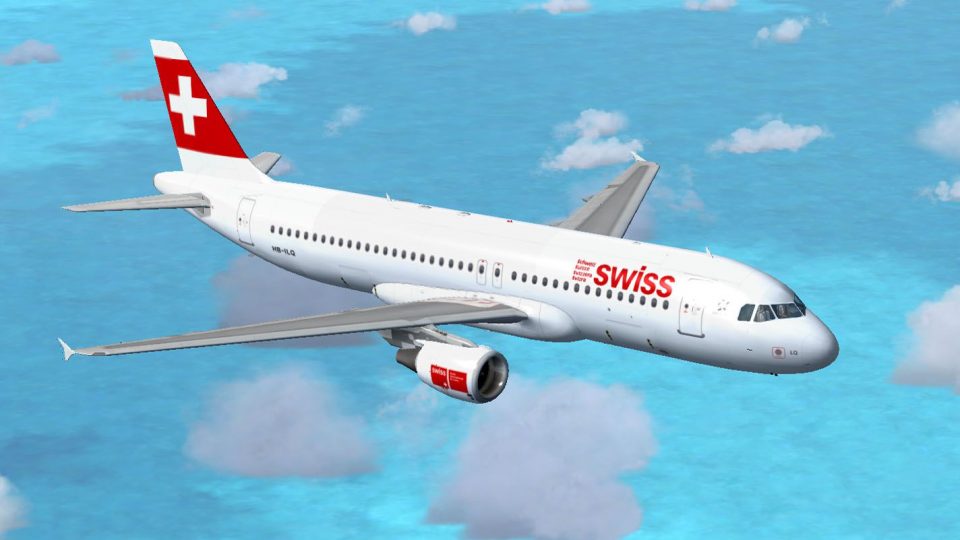
Swiss International Airlines Airbus A320-214 HB-ILQ “Bulach” adds an authentic short-to-medium-haul jetliner to Microsoft Flight Simulator X with crisp 32-bit textures, accurate markings, and a refined Project Airbus model. Enjoy detailed animations, realistic pressurization and spoiler logic, configurable doors, custom lighting, wing views, and polished surface shine for convincing airline operations.
 Rate
Rate
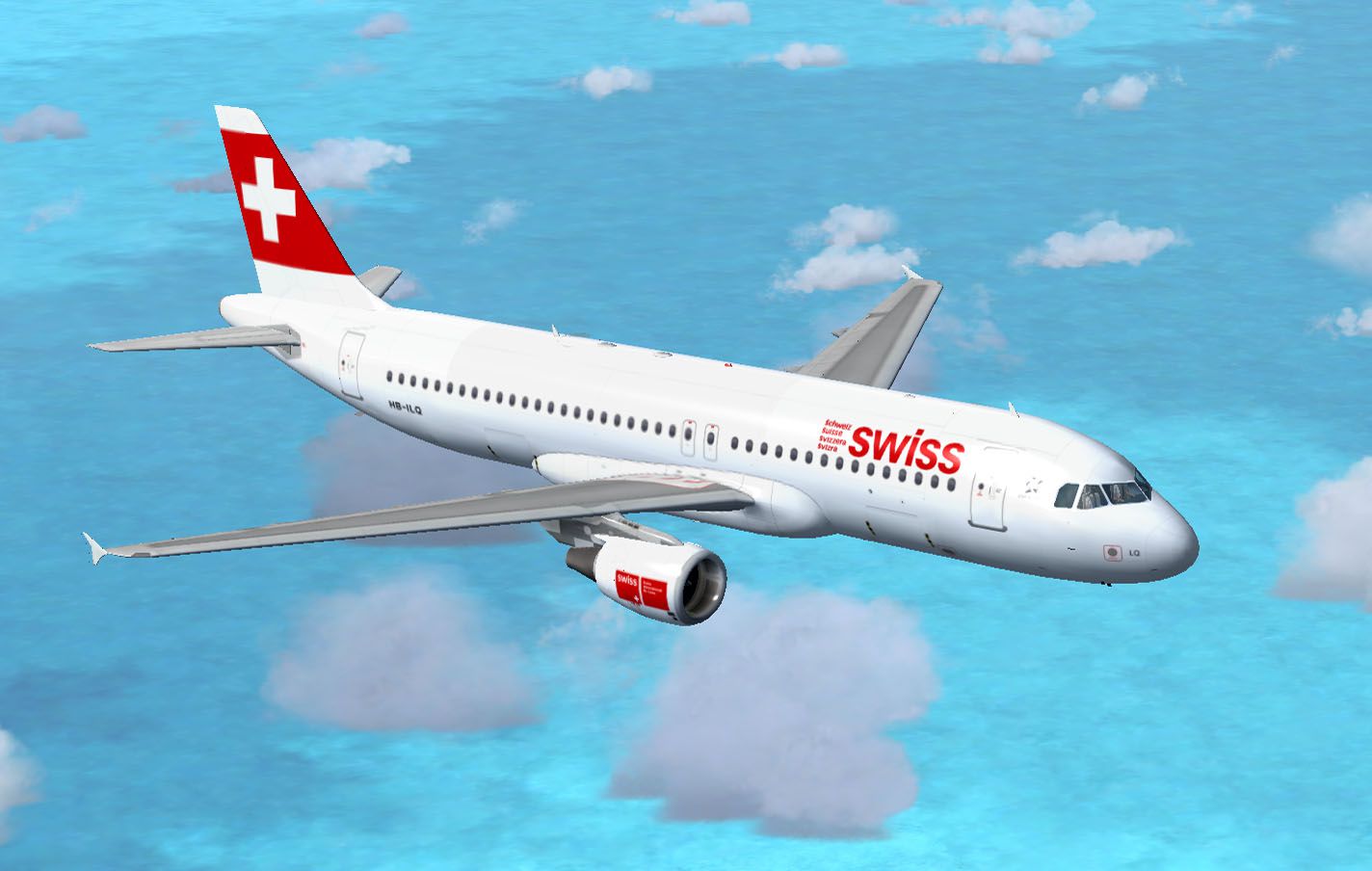
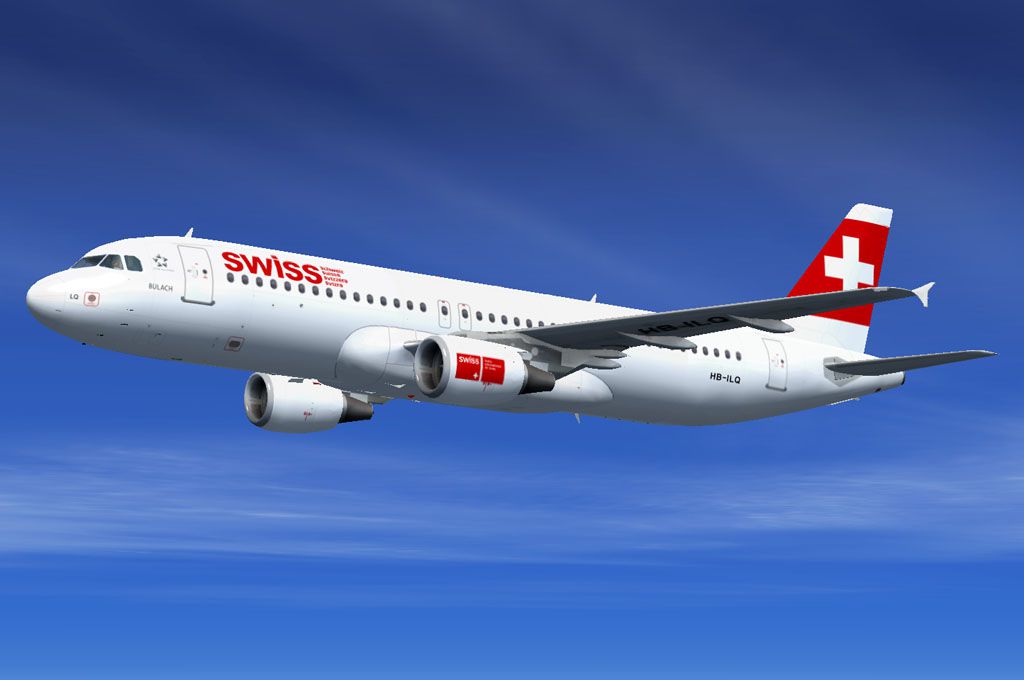
This comprehensive freeware package brings the Swiss International Airlines Airbus A320-214 (registration HB-ILQ, named “Bulach”) directly into Microsoft Flight Simulator X. Originally developed by Project Airbus and repainted by Mohammed Al-Khalifa, this rendition merges realistic modeling with a detailed livery for enthusiasts seeking an authentic short-to-medium-haul operation within their simulation environment. This repaint features 32-bit textures that emphasize Swiss International Airlines’ distinctive, understated design while preserving clarity in close-up views.
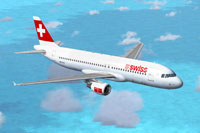
Swiss International A320-214 in full flight.
The Swiss International Airlines color scheme presented here captures subtle red accents on a predominantly white fuselage. Each marking, including the carrier’s branding on the tail fin and fuselage, closely follows the real-world aircraft’s layout. Swiss International Airlines, regarded as Switzerland’s flag carrier, often names its narrow-body jets after Swiss towns and cities, which is why this particular airframe bears the name “Bulach.”
The underlying Project Airbus A320 model is especially admired for its high-fidelity animations and XML-based logic. These details have been refined to replicate an authentic Airbus experience including:
The real-world Airbus A320 series is well-known for its advanced fly-by-wire system and efficient short-to-medium range capabilities. Swiss International Airlines frequently employs these twin-engine jets on routes spanning varied European destinations. Pilots benefit from intuitive controls, while passengers enjoy reliable travel times. In this simulation, those same qualities are reproduced, ranging from carefully tuned flight dynamics to inertial navigation system readiness.
This mod is provided as freeware, with the fully integrated Project Airbus base model already bundled. Installation is straightforward—simply ensure the content is placed in the correct aircraft folder within Microsoft Flight Simulator X for immediate deployment. Once installed, you can select the Swiss International livery from your aircraft menu and embark on flights across Europe or any other routes of your choosing.
Overall, the attention to detail in both the external repaint by Mohammed Al-Khalifa and the original Project Airbus framework helps create a credible experience worthy of Swiss International’s operations. Short field performance, advanced cockpit logic, and specialized animations come together to provide a feature-rich simulation of this commercial workhorse.
Free for all simmers · 8.51 MB · Scanned clean Oct 2026
Download speed: Free tier is capped at 0.5 Mbps (this file takes approximately 2 mins at the cap). PRO members download at full line speed.
FSX\SimObjects\Airplanes\. The folder must contain an aircraft.cfg file. Effects go into FSX\Effects\; gauges go into FSX\Gauges\.readme.txt or README file. It tells you exactly where files go, what dependencies are needed, and any quirks specific to this add-on.The archive swiss_pa322.zip has 51 files and directories contained within it.
This list displays the first 500 files in the package. If the package has more, you will need to download it to view them.
| Filename/Directory | File Date | File Size |
|---|---|---|
| swiss_pa322 | 04.21.12 | 0 B |
| File_id.diz | 04.21.12 | 295 B |
| LX2.jpg | 04.20.12 | 124.20 kB |
| LX3.jpg | 04.21.12 | 65.20 kB |
| Project Airbus A320 Swiss | 04.21.12 | 0 B |
| Aircraft.cfg | 04.21.12 | 11.25 kB |
| effects | 04.21.12 | 0 B |
| fx_beacon3202pa.fx | 07.24.02 | 3.03 kB |
| fx_beacon320pa.fx | 07.24.02 | 3.01 kB |
| fx_contrail_320.fx | 07.24.02 | 1.17 kB |
| fx_navgre320pa.fx | 07.24.02 | 4.56 kB |
| fx_navred320pa.fx | 07.24.02 | 4.56 kB |
| fx_navwhi320pa.fx | 07.24.02 | 3.03 kB |
| fx_strobe2320pa.fx | 07.24.02 | 2.44 kB |
| fx_strobe320pa.fx | 07.24.02 | 4.80 kB |
| fx_tchdwn320.fx | 07.24.02 | 4.54 kB |
| intelliscene.cfg | 06.24.07 | 142 B |
| model.200_CFM | 04.21.12 | 0 B |
| A320_200_CFM_NoVC.mdl | 05.02.10 | 2.04 MB |
| Model.cfg | 06.05.07 | 36 B |
| pa320-cfm56-2.air | 06.18.07 | 8.76 kB |
| panel | 04.21.12 | 0 B |
| panel.cfg | 06.24.07 | 37 B |
| Readme.pdf | 06.23.07 | 57.34 kB |
| Readme.txt | 06.23.07 | 6.26 kB |
| sound | 04.21.12 | 0 B |
| Sound.cfg | 06.24.07 | 35 B |
| texture.LX | 04.21.12 | 0 B |
| A320_1_l.bmp | 06.24.07 | 1.00 MB |
| A320_1_t.bmp | 04.20.12 | 5.33 MB |
| A320_2_l.bmp | 06.24.07 | 256.07 kB |
| A320_2_t.bmp | 04.20.12 | 5.33 MB |
| A320_fuse_1_l.bmp | 02.01.12 | 1.33 MB |
| A320_fuse_1_t.bmp | 04.20.12 | 5.33 MB |
| A320_fuse_2_l.bmp | 02.01.12 | 1.33 MB |
| A320_fuse_2_t.bmp | 04.20.12 | 5.33 MB |
| A320_fuse_3_l.bmp | 02.01.12 | 1.33 MB |
| A320_fuse_3_t.bmp | 04.20.12 | 5.33 MB |
| A320_misc_1.bmp | 08.02.11 | 1.33 MB |
| A320_misc_2.bmp | 07.08.07 | 4.00 MB |
| A320_wing_1_l.bmp | 03.31.06 | 1.00 MB |
| A320_wing_1_t.bmp | 04.21.12 | 5.33 MB |
| A320_wing_2_l.bmp | 03.31.06 | 1.00 MB |
| A320_wing_2_t.bmp | 04.20.12 | 5.33 MB |
| thumbnail.jpg | 04.20.12 | 26.62 kB |
| Thumbs.db | 05.14.10 | 80.50 kB |
| readme.txt | 04.21.12 | 743 B |
| thumbnail.gif | 04.21.12 | 7.30 kB |
| Thumbs.db | 09.12.10 | 18.50 kB |
| flyawaysimulation.txt | 10.29.13 | 959 B |
| Go to Fly Away Simulation.url | 01.22.16 | 52 B |
Only PRO members can place votes.
More FSX & P3D add-ons hand-picked based on this download.
FSX Civil Aircraft
This complete freeware release showcases an EasyJet-branded Airbus A320-214, …
 FSX Civil Aircraft
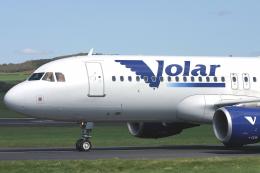
Volar airlines, model by Project Airbus, saved in DTX5 format with 32 bits fo…
 FSX Civil Aircraft
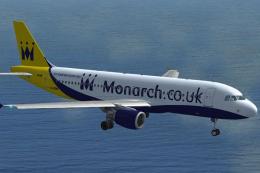
Repaint of the Project Airbus A320 CFM powered aircraft in Monarch Airlines n…
 FSX Civil Aircraft
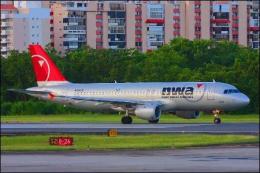
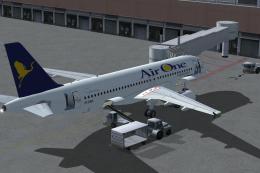
FSX AirOne Airbus A320-214. Aircraft has been updated to match new FSX functi…
 FSX Civil Aircraft
Air One has received the first one of 30 A320's.
 FSX Civil Aircraft
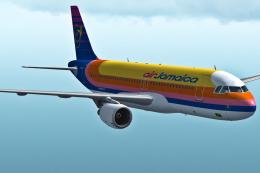
Air Jamaica Airbus A320-214. The Project Airbus A320 in Air Jamaica livery, c…
 FSX Civil Aircraft
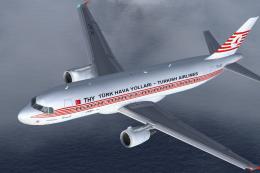
This package provides a fully functional freeware Airbus A320-214 wearing the…
 FSX Civil Aircraft
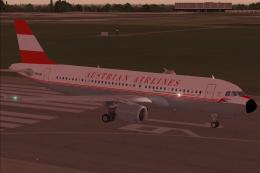
This carefully crafted Airbus A320-214 freeware package brings the distinctiv…
Be the first to leave a comment on this download.
Be the first to share your thoughts on this download.