

 FSX Civil Aircraft
Aeromexico Quetzalcoatl Boeing 787-9
FS2004/FSX/P3D Aeromexico Boeing 787-9, registration XA-ADL. 32 bit Aeromexic…
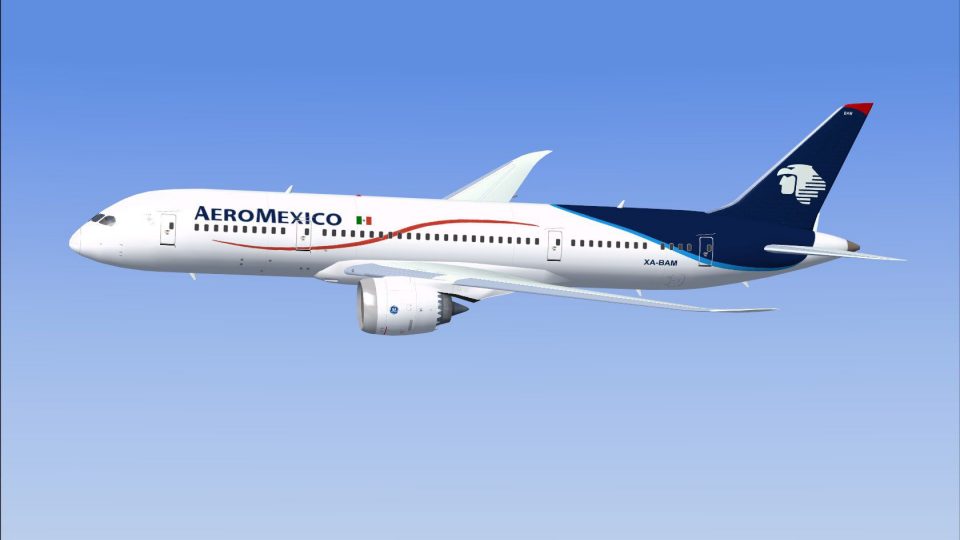
AeroMexico Boeing 787-8 AI traffic livery brings accurate colors, crisp markings, and realistic shading to the CamSim Dreamliner model, enhancing airport arrivals and departures with long-haul authenticity. Built for FSX, it requires the CamSim AI Boeing 787-8 base model to ensure correct fit, lighting, and performance in dense traffic.
 Rate
Rate
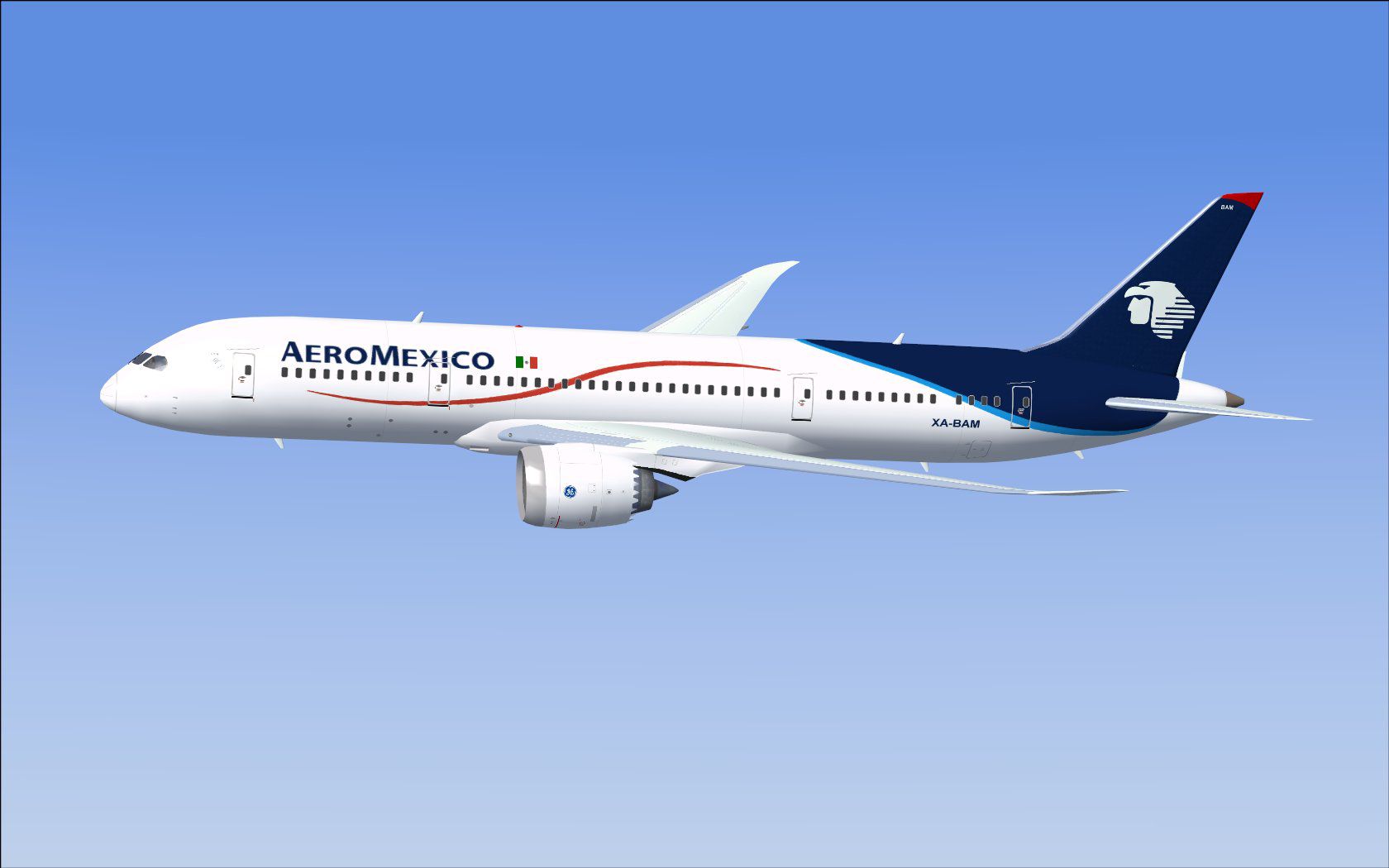
This high-fidelity repaint presents a freeware adaptation of the Boeing 787 Dreamliner in the colors of one of Mexico’s largest airlines, crafted specifically for artificial intelligence (AI) traffic. It requires the separate CamSim AI model by Camil Valiquette (model package name indicated below) to function effectively. Enthusiasts who download and install these textures can expect accurate color shading, precise detailing of airline markings, and simplified installation procedures. Familiarize yourself with the steps outlined further below to ensure seamless integration into your simulated environments. This add-on is completely free, yet it retains professional-grade accuracy. Adapted for use in Flight Simulator platforms, it optimizes the authenticity of your AI traffic.
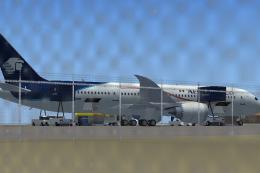
In-sim capture showing the airline’s livery displayed on the Boeing 787-8 model.
[fltsim.x] to the next appropriate numerical value:[fltsim.x] title=Boeing 787-8 v5 AI AeroMexico sim=787-8 model=787-8 ai v5 panel= sound= texture=am kb_checklists= kb_reference= atc_id=xx atc_airline=xxx atc_flight_number=xxx atc_heavy=1 ui_manufacturer="CamSim AI Aircaft" ui_type="Boeing 787-8 V5 AI" ui_variation="AI AeroMexico" ui_typerole="Commercial Airliner" ui_createdby="CamSim" description="Boeing AI Boeing 787-8 Version 5."
If your configuration runs under Windows 7, you may notice missing sections on the fuselage during dawn or dusk. To rectify, untick the “Preview DirectX 10” slider located under Options > Settings > Display > Global. Disabling DirectX 10 preview often restores correct rendering of the textures when the light levels change.
Free for all simmers · 413.8 KB · Scanned clean Oct 2026
Download speed: Free tier is capped at 0.5 Mbps. PRO members download at full line speed.
texture.{airline}) inside FSX\SimObjects\Airplanes\{base-aircraft}\.aircraft.cfg in Notepad. Add a new [fltsim.X] section per the readme.readme.txt or README file. It tells you exactly where files go, what dependencies are needed, and any quirks specific to this add-on.The archive camsim788ai_am_x.zip has 17 files and directories contained within it.
This list displays the first 500 files in the package. If the package has more, you will need to download it to view them.
| Filename/Directory | File Date | File Size |
|---|---|---|
| CamSim Boeing 787-8 V5 AI Texture Only AeroMexico | 11.07.14 | 0 B |
| 788v2am_.jpg | 02.23.10 | 77.55 kB |
| file_id.diz | 11.07.14 | 236 B |
| Read Me_FSX.txt | 11.07.14 | 1.60 kB |
| texture.am | 11.07.14 | 0 B |
| 787eng_t.bmp | 02.23.10 | 1.00 MB |
| 787int_t.bmp | 07.21.08 | 1.00 MB |
| 787tail_t.bmp | 06.01.08 | 1.00 MB |
| 788fuse_t.bmp | 11.07.14 | 1.00 MB |
| 789wings_t.bmp | 08.21.13 | 1.00 MB |
| gris_t.bmp | 12.09.09 | 16.07 kB |
| tail.bmp | 12.02.12 | 1.00 MB |
| thumbnail.jpg | 11.07.14 | 5.83 kB |
| w787x_t.bmp | 07.17.13 | 16.07 kB |
| w_t.bmp | 10.22.13 | 16.07 kB |
| flyawaysimulation.txt | 10.29.13 | 959 B |
| Go to Fly Away Simulation.url | 01.22.16 | 52 B |
Only PRO members can place votes.
More FSX & P3D add-ons hand-picked based on this download.
FSX Civil Aircraft
FS2004/FSX/P3D Aeromexico Boeing 787-9, registration XA-ADL. 32 bit Aeromexic…
 FSX Civil Aircraft
This updated package offers a refined AeroMexico 787 Dreamliner rendition fea…
 FSX Civil Aircraft
FSX AeroMexico Boeing 787-8 (new colors) with different new Animated Ground S…
 FSX Civil Aircraft
This freeware package delivers a dedicated Boeing 787-9 model optimized speci…
 FSX Civil Aircraft
Experience a detailed Air India Boeing 787-8 repaint intended for use with th…
 FSX Civil Aircraft
A repaint of the United Traffic Team (UTT) B787-8 in Thai Airways color schem…
 FSX Civil Aircraft
This repaint package provides an AI rendition of Virgin Atlantic’s Boeing 787…
 FSX Civil Aircraft
This repaint package features an authentic American carrier livery for the Bo…
Be the first to leave a comment on this download.
Be the first to share your thoughts on this download.