

 FSX Civil Aircraft
Aeromexico Quetzalcoatl Boeing 787-9
FS2004/FSX/P3D Aeromexico Boeing 787-9, registration XA-ADL. 32 bit Aeromexic…
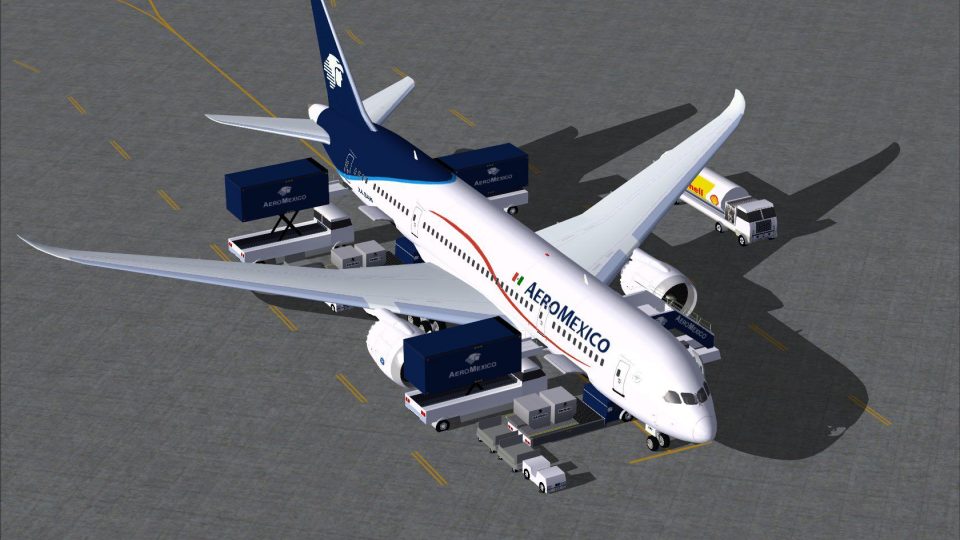
AeroMexico’s Boeing 787-8 V2 brings the Dreamliner to life with a refined exterior model, smoother proportions, and crisp high-resolution livery textures. Built for FSX, it also adds animated ground servicing for doors, cargo access, and support vehicles, delivering a more dynamic ramp experience alongside long-haul wide-body flying.
 Rate
Rate
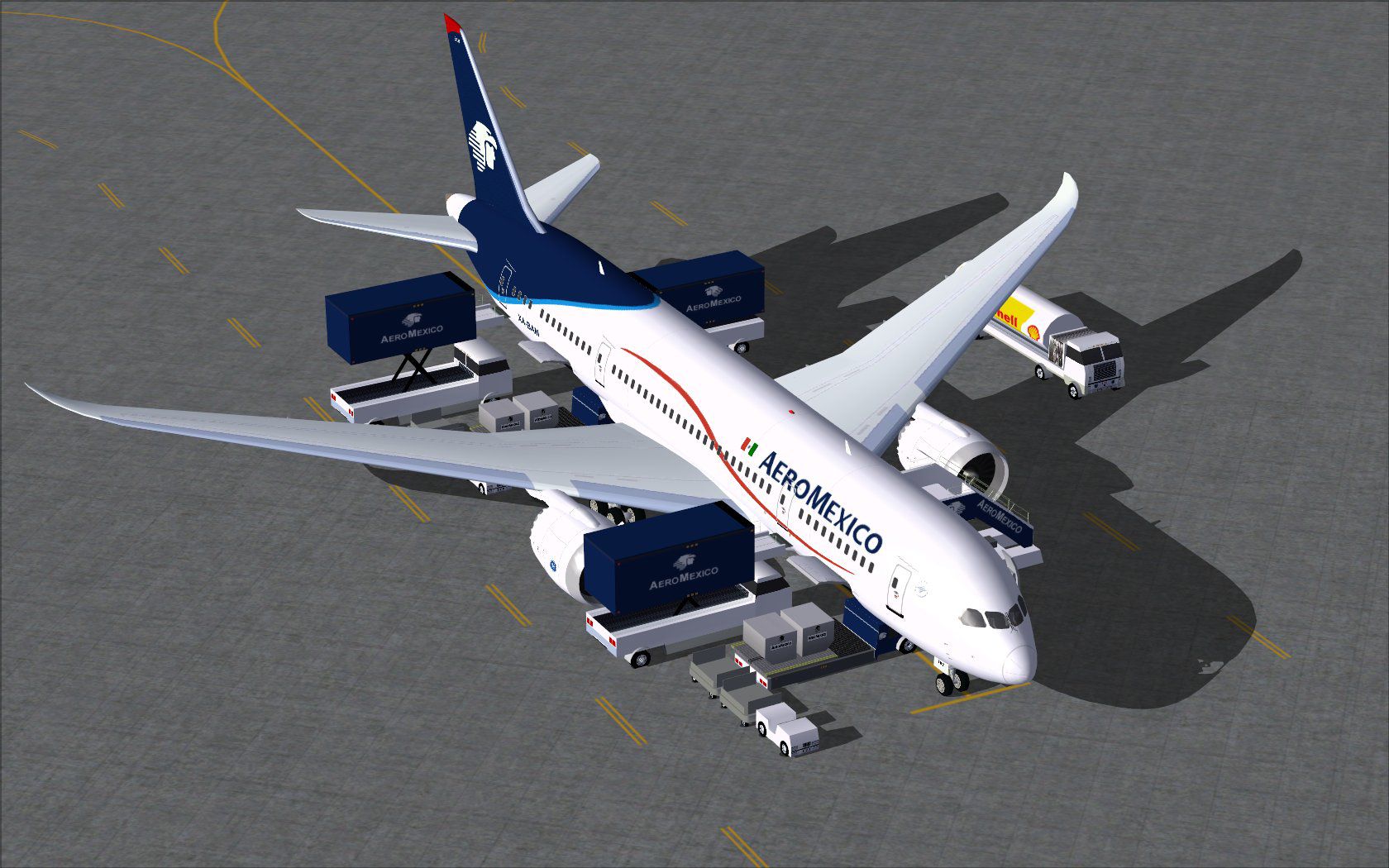
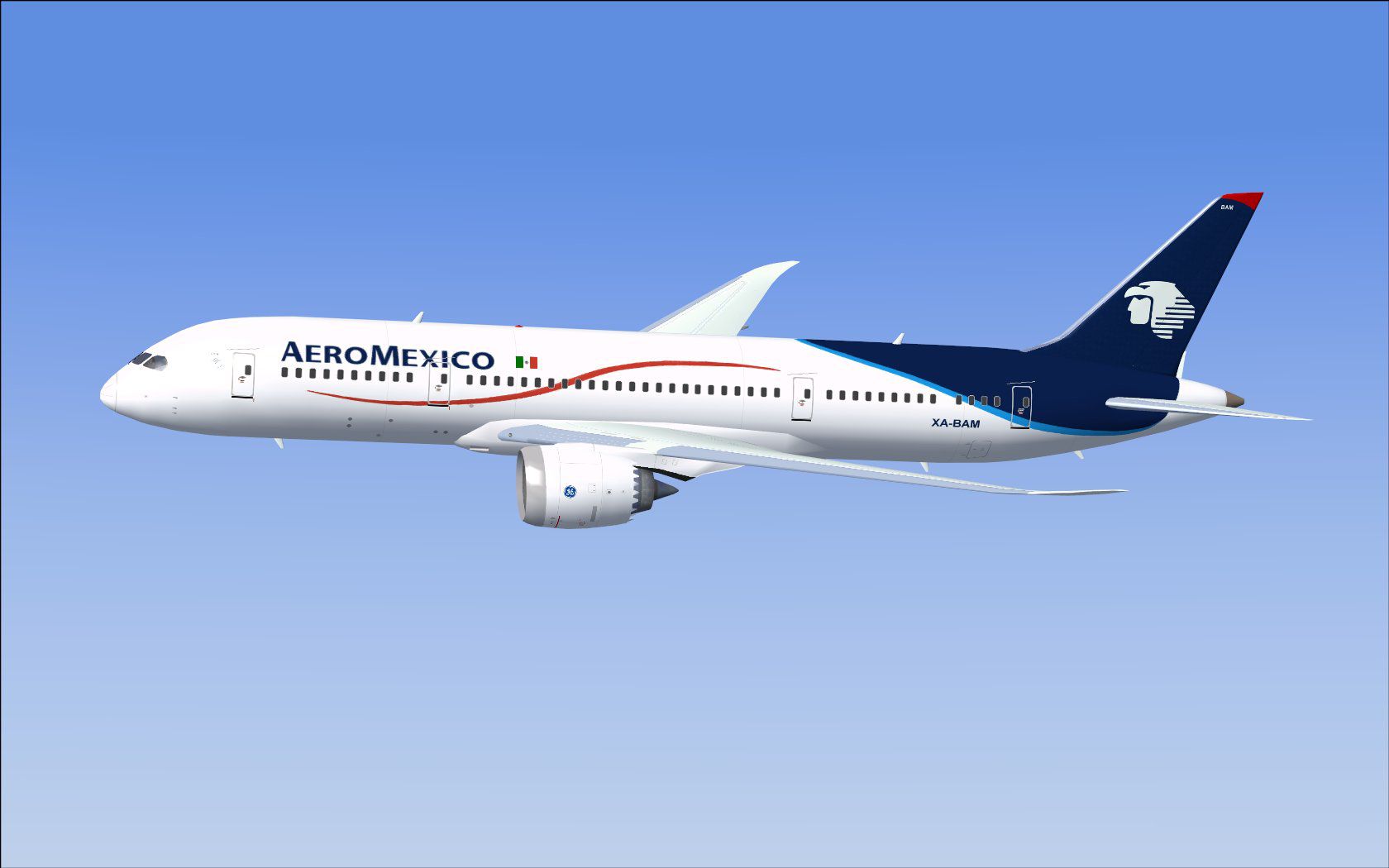
This updated package offers a refined AeroMexico 787 Dreamliner rendition featuring an improved external model and new ground service animations (AGS). Created by CamSim Aviation Simulation, this freeware release includes the complete aircraft model with detailed textures, providing an immersive experience for fans of wide-body simulator flying.
The Boeing 787-8 is a modern, long-haul twin-engine transport category airliner designed for high efficiency. This particular package showcases a carefully rendered AeroMexico livery, capturing the airline’s distinctive aesthetics. Model design and paintwork by Camil Valiquette incorporate enhanced geometry and newly refined surfaces compared to earlier iterations.
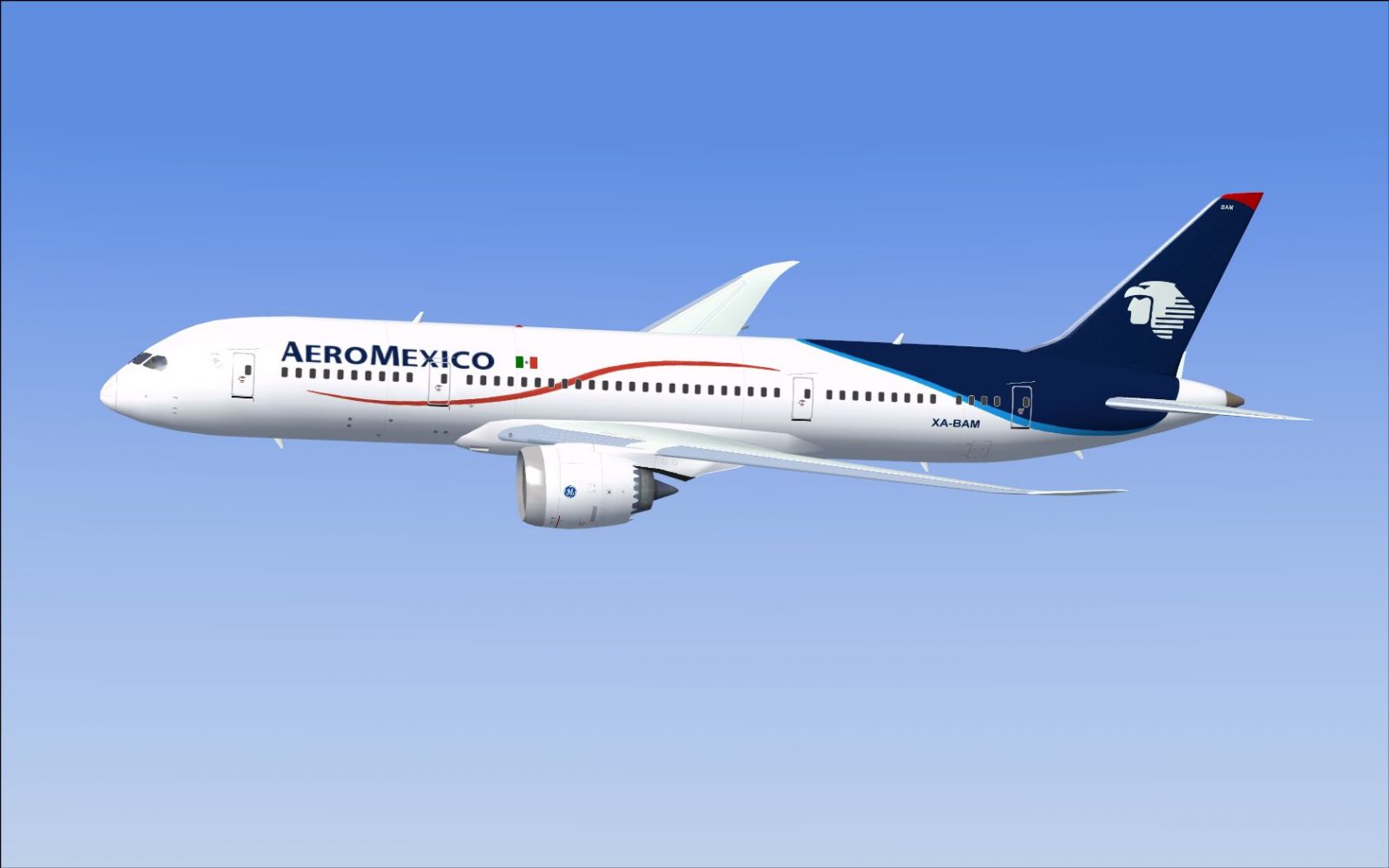
AeroMexico Boeing 787-8 in flight.
The AGS feature allows simulated operators to replicate real-world servicing operations. These animations add life on the ramp and improve immersion:
Before using these animations, confirm the key assignments in the simulator’s control options:
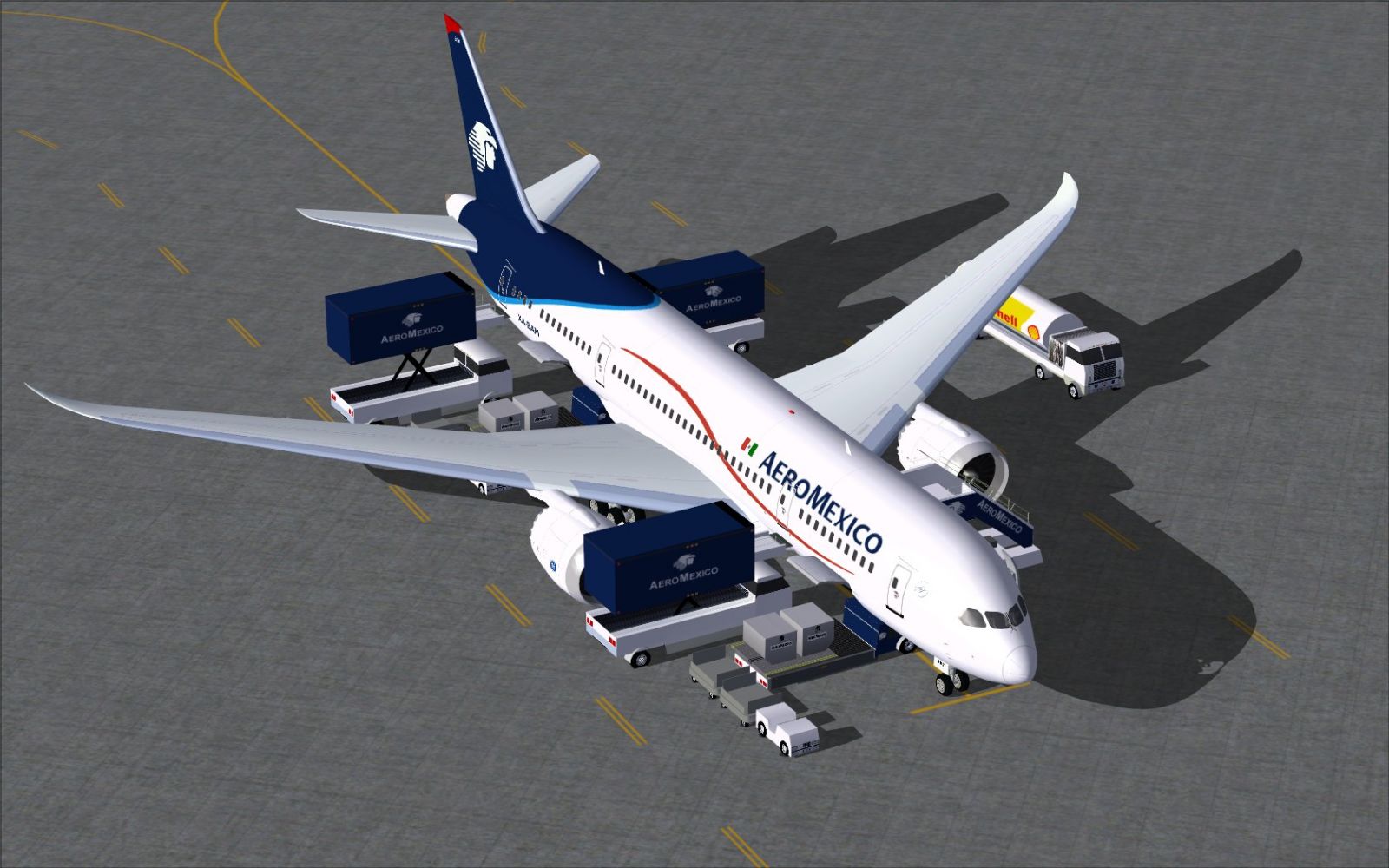
AeroMexico Boeing 787-8.
Once installed, this complete Boeing 787-8 set is ready for immediate use within FSX. AeroMexico routes span numerous short and long-haul operations, making it a versatile addition to any hanger lineup. Model design and paint remain credited to Camil Valiquette and CamSim Aviation Simulation, whose work focuses on delivering freeware add-ons with authentic details. Enjoy this updated rendition of a next-generation wide-body airliner in your virtual skies.
Free for all simmers · 2.29 MB · Scanned clean Oct 2026
Download speed: Free tier is capped at 0.5 Mbps. PRO members download at full line speed.
This add-on may require the following files to function properly. If this is a repaint, the dependency below is likely the base aircraft package.
FSX\SimObjects\Airplanes\. The folder must contain an aircraft.cfg file. Effects go into FSX\Effects\; gauges go into FSX\Gauges\.readme.txt or README file. It tells you exactly where files go, what dependencies are needed, and any quirks specific to this add-on.The archive 788v2am0.zip has 31 files and directories contained within it.
This list displays the first 500 files in the package. If the package has more, you will need to download it to view them.
| Filename/Directory | File Date | File Size |
|---|---|---|
| CamSim Boeing 787-8 V2 AeroMexico | 02.23.10 | 0 B |
| 787-8.air | 02.22.06 | 12.76 kB |
| 788v2am ags.jpg | 02.23.10 | 254.41 kB |
| 788v2am_.jpg | 02.23.10 | 77.55 kB |
| aircraft.cfg | 02.23.10 | 15.42 kB |
| Effects.zip | 03.25.06 | 1.80 kB |
| file_id.diz | 02.23.10 | 190 B |
| model.787-8 ags | 02.23.10 | 0 B |
| 787-8 ags.mdl | 12.21.09 | 2.67 MB |
| Model.cfg | 03.16.06 | 28 B |
| Panel | 02.23.10 | 0 B |
| panel.cfg | 05.27.09 | 33 B |
| Read Me_FSX.txt | 02.23.10 | 2.45 kB |
| sound | 02.23.10 | 0 B |
| Sound.cfg | 05.27.09 | 30 B |
| texture.am | 02.23.10 | 0 B |
| 787eng_t.bmp | 02.23.10 | 1.00 MB |
| 787ext_L.bmp | 07.22.08 | 4.00 MB |
| 787ext_t.bmp | 02.23.10 | 1.00 MB |
| 787int_L.bmp | 07.22.08 | 4.00 MB |
| 787int_t.bmp | 02.23.10 | 1.00 MB |
| 787tail_t.bmp | 06.01.08 | 1.00 MB |
| 788fuse_t.bmp | 02.23.10 | 1.00 MB |
| 789wings_t.bmp | 11.24.09 | 1.00 MB |
| gris_t.bmp | 12.09.09 | 16.07 kB |
| pilot1.bmp | 12.06.06 | 256.07 kB |
| pilot1_L.bmp | 12.06.06 | 1.00 MB |
| thumbnail.jpg | 02.23.10 | 5.79 kB |
| w_t.bmp | 12.06.08 | 16.07 kB |
| flyawaysimulation.txt | 10.29.13 | 959 B |
| Go to Fly Away Simulation.url | 01.22.16 | 52 B |
Only PRO members can place votes.
More FSX & P3D add-ons hand-picked based on this download.
FSX Civil Aircraft
FS2004/FSX/P3D Aeromexico Boeing 787-9, registration XA-ADL. 32 bit Aeromexic…
 FSX Civil Aircraft
FSX AeroMexico Boeing 787-8 (new colors) with different new Animated Ground S…
 FSX Civil Aircraft
This high-fidelity repaint presents a freeware adaptation of the Boeing 787 D…
 FSX Civil Aircraft
Aeromexico Boeing 757-200. Has a virtual cabin and panel of CRJ 700. By fsx-m…
 FSX Civil Aircraft
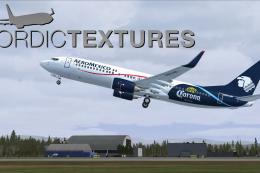
AeroMexico Boeing 737-800NGX, registration N861AM and XA-AMO. Repaint of two …
 FSX Civil Aircraft
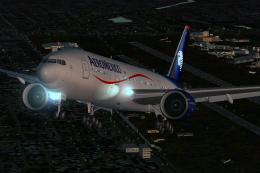
Aeromexico’s Boeing 777-200ER airplane, bearing tail number N746AM, is offere…
 FSX Civil Aircraft
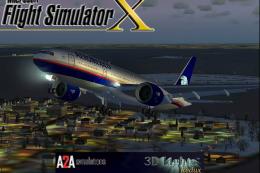
The AeroMexico Boeing 777-200ER featured here merges MELJET’s meticulous mode…
 FSX Civil Aircraft
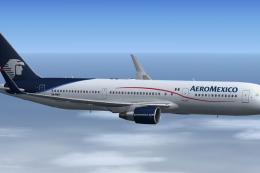
This complete freeware package brings an Aeromexico Boeing 767-3Y0ER/WL regis…
Be the first to leave a comment on this download.
Be the first to share your thoughts on this download.